Kubernetes IP Calculator FAQ: pod IP exhaustion, max pods per node, subnet sizing and CNI settings on EKS, GKE and AKS
This FAQ is built from the questions people actually ask when a cluster runs out of IP addresses. I collected real posts from the Amazon VPC CNI, EKS AMI, Karpenter, Azure AKS and Terraform module issue trackers, from Stack Overflow, AWS re:Post, Microsoft Q&A and the Kubernetes and Google Cloud forums on 2026-10-21, grouped the duplicates, and answered each one from the current EKS, GKE, AKS and Kubernetes documentation. Every number links to the page it came from. Under each answer is a screenshot of the free Kubernetes IP Calculator set up with that question's own instance type and node counts, and a few are short clips of the numbers changing when a switch such as prefix delegation is flipped.
Two things this page does not do. It does not describe my production experience; the clusters I have actually run, with the real output, are in EKS running out of IP addresses and the calculator's companion post. And it does not replace the documentation: when a limit changes, the linked page wins over this one, and I would like to hear about it in the repository issues.
Use the filter box to jump to a word such as Pending, prefix, 100.64, max-pods or SubnetIsFull, or pick a section below.
Pods stuck Pending or ContainerCreating with IP errors
The error text never says which limit you hit. These answers map each symptom to the subnet, node or CNI limit behind it.
Why are my EKS pods stuck in ContainerCreating with failed to assign an IP address to container?
The CNI binary asked ipamd for an address and ipamd's local pool was empty, so the pod sandbox could not be created. The design doc is blunt: "If there are no available IPs in the cache, it will return an error" (eni-and-ip-target.md). The AWS Knowledge Center groups the causes into three: the subnet is out of addresses, the node reached its ENI and IP limit, or aws-node is unhealthy (missing CNI IAM policy, pod not Running).
A node that shows the maximum number of private IPs in the EC2 console is the second case. ipamd can hold at most ENIs x (IPs per ENI - 1) addresses per node, bounded by the free IPs in the subnet (troubleshooting guide). On the node:
1curl -s http://localhost:61679/v1/enis | jq '{TotalIPs, AssignedIPs}'
2sudo tail -n 50 /var/log/aws-routed-eni/ipamd.log
TotalIPs equal to AssignedIPs with no ENI left to attach means kubelet max pods is above the node's IP capacity (custom networking, a hand-set max-pods, or Security Groups for Pods). InsufficientFreeAddressesInSubnet in the log means the subnet is empty (ipamd.go). Fix the matching side: lower max pods to the formula, add subnets through custom networking or a secondary CIDR, or move to prefix delegation on a fresh subnet. See EKS running out of IP addresses. The Kubernetes IP Calculator shows the IP capacity per node for 1,404 instance types.
What does 0/1 nodes are available: 1 Insufficient pods mean on EKS when CPU and memory are free?
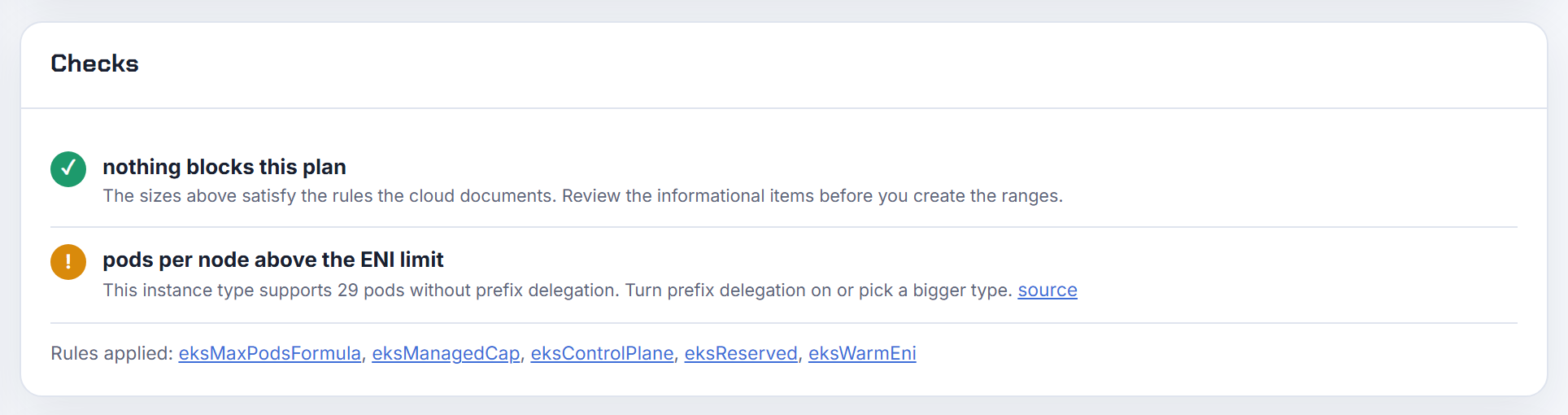
The node's pod slots are full, not its CPU. Every kubelet publishes a maximum number of pods in the node's capacity (node status) and the scheduler counts pods against it like any other resource. The upstream default is 110 (KubeletConfiguration), but EKS AMIs set it from the ENI formula ENIs x (IPs per ENI - 1) + 2 (How maxPods is determined). On burstable instances that is tiny: t3.micro 4, t3.small 11, t3.medium 17, m5.large 29 (eni-max-pods.txt). Two slots go to aws-node and kube-proxy, so a t3.micro runs two of your pods.
1kubectl get nodes -o custom-columns=NAME:.metadata.name,PODS:.status.capacity.pods
Fixes: a larger instance type, prefix delegation plus a raised max pods, or more nodes. AKS has the same cap, set per node pool at creation; the default depends on the network plugin and deployment method, and the maximum is 250 (AKS IP planning). The calculator shows the EKS number as "per node" for every instance type.
Why do pods fail to get an IP although the subnet still has plenty of free addresses?
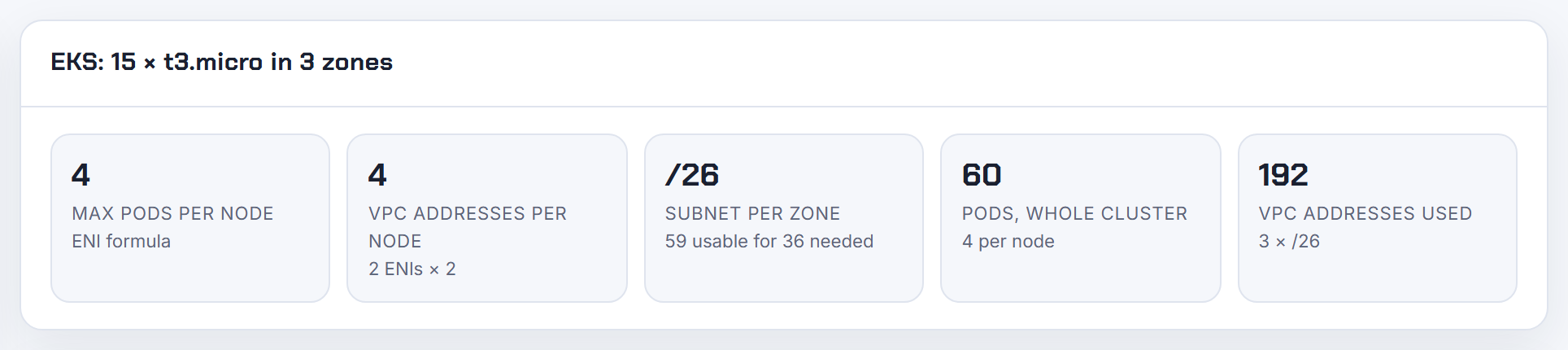
Because the limit you hit is per node, not per subnet, and the pod event never says so. ipamd can give pods at most ENIs x (IPs per ENI - 1) addresses on one node (troubleshooting guide). Ways to hit it while the subnet looks healthy:
- kubelet max pods set above the node's IP capacity, so the scheduler keeps placing pods there.
- Custom networking: only secondary ENIs serve pods, and the ENIConfig subnet, not the node's subnet, must have space (custom networking).
- Security Groups for Pods: the trunk ENI takes one ENI slot and branch pods have their own limit (SGP deployment).
- Prefix delegation on a fragmented subnet: a /28 must be contiguous, so EC2 answers InsufficientCidrBlocks even with free addresses (prefix mode).
- EC2 API throttling: ipamd backs off and pods wait in ContainerCreating until the retry succeeds (troubleshooting guide).
Compare TotalIPs with AssignedIPs from curl http://localhost:61679/v1/enis on the node and watch ipamdErr from the cni-metrics-helper. The calculator shows the VPC addresses each node can consume, including the warm ENI.
What does DataStore has no available IP/Prefix addresses in the ipamd log mean?
It is ipamd saying the CNI asked for an address and the local pool had none at that instant. The exact error in data_store.go is "AssignPodIPAddress: no available IP/Prefix addresses". It is normal noise on a node that just booted, because attaching an ENI can take up to 10 seconds (eni-and-ip-target.md), and during pod churn, because a released address waits IP_COOLDOWN_PERIOD seconds, default 30, before reuse (README). The kubelet retries sandbox creation, so those lines clear by themselves.
It is a real shortage when it repeats for minutes and the same log shows EC2 errors such as InsufficientFreeAddressesInSubnet or InsufficientCidrBlocks (ipamd.go), or when TotalIPs from curl http://localhost:61679/v1/enis equals the node's ENIs x (IPs per ENI - 1). If the pool is small because WARM_IP_TARGET is low, set MINIMUM_IP_TARGET so the pool is pre-filled at boot; the README calls it the setting "for pre-scaling".
My pod is Pending with no events on EKS, how do I find out why?
Pending means the API accepted the pod but it is not scheduled yet, or it is scheduled and its containers are not set up (pod lifecycle). Events are kept for one hour by default (kube-apiserver --event-ttl 1h0m0s, kube-apiserver reference), so an old pod shows none; recreate it and run kubectl get events -n <ns> --sort-by=.lastTimestamp.
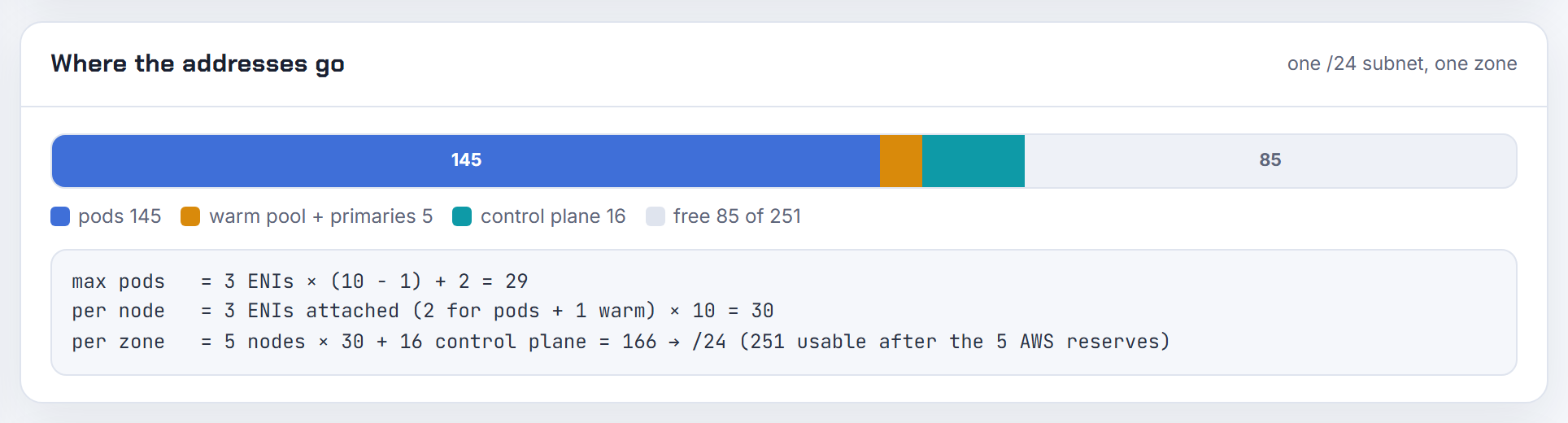
Then check kubectl get pod <pod> -o jsonpath='{.spec.nodeName}'. Empty means the scheduler has not bound it and describe normally states why: insufficient CPU, memory or pods, taints, hostPort (debug pods). A node name with no container state means the kubelet on that node is stuck: check kubectl get node, the aws-node pod on it, and /var/log/aws-routed-eni/ipamd.log (troubleshooting guide). IP exhaustion normally appears as ContainerCreating with FailedCreatePodSandBox, not Pending. Cluster-wide Pending with "Insufficient pods" is the max pods cap, which the calculator shows per instance type.
Why does a new node land in a subnet with almost no free IPs and then stay NotReady?
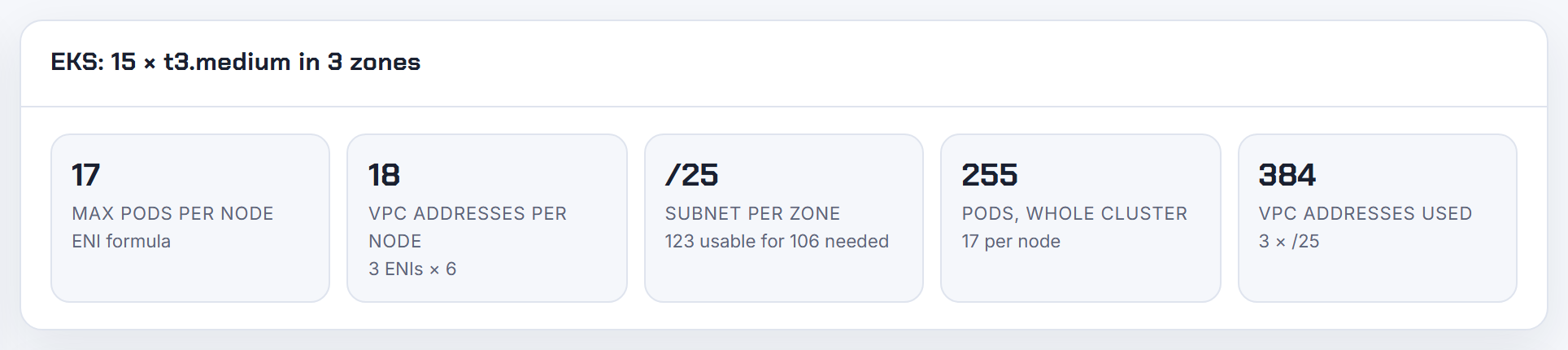
The instance only needs one primary address to launch, so EC2 is satisfied, but aws-node then asks the same subnet for secondary IPs or a new ENI and gets InsufficientFreeAddressesInSubnet. Until the CNI initializes, the kubelet reports the node NotReady with "network plugin is not ready: cni config uninitialized" (EKS troubleshooting). The autoscaler counts the node as capacity while it runs nothing.
A managed node group's Auto Scaling group spans every subnet you listed (managed node groups) and reports the InsufficientFreeAddresses health code (node group issue codes). Karpenter picks, within the zone it chose, the subnet with the most available IPs (EC2NodeClass), but cannot create free space.
Fixes: keep headroom in every node subnet; tag extra subnets kubernetes.io/role/cni so subnet discovery, on by default since v1.18.0, creates secondary ENIs where IPs remain (README); or custom networking into a larger secondary CIDR. See EKS running out of IP addresses. The planner's overlap check lists free alternative blocks for that secondary CIDR.
Why does the kubelet schedule pods before the VPC CNI has an IP ready, and how do I stop first-minute failures?
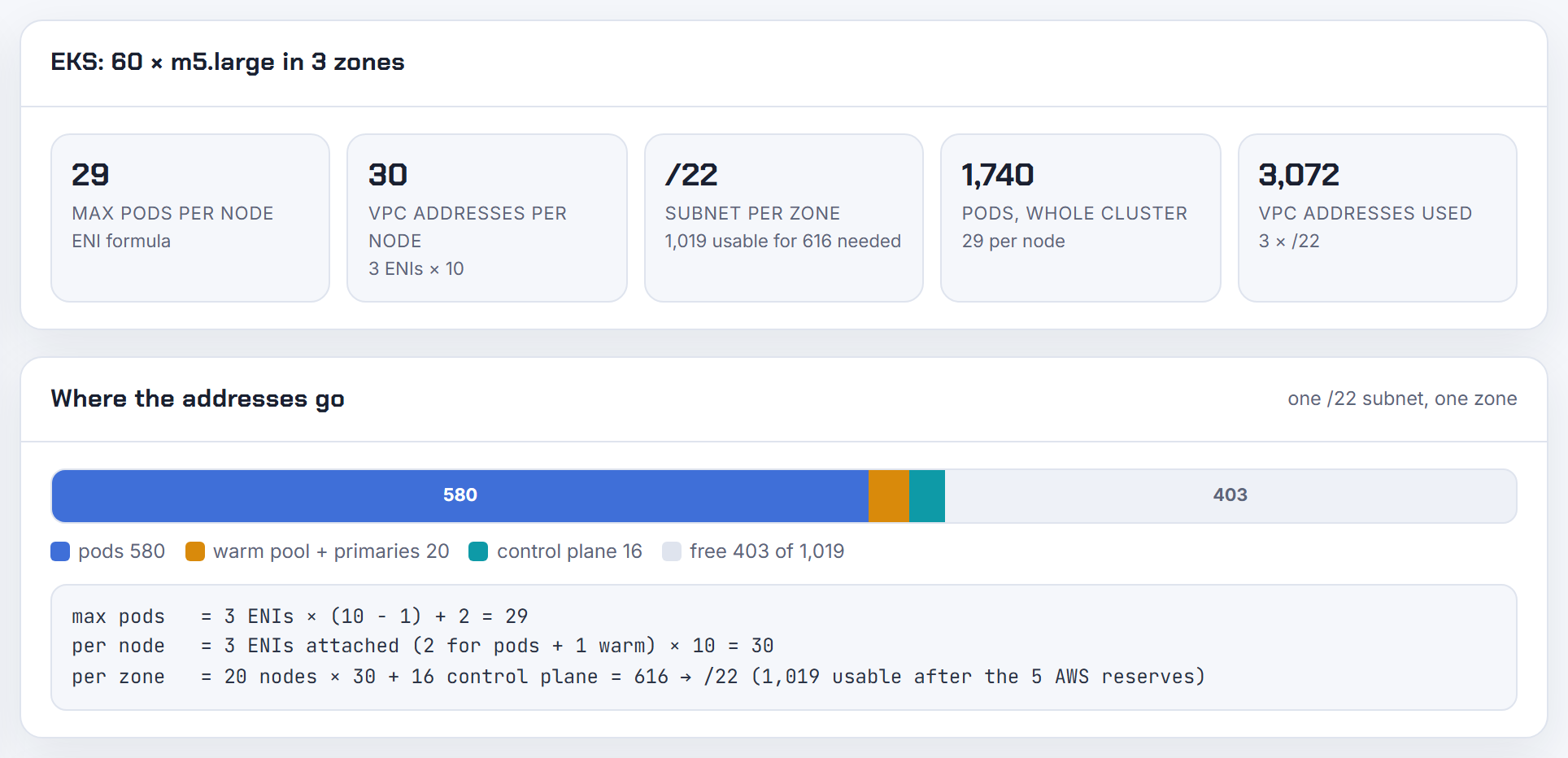
The node becomes Ready as soon as the CNI config is written, while ipamd is still calling EC2 for ENIs and addresses; creating and attaching an ENI "can take up to 10 seconds" (eni-and-ip-target.md). Pods scheduled in that window get "failed to assign an IP address to container" and the kubelet retries. With WARM_IP_TARGET and MINIMUM_IP_TARGET set low, the pool is small, so a burst of pods on a fresh node waits on repeated EC2 calls.
What the docs recommend: use MINIMUM_IP_TARGET to pre-scale the node to the pods you expect and keep WARM_IP_TARGET as dynamic headroom (README); never set the targets to zero with prefix delegation, because no prefix is kept warm and startup latency grows (prefix-and-ip-target.md); prefer prefix mode, where a prefix attaches in under a second against up to 10 seconds for an ENI (prefix mode); keep the default WARM_ENI_TARGET=1 on node groups with heavy churn. The first-minute errors are retried and clear; the pool size decides whether they recur.
How do I monitor or alert on IP exhaustion in an EKS cluster before pods fail?
Watch three numbers: free IPs per subnet, the pool per node, and ipamd errors. Per subnet, EC2 exposes availableIpAddressCount (Subnet API); alarm when it drops below at least one ENI of addresses, since a new node with the default WARM_ENI_TARGET=1 keeps a full ENI warm:
1aws ec2 describe-subnets --filters Name=vpc-id,Values=<vpc-id> \
2  --query 'Subnets[].{id:SubnetId,az:AvailabilityZone,free:AvailableIpAddressCount}' --output table

Per node, ipamd serves Prometheus metrics on port 61678, including awscni_assigned_ip_addresses, awscni_eni_allocated and awscni_eni_max (troubleshooting guide). The cni-metrics-helper sums them into CloudWatch: maxIPAddresses, totalIPAddresses, assignIPAddresses, totalAssignedIPv4sPerCidr, ipamdActionInProgress and ipamdErr. No CNI metric is per subnet; the EC2 count is, and totalAssignedIPv4sPerCidr is the closest per-CIDR view. Alert on ipamdErr above zero and on assigned approaching max, and compare the subnet count with the node count times one ENI. The calculator gives the subnet size per zone to set thresholds against; see EKS running out of IP addresses.
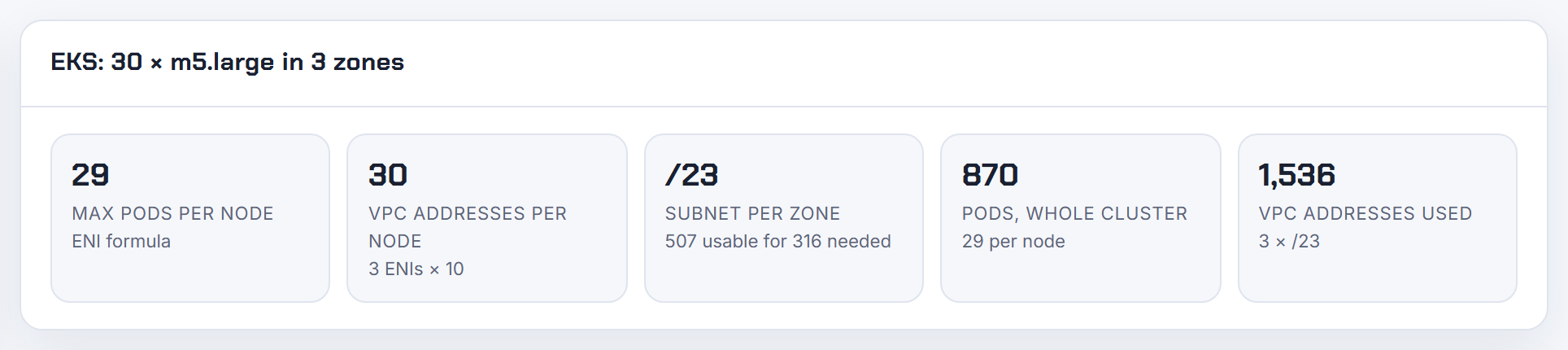
Why does one Availability Zone run out of IPs while the other zones have plenty?
Subnets are zonal and every pod address comes from a subnet in the node's own zone; ENIConfig subnets must be in the node's Availability Zone too (README). An uneven pod spread therefore becomes an uneven IP spread. A managed node group's Auto Scaling group spans all listed subnets and balances instances, not addresses (managed node groups). Karpenter chooses a subnet that matches the desired zone and, among several, the one with the most available IPs; the zone comes first, the IP count second (EC2NodeClass). Nodes launched into the empty subnet come up NotReady and the scaler keeps trying.
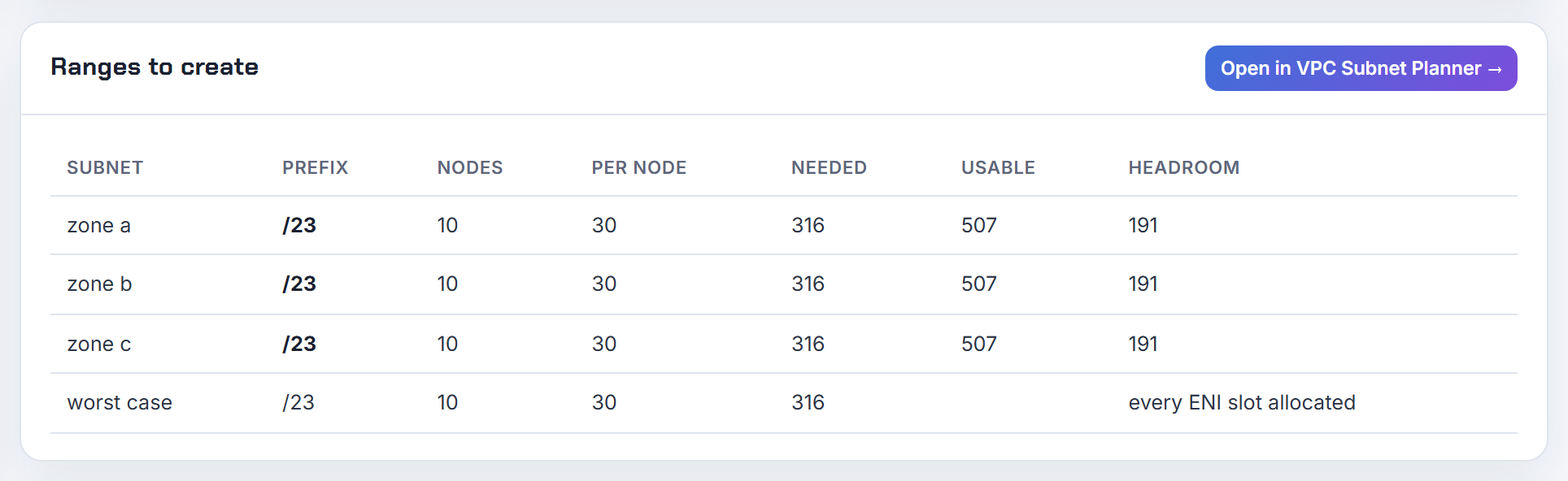
Fixes: identical subnet sizes and instance types per zone; extra per-zone subnets tagged kubernetes.io/role/cni so subnet discovery spreads secondary ENIs (README); or custom networking with one ENIConfig per zone selected by ENI_CONFIG_LABEL_DEF=topology.kubernetes.io/zone (custom networking tutorial). The planner carves equal tier blocks per zone, and the calculator shows the subnet size each zone needs.
Why does the scheduler place pods on a node that has no free IP left?
Because kube-scheduler only knows the node's pod capacity, the kubelet maxPods value in node status (node status), not ipamd's live pool. The VPC CNI IPv4 pool is not a Kubernetes resource. Compare Security Groups for Pods and Windows IPAM, which publish vpc.amazonaws.com/pod-eni and vpc.amazonaws.com/PrivateIPv4Address as extended resources the scheduler does count (resource controller troubleshooting).
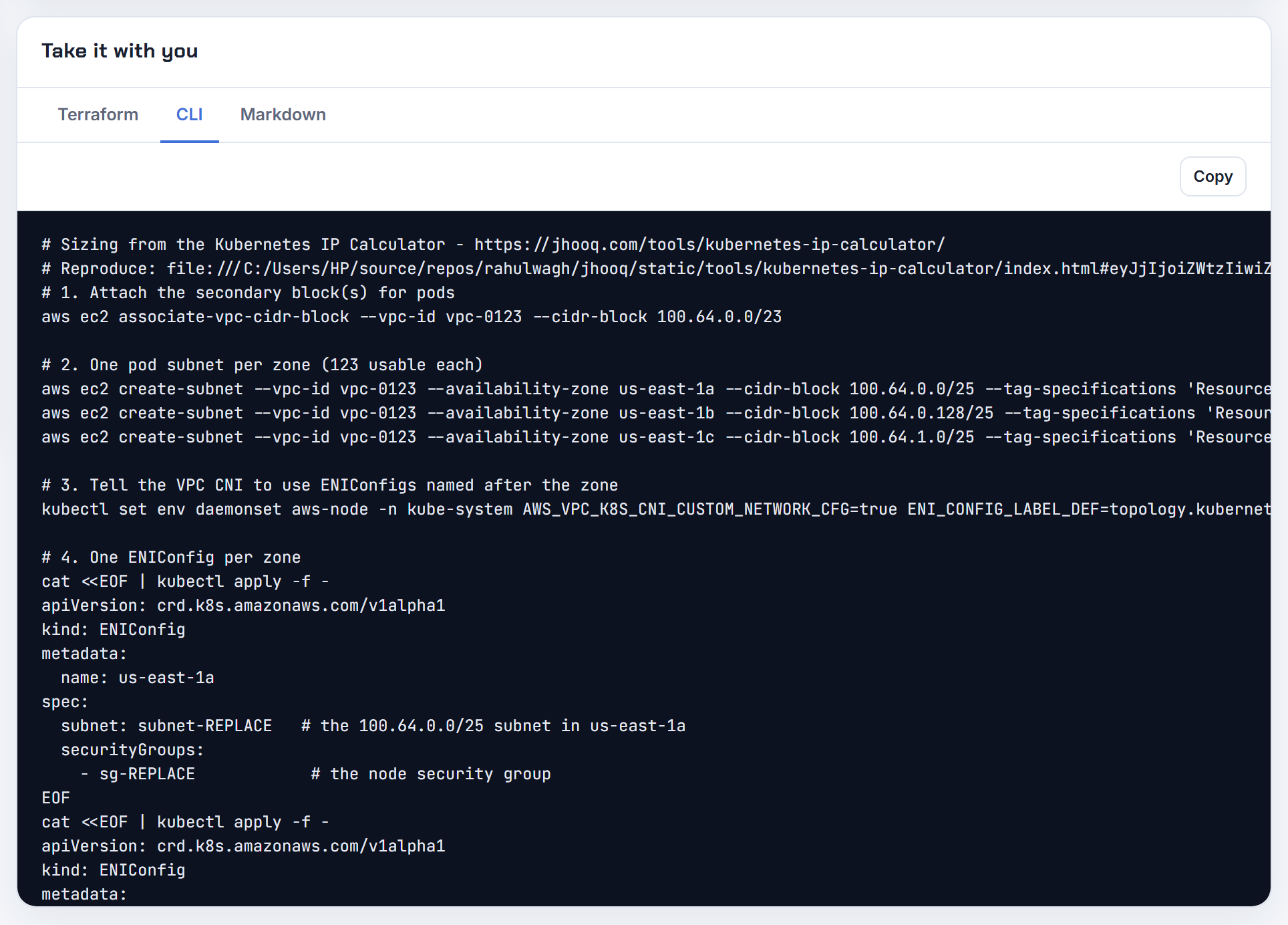
The guard is therefore max pods at or below real IP capacity, which the EKS AMI does with ENIs x (IPs per ENI - 1) + 2 (How maxPods is determined). The two drift apart when custom networking removes the primary ENI from the pod pool, when MAX_ENI limits ENIs, when the subnet is empty, or when someone raised max pods for prefix delegation without enabling it. Pods then sit in ContainerCreating on that node instead of moving. Fix the number: on AL2023, maxPodsExpression: "(default_enis - 1) * (ips_per_eni - 1) + 2" for custom networking (nodeadm examples). The calculator applies that custom networking formula.
What does Insufficient vpc.amazonaws.com/pod-eni mean and why does prefix delegation not fix it?
vpc.amazonaws.com/pod-eni is an extended resource the VPC resource controller adds to a node once its trunk ENI exists; every pod matched by a SecurityGroupPolicy requests exactly 1 (resource controller troubleshooting). Its capacity is the branch interface limit of the instance type in limits.go: m5.large 9, m5.xlarge 18, c5.4xlarge 54. When it is used up the scheduler reports Insufficient vpc.amazonaws.com/pod-eni no matter how many secondary IPs the node has.
Prefix delegation only multiplies secondary IP slots; the README states it "will not increase the density of branch ENI pods" (README). Capacity 0 means the trunk never attached: the instance must be IsTrunkingCompatible, which excludes the whole t family (security groups for Pods), and the trunk counts against the instance ENI limit, so a node at its maximum ENIs gets none until pods scale down (SGP deployment). Branch pods are also outside the max-pods formula (SGP best practices). Options: a larger instance, fewer SGP pods per node, or network policies where a security group is not required.
Why do Windows pods fail with pod does not have label vpc.amazonaws.com/PrivateIPv4Address?
On Windows nodes the aws-node DaemonSet does not hand out addresses; the VPC resource controller on the EKS control plane does, and only when enable-windows-ipam: "true" is set in the amazon-vpc-cni ConfigMap in kube-system (Windows support). Without it no node advertises the vpc.amazonaws.com/PrivateIPv4Address resource and no pod gets its address. The controller also needs the AmazonEKSVPCResourceController policy on the cluster role, and the node must carry the label kubernetes.io/os: windows (resource controller troubleshooting).
1kubectl get configmap amazon-vpc-cni -n kube-system -o yaml
2kubectl describe node <windows-node> | grep PrivateIPv4Address
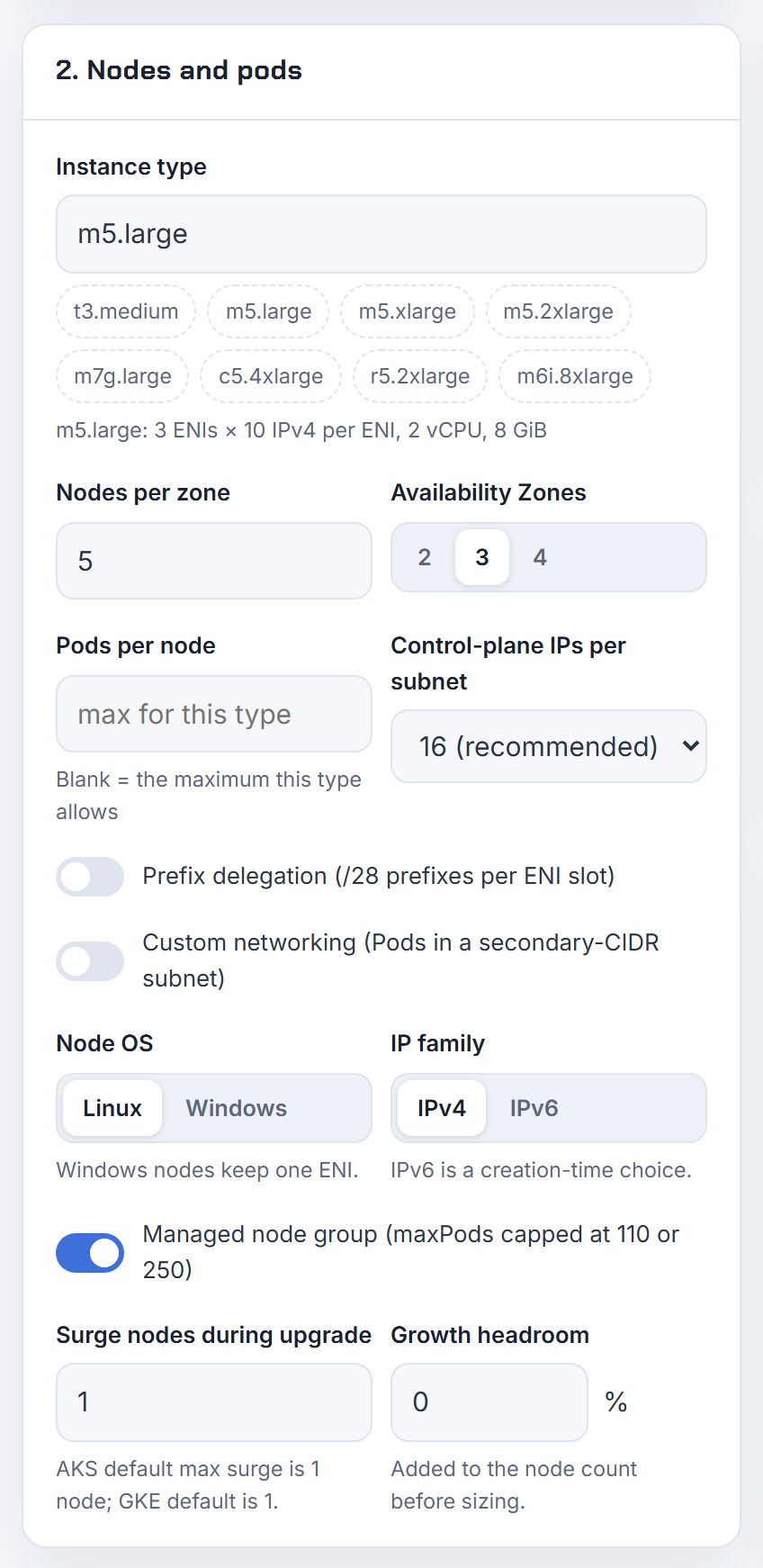

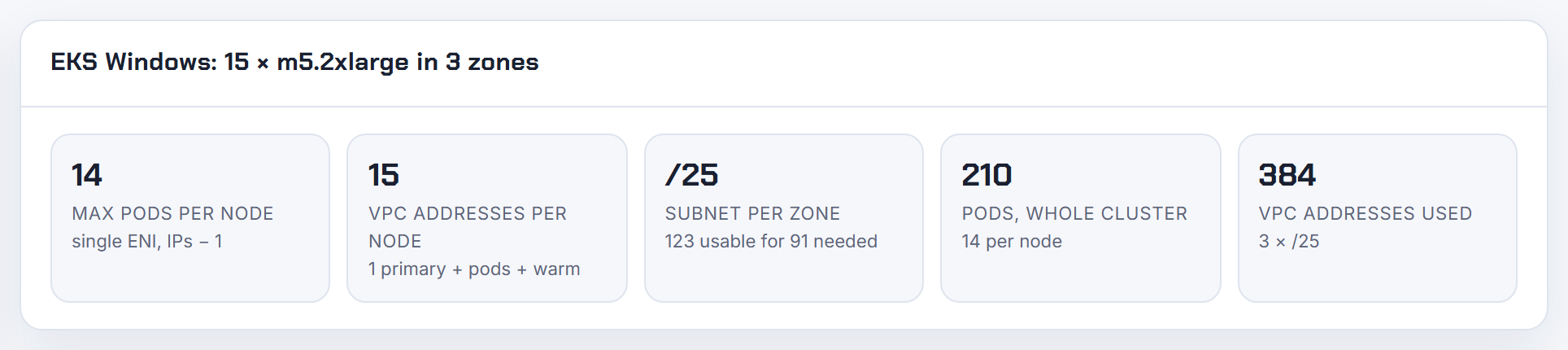
A Windows node uses a single ENI, so its capacity is IPs per ENI - 1: 9 on an m5.large. Prefix delegation for Windows raises it to (IPs per ENI - 1) x 16 (Windows support) and is tuned in the same ConfigMap with warm-ip-target (default 1) and minimum-ip-target (default 3) (Windows prefix delegation options). The calculator has a Windows mode for both cases.
Why does the AWS VPC CNI waste so many IPs, and how do I stop the exhaustion alerts?
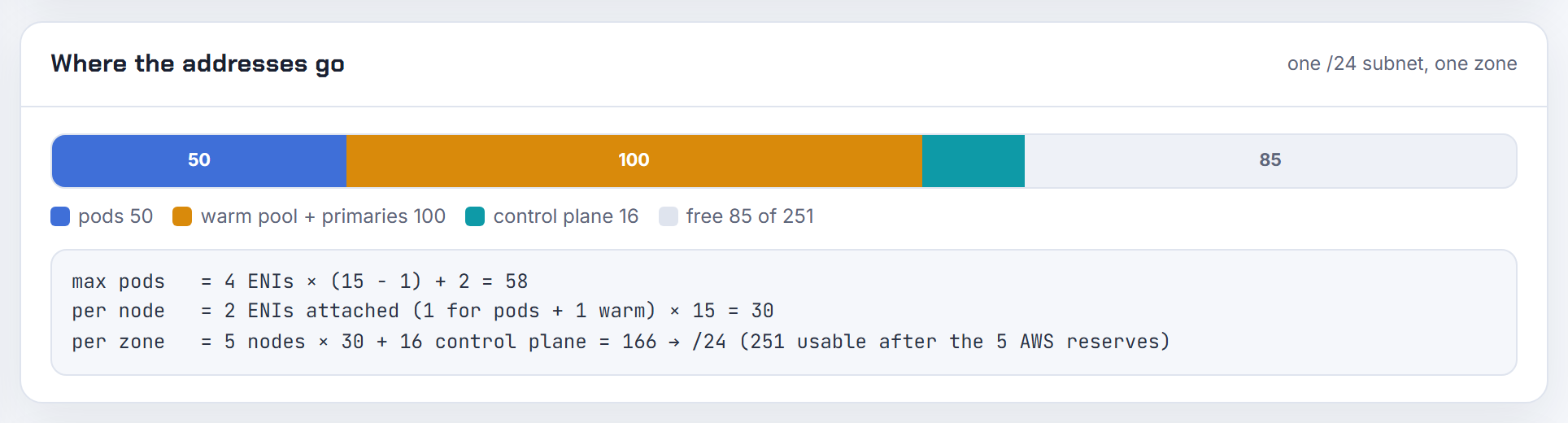
With the default WARM_ENI_TARGET=1, ipamd keeps a whole spare ENI with all its addresses attached to every node, whatever the pod count (README). On an m5.xlarge (4 ENIs, 15 IPs each) a node with a few pods already holds two ENIs and about 30 addresses, and AWS Support's own write-up shows 10 to 15 such nodes consuming most of a /24 (re:Post support article).
Switch to IP targets. The README example for 30 pods per node is MINIMUM_IP_TARGET=30 with WARM_IP_TARGET=2: 32 addresses held instead of the 60 that WARM_IP_TARGET=30 alone would hold. The price is more EC2 API calls, which can be throttled in large or churn-heavy clusters (eni-and-ip-target.md). Set the values through the managed add-on so updates keep them (update the VPC CNI add-on):
1aws eks update-addon --cluster-name <cluster> --addon-name vpc-cni --resolve-conflicts PRESERVE \
2  --configuration-values '{"env":{"WARM_ENI_TARGET":"0","WARM_IP_TARGET":"5","MINIMUM_IP_TARGET":"10"}}'
For the structural fix (secondary CIDR, custom networking, prefix delegation, IPv6) see EKS running out of IP addresses. The calculator shows the VPC addresses per node including the warm ENI.
Why do churned pods leak or park IP addresses in a cooldown pool and starve new pods?
Nothing leaks; released addresses are parked on purpose. When a pod is deleted, ipamd holds its IP for IP_COOLDOWN_PERIOD seconds, default 30, so kube-proxy on every node can drop the old endpoint before the address is reused (README). During a create-and-delete storm the usable pool is the warm pool minus everything in cooldown, so a node rated for 29 pods can have nothing free while it churns. Zero is accepted but "highly discouraged", and longer periods mean more EC2 calls.
Give churn-heavy nodes headroom instead: raise MINIMUM_IP_TARGET, or keep the default WARM_ENI_TARGET=1 there, since the design doc reserves WARM_IP_TARGET for "small clusters, or clusters with very low pod churn" (eni-and-ip-target.md). Real ENI leaks are separate: ipamd runs an hourly cleanup of leaked ENIs unless DISABLE_LEAKED_ENI_CLEANUP is set (README). Branch-ENI pods need a non-zero terminationGracePeriodSeconds or their interface is not cleaned up (SGP best practices).
Why does a managed node group fail with InsufficientFreeAddresses or capacity errors?
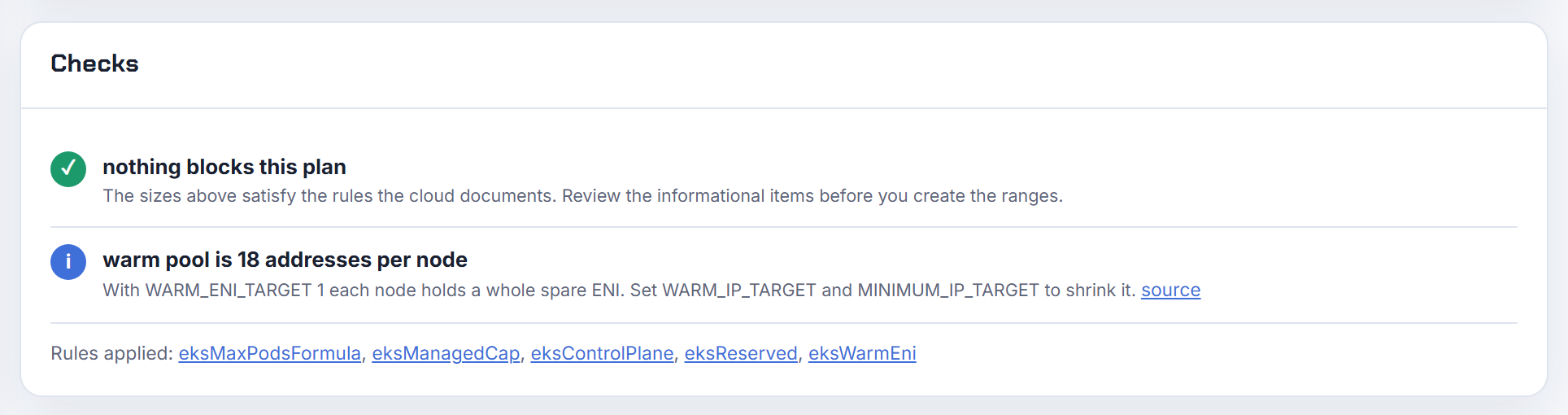
InsufficientFreeAddresses is a node group health code: "One or more of the subnets associated with your managed node group doesn't have enough available IP addresses for new nodes" (node group issue codes, EKS troubleshooting). The message does not name the subnet, so look it up:
1aws eks describe-nodegroup --cluster-name <cluster> --nodegroup-name <ng> --query 'nodegroup.[health,subnets]'
2aws ec2 describe-subnets --subnet-ids <ids> --query 'Subnets[].{id:SubnetId,free:AvailableIpAddressCount}' --output table
Each new node needs its primary address plus, with the default WARM_ENI_TARGET=1, a full ENI of secondary addresses from the same subnet (README). Upgrades replace nodes, so a group that fits today can fail its next upgrade, and EC2-side failures surface as AsgInstanceLaunchFailures. Fixes: free addresses by lowering the warm pool, tag more subnets kubernetes.io/role/cni for subnet discovery, or create a replacement node group in larger subnets. The planner's design review flags subnets past 95 percent headroom and sizes EKS node capacity per subnet.
Why does Cilium on EKS report no IP available or all CIDR ranges exhausted?
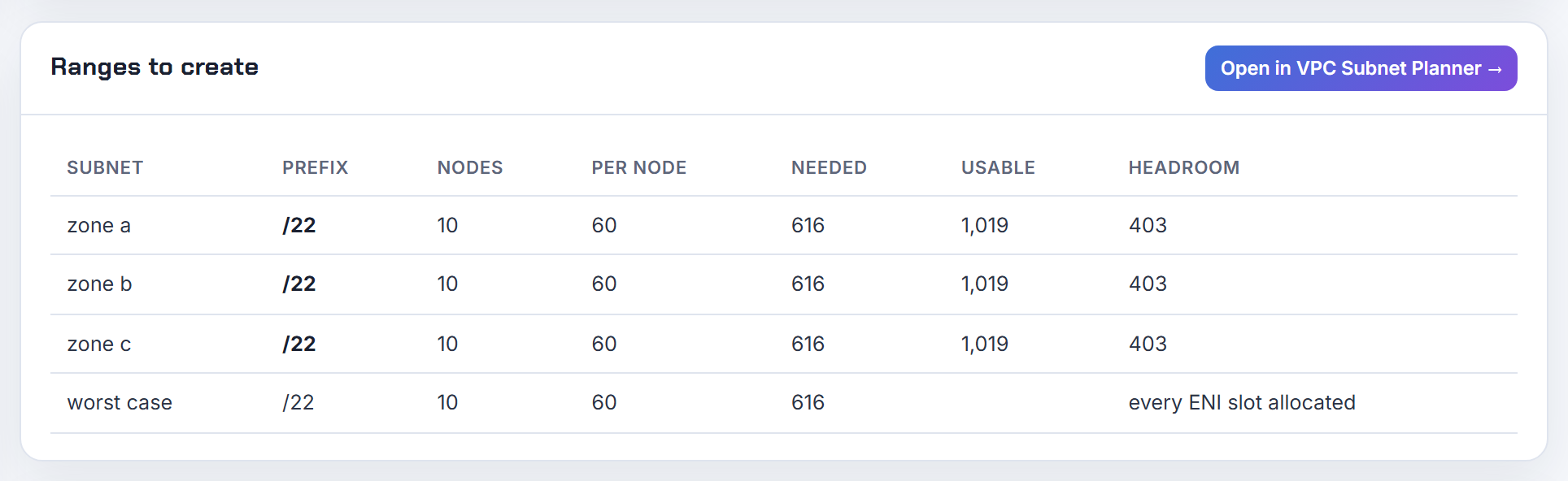
Cilium's ENI IPAM mode lives under the same EC2 limits as the VPC CNI: ENIs per instance, IPs per ENI, and subnets in the node's zone and VPC (Cilium AWS ENI IPAM). The operator keeps spec.ipam.pre-allocate addresses spare (default 8), allocates min(available on subnet, available on ENI, needed + max-above-watermark) per cycle, and creates a new ENI only when no attached ENI has room, up to the instance limit.
"No IP available" therefore means one of: the subnet chosen by spec.eni.subnet-ids or subnet-tags (else the zone's subnet with the most free IPs) is empty; the node is at its ENI and IP limit; or first-interface-index and exclude-interface-tags removed interfaces from the pool. Idle addresses are only returned to AWS when the operator runs with --aws-release-excess-ips=true, after a 180-second delay, so a churn-heavy cluster can drain a subnet while nodes hold free IPs. Inspect kubectl get ciliumnode <node> -o yaml for status.eni.enis and spec.ipam.pools.requested. The per-node ceiling is the same ENI arithmetic the calculator uses.
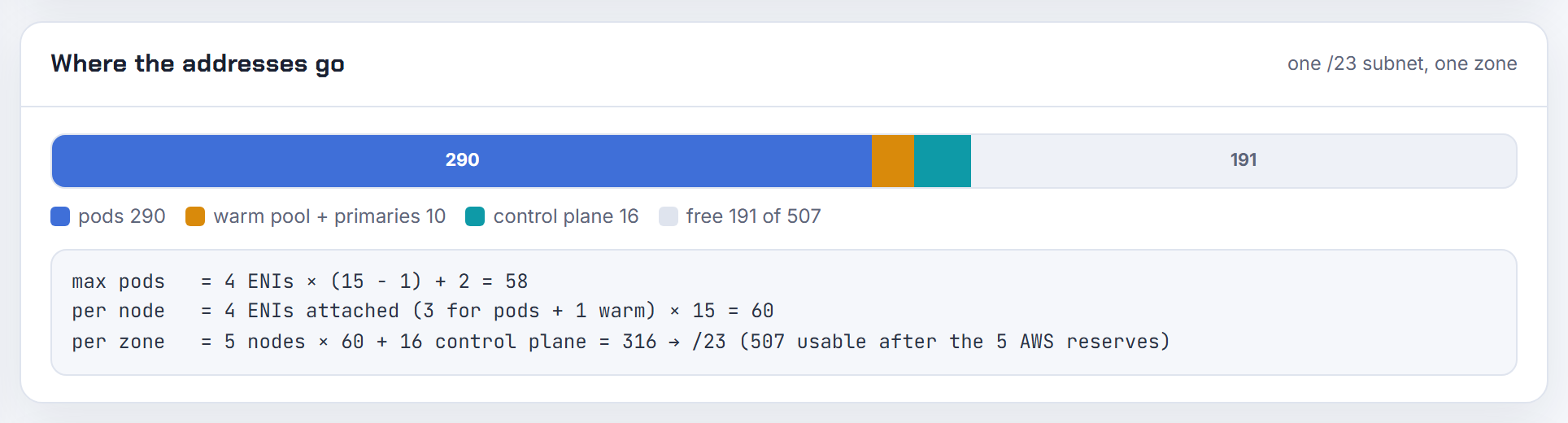
How many pods fit on an EKS node
The number in kubectl describe node comes from one formula, several overrides and one managed node group cap. This section lists them in order.
How do I massively increase the EKS pod limit per node?
Enable prefix delegation, then raise the kubelet's max pods. With ENABLE_PREFIX_DELEGATION=true each secondary IP slot on an ENI holds a /28 (16 addresses) on Nitro instances with CNI 1.9.0 or later (assign more IPs with prefixes). The formula becomes ENIs x ((IPs per ENI - 1) x 16) + 2 (max-pods-calculator.sh): an m5.large goes from 29 to 3 x 9 x 16 + 2 = 434.
The node must then be told. AL2: --use-max-pods false --kubelet-extra-args '--max-pods=N' in bootstrap; AL2023: kubelet.config.maxPods or maxPodsExpression in NodeConfig (launch templates, nodeadm examples). Managed node groups without a custom AMI inject their own cap, 110 under 30 vCPUs and 250 above, and it wins over everything (How maxPods is determined). AWS suggests staying at 110 or 250 anyway, since small instances run out of CPU and memory first (custom networking best practices). Create new node groups rather than rolling nodes, in subnets with contiguous /28 space (prefix mode). The calculator applies the x16 and the managed node group cap.

Why is there a max pods per node at all, and where does 110 come from?
110 is the kubelet's default maxPods (KubeletConfiguration) and the upstream scalability guideline: no more than 110 pods per node, 5,000 nodes and 150,000 pods (large clusters). The kubelet publishes it as the pods entry in node capacity, which is what kubectl describe node prints and what the scheduler enforces (node status). The cap exists because each pod costs kubelet and runtime work and, on EKS, a VPC address.
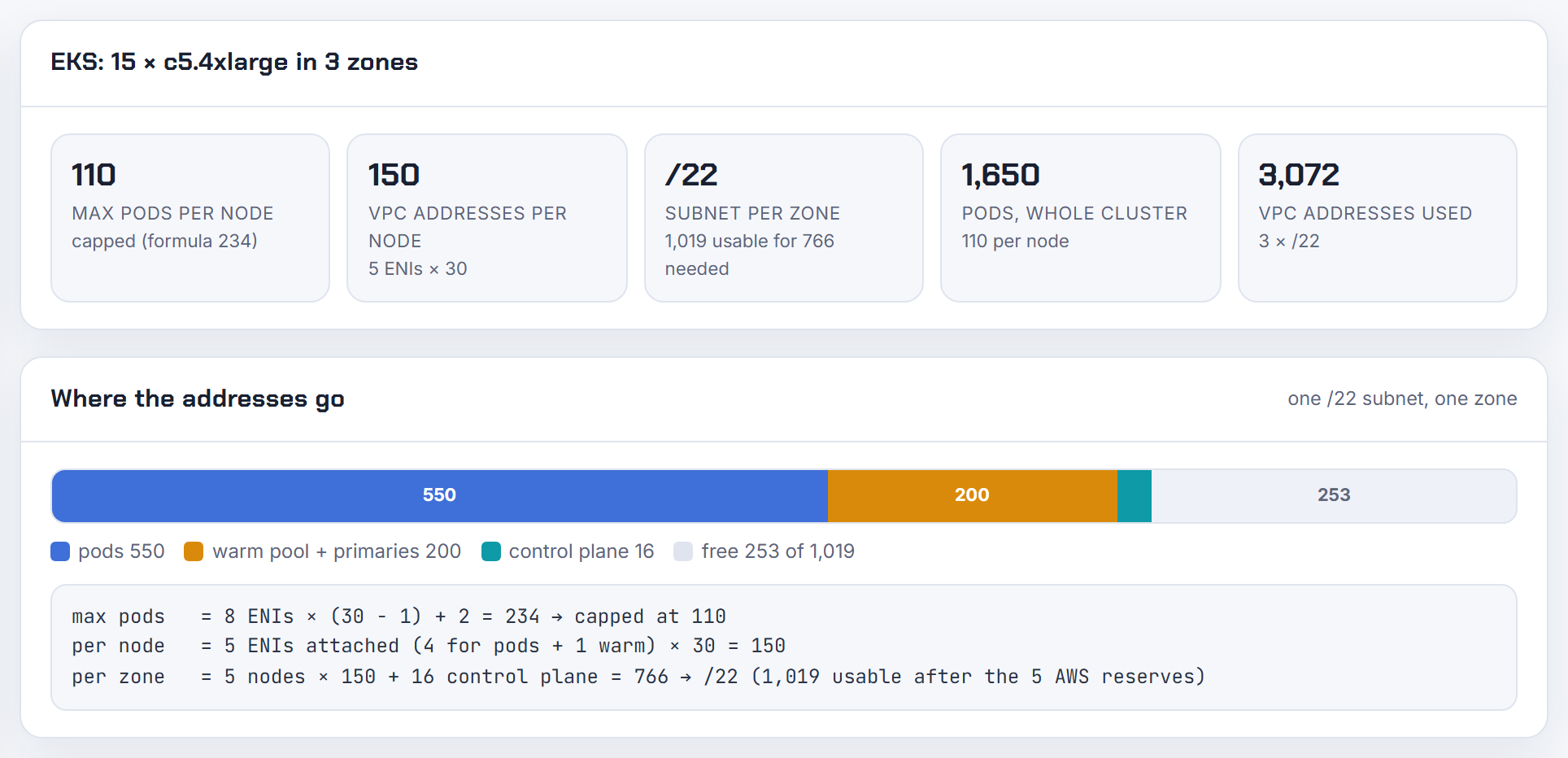
EKS AMIs replace 110 with the instance's IP capacity, ENIs x (IPs per ENI - 1) + 2 (How maxPods is determined), so an m5.large shows 29 and a c5.4xlarge 234 (eni-max-pods.txt). Managed node groups then cap at 110 (under 30 vCPUs) or 250, and EKS Auto Mode at the lower of 110 and ENIs x (IPs per ENI - 1). The calculator prints the per-node value next to the formula it came from.

How exactly is max pods calculated from ENIs and IPs per ENI, and why does my node show a different value?
Max pods = ENIs on the default network card x (IPv4 addresses per ENI - 1) + 2. One address per ENI is its primary and is not used for pods; the + 2 is aws-node and kube-proxy, which use host networking (eni-max-pods.txt, How maxPods is determined). The inputs come from EC2 (maximum IPs per network interface):
1aws ec2 describe-instance-types --instance-types m5.large \
2  --query 'InstanceTypes[0].NetworkInfo.[MaximumNetworkInterfaces,Ipv4AddressesPerInterface]'
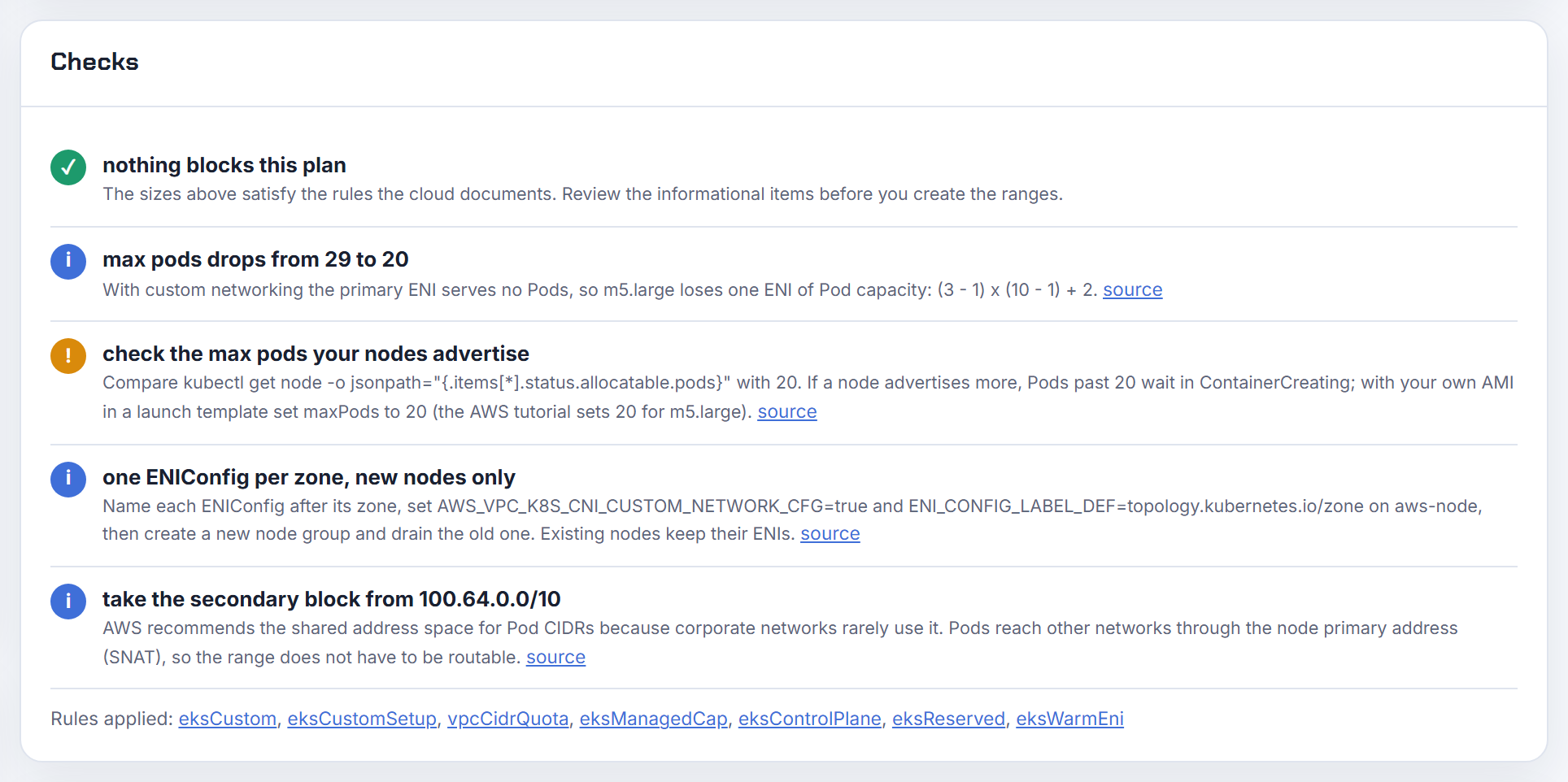
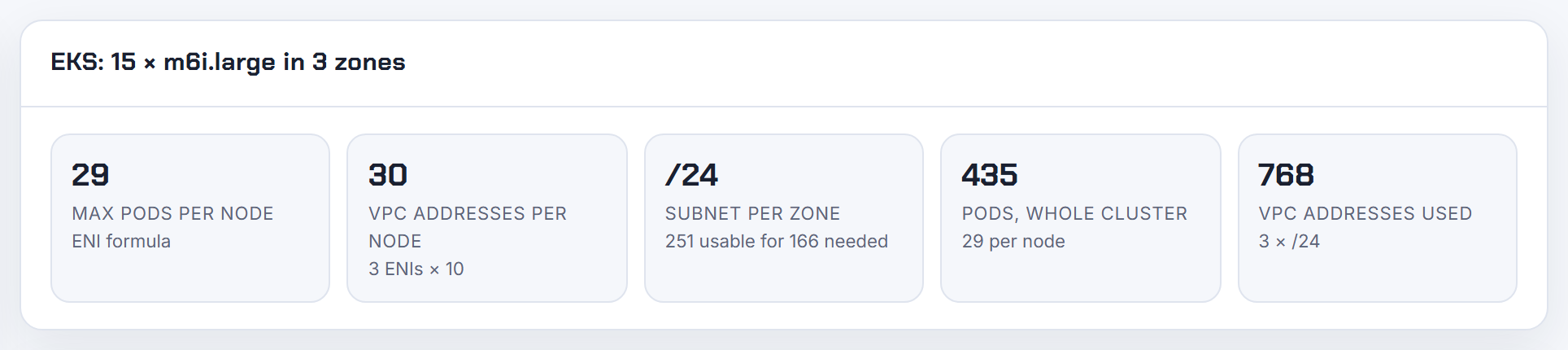
m5.large: 3 x 9 + 2 = 29. c5.4xlarge: 8 x 29 + 2 = 234. Reasons the running node disagrees: a managed node group injects 110 or 250; max-pods-calculator.sh prints min(formula, 110 or 250 by vCPU) unless you pass --show-max-allowed, so for a c5.4xlarge it prints 110 while the file says 234; --cni-custom-networking-enabled drops one ENI, giving (3 - 1) x 9 + 2 = 20 for an m5.large on a secondary CIDR (custom networking best practices); --cni-prefix-delegation-enabled multiplies by 16; and a value in the launch template or NodeConfig wins. The kubelet keeps its number until restarted or replaced. The calculator uses the EKS AMI instance data for 1,404 types.
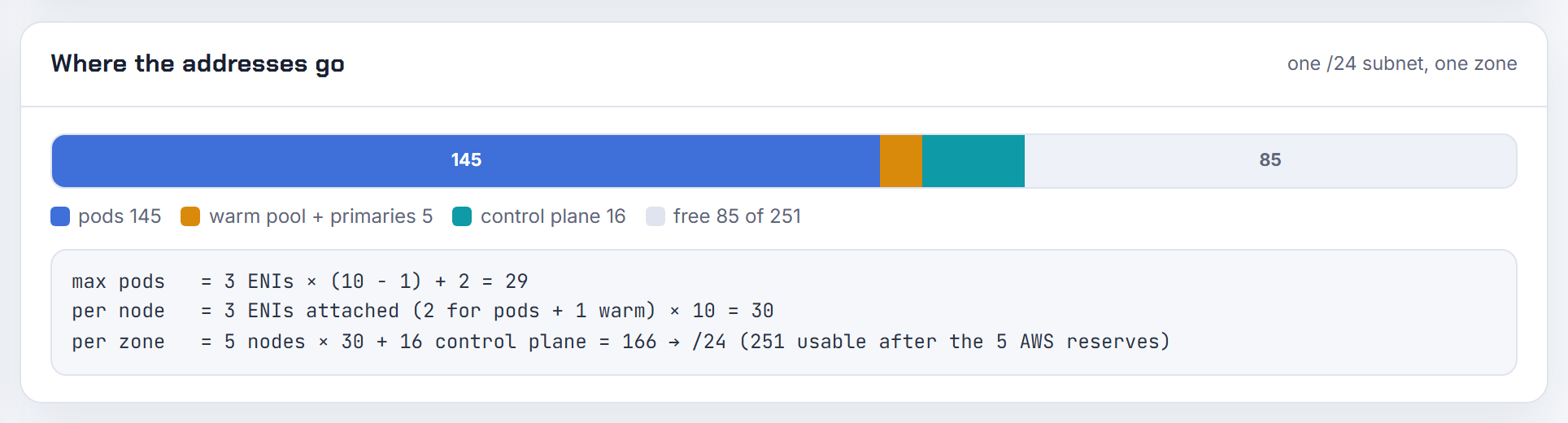
Why is use-max-pods false or a custom max-pods ignored on my managed node group?
Because EKS writes its own maxPods into the user data of every managed node group that runs an EKS AMI, and that injected value "takes precedence over any other maxPods configuration, including maxPodsExpression" (How maxPods is determined). It is capped at 110 under 30 vCPUs and 250 above. The documented way out is a custom AMI ID in the launch template: then EKS does not merge user data and your bootstrap runs as written (launch templates).
AL2:
1/etc/eks/bootstrap.sh my-cluster --kubelet-extra-args '--max-pods=110' --use-max-pods false
AL2023 (AL2023 nodes):
1apiVersion: node.eks.aws/v1alpha1
2kind: NodeConfig
3spec:
4  kubelet:
5    config:
6      maxPods: 110
eksctl and the Terraform EKS module obey the same rule; they must produce a launch template with a custom AMI for the flag to survive. Self-managed node groups and Karpenter (spec.kubelet.maxPods in the EC2NodeClass, Karpenter) set the value directly. The calculator shows the managed node group cap as 110 under 30 vCPUs and 250 above.
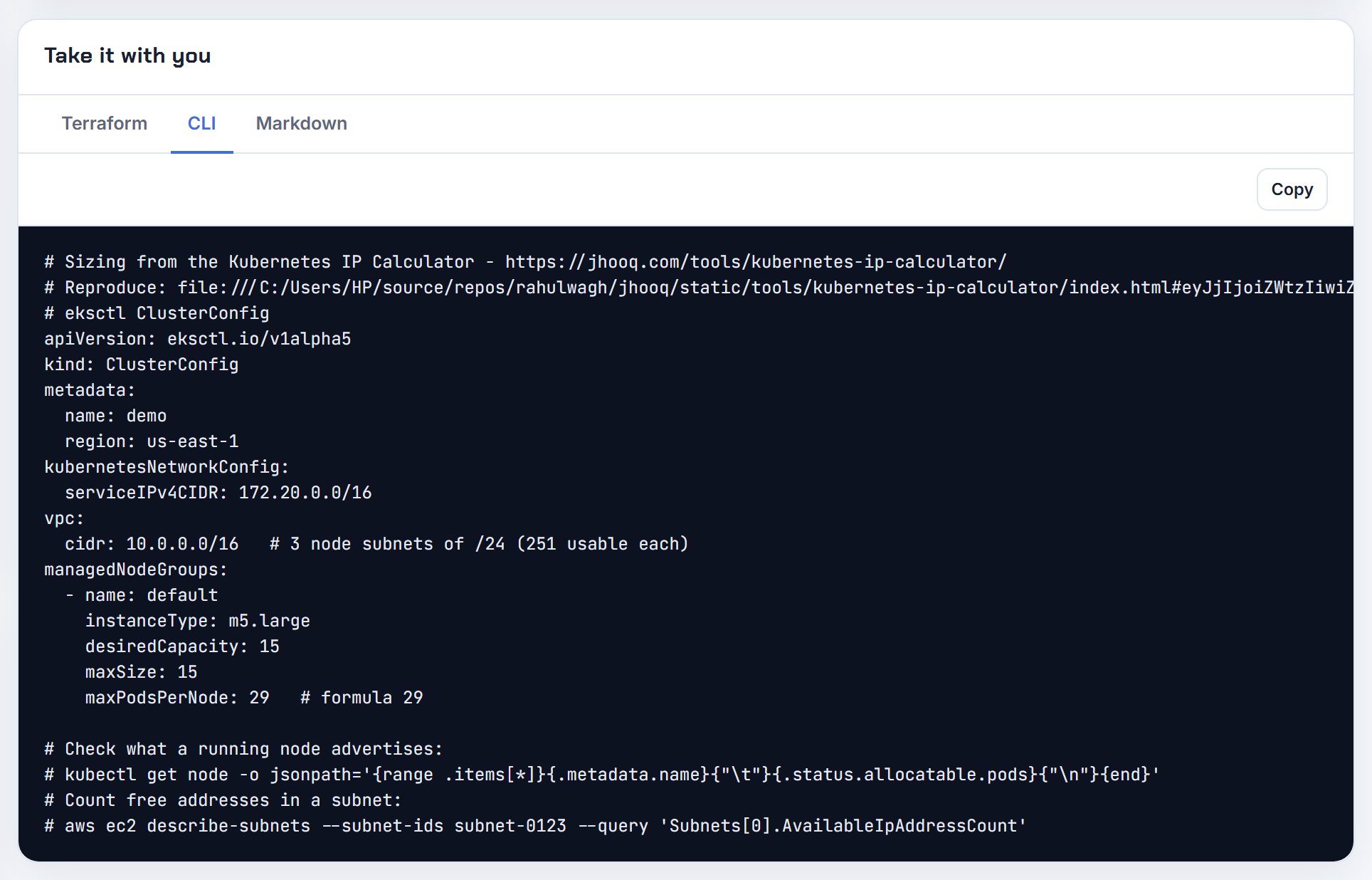
How do I set max pods on Amazon Linux 2023 nodes now that max-pods-calculator.sh is gone?
nodeadm computes it. With no override it uses ENIs x (IPs per ENI - 1) + 2 from embedded instance data, falling back to ec2:DescribeInstanceTypes for unknown types (eni_max_pods.go). To change it, give NodeConfig a kubelet.maxPodsExpression, a CEL expression over default_enis, ips_per_eni, max_pods, vcpus and physical_memory_mib (nodeadm examples):
1apiVersion: node.eks.aws/v1alpha1
2kind: NodeConfig
3spec:
4  kubelet:
5    maxPodsExpression: "default_enis * (ips_per_eni - 1) * 16 + 2 > 250 ? 250 : default_enis * (ips_per_eni - 1) * 16 + 2"
That reproduces the prefix delegation branch of max-pods-calculator.sh with the 250 ceiling. For custom networking use (default_enis - 1) * (ips_per_eni - 1) + 2, the case the examples call out. The expression result also drives kubeReserved: memory is 11 x maxPods + 255 MiB (config.go), and a static kubelet.config.maxPods overrides the pod count but not that reservation (nodeadm API). Managed node groups still inject 110 or 250 unless you use a custom AMI (How maxPods is determined). The calculator shows the same numbers for prefix delegation and custom networking.
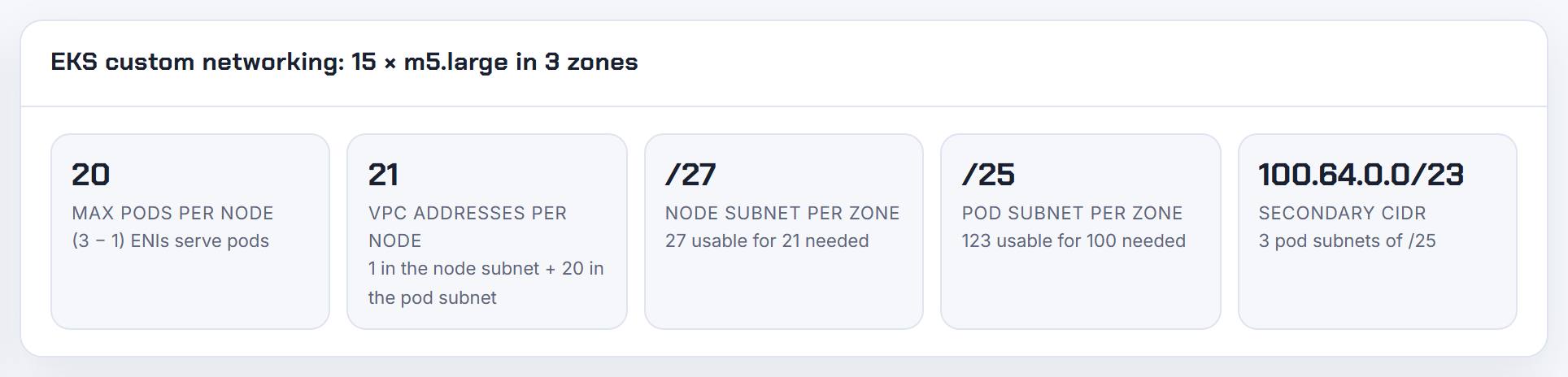
Does max pods account for Security Groups for Pods and the trunk ENI?
No, on both counts. First, the trunk ENI "is included in the maximum number of network interfaces supported by the instance type" (SGP deployment), so one ENI's secondary addresses leave the regular pool: an m5.large keeps 27 secondary IPs plus 9 branch interfaces (SGP best practices). Second, branch pods "are not accounted for in the max-pods formula", yet EKS counts them toward max pods. The kubelet keeps advertising 29 for an m5.large, while the node could hold 27 + 9 = 36 pod addresses.
Set the number yourself. AL2023, with the branch count from limits.go (m5.large 9, m5.xlarge 18, c5.4xlarge 54):
1maxPodsExpression: "(default_enis - 1) * (ips_per_eni - 1) + 2 + 9"
On managed node groups that requires a custom AMI (How maxPods is determined). The warm targets do not touch branch pods, so size WARM or MINIMUM targets for the non-branch pods only (README).
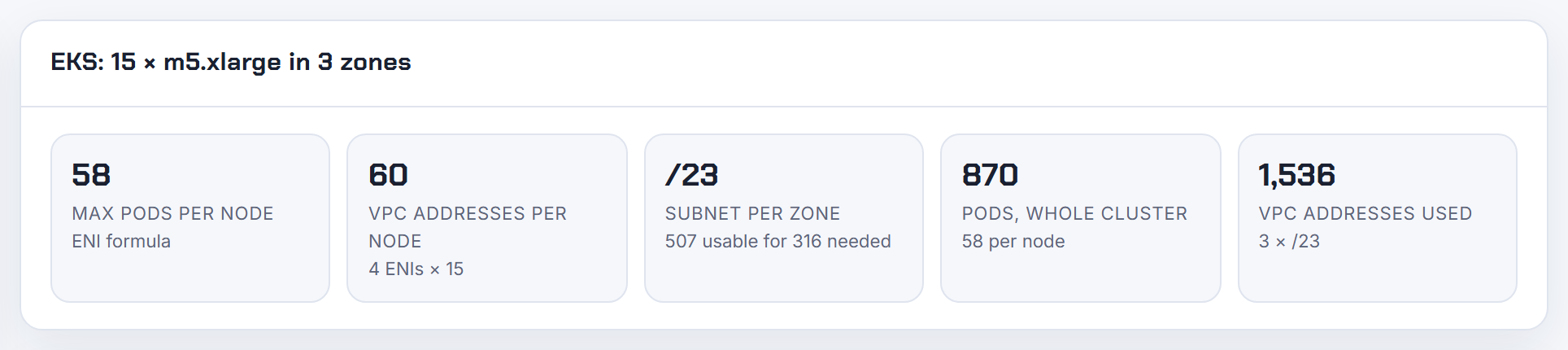
Why does bootstrap.sh skip the max-pods calculator on large instance types?
It skips the calculator on every instance type listed in /etc/eks/eni-max-pods.txt and only runs it when the type is missing (bootstrap.sh). The file is generated from the EC2 API with the uncapped formula ENIs x (IPs per ENI - 1) + 2, so a c5.18xlarge reads 737 (15 x 49 + 2) (eni-max-pods.txt). Run by hand, max-pods-calculator.sh applies min(formula, 110 or 250 by vCPU) unless you pass --show-max-allowed, which is why the two disagree.
The comment in bootstrap.sh explains the choice: the legacy numbers also feed kubeReserved memory, 11 x maxPods + 255 MiB. On a managed node group the 737 never reaches the kubelet, because EKS injects 250 for instances above 30 vCPUs (How maxPods is determined); on self-managed nodes you get 737 unless you pass --max-pods. AL2023 keeps the same uncapped formula in nodeadm, fed by instance-info.jsonl that a daily workflow refreshes.

Why does Bottlerocket or a specific instance type get a wrong max pods?
Usually the instance type is newer than the table baked into the AMI. AL2 bootstrap reads eni-max-pods.txt and falls back to max-pods-calculator.sh, an EC2 API call, for unlisted types (bootstrap.sh); AL2023 nodeadm embeds instance-info.jsonl and falls back to DescribeInstanceTypes (eni_max_pods.go); the data is refreshed daily (sync workflow). An old AMI, or a node role without ec2:DescribeInstanceTypes, leaves a stale or default value. Check the real limits (describe-instance-types):
1aws ec2 describe-instance-types --instance-types m6i.large \
2  --query 'InstanceTypes[0].NetworkInfo.[MaximumNetworkInterfaces,Ipv4AddressesPerInterface]'
m6i.large: 3 x 9 + 2 = 29. On Bottlerocket set settings.kubernetes.max-pods explicitly in the TOML user data; values in your user data override those EKS merges in (launch templates, Bottlerocket settings). The calculator covers 1,404 instance types from the EKS AMI instance data.
Should hostNetwork pods count against max pods?
They count today, and you can only compensate for them. maxPods is "the maximum number of Pods that can run on this Kubelet" (KubeletConfiguration); the kubelet does not exempt hostNetwork pods, so every host-networking DaemonSet takes a slot although it needs no VPC address. The EKS formula allows for exactly two: "The + 2 accounts for the Amazon VPC CNI and kube-proxy running on every node, which don't consume a Pod IP address" (How maxPods is determined). The best-practices guide notes hostNetwork pods are excluded from the IP calculation and suggests raising max pods if you run more (VPC CNI best practices).
On AL2023 the documented pattern is an offset: maxPodsExpression: "max_pods + 2" allows two extra host-network pods (nodeadm examples). On AL2 pass the raised number with --max-pods; on managed node groups this needs a custom AMI. Count your host-network DaemonSets (node exporter, log shipper, CSI node plugin) and add that many.
Why does every EKS node have so many private IPs and two ENIs when it runs few pods?
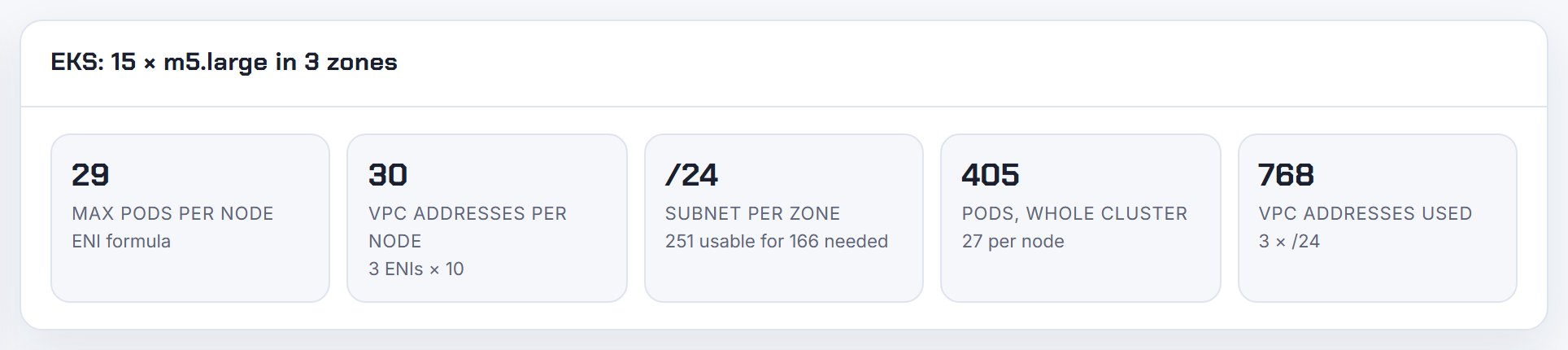
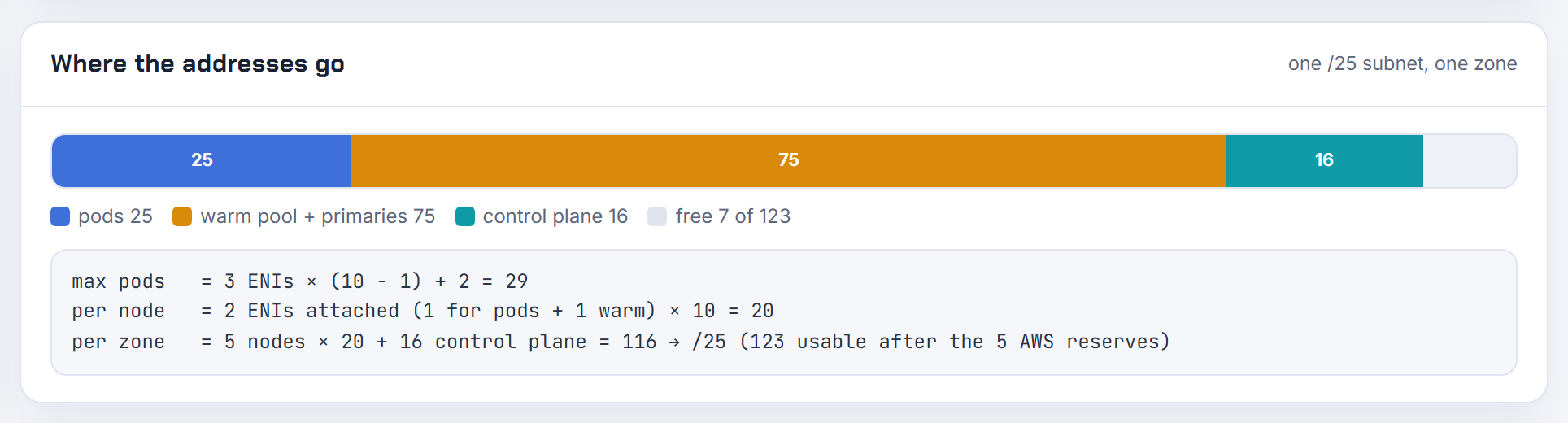
That is the warm pool. The default WARM_ENI_TARGET=1 tells ipamd to keep one free ENI with all its secondary addresses attached, on top of the ENI already in use (README). So an m5.large (3 ENIs, 10 IPs each) with a couple of pods holds two ENIs and 20 addresses; an m5.xlarge (4 x 15) holds 30 (limits.go). The EC2 console lists them under the instance, and the CNI's interfaces carry the description aws-K8S-
To see which ENI a pod sits on, on the node:
1curl -s http://localhost:61679/v1/pods | jq '.[] | {IP, DeviceNumber}'
2curl -s http://localhost:61679/v1/enis | jq '.ENIIPPools | keys'
DeviceNumber is the ENI index (troubleshooting guide). The pool is the price of fast pod starts; shrink it with WARM_IP_TARGET and MINIMUM_IP_TARGET when the subnet is tight. The calculator shows VPC addresses per node including the warm ENI.
Can max pods be exposed through the managed node group API or as a node label?
Not from the EKS API. The Nodegroup object has amiType, instanceTypes, launchTemplate, scalingConfig and the rest, but no max pods field (Nodegroup API). The value lives in the kubelet and is published in node status (node status):
1kubectl get nodes -o custom-columns='NAME:.metadata.name,PODS:.status.capacity.pods,TYPE:.metadata.labels.node\.kubernetes\.io/instance-type'
Before a node exists, compute it: a managed node group on an EKS AMI gets min(ENIs x (IPs per ENI - 1) + 2, 110 or 250 by vCPU) (How maxPods is determined); Karpenter takes spec.kubelet.maxPods or podsPerCore in the EC2NodeClass, so there the number is in your own spec (Karpenter). If tooling needs it on the node object, pass a label with the same value through the kubelet flags (--node-labels) in your launch template user data (launch templates). The calculator gives the number per instance type without SSH.
How is kube-reserved derived from max pods on Amazon Linux 2023?
Memory reserved for the kubelet is 11 x maxPods + 255 MiB, in nodeadm (config.go) and in the AL2 bootstrap before it (bootstrap.sh). nodeadm takes maxPods from your maxPodsExpression when it evaluates, otherwise from the ENI formula (nodeadm API).
The catch: a static kubelet.config.maxPods overrides the pod count but not the reservation. The API doc says that if the expression evaluates, "kubeReserved will always be calculated on its result", and the examples add that without an expression the internally calculated value is used. So on an m5.large (29) the reservation is 574 MiB; setting maxPods: 110 in config leaves it at 574 MiB; a prefix expression yielding 434 reserves 5,029 MiB. To change the memory, either use maxPodsExpression so the reservation follows, or set kubeReserved explicitly in kubelet.config, which nodeadm merges with its defaults (nodeadm examples). Karpenter computes its own max pods and kube-reserved per instance type and excludes RESERVED_ENIS from both (Karpenter settings).
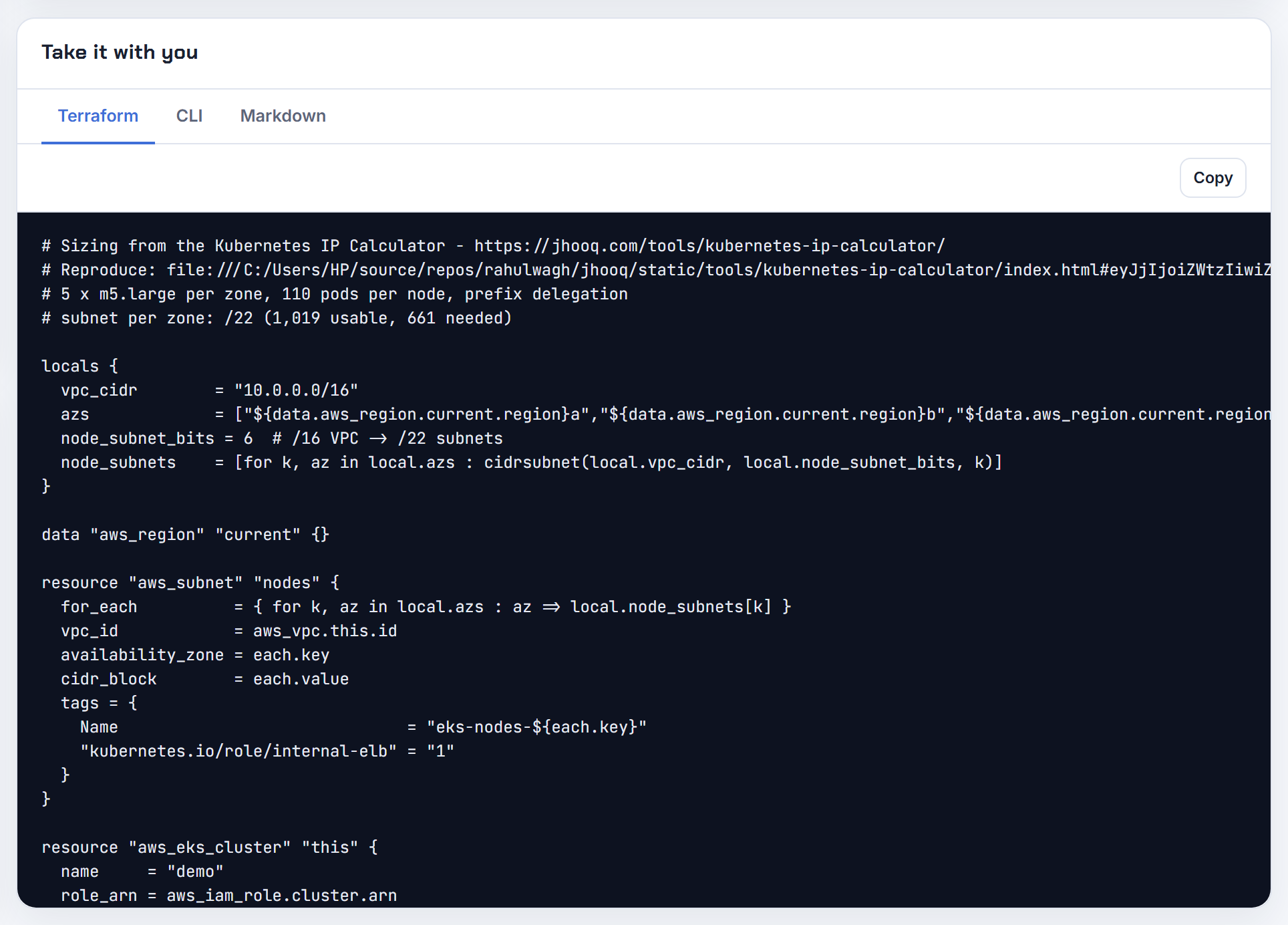
How do I count all IP addresses an EKS cluster, including Fargate, is using?
Count at the VPC level with EC2, because every pod address is attached to a network interface: a secondary IP or prefix on a node ENI, the primary IP of a branch ENI, or the ENI of a Fargate pod, which "doesn't share ... elastic network interface with another Pod" (Fargate). Per subnet, describe-subnets returns availableIpAddressCount (Subnet API). Per interface:
1aws ec2 describe-network-interfaces --filters Name=vpc-id,Values=<vpc-id> \
2  --query 'NetworkInterfaces[].{subnet:SubnetId,desc:Description,ips:length(PrivateIpAddresses)}' --output table
Node ENIs created by the CNI are described aws-K8S-
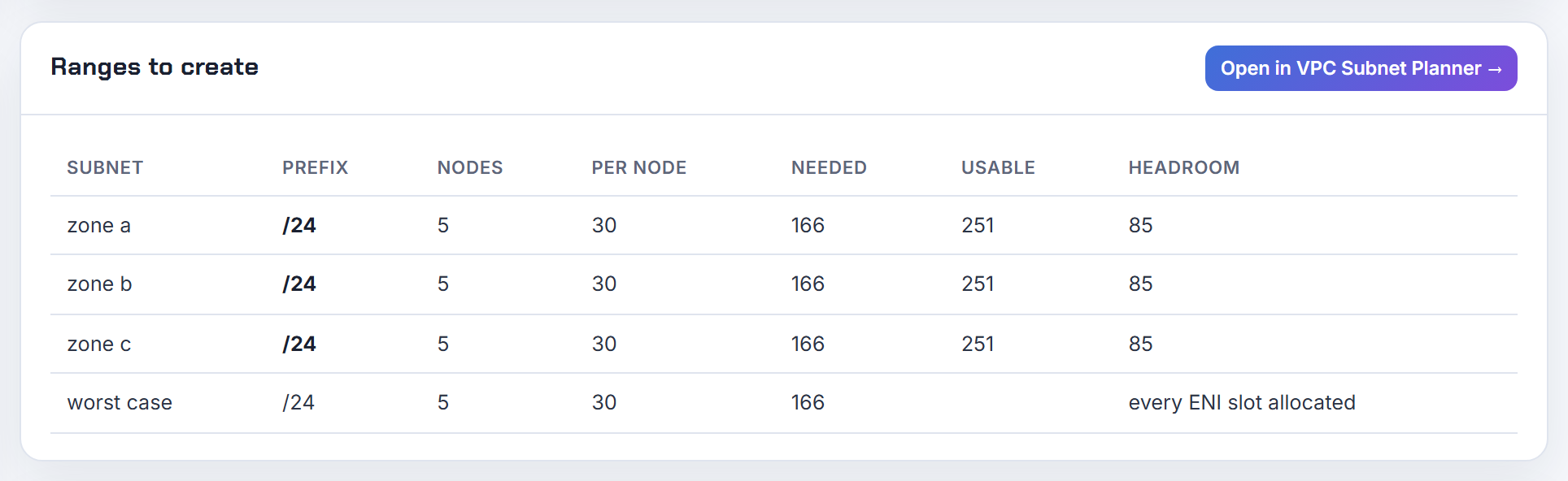
ENIs and the warm pool
WARM_ENI_TARGET, WARM_IP_TARGET and MINIMUM_IP_TARGET decide how many addresses a node holds before it needs them. These answers come from the VPC CNI docs and source.
What are the right warm IP, warm ENI and minimum IP targets for an m5.large or m5.xlarge?
Set MINIMUM_IP_TARGET slightly above the pods you plan per node, WARM_IP_TARGET to a small buffer such as 2, and leave WARM_ENI_TARGET alone; it is ignored once WARM_IP_TARGET is set (README). The README example for 30 pods per node is MINIMUM_IP_TARGET=30 with WARM_IP_TARGET=2, holding 32 addresses instead of the 60 that WARM_IP_TARGET=30 alone would; the design doc's example for about 10 pods is MINIMUM 12, WARM 2 (eni-and-ip-target.md).
MINIMUM_IP_TARGET is an address count, which equals a pod count because each non-hostNetwork pod uses one address. Capacity per node: m5.large 3 ENIs x 9 = 27 secondary IPs (max pods 29); m5.xlarge 4 x 14 = 56 (max pods 58) (eni-max-pods.txt). A target above one ENI's 9 or 14 addresses forces extra ENIs at boot. The docs warn that WARM_IP_TARGET suits "small clusters, or clusters with very low pod churn", since each top-up is an EC2 call. The calculator shows the addresses each node holds for your choice.
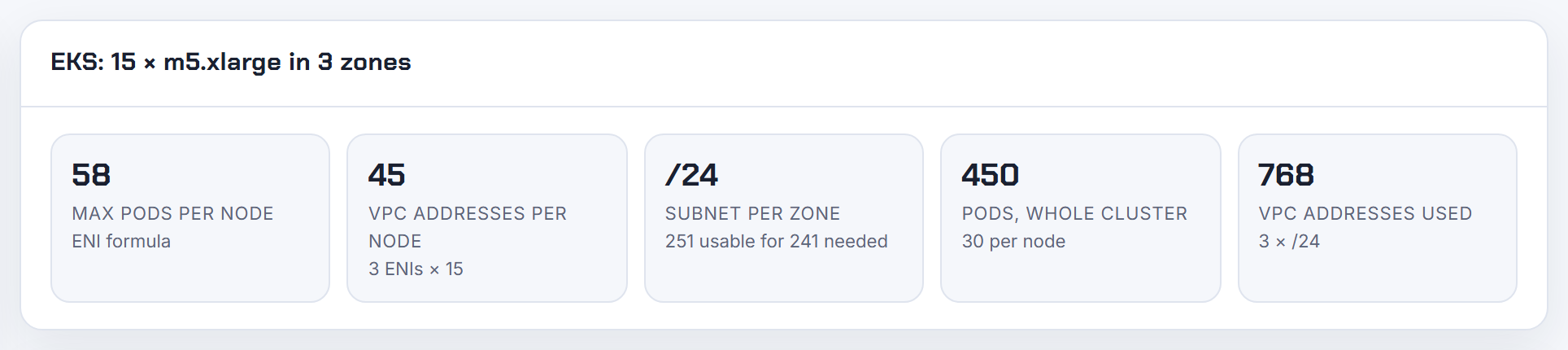
What happens when I set the warm IP target or warm ENI target to zero?
Zero is not zero. For WARM_IP_TARGET and MINIMUM_IP_TARGET, "Setting this to a non-positive value is the same as setting this to 0 or not setting the variable" (README): -1, 0 and unset all mean "not set", and ipamd falls back to WARM_ENI_TARGET, default 1, a full spare ENI, the opposite of what you wanted.
WARM_ENI_TARGET=0 is meaningful only together with IP targets. The best-practices example uses WARM_ENI_TARGET=0 with WARM_IP_TARGET=5 on a 20-IP ENI: one ENI stays attached until the 16th address is needed (VPC CNI best practices), and AWS Support's recommended set is 0, 5 and 10 (re:Post support article). With prefix delegation, setting WARM_PREFIX_TARGET or both IP targets to zero "is not supported": ipamd keeps no prefix warm and pod IP assignment slows badly (prefix-and-ip-target.md). After any change, check kubectl describe ds aws-node -n kube-system and watch ipamdErr.
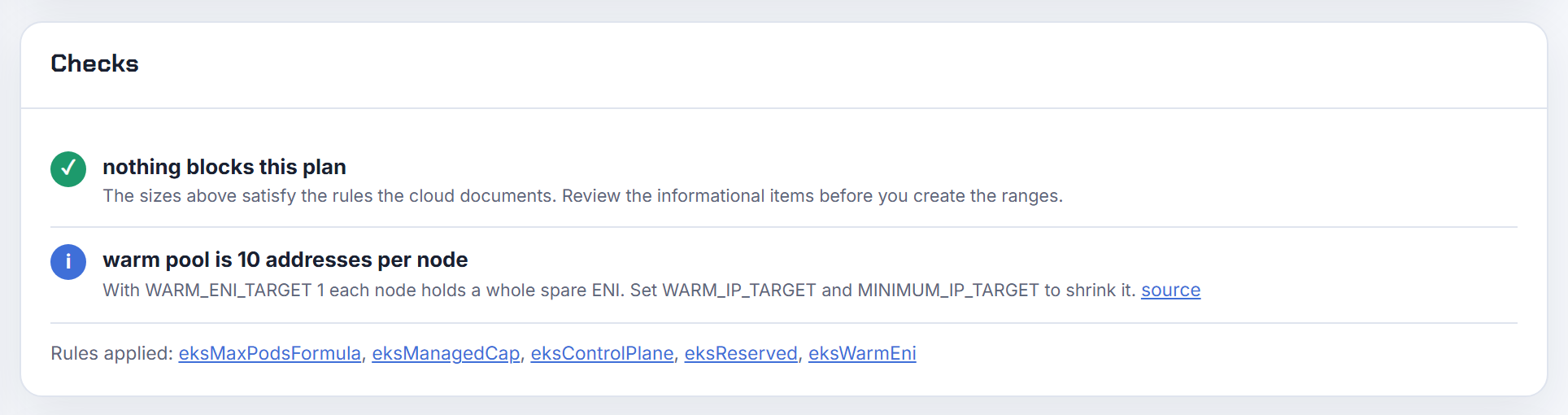
Can I set warm-pool targets per node group instead of cluster-wide?
No. The targets are environment variables on the aws-node DaemonSet, so one value applies to every Linux node (README), and the managed add-on's configurationValues env block sets that same DaemonSet (update the VPC CNI add-on). What is per node: ENIConfig selection by node label or annotation, which changes subnet and security groups only (README). MAX_ENI is global too. Windows nodes are tuned separately in the amazon-vpc-cni ConfigMap with warm-ip-target, minimum-ip-target and warm-prefix-target (Windows prefix delegation options).
Practical approach for mixed Karpenter fleets: choose targets for the smallest instance type, because a target above one ENI's addresses pre-attaches ENIs on every small node; bound consumption per pool with kubelet maxPods in each EC2NodeClass (Karpenter); and split clusters when pod densities really differ. The calculator shows what each instance type holds under a given target.
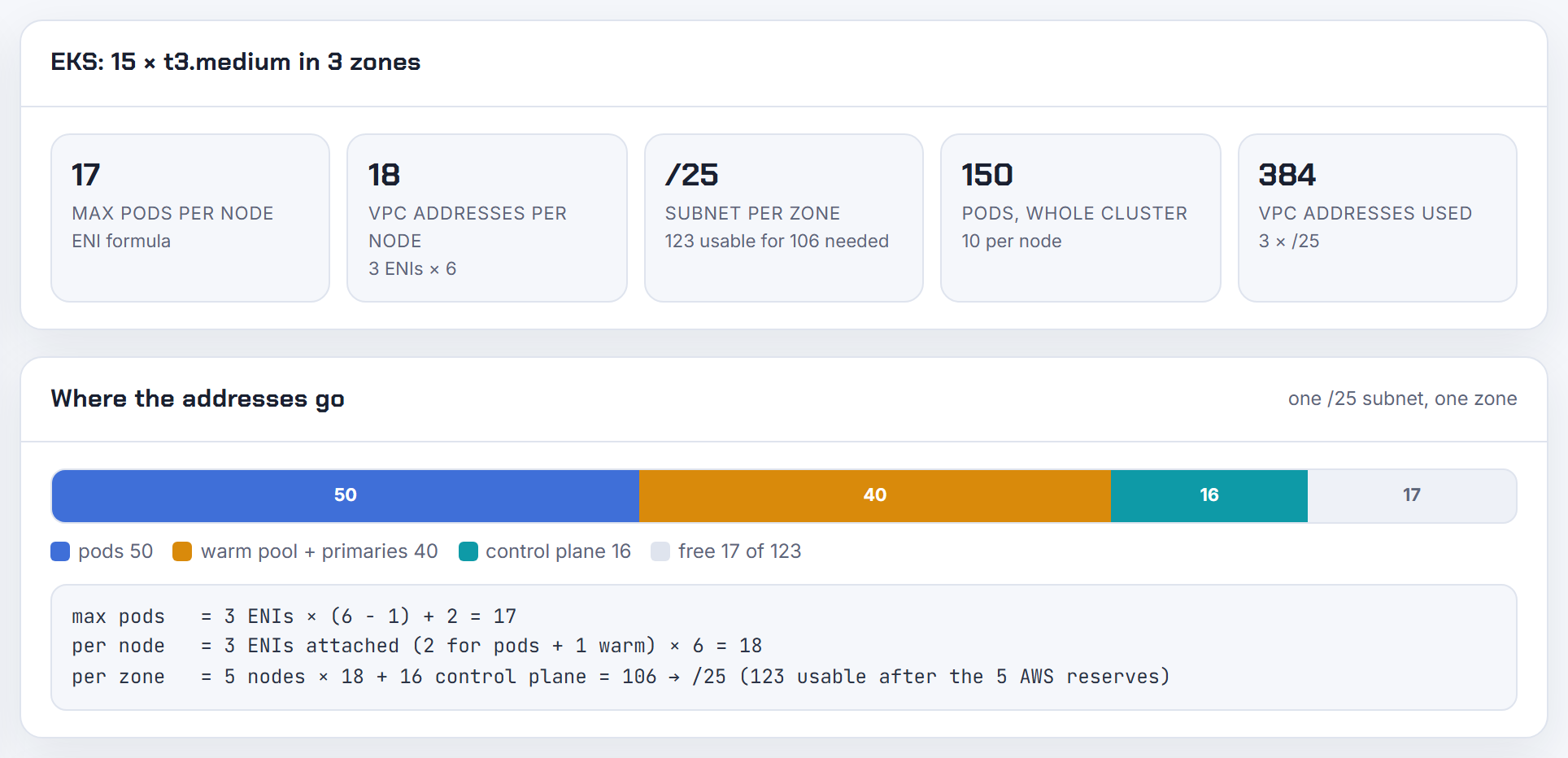
Why does a warm or minimum target larger than the IPs per ENI delay pod start by minutes?
Because meeting it needs new ENIs, not just addresses, and ENIs are the slow path. ipamd "attempts to allocate more interfaces until WARM_IP_TARGET free IP addresses are available" (README); creating and attaching one ENI can take up to 10 seconds (eni-and-ip-target.md), and the best-practices example shows MINIMUM_IP_TARGET=100 on a 10-IP-per-ENI instance attaching nine ENIs at boot (VPC CNI best practices). Each call can be throttled by EC2, after which ipamd backs off with exponential retry and pods on that node wait in ContainerCreating (troubleshooting guide).
A value picked for big instances therefore stalls small ones: an m5.large has 9 secondary IPs per ENI, so MINIMUM_IP_TARGET=20 means three ENIs, the whole instance, before the first pod lands. In prefix mode the target rounds up to the next multiple of 16 (prefix-and-ip-target.md). Size the targets for the smallest node in the cluster. The calculator lists IPs per ENI for every instance type.
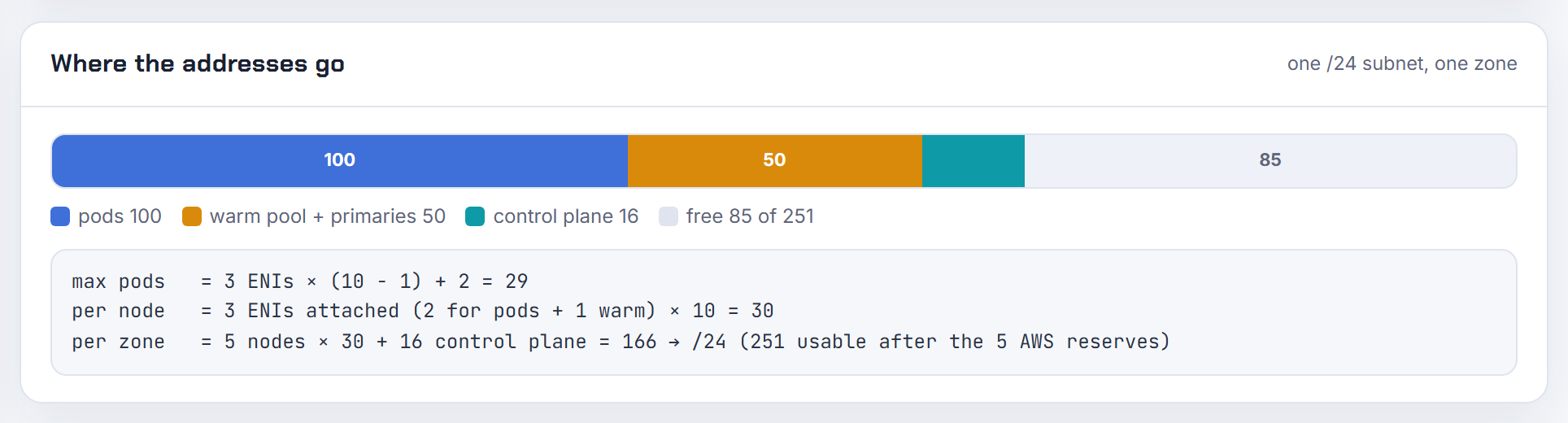
Why does the CNI still fail to assign IPs after I set warm IP and minimum IP targets to save addresses?
Because you traded idle addresses for EC2 API calls. With a small WARM_IP_TARGET, every pod beyond the buffer makes ipamd call EC2 for another address; the README warns the setting "will cause additional calls to the EC2 API and that might cause throttling" (README), and the design doc adds that once throttled "no new ENIs or IPs can be attached to any instance in the cluster" (eni-and-ip-target.md). Pods then see the same assign error until the backoff ends. The signals are ipamdErr and ipamdActionInProgress in the cni-metrics-helper.
Fixes: set MINIMUM_IP_TARGET to the expected pods per node so top-ups are rare ("MINIMUM_IP_TARGET is for pre-scaling"); keep WARM_IP_TARGET at a few, not 1; move to prefix delegation so one call brings 16 addresses and attaches in under a second (prefix mode); and use a subnet with contiguous space so /28s are available. A single small subnet with hundreds of idle addresses is better fixed by subnet discovery or custom networking into a secondary CIDR, covered in EKS running out of IP addresses.

Why does the first ENI get all its IPs regardless of the minimum IP target?
It should not, so first confirm the targets are in effect. The design doc's table shows a t3.small with WARM_IP_TARGET=1 and MINIMUM_IP_TARGET=1 holding one ENI and a single secondary IP at zero pods (eni-and-ip-target.md). A first ENI that fills up means one of: WARM_IP_TARGET is unset or non-positive, so WARM_ENI_TARGET=1 applies and a full ENI is kept (README); prefix delegation is on, where the unit is a 16-address /28 and a MINIMUM_IP_TARGET above N x 16 rounds up to (N + 1) x 16 (prefix-and-ip-target.md); or an add-on update reset your env because it ran without --resolve-conflicts PRESERVE (updating an add-on).
1kubectl describe ds aws-node -n kube-system | grep -E 'WARM|MINIMUM'
2curl -s http://localhost:61679/v1/enis | jq '{TotalIPs, AssignedIPs}'
The second command runs on the node. Remember MINIMUM_IP_TARGET is a floor on total addresses, and the pool then grows by WARM_IP_TARGET free addresses per pod (README).
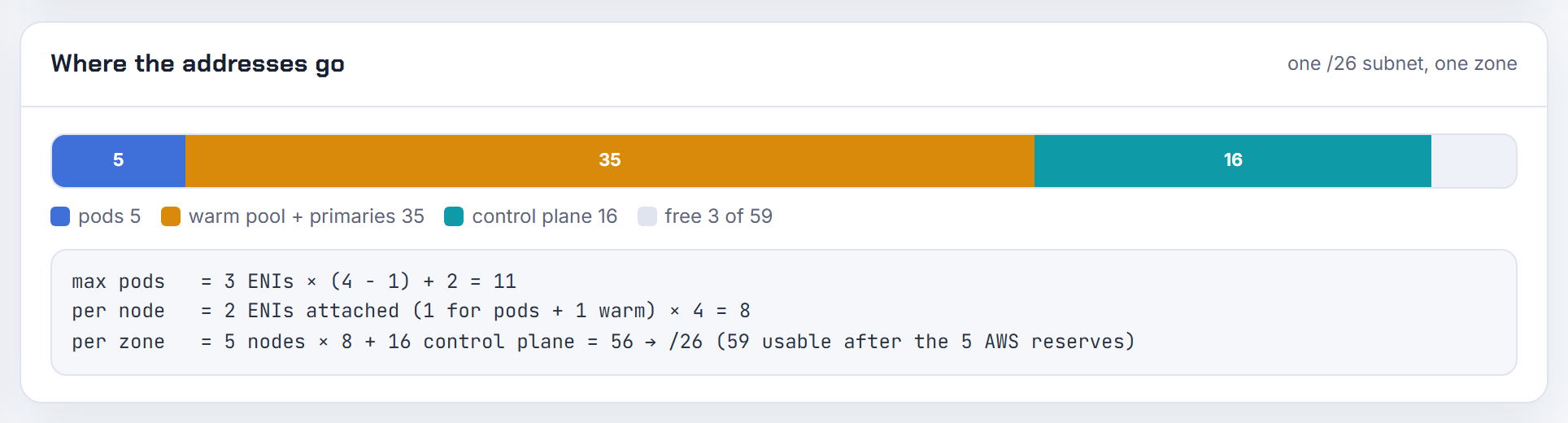
Which metrics tell me how to tune warm targets, pod launch delay versus IPs held?
Use ipamd's own counters. Each aws-node pod serves Prometheus metrics on port 61678, including awscni_assigned_ip_addresses, awscni_eni_allocated and awscni_eni_max (troubleshooting guide). The cni-metrics-helper sums them into CloudWatch as maxIPAddresses, totalIPAddresses, assignIPAddresses, totalIPv4Prefixes, ipamdActionInProgress, ipamdErr and reconcileCount.
Read them as a pair of costs. totalIPAddresses minus assignIPAddresses is what the warm pool holds idle, the subnet cost. ipamdActionInProgress counts nodes in the middle of an ENI operation, where new pods wait, and ipamdErr rising means EC2 throttling, the latency cost. For the pod side, count sandbox failures: kubectl get events -A --field-selector reason=FailedCreatePodSandBox. Tuning rule: idle addresses high and errors zero, lower WARM_IP_TARGET or move from WARM_ENI_TARGET to IP targets; errors or in-progress spiking at scale-outs, raise MINIMUM_IP_TARGET, the pre-scaling knob (README). Alarm separately on each subnet's availableIpAddressCount (Subnet API), since no CNI metric is per subnet.
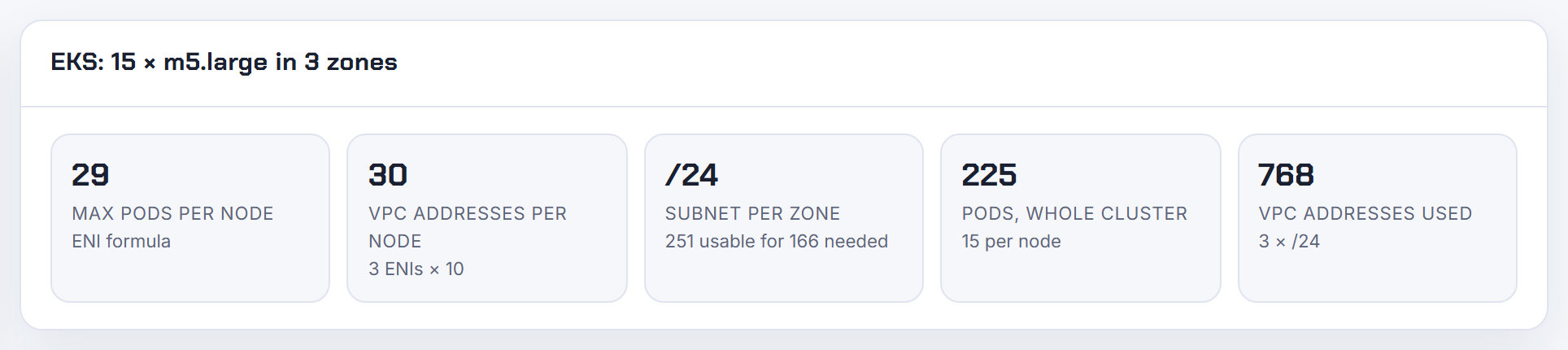
IP exhaustion caused by the warm pool defaults, what is the fix?
The fix AWS Support documents is to replace the ENI-based warm pool with IP targets and let the CNI use more subnets (re:Post support article): WARM_ENI_TARGET=0, WARM_IP_TARGET=5, MINIMUM_IP_TARGET=10, applied through the add-on (update the VPC CNI add-on):
1aws eks update-addon --cluster-name <cluster> --addon-name vpc-cni --resolve-conflicts PRESERVE \
2  --configuration-values '{"env":{"WARM_ENI_TARGET":"0","WARM_IP_TARGET":"5","MINIMUM_IP_TARGET":"10"}}'
Why it works: the default WARM_ENI_TARGET=1 holds a full spare ENI per node, 15 to 50 addresses depending on instance type, which on /24 subnets with 10 to 15 nodes is most of the space. Then tag spare subnets in the same zones kubernetes.io/role/cni=1 so subnet discovery, on by default since v1.18.0, places secondary ENIs where free IPs remain (README). Do not switch on prefix delegation in a fragmented subnet: a /28 must be contiguous and EC2 answers InsufficientCidrBlocks (prefix mode); use a fresh subnet with a CIDR reservation instead (subnet CIDR reservations). Adjust 10 and 5 to your pods per node. The calculator shows the addresses per node before and after; see EKS running out of IP addresses.
How do I set CNI environment variables for only some worker nodes?
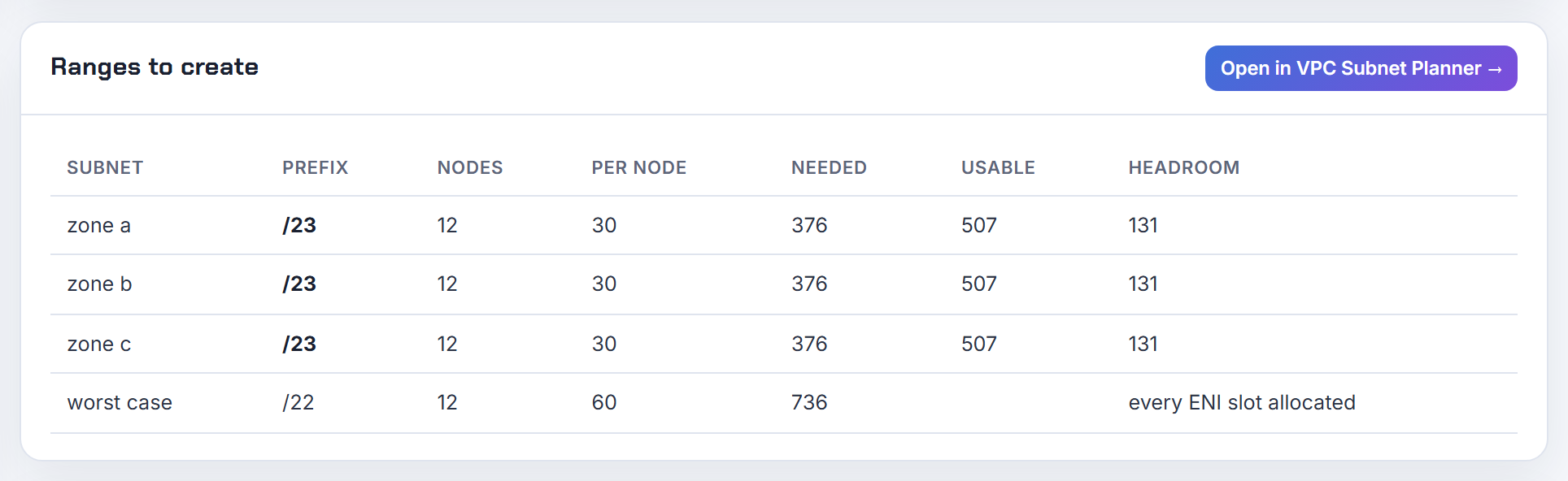
You cannot. aws-node is a single DaemonSet, its env block applies to every pod it runs, and the add-on's configurationValues target that same DaemonSet (README, update the VPC CNI add-on). What the CNI does offer per node:
- AWS_MANAGE_ENIS_NON_SCHEDULABLE (v1.12.6+) decides whether ipamd keeps allocating or releasing ENIs on cordoned nodes, so drained nodes stop holding a pool (README).
- ENIConfig chosen per node by annotation or label (ENI_CONFIG_LABEL_DEF, default k8s.amazonaws.com/eniConfig, or topology.kubernetes.io/zone) for subnet and security groups.
- kubelet maxPods per node group or per Karpenter EC2NodeClass to bound how many addresses a node can ever use (launch templates, Karpenter).
- Windows IPAM settings in the amazon-vpc-cni ConfigMap, separate from the Linux env (Windows prefix delegation options).
Running a second aws-node DaemonSet with node selectors is not a documented configuration. When two pools need different warm behaviour, size the global targets for the smaller one and cap pods on the larger with maxPods. The calculator shows the per-node address use for each instance type under one setting.
Prefix delegation
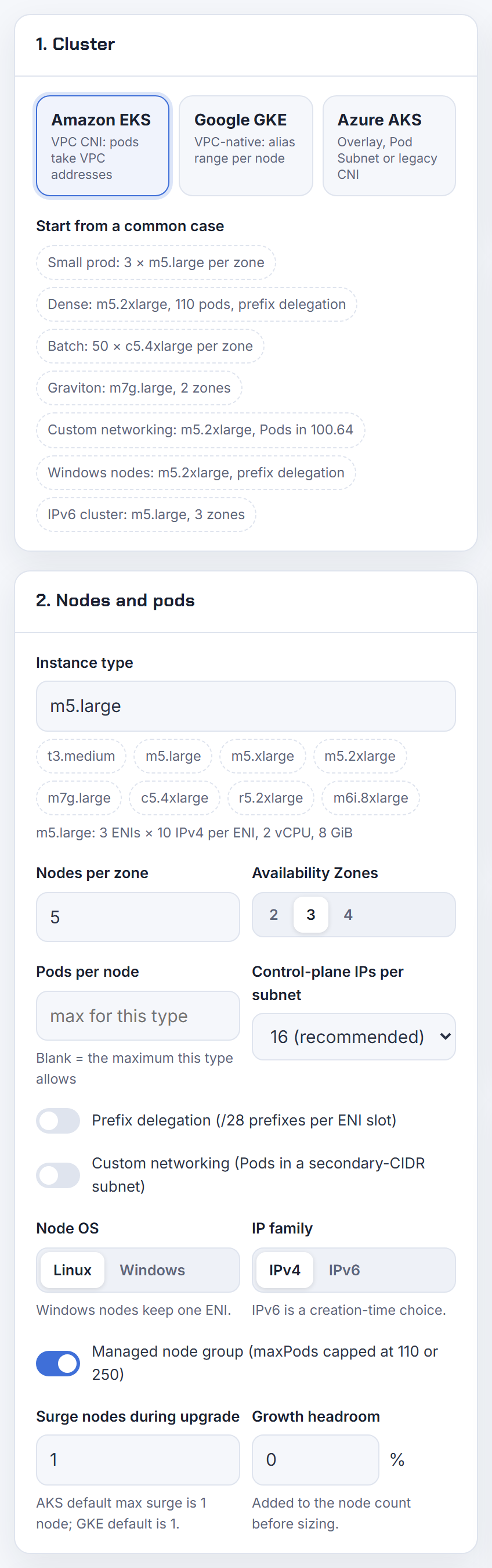
Prefix delegation gives every ENI slot a /28 (16 addresses) instead of one address. These answers cover why it silently does nothing on old nodes, fragmentation, max pods, Windows, Auto Mode and IPv6.
I enabled prefix delegation but pods still fail to get IPs and no prefixes appear on the ENI. Why?
Because the switch only affects nodes that start after it. Nodes that were already running keep their secondary IPs, and AWS warns that a node holding both IPs and prefixes advertises an inconsistent capacity, so it recommends creating new node groups instead of a rolling replacement (considerations).
Check these before anything else:
- The instance must be Nitro-based. Non-Nitro types keep allocating single secondary IPs (prerequisites).
- VPC CNI 1.9.0 or later for IPv4.
- The subnet must have a free contiguous /28. Otherwise the CNI logs
InsufficientCidrBlockseven with free addresses. - Flipping
ENABLE_PREFIX_DELEGATIONwhile ENIs are attached is supported, but the kubelet max pods only changes after a kubelet restart or node recycle (CNI README). - With custom networking, prefixes land on the secondary ENIs in the ENIConfig subnet, so look at that subnet, not the node subnet.
Confirm on a fresh node:
1aws ec2 describe-network-interfaces --filters Name=attachment.instance-id,Values=i-0123456789 \
2  --query 'NetworkInterfaces[].Ipv4Prefixes'
See EKS running out of IP addresses for the full migration order.
Why does prefix attachment fail on a subnet that still has free IPs?
Because a /28 prefix must be a contiguous, aligned block of 16 addresses, and a subnet full of scattered single IPs has none left. The VPC CNI then logs InsufficientCidrBlocks: There are not enough free cidr blocks in the specified subnet to satisfy the request (subnet reservations).
Two fixes from the docs:
- Create a new subnet used only by prefix-mode nodes. If nothing else lives there, no reservation is needed.
- Add a subnet CIDR reservation of type Prefix. A reservation never unassigns addresses already in use, so reserve a range that is still free. The subnet's available count drops immediately.

Old secondary-IP nodes fragment a subnet over time, which is why AWS says to examine the subnet before migrating and to avoid prefix mode on heavily fragmented subnets. EKS Auto Mode sidesteps this by falling back to single /32 addresses when it detects fragmentation (Auto Mode networking). The calculator shows the subnet size per zone that prefix mode needs.
Why are no extra ENIs attached in prefix mode even though a warm ENI target is set?
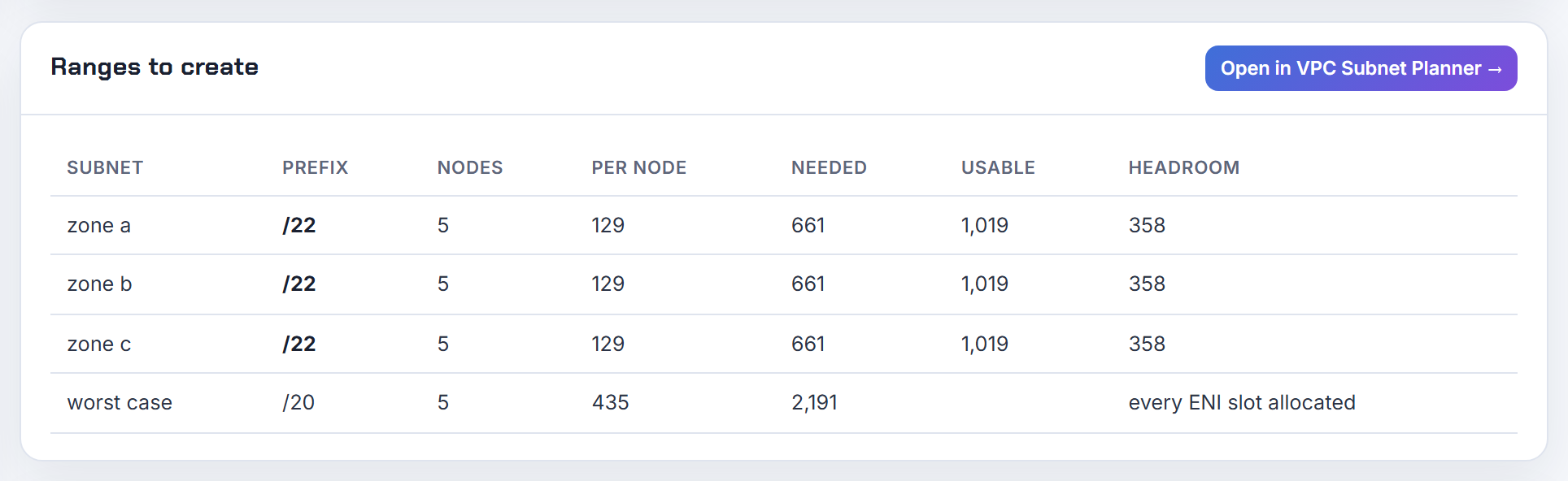
In prefix mode the CNI first allocates another prefix to the existing ENI and only attaches a new ENI when that ENI's slots are full (prefix mode for Linux). WARM_ENI_TARGET is also ignored whenever WARM_IP_TARGET is set (CNI README). So one ENI with two prefixes is normal.
Take an m6i.2xlarge: 4 ENIs and 15 IPs per ENI (EC2 network specifications). One ENI alone can hold 14 prefixes, 224 addresses. If pods pend at 48 IPs, the limit is somewhere else:
- The kubelet still advertises the secondary-IP max pods, 4 x 14 + 2 = 58 for this type. Prefixes do not change that number.
- The subnet cannot produce another contiguous /28 (
InsufficientCidrBlocksin the ipamd log). MAX_ENIcaps the ENI count.
Prefix mode is meant to use a single ENI per node in most cases, because attaching a prefix takes under a second while a new ENI can take up to 10 seconds.
Why does max pods not go up to 110 after enabling prefix delegation with kubelet, Karpenter or Terraform?
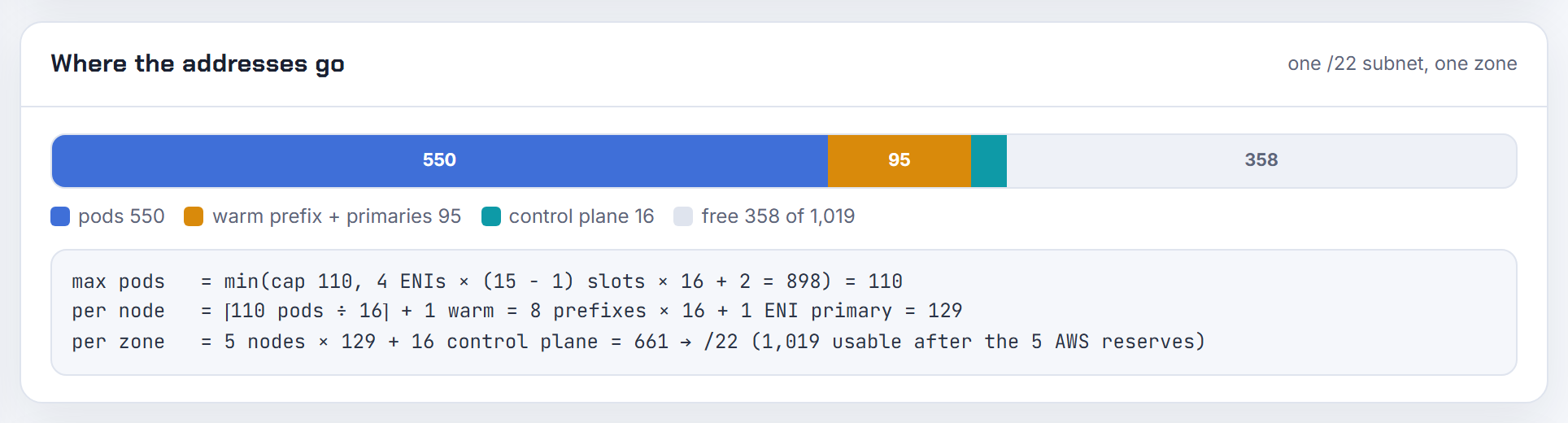
Prefix delegation changes how many addresses a node can get. It does not change the kubelet --max-pods value, which is set at boot and follows a strict precedence (how maxPods is determined):
| Node type | What sets max pods |
|---|---|
| Managed node group, no custom AMI | EKS computes it and caps it at 110 (under 30 vCPUs) or 250 |
| Managed node group with an AMI ID in the launch template | You must pass maxPods in NodeConfig, or --use-max-pods false --kubelet-extra-args '--max-pods=110' |
| Self-managed nodes | Same, in your user data |
| Karpenter | spec.kubelet.maxPods in the EC2NodeClass, as a number or a CEL expression per instance type (NodeClasses) |
The old 29 or 58 is the secondary-IP formula. Any Terraform module or launch template that pins an AMI ID inherits this rule, so the max pods user data has to be in your template. The calculator prints both numbers per instance type.
Does prefix delegation work with Calico installed on EKS?
Yes, in the documented EKS pattern where Calico only enforces policy and the VPC CNI still assigns IPs. Prefix delegation is a VPC CNI IPAM setting, so it keeps working. The Calico install guide for EKS asks for two things: do not enable the VPC CNI's own network policy because it conflicts with Calico, and set ANNOTATE_POD_IP=true on aws-node with the extra patch permission (Calico on EKS). The CNI README documents that annotation as the fix for the kubelet pod-IP race that blocks Calico policy programming (README).
If you instead run Calico as the CNI (the guide deletes the aws-node DaemonSet for that mode), prefix delegation does not apply: pod IPs then come from Calico's IPAM, not from VPC prefixes. For aws-node crashes that appear only on Calico clusters, compare the add-on version (1.9.0 or later for IPv4) and the policy settings on both clusters first.
Is prefix delegation worth it on small instance types like t3.micro or a 2-ENI m-class type?
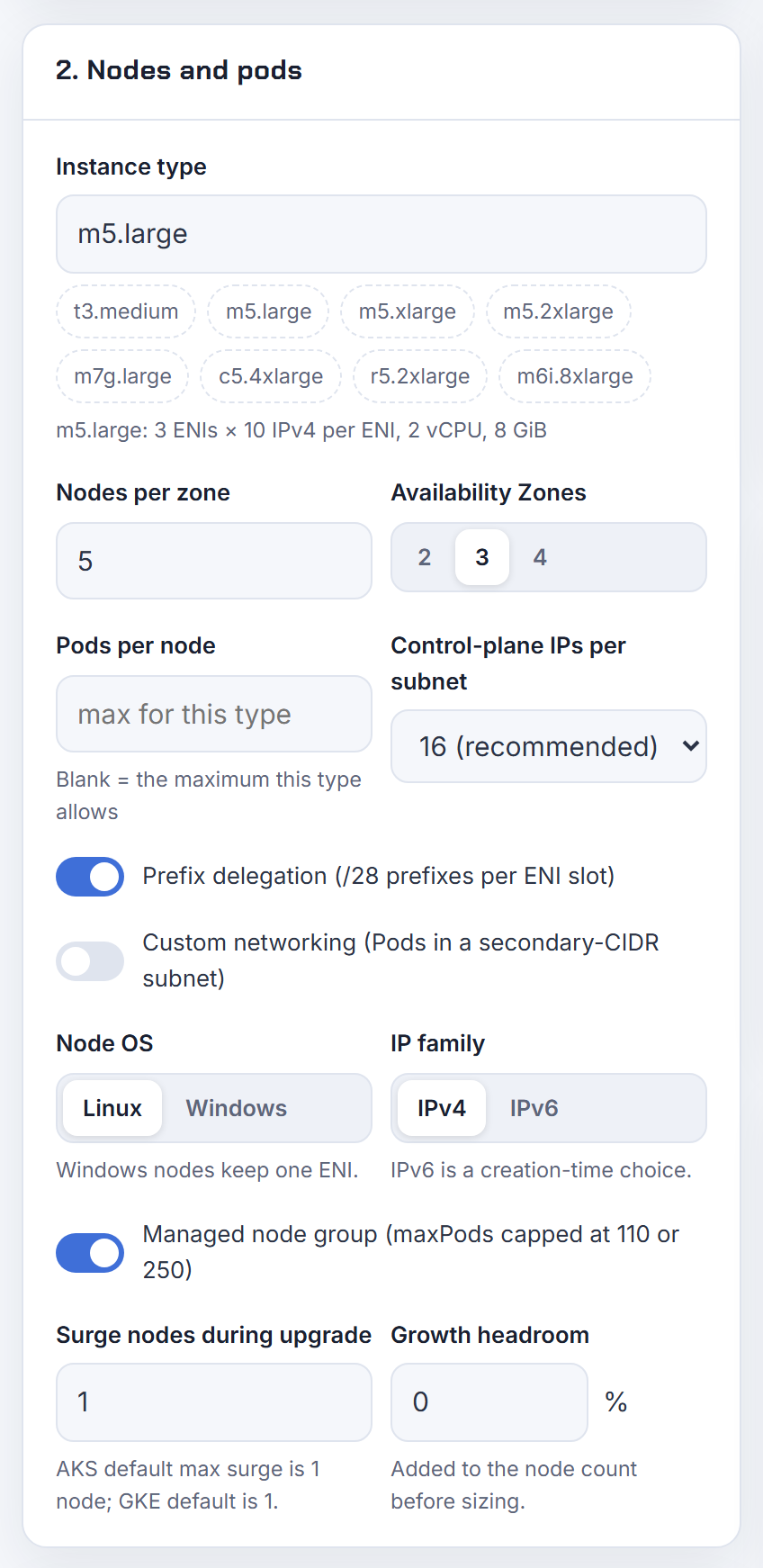

Yes. Small types are where the gain is largest, because every ENI slot turns into 16 addresses. From the EC2 network specifications:
| Type | ENIs x IPs | Pods, secondary IPs | Pods, prefixes | Managed cap |
|---|---|---|---|---|
| t3.micro | 2 x 2 | 4 | 34 | 110 |
| t3.small | 3 x 4 | 11 | 146 | 110 |
| m5.large | 3 x 10 | 29 | 290 | 110 |
Formulas: ENIs x (IPs - 1) + 2 and ENIs x (IPs - 1) x 16 + 2. The best practices guide says prefixes let you attach more IPs "on nearly every Nitro instance type" and that small types hit CPU and memory long before IP limits, so keep max pods at the 110 cap (prefix mode for Linux). The one hard requirement is Nitro: non-Nitro types keep single IPs (prerequisites). Worst case you strand up to 15 unused addresses per node. The calculator shows the x16 result next to the ENI formula.
Can I use prefix delegation in EKS Auto Mode?
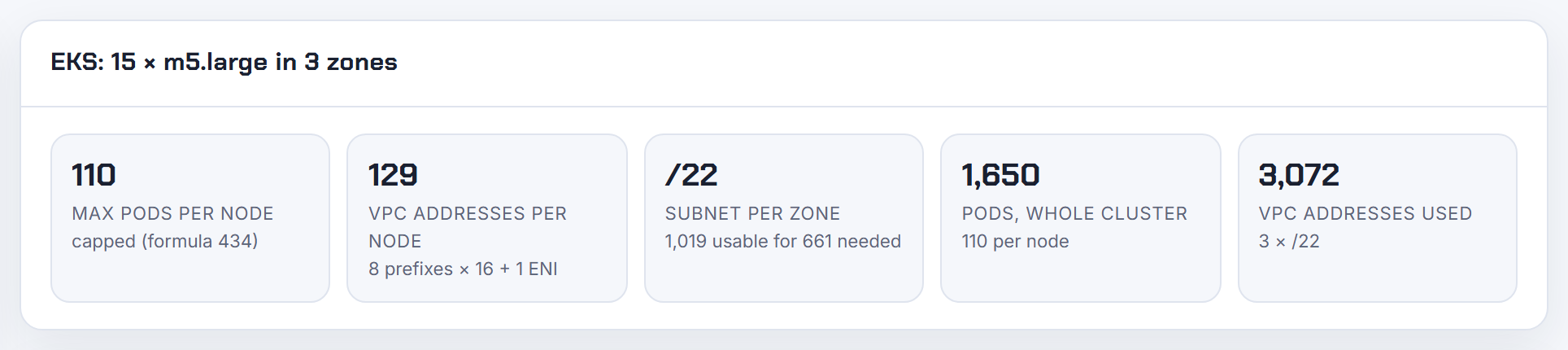
It is already on. EKS Auto Mode defaults to /28 prefix delegation, keeps a predefined warm pool that scales with scheduled pods, and falls back to single /32 addresses when it detects fragmentation (Auto Mode networking). The VPC CNI environment variables, including the warm IP, warm prefix and warm ENI settings, do not apply in Auto Mode.
What you can change lives in the NodeClass: podSubnetSelectorTerms to put pods in other subnets, and advancedNetworking.ipv4PrefixSize: "32" to switch a NodeClass to secondary-IP mode. AWS suggests that for pod-sparse fleets beyond a few hundred nodes per AZ, because prefix mode reserves 16 pod IPs per node (NodeClass).
Max pods per node is the lower of 110 and ENIs x (IPs per ENI - 1), computed for the worst case of fragmentation (Auto Mode considerations).
Does prefix delegation work on Windows nodes and Karpenter Windows pools?
Yes. On Windows it is a ConfigMap entry, not an environment variable:
1kubectl edit configmap -n kube-system amazon-vpc-cni
2# add: enable-windows-prefix-delegation: "true"

The VPC Resource Controller then assigns /28 prefixes to the node's single ENI, so capacity becomes (IPs per interface - 1) x 16 (Windows support). Defaults are warm-ip-target: "1" and minimum-ip-target: "3", and max pods defaults to 110, changed with -KubeletExtraArgs '--max-pods=...' in the bootstrap (prefix mode for Windows).
Two rules: Nitro instances only, and do not mix modes on one node. AWS's example is a t3.xlarge with 14 slots and 10 pods on secondary IPs; after the switch it advertises 224 addresses but only 4 x 16 = 64 exist. Replace the node group instead.
Karpenter documents that Windows nodes use one ENI, so density is bounded by that ENI's addresses; set spec.kubelet.maxPods to match (NodeClasses). The calculator has a Windows mode for this formula.
Why is the primary IP of each ENI never used by a pod in prefix mode?
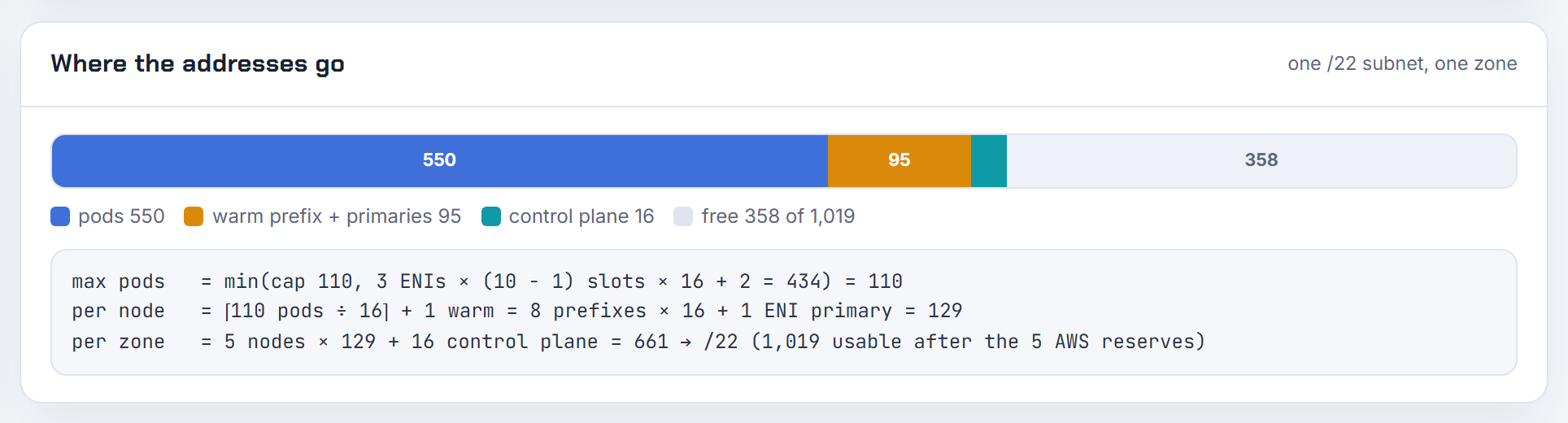
Because every network interface needs one address for the node itself. EKS states that each node requires one IP per ENI and all other addresses can go to pods (assign more IPs with prefixes). In prefix mode that primary address is a plain /32 and each prefix occupies one of the remaining slots: a c5.large allows 10 addresses per ENI, so one primary and up to 9 prefixes, 144 pod addresses (assign prefixes to ENIs).
So the "waste" is 1 address out of 145 per ENI, which is why the formula is ENIs x (IPs per ENI - 1) x 16 + 2. The real loss is with custom networking, where the whole primary ENI carries no pods and only handles host-network pods and SNAT (custom networking). The calculator subtracts the primary address per ENI automatically.
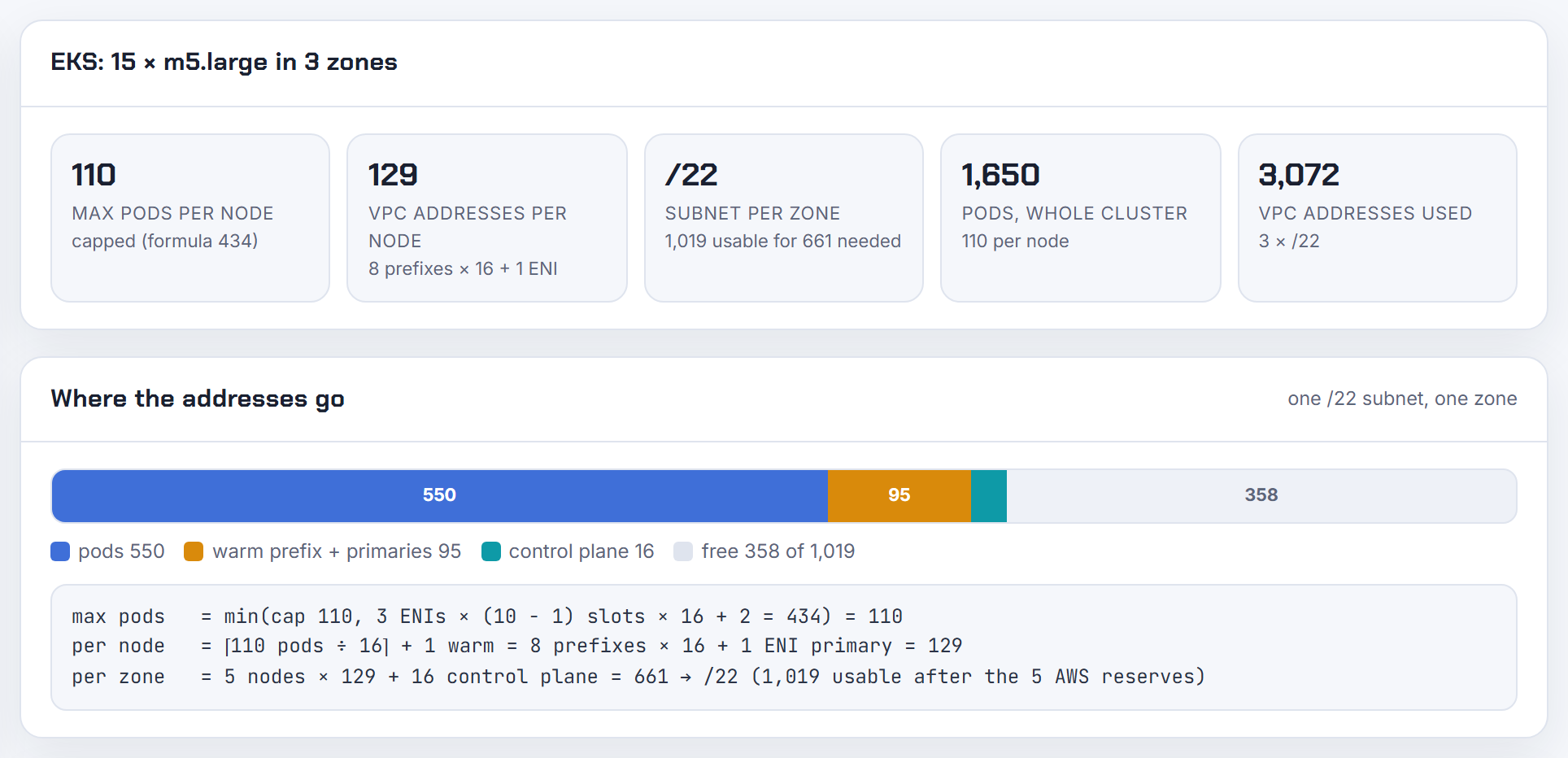
Why are the CNI IP metrics wrong or negative after enabling prefix delegation?
Because the unit of allocation changed from one address to a /28, and dashboards written for secondary-IP mode subtract the wrong things. The cni-metrics-helper publishes separate series for both modes: totalIPAddresses (addresses allocated for pods), assignIPAddresses (addresses actually assigned), totalIPv4Prefixes and totalAssignedIPv4sPerCidr (cni-metrics-helper README). A "free" panel built as total minus assigned must use the prefix-aware series after the switch.
Negative totals are not a convention of prefix mode; they were reported in the plugin's issue tracker as a bug, so the first step is to run a current add-on version and re-check the numbers. Node capacity is simplest to read from the node object:
1kubectl describe node <node> | grep -i 'pods\|PrivateIPv4Address'
Should prefix delegation be on by default?
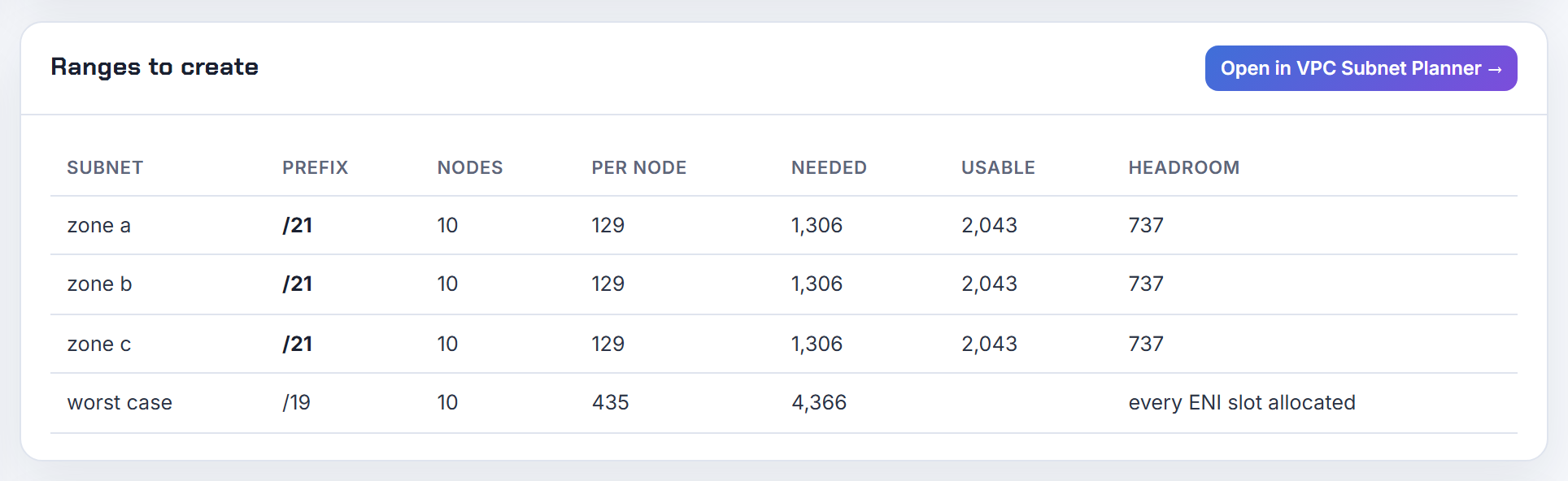
AWS already made that call for two of three cases. On IPv6 clusters prefix mode is the only option and is on by default. In EKS Auto Mode it is the default too (Auto Mode networking). Only self-managed IPv4 clusters still default ENABLE_PREFIX_DELEGATION to false (procedure).
My recommendation: turn it on for every new IPv4 cluster on Nitro instances with fresh subnets, and do it in the add-on configuration before the first node group exists so no node ever runs in the old mode. The documented cost is up to 15 unused addresses per node in the worst case, and pods share the node's security group in this mode (prefix mode for Linux). Skip it only on heavily fragmented subnets you cannot replace.
Can a pod get an IPv6 prefix instead of a single IPv6 address?
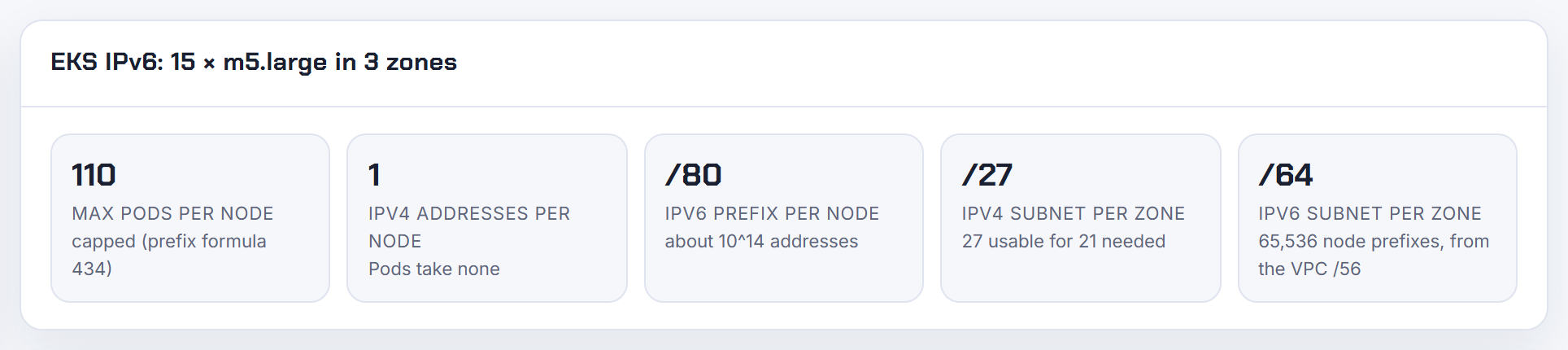
No. On IPv6 clusters the VPC CNI assigns one /80 prefix per node to an ENI slot and gives each pod exactly one IPv6 address from it, plus a host-local IPv4 address that is not reported to Kubernetes (IPv6 clusters). There is no setting that hands a whole prefix to a pod; the feature request is still open on the containers roadmap.
A /80 per node is roughly 10^14 addresses, so the node is never short (IPv6 best practices), but an application that must listen on about 1,000 addresses needs them bound inside the pod. The only way I know today is outside pod networking: a hostNetwork pod on a dedicated node whose ENI has its own /80 assigned through EC2, with the operating system configured for the prefix (assign prefixes to ENIs). That bypasses pod isolation, so weigh it against the security model.
Custom networking and secondary CIDRs
Custom networking moves pods to subnets carved from a secondary VPC CIDR, usually 100.64.0.0/10. These answers cover setup order, ENIConfig matching, max pods, SNAT and the VPC association rules.
How do I use a secondary VPC CIDR like 100.64.0.0/16 for EKS pods, and how are pod IPs allocated from it?
The order matters: associate the CIDR, create one pod subnet per AZ, switch the CNI, create one ENIConfig per AZ, then replace the nodes.
- Associate a block between /16 and /28. 100.64.0.0/10 is permitted next to any RFC 1918 primary (CIDR restrictions).
- Create a subnet in the new block in each AZ your nodes use.
kubectl set env daemonset aws-node -n kube-system AWS_VPC_K8S_CNI_CUSTOM_NETWORK_CFG=true ENI_CONFIG_LABEL_DEF=topology.kubernetes.io/zone- One ENIConfig per AZ, named exactly like the AZ:
1apiVersion: crd.k8s.amazonaws.com/v1alpha1
2kind: ENIConfig
3metadata:
4  name: us-west-2a
5spec:
6  securityGroups:
7    - sg-0dff111a1d11c1c11
8  subnet: subnet-011b111c1f11fdf11
- Create new node groups and drain the old ones. Existing nodes are not changed (custom networking tutorial).
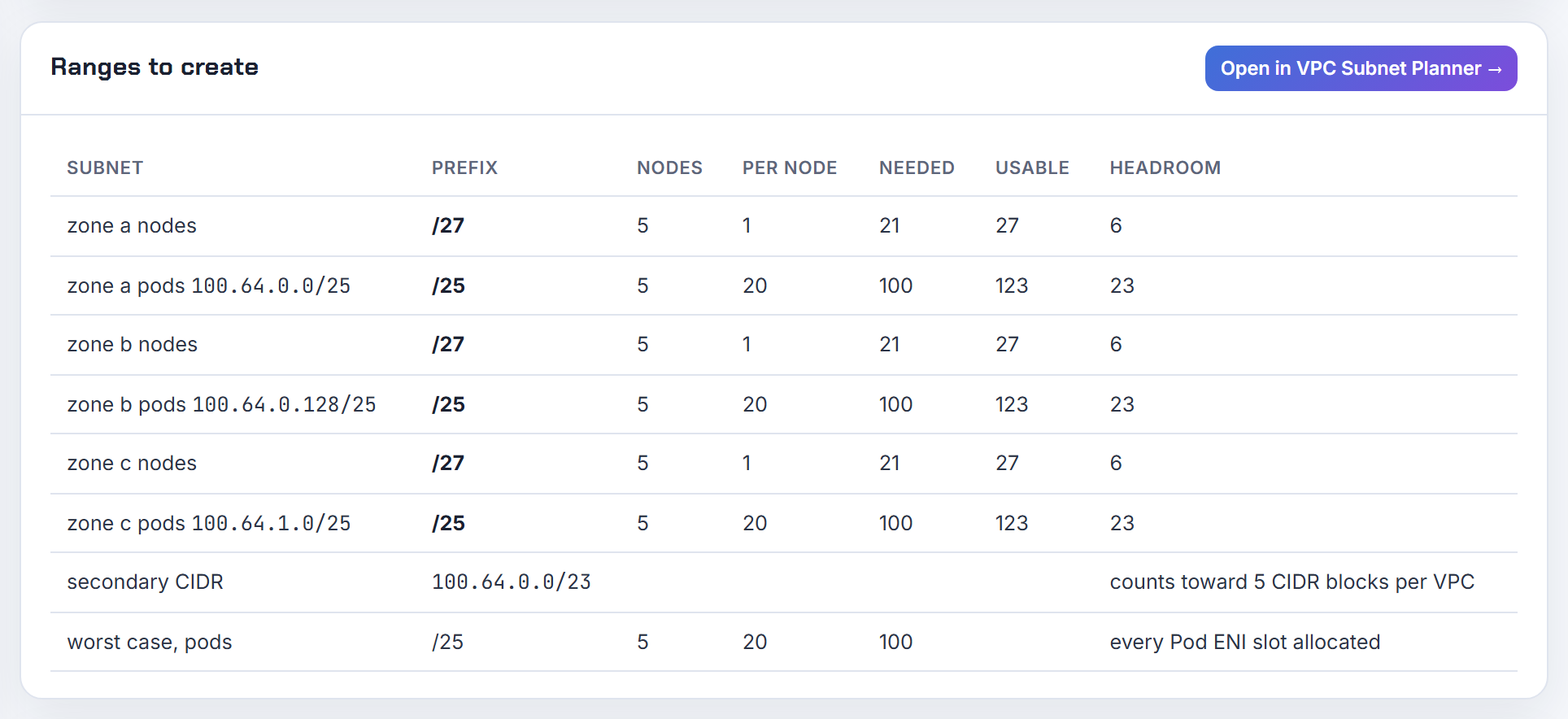
Allocation: the node's primary ENI stays in the node subnet and serves no pods. The CNI creates the secondary ENIs in the ENIConfig subnet and assigns pod IPs only from those, keeping its usual warm pool. The primary ENI handles host-network pods and SNAT (best practices). The calculator has a custom networking mode that sizes the 100.64 pod subnets per zone.
Why is no ENI created in the secondary subnet and pods still get primary-subnet IPs?
Almost always a matching problem, and the CNI does not raise an error for it. Only new nodes that register with a matching label or annotation use custom networking (tutorial). Walk the chain:
- Nodes that started before the env var was set keep their old ENIs. Replace them.
- The label key defaults to
k8s.amazonaws.com/eniConfig. If you setENI_CONFIG_LABEL_DEF=topology.kubernetes.io/zone, the ENIConfig name must equal the AZ name exactly.ENI_CONFIG_ANNOTATION_DEFoverrides the label if both exist (CNI README). kubectl get eniconfigandkubectl get node --show-labelsmust agree.
Two cases are not bugs. DaemonSet pods with hostNetwork: true always show the node's primary IP (SNAT). Pods that use security groups for pods get the primary IP of a branch ENI, not an address from the ENIConfig subnet (prefix and branch ENIs).
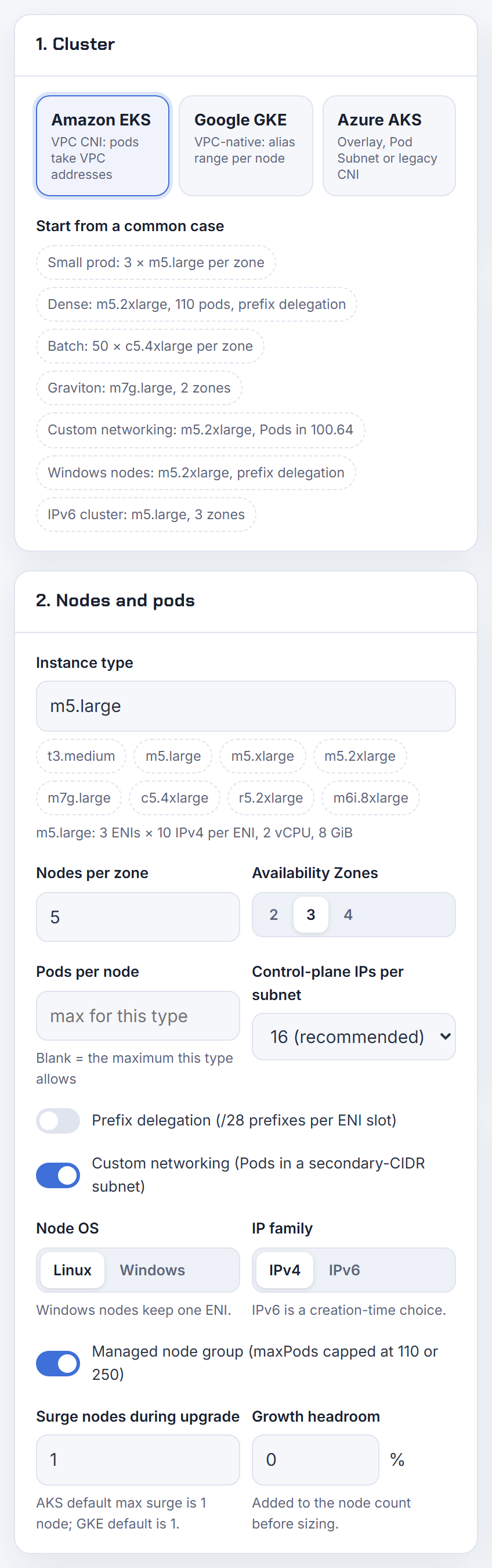
Why are pods stuck in ContainerCreating right after I enable custom networking on an extended CIDR?
Because the node booted with custom networking on but ipamd cannot create a secondary ENI, and with custom networking the primary ENI's addresses are never given to pods (custom networking). The scheduler still places pods, so they sit in ContainerCreating with no IP source. Causes, in the order I would check:
- No ENIConfig matches the node's label or annotation (name typo, wrong label key).
- The ENIConfig subnet is in a different AZ than the node. Pod subnets must be in the same AZs as the node subnets (tutorial).
- An invalid security group ID, or the ENIConfig was created after the node started.
- The pod subnet has no free address, or no contiguous /28 if prefix mode is on.
Read the plugin log, fix the ENIConfig, then recycle the node; the CNI only picks the config up at registration:
1kubectl logs -n kube-system -l k8s-app=aws-node -c aws-node --tail=200

Why do pods on the secondary 100.64 CIDR lose connectivity or get SNATed unexpectedly?
By default the VPC CNI translates a pod's source address to the node's primary IP for any destination outside the VPC's CIDR blocks (SNAT). That is what makes 100.64 pods work with on-prem networks that do not route 100.64.0.0/10: the far side only ever sees RFC 1918 node addresses. Inside the VPC, traffic keeps the pod IP.
Things that break it:
AWS_VPC_K8S_CNI_EXTERNALSNAT=trueturns node SNAT off. The pod IP then leaves the node and replies to 100.64 die at the first router that has no route. Use it only when a NAT gateway or private NAT gateway sits in the path.AWS_VPC_K8S_CNI_EXCLUDE_SNAT_CIDRSexempts ranges; every exempted range must route 100.64 back (CNI README).- Peering and Transit Gateway destinations are outside the VPC CIDRs, so they see node IPs. Inbound connections to pods from those networks need pod routes; the VPC local route is added automatically but peering and TGW routes are not (VPC CIDR blocks).
If you need the egress source to be the node and nothing else, keep the defaults. See overlapping CIDRs and the ways out.
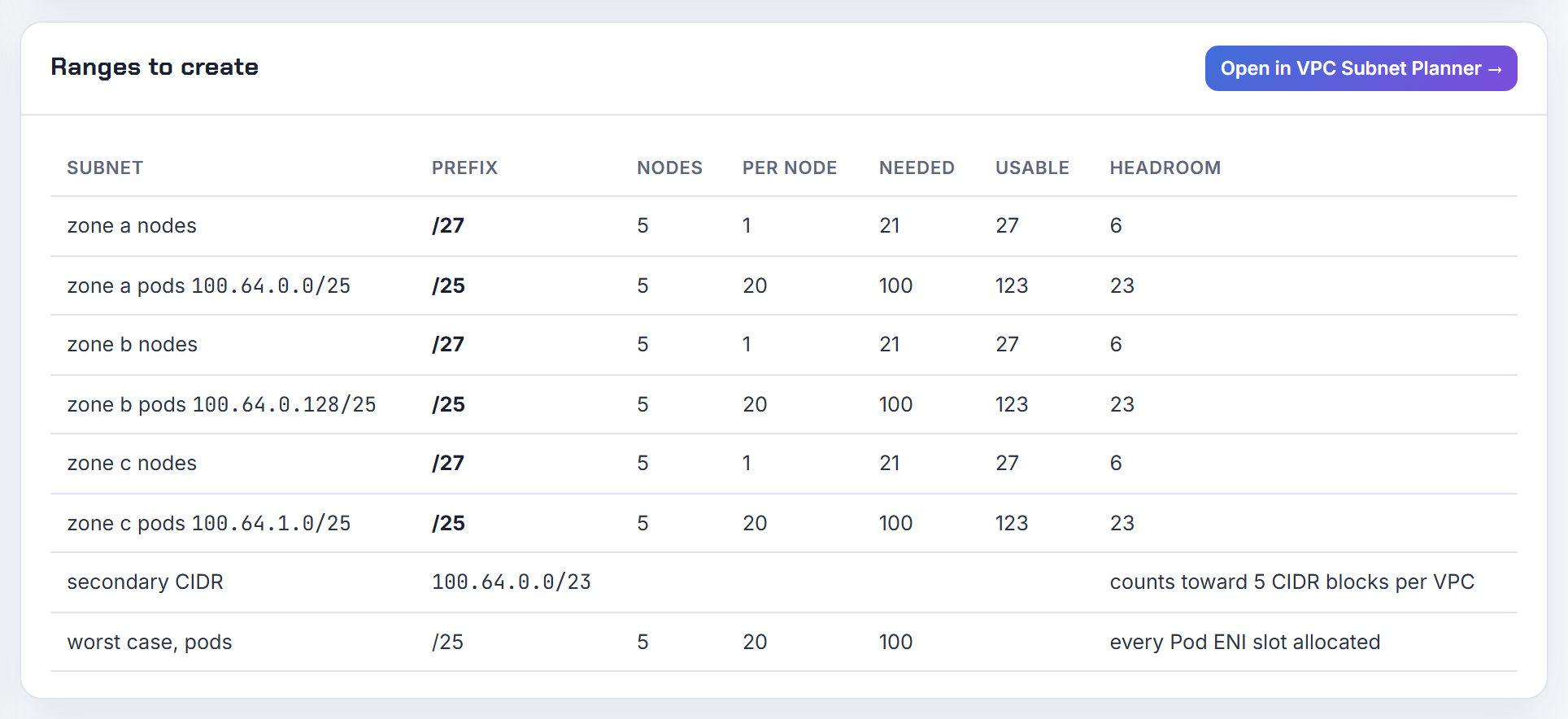
Why does max pods drop with custom networking, and why does Karpenter not account for it?
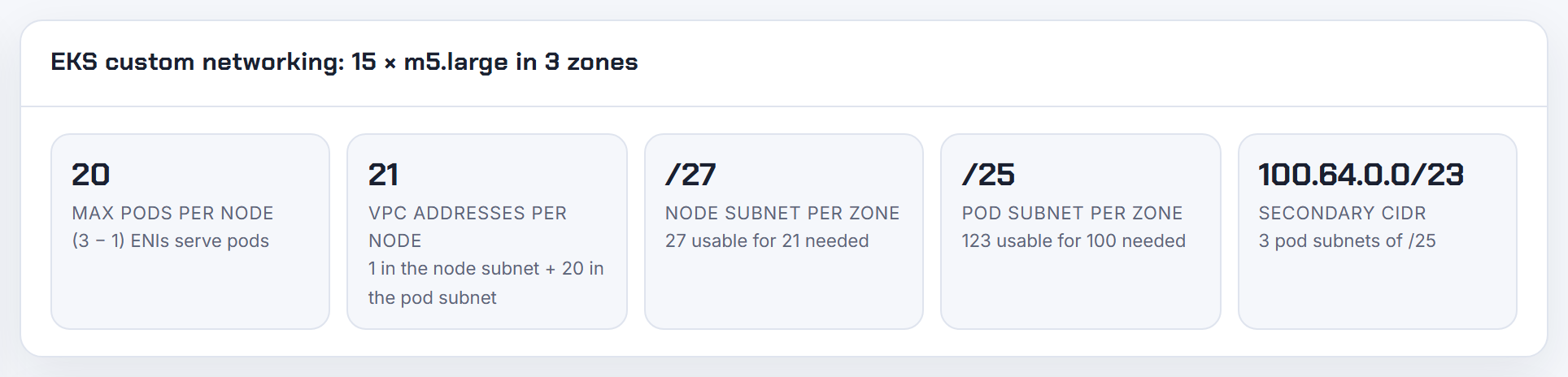
Because the primary ENI no longer serves pods. The capacity becomes (ENIs - 1) x (IPs per ENI - 1) + 2. For an m5.large that is 2 x 9 + 2 = 20 instead of 29, or 2 x 9 x 16 + 2 = 290 with prefixes, which the managed node group cap trims to 110 (calculate max pods). The EKS tutorial passes maxPods: 20 through NodeConfig for a launch template with an AMI ID (tutorial).
Karpenter has a dedicated knob: the controller setting RESERVED_ENIS (default 0) removes that many ENIs from its max-pods and kube-reserved maths, and the docs say it exists for the custom networking setup (Karpenter settings). Set it to 1, or set spec.kubelet.maxPods per NodeClass. Without one of those Karpenter assumes all ENIs serve pods and overcommits the node. The calculator applies the (ENIs - 1) formula in its custom networking mode.
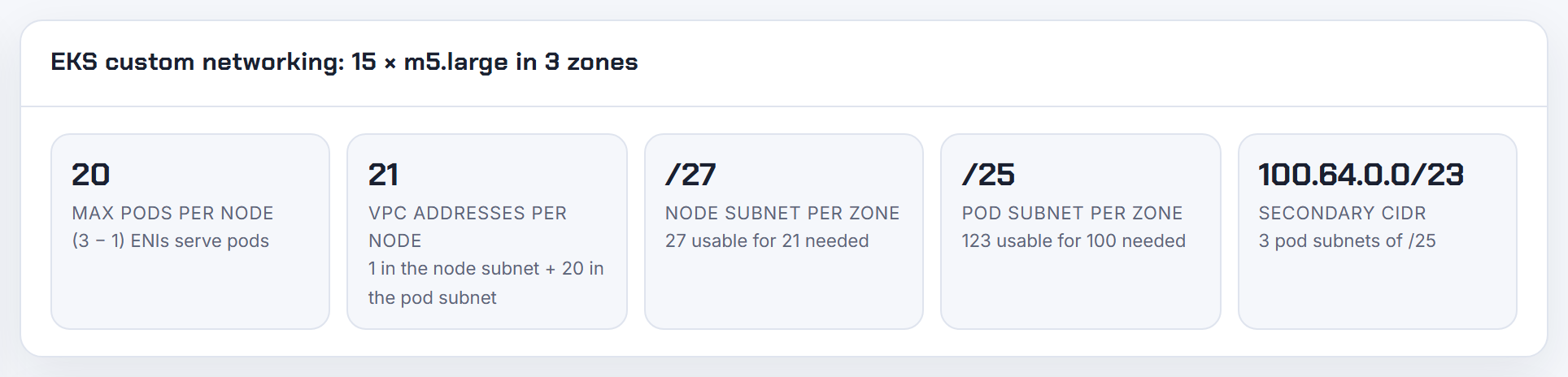
Do existing nodes need a reboot or replacement after enabling custom networking?
Replacement. AWS is explicit that enabling custom networking does not modify existing nodes, that it is a disruptive action, and that only new nodes registered with the ENIConfig label use it (replace pods). A reboot does not help: the secondary ENIs already attached stay in the old subnet. Running pods keep working until you drain.
The cheapest sequence is to create a new node group, cordon and drain the old nodes, then delete the old group. For managed node groups a node group update does the same with EKS driving the replacement.
To avoid the cluster-wide churn next time, set AWS_VPC_K8S_CNI_CUSTOM_NETWORK_CFG=true on the add-on and create the ENIConfigs before the first node group exists. AWS suggests exactly that ordering in the best practices guide, and the Terraform EKS module exposes before_compute = true on the vpc-cni add-on for it (module README).
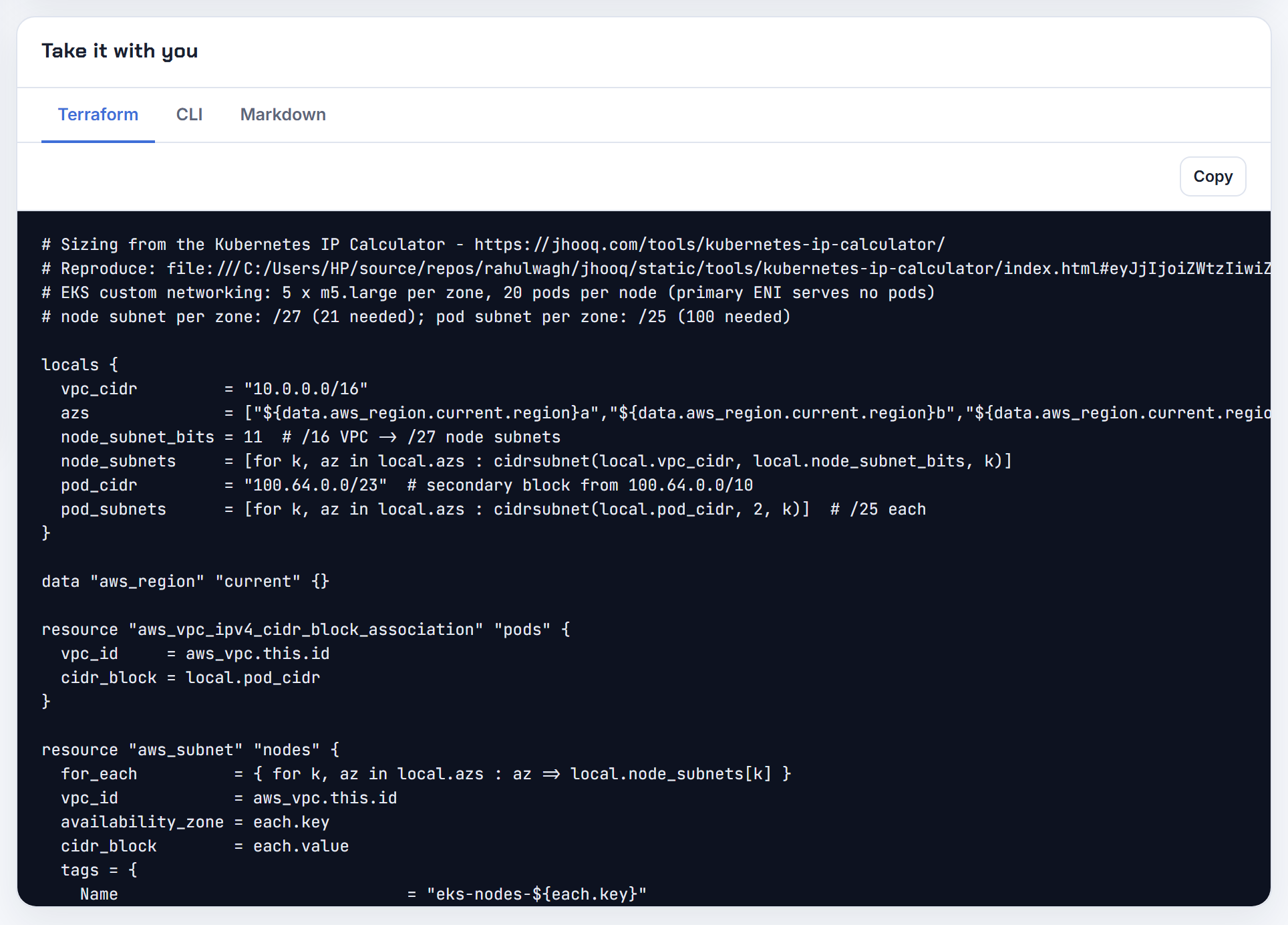
Can an ENIConfig select more than one subnet per AZ, or pick a subnet by tag?
No. An ENIConfig holds one subnet ID and one list of security groups, and a node can be annotated with only one ENIConfig (tutorial). You have three ways around it:
- Several ENIConfigs per AZ with distinct names, and node groups labelled
k8s.amazonaws.com/eniConfig=us-west-2a-subnet-1and-subnet-2(AZ labels). Each node still has one exhaustion cliff, but the groups fail independently. - Enhanced subnet discovery (VPC CNI 1.18.0 and later): tag pod subnets
kubernetes.io/role/cni=1and the CNI creates ENIs in whichever tagged same-AZ subnet has the most free IPs. It is a different mode: custom networking takes precedence when both are enabled (subnet selection). - EKS Auto Mode
podSubnetSelectorTerms, which selects by tag and spreads pods across matching subnets (NodeClass).
For a new cluster I would pick discovery tags over ENIConfigs unless you need different security groups per pod subnet.
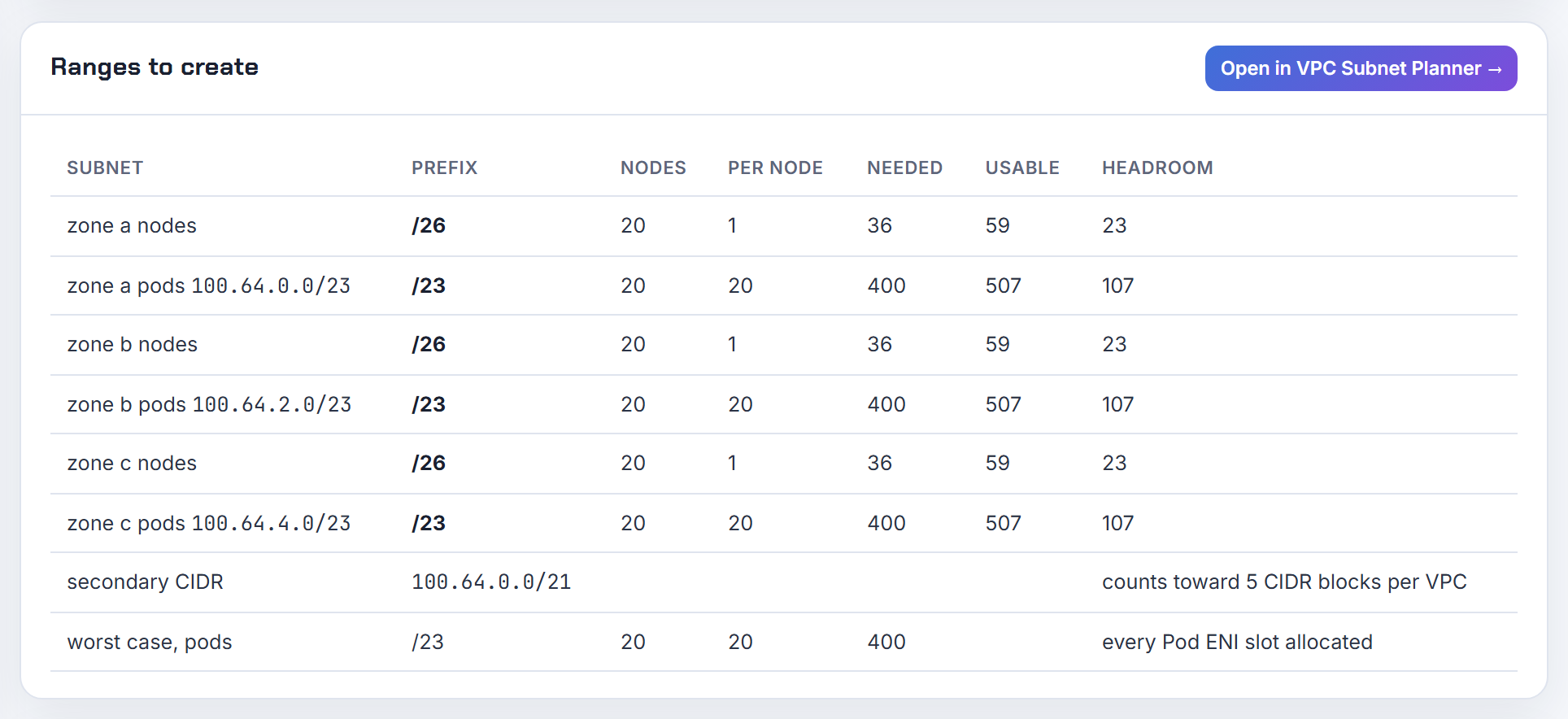
How do I create the ENIConfig with Terraform or eksctl before the first node joins?
Split the apply into cluster, CNI configuration, ENIConfig, then nodes. The ENIConfig CRD only exists once the vpc-cni add-on is installed, and nodes only honour it at registration (tutorial).
Terraform with the EKS module: the add-on runs before compute and carries the env vars; the ENIConfig is a kubernetes_manifest; node groups depend on it (module README, kubernetes_manifest).
1addons = {
2  vpc-cni = {
3    before_compute       = true
4    configuration_values = jsonencode({ env = {
5      AWS_VPC_K8S_CNI_CUSTOM_NETWORK_CFG = "true"
6      ENI_CONFIG_LABEL_DEF               = "topology.kubernetes.io/zone"
7    } })
8  }
9}
Because kubernetes_manifest needs a reachable API at plan time, keep it in a second root module or a targeted apply.
eksctl: put the same values under addons[].configurationValues (eksctl add-ons), create the cluster without node groups, apply the ENIConfigs with kubectl, then create the node groups with the max pods value for custom networking.
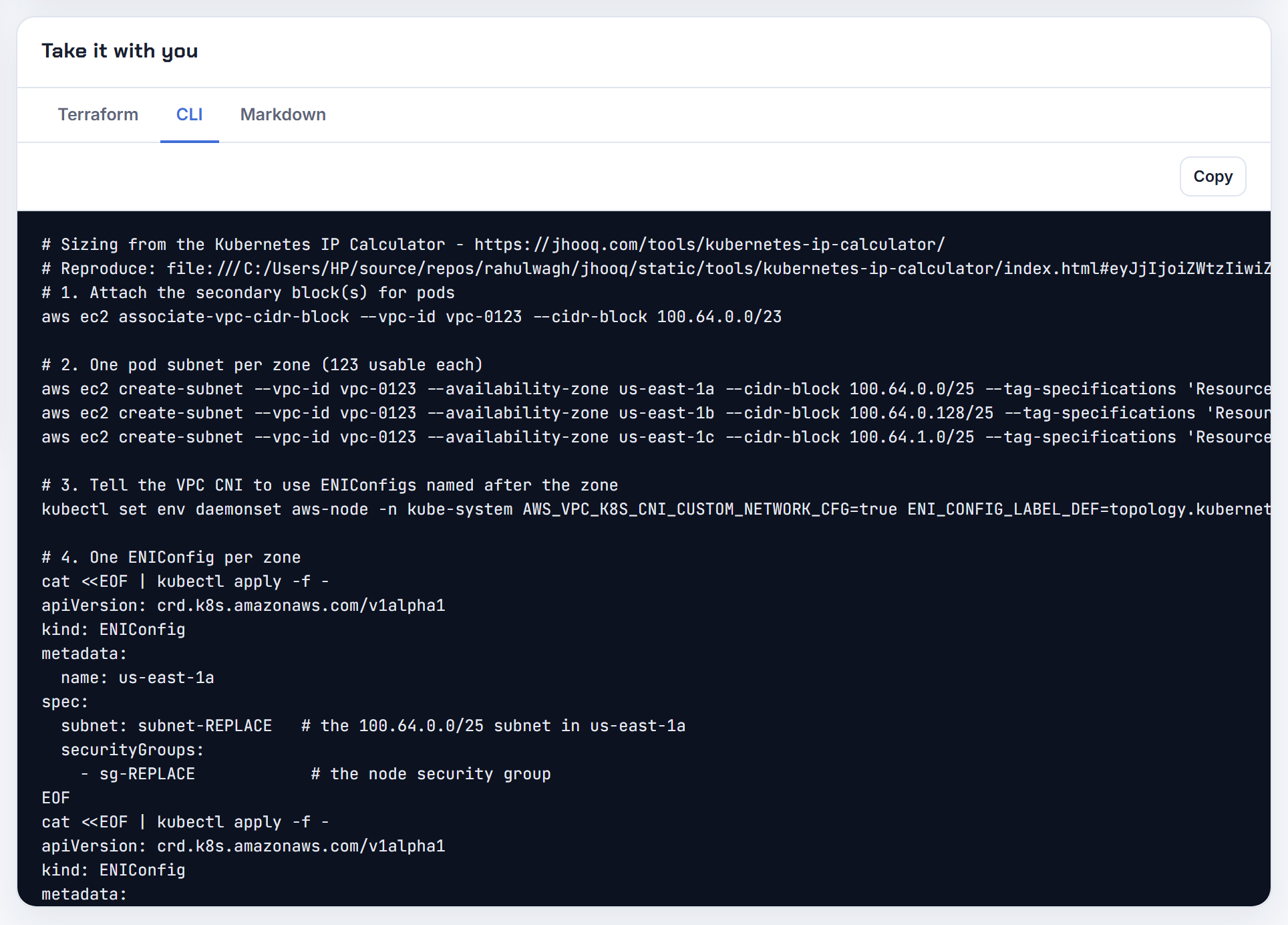
Why does the VPC CNI not notice a secondary CIDR I added after the cluster was created?
Part of it is the control plane, not the CNI. Nodes can use subnets in a new CIDR block immediately, but the EKS control plane recognises the block only after its reconciliation completes, which can take up to one hour (VPC requirements). Until then kubectl exec, logs, port-forward and any webhook backend running in the new range fail.
On the VPC side, wait for the association to reach associated before creating subnets; the local route for the block is added automatically (VPC CIDR blocks). Then create the subnets, the ENIConfigs and new nodes. Nodes launched before the association keep the ENIs they already have, so my rule is to replace any node that was running during the association rather than debug it.
Check the state with:
1aws ec2 describe-vpcs --vpc-ids vpc-0123 \
2  --query 'Vpcs[].CidrBlockAssociationSet[].[CidrBlock,CidrBlockState.State]'
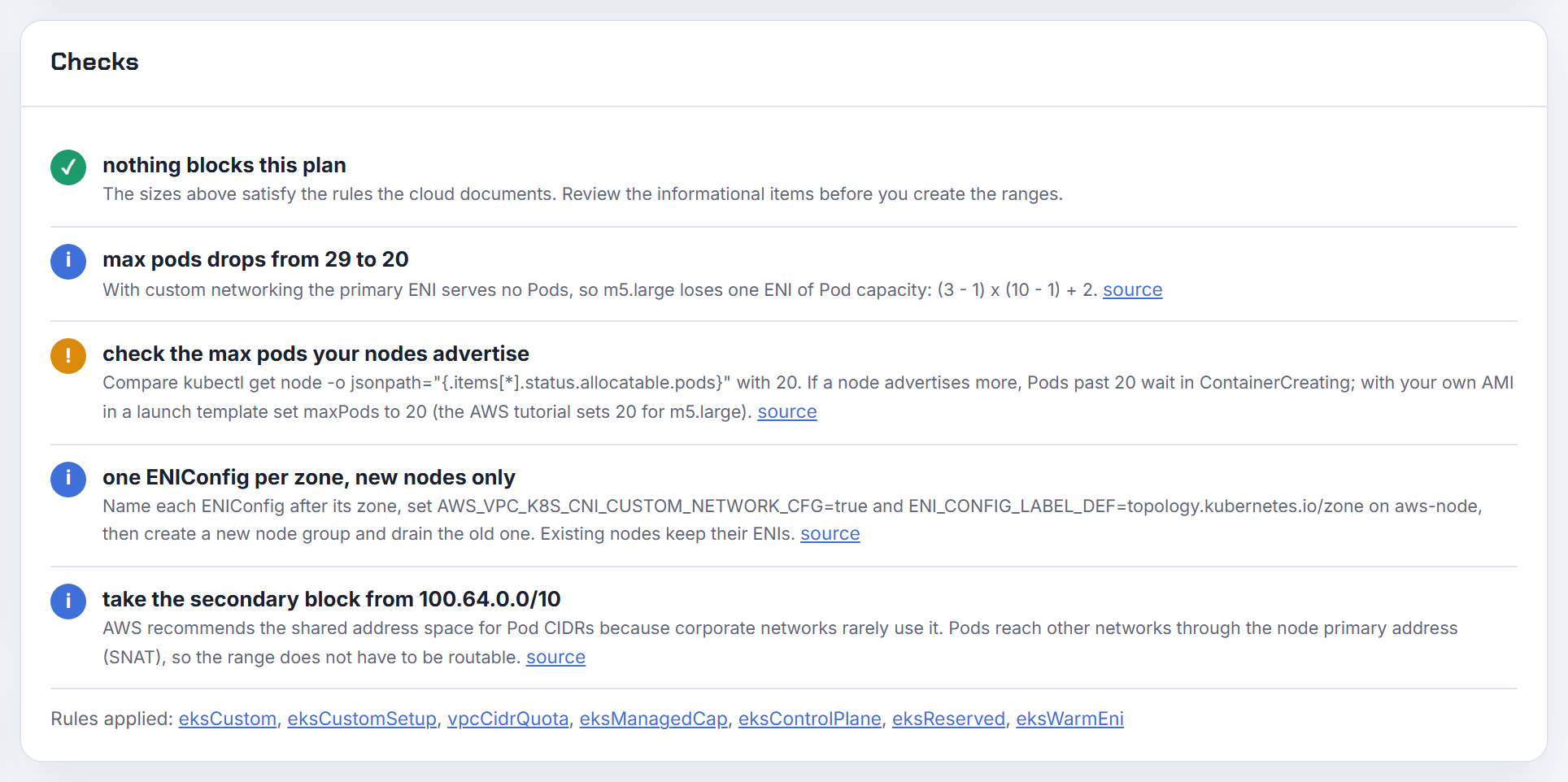
How do I run a managed node group with a custom CIDR across multiple AZs?
Everything is keyed on the AZ name, so line up three things per AZ: a pod subnet in the secondary CIDR, an ENIConfig named exactly like the AZ, and a node subnet in the primary CIDR.
| AZ | Node subnet (MNG) | Pod subnet | ENIConfig name |
|---|---|---|---|
| us-east-1a | 10.0.0.0/24 | 100.64.0.0/18 | us-east-1a |
| us-east-1b | 10.0.1.0/24 | 100.64.64.0/18 | us-east-1b |
Set ENI_CONFIG_LABEL_DEF=topology.kubernetes.io/zone so the node's zone label picks the ENIConfig (AZ labels). The managed node group's Auto Scaling group spans every node subnet you list, so list one per AZ (managed node groups). A pod in AZ a only ever gets an address from AZ a's ENIConfig subnet.
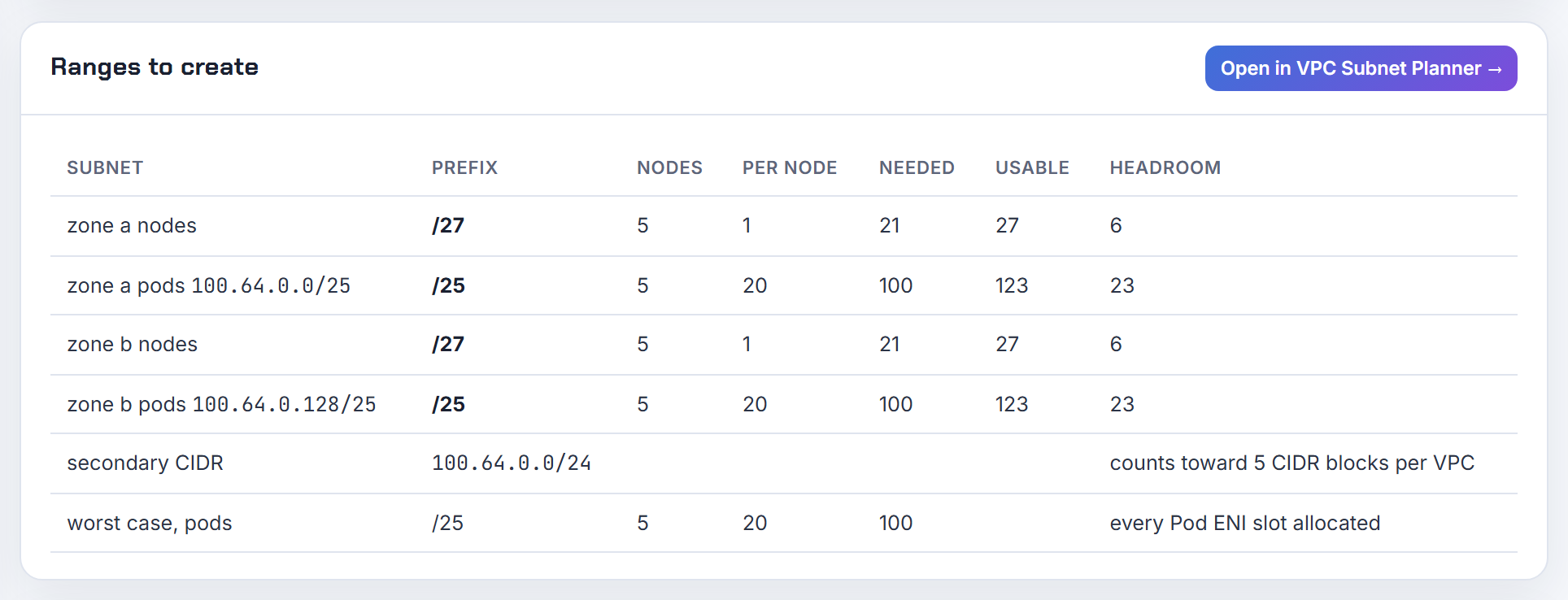
Two traps: in shared subnets the ENIConfig must use the owner account's AZ IDs (shared subnets), and the launch template needs the lower max pods. The planner lays out one pod subnet per zone from a 100.64 block and exports it as Terraform.
Why do liveness and readiness probes fail after enabling custom networking, for example with Istio or OPA?
Because the probe no longer stays inside one security group. The kubelet runs on the node and sends probes from the node's primary ENI in the node subnet; the pod now answers on a secondary ENI that carries the security groups from the ENIConfig. If those groups do not allow inbound traffic from the node's security group, every probe times out.
The EKS tutorial uses the cluster security group in the ENIConfig for this reason: its default rules allow all traffic between the cluster and the nodes (tutorial, cluster security group). If you chose a stricter group, add an inbound rule from the node group's security group on the probe ports.
Admission webhooks such as OPA are called from the control plane ENIs, and the control plane only recognises a new CIDR block after reconciliation, up to one hour (VPC requirements). A webhook moved into 100.64 inside that window fails until the block is known.
Does custom networking work on Windows nodes?
No. The Windows support page states it plainly: you cannot use custom networking with Windows nodes (Windows support). Windows pods always take addresses from the node's own subnet on the node's single ENI, (IPs per interface - 1) of them, or 16 times that with Windows prefix delegation.
In a mixed cluster that means two different sizing rules side by side. Linux node groups can run custom networking with pods in 100.64 subnets while the Windows node groups do not. If the Windows pool also needs more space, the documented route is to place the Windows node groups themselves in large subnets, which may be carved from a secondary CIDR, so nodes and pods share that block without any ENIConfig (unique network for nodes and pods). IPv6 is not an escape hatch here either: IPv6 clusters do not support Windows (IPv6).
Which secondary CIDR blocks can I add to my VPC, and why is 172.16/12 rejected next to 10/8?
AWS restricts a secondary block by the family of the blocks already on the VPC, and the console error does not quote the rule. The table is in IPv4 CIDR block association restrictions:
| Existing block | Restricted | Permitted |
|---|---|---|
| 10.0.0.0/8 | 172.16.0.0/12, 192.168.0.0/16, 198.19.0.0/16; nothing from 10.0.0.0/16 if a block from 10.0.0.0/15 exists | other 10/8 blocks, public (non-RFC 1918) blocks, 100.64.0.0/10 |
| 172.16.0.0/12 | 10.0.0.0/8, 192.168.0.0/16, 172.31.0.0/16, 198.19.0.0/16 | other 172.16/12 blocks, public blocks, 100.64.0.0/10 |
| 192.168.0.0/16 | 10.0.0.0/8, 172.16.0.0/12, 198.19.0.0/16 | other 192.168/16 blocks, public blocks, 100.64.0.0/10 |
| 198.19.0.0/16 | all RFC 1918 ranges |
AWS's stated reason is that some services use cross-VPC and cross-account features that need non-conflicting blocks on the service side. The general rules also apply: /16 to /28, no overlap with the VPC, not equal to or larger than any route destination in the VPC's route tables, and the per-VPC quota. The planner's overlap check lists free alternatives when a block is taken; the rules themselves are in overlapping CIDRs.
Can I put the workers and the pods on the secondary CIDR without custom networking?
Yes, and AWS documents it as a valid, if unconventional, pattern. Add the secondary block, create node subnets from it, launch a new node group there and drain the old nodes. The CNI's default behaviour, secondary ENIs in the node's own subnet, then puts pods in 100.64 with no ENIConfig at all. The control plane stays on the original subnets (unique network for nodes and pods). Nodes may run in subnets you never listed at cluster creation (node subnet requirements).
What you give up: the nodes themselves become unroutable from any network that does not carry 100.64.0.0/10, so SSH, SSM and node-initiated traffic to on-prem need a NAT path too, and load balancers must stay in routable subnets. Max pods stays at the full ENI formula because the primary ENI still serves pods. If you only need pods moved and nodes reachable, custom networking is the better trade. See EKS running out of IP addresses.
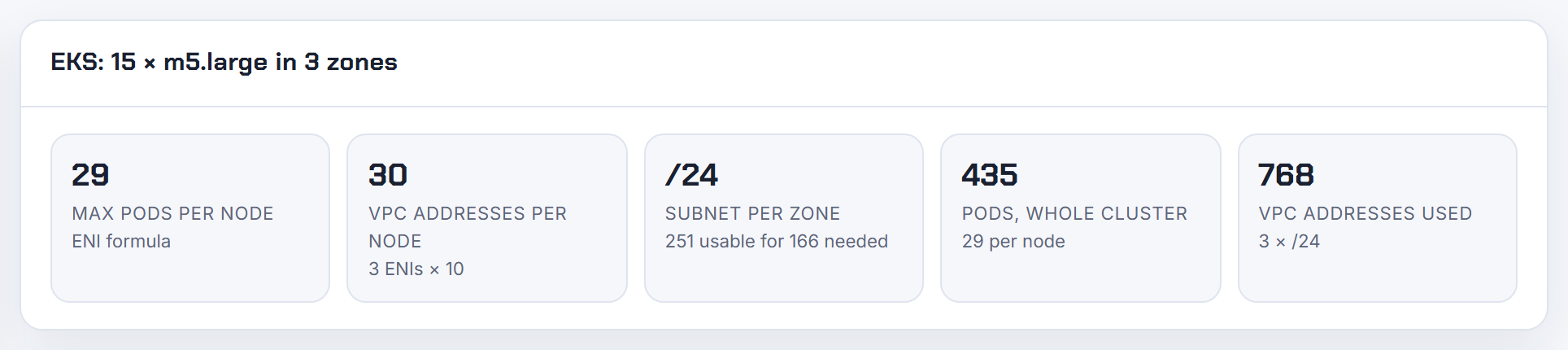
Can the VPC CNI pick pod subnets by tag and stop using the node subnet (enhanced subnet discovery)?
Yes. With VPC CNI 1.18.0 and later, ENABLE_SUBNET_DISCOVERY is true by default: the CNI considers the node's subnet plus every same-VPC, same-AZ subnet tagged kubernetes.io/role/cni=1 and creates each new secondary ENI in the one with the most free IPs (subnet selection).
| Tag value | New ENIs | Existing ENIs |
|---|---|---|
1 | created here | used |
0 | never here | excluded from pod IPs |
| absent | only the node's own subnet | used |
To keep pods out of the node subnet, tag it kubernetes.io/role/cni=0; that excludes the primary subnet from both new ENIs and existing allocation. Both 0 and the cluster-scoped tag cni.networking.k8s.aws/cluster/<cluster-name> need version 1.22.2 or later. The node role needs ec2:DescribeSubnets, otherwise the CNI silently falls back to the node subnet (CNI README). Custom networking wins if both are enabled. The pods still arrive via the primary ENI's own addresses unless the node subnet is tagged 0.
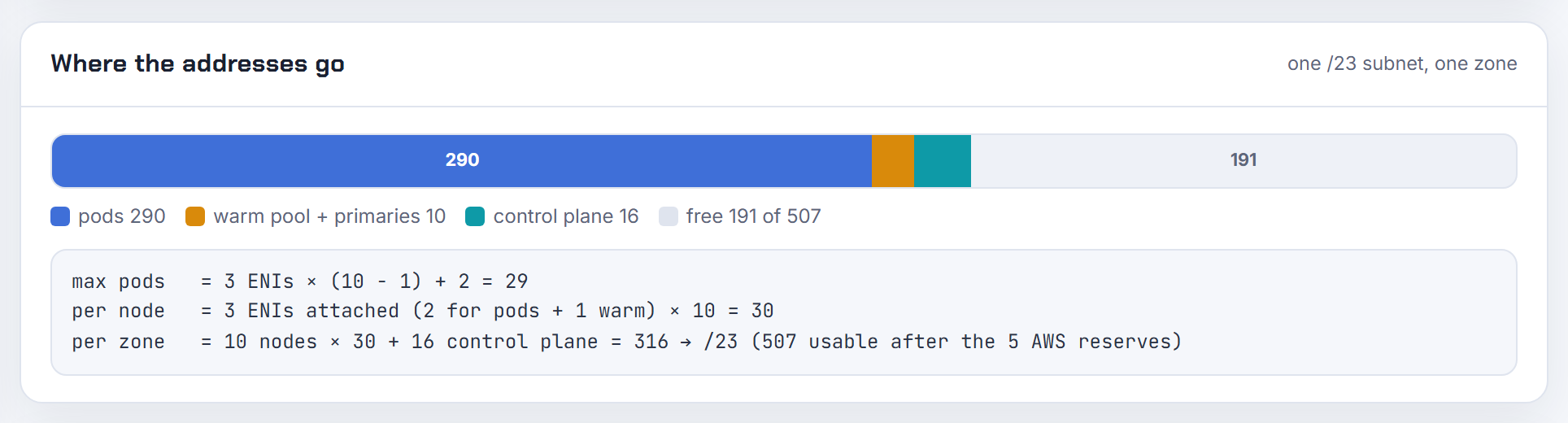
Can the VPC CNI run in a shared VPC subnet owned by another account (AWS RAM)?
Yes. EKS supports clusters, managed node groups and load balancers in subnets shared through AWS RAM, with a fixed list of considerations (shared subnet requirements):
- The owner must share the subnet before the participant creates the cluster.
- You cannot use the VPC's default security group; owner and participants manage their own groups.
- The cluster and node IAM roles live in the participant account, and all nodes must be created by the same participant.
- The owner cannot view, update or delete the participant's cluster.
- For custom networking, each ENIConfig must use the AZ ID mapping from the owner account, because AZ names differ per account.
- A cluster cannot span VPCs (best practices).
The subnets stay owner resources, so the kubernetes.io/role/elb, internal-elb and kubernetes.io/role/cni tags have to be set by the owner. Agree on those tags and the per-cluster capacity with the central team before the first node group; the IP maths is the same as in your own VPC.
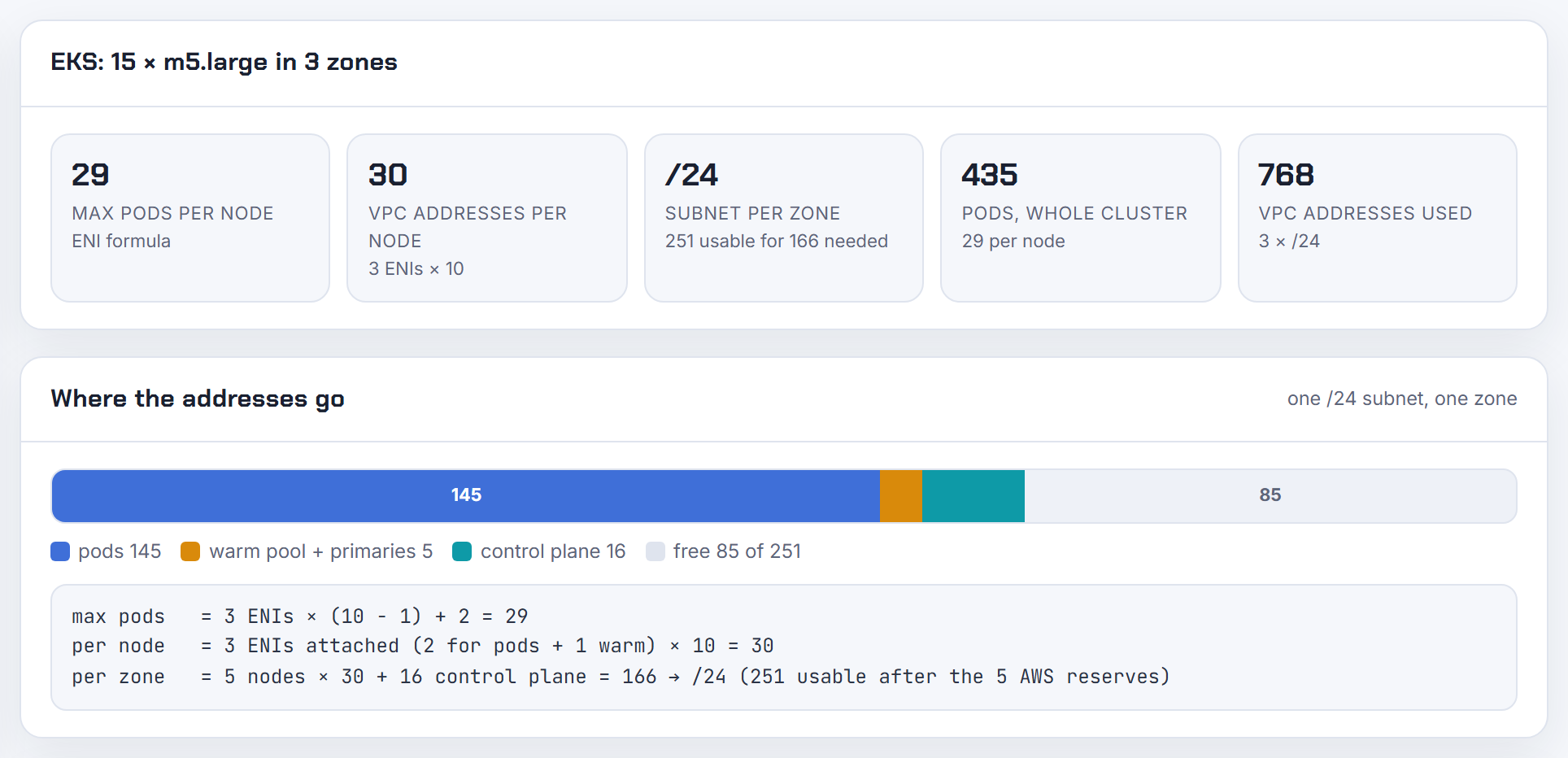
Subnet sizing for nodes, control plane, Fargate and load balancers
Every component takes addresses from somewhere. These answers put numbers on the control plane, nodes, Fargate pods and load balancers, and explain which subnets you can still change later.
Can several EKS clusters share the same subnets, and what does that do to IP capacity?
Yes, nothing stops it, and that is the problem: the subnet becomes one pool that every cluster drains. Per cluster you pay 2 to 4 control plane ENIs (cluster subnets), one address per node ENI, each node's warm pool (the default WARM_ENI_TARGET=1 parks a full spare ENI's addresses per node), plus load balancers and endpoints.
You can attribute addresses. CNI-created ENIs carry the tags cluster.k8s.amazonaws.com/name and node.k8s.amazonaws.com/instance_id (CNI README), and control plane ENIs have Amazon EKS <cluster-name> in their description:
1aws ec2 describe-network-interfaces --filters Name=subnet-id,Values=subnet-0123 \
2  --query 'NetworkInterfaces[].[Description,Tags[?Key==`cluster.k8s.amazonaws.com/name`].Value|[0]]' --output text | sort | uniq -c
To stop clusters stealing from each other, tag pod subnets cni.networking.k8s.aws/cluster/<name> (VPC CNI 1.22.2 and later) so only that cluster uses them (subnet selection), and give each cluster its own small control plane subnets. The calculator's subnet-per-zone figure is per cluster; add them up.
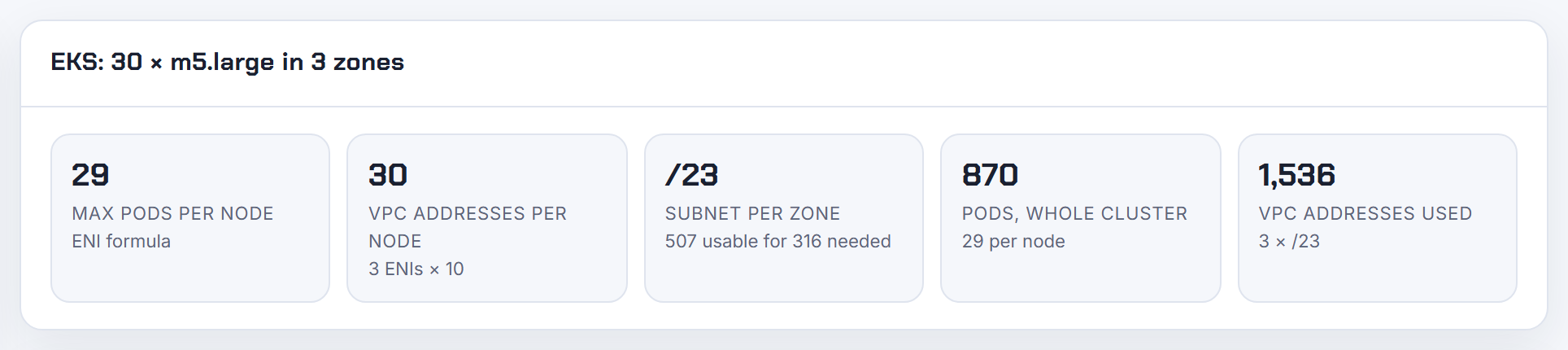
How big should the EKS control plane subnets be, and why does a cluster upgrade need free IPs?
Small, dedicated and never shared with nodes. EKS requires at least 6 free addresses in each of at least two subnets in different AZs and recommends 16 (cluster subnets). It places 2 to 4 cross-account ENIs there. On a Kubernetes version update it deletes those ENIs and creates new ones, possibly in a different subnet from the list, so each listed subnet needs room; the update is refused when the subnet does not have the 6 (ideally 16) free addresses (troubleshooting).
The best practices guide recommends dedicated cluster subnets with a /28 netmask and says running nodes in the cluster subnets is not recommended precisely because scale-out eats the addresses the upgrade needs (VPC and subnet considerations). A /28 has 11 usable addresses on AWS (usable IPs per prefix); I would use a /27 per AZ if you have the space.
If a shared subnet is already full, you do not need to free addresses there: point the cluster at new subnets in the same AZs with update-cluster-config. In EKS Auto Mode, give the NodeClass its own subnetSelectorTerms so compute does not land in the control plane subnets.
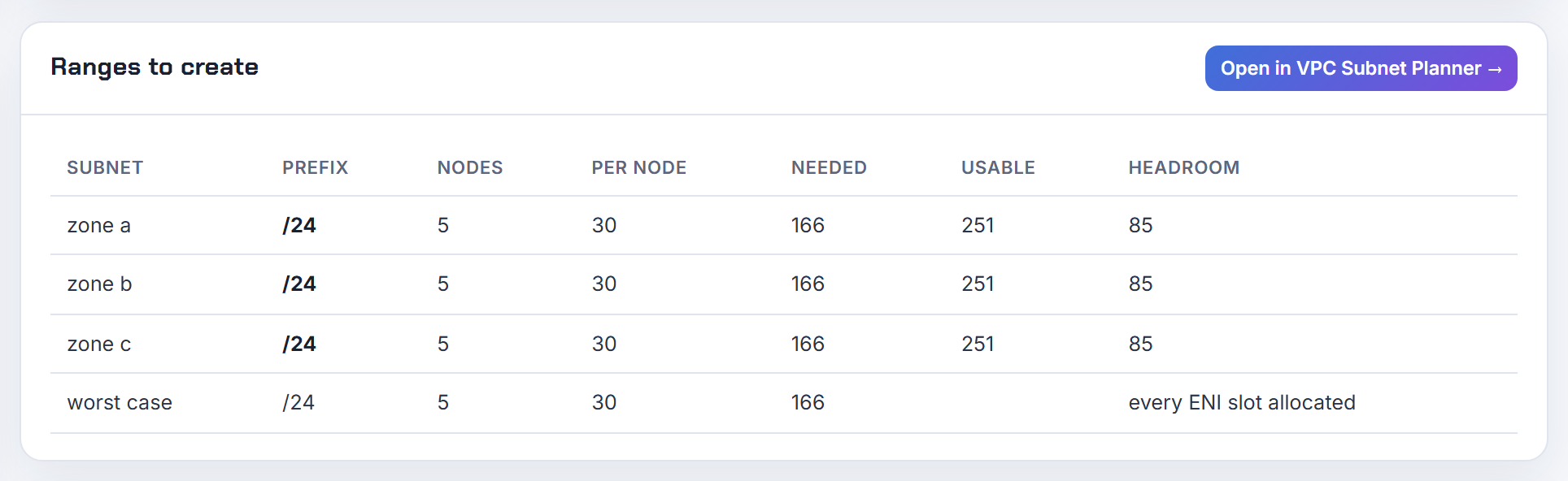
Can I add, remove or change the subnets of an existing EKS cluster?
Yes, since the UpdateClusterConfig API gained this, from the console (Manage VPC Resources), the CLI, CloudFormation and eksctl 0.164.0 or later (VPC requirements). The rules:
- At least two subnets in different AZs, all in the cluster's original VPC (UpdateClusterConfig).
- The new set must cover the same AZs as the original set. You cannot move the control plane to an AZ it never used, which is the open roadmap request.
- The new subnets must meet the normal requirements, including the 6 free addresses.
- The VPC and the IP family cannot change.
1aws eks update-cluster-config --name my-cluster \
2  --resources-vpc-config subnetIds=subnet-aaa,subnet-bbb
This only moves the control plane ENIs. Nodes can already run in any subnet of the VPC, listed or not (node subnet requirements), so a cluster born on a /24 is not stuck: add a secondary CIDR, create larger subnets in the same AZs, move node groups there and re-point the control plane.
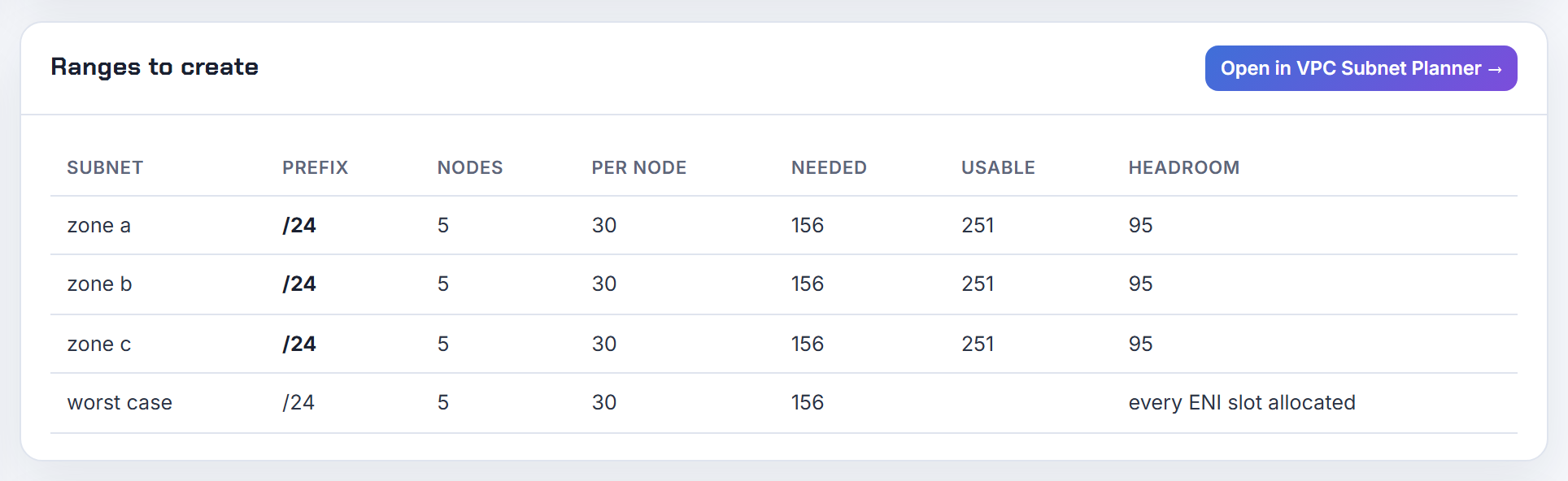
Can I use multiple subnets in the same AZ for one node group, and will nodes spread across them?
You can list them, but spreading is not guaranteed by every launcher:
- Managed node groups: the Auto Scaling group spans every subnet you specify (managed node groups). EC2 Auto Scaling balances across AZs; AWS does not document a balancing rule between two subnets in the same AZ, so do not count on it.
- Karpenter: when several selected subnets are in the requested zone, it launches into the one with the most available IP addresses (NodeClasses).
- EKS Auto Mode: distributes nodes across matching subnets and, within one AZ, creates secondary ENIs in the other subnets by free address count (NodeClass).
For pods, enhanced subnet discovery already picks the tagged same-AZ subnet with the most free IPs, so the node subnet matters less than it used to (subnet selection). If you need deterministic placement with managed node groups, make one node group per subnet; AWS recommends one node group per AZ anyway for EBS-backed workloads with Cluster Autoscaler.
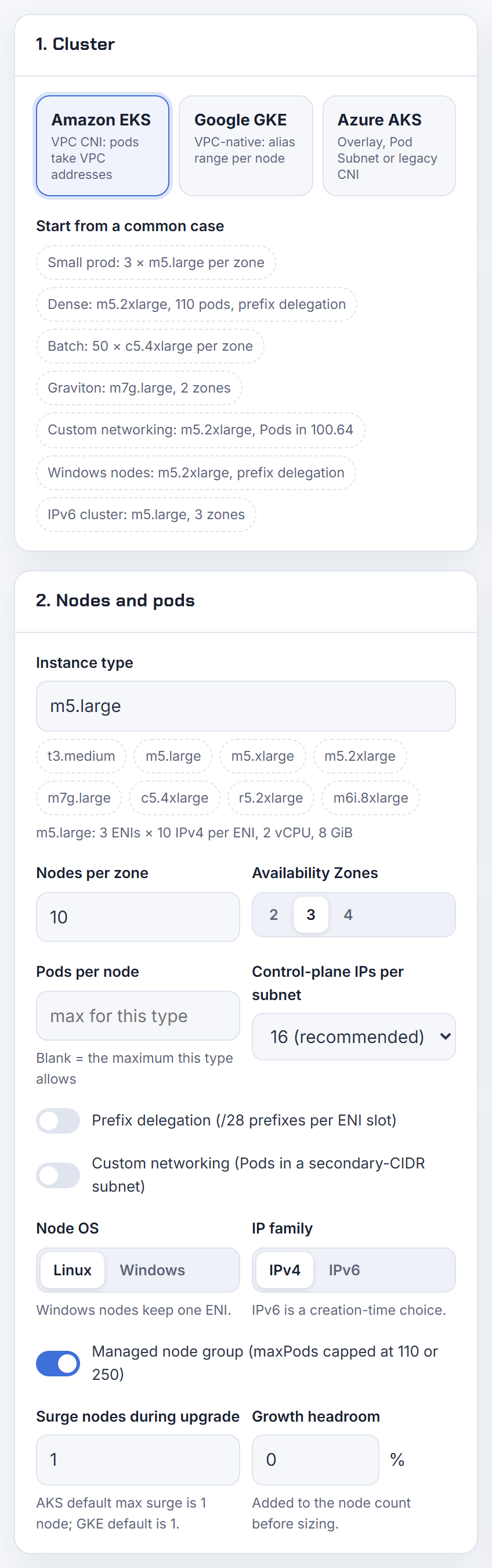
How do I make EKS nodes or pods land in a specific subnet?
Nodes and pods are steered by different knobs:
| What | How |
|---|---|
| Managed node group nodes | The subnet list on the node group; the ASG never leaves it (managed node groups) |
| Karpenter nodes | subnetSelectorTerms by ID or tags in the EC2NodeClass (NodeClasses) |
| Auto Mode nodes | subnetSelectorTerms in the NodeClass |
| Fargate pods | The subnet list in the Fargate profile (Fargate profile) |
| Pods on EC2 nodes | Custom networking (one ENIConfig per AZ) or kubernetes.io/role/cni tags with enhanced subnet discovery (subnet selection) |
| Auto Mode pods | podSubnetSelectorTerms; AWS notes you cannot pick a subnet per pod (NodeClass) |
Pod placement is always per AZ, never per individual pod: a pod gets an address from whichever subnet the node's CNI uses in that AZ. If one workload must sit in one subnet, give it a node group restricted to that subnet and a node selector.
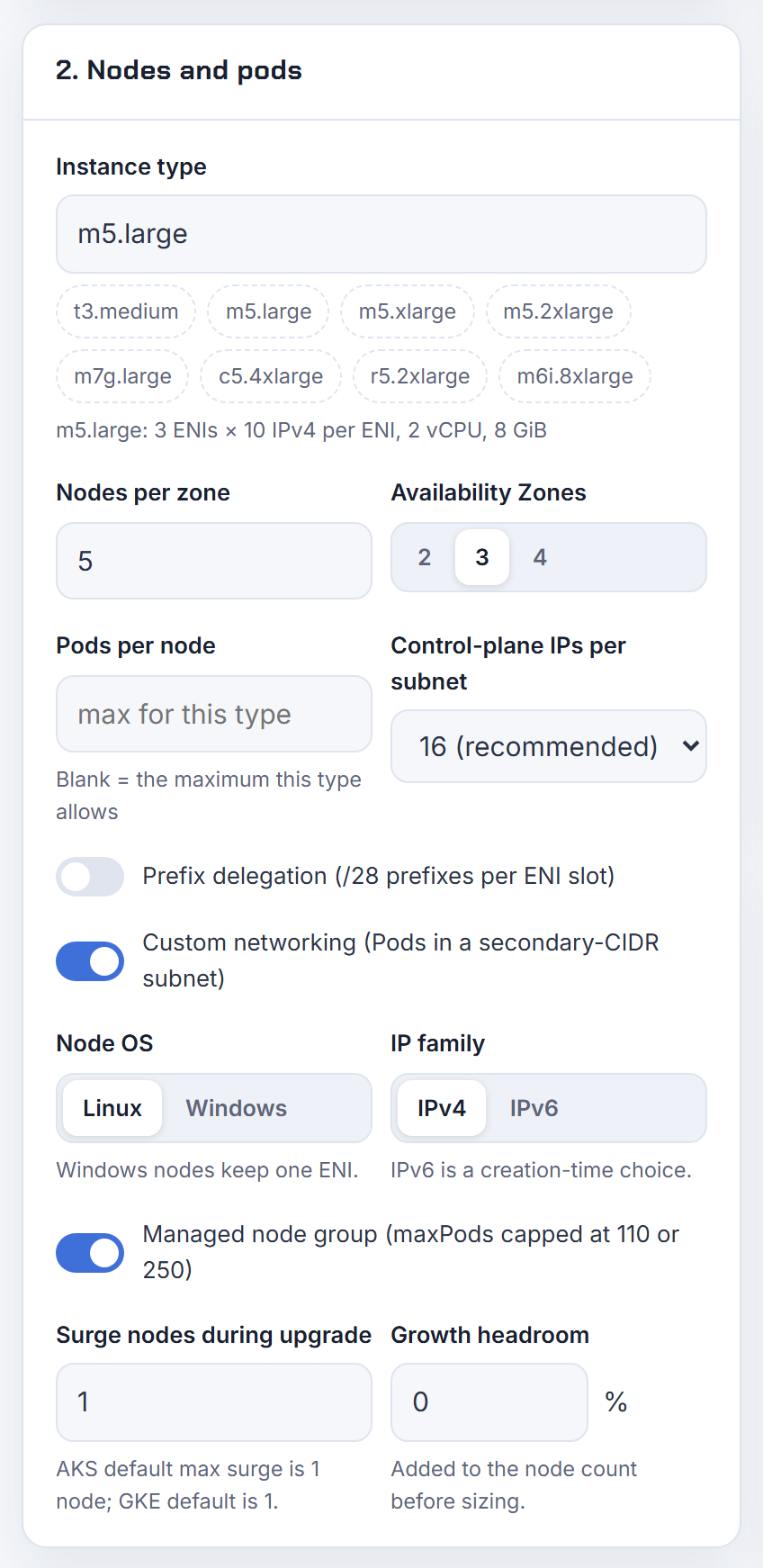
How do I resolve a subnet has insufficient free addresses error when adding nodes or volumes on EKS?
The message means EC2 could not take one more address from that subnet. For managed node groups the code is InsufficientFreeAddresses (troubleshooting); from the CNI it shows as failed to allocate a private IP or InsufficientCidrBlocks. Volumes themselves take no addresses; a volume attach fails because the node that needs it could not launch.
Find who holds the addresses before adding space:
1aws ec2 describe-network-interfaces --filters Name=subnet-id,Values=subnet-0123 \
2  --query 'NetworkInterfaces[].[InterfaceType,Description,length(PrivateIpAddresses)]' --output text
Usual culprits: node warm pools (the default keeps a whole spare ENI per node), control plane ENIs, load balancers and interface endpoints, Fargate pods (one ENI each). Fixes in order of effort: lower the warm pool with WARM_IP_TARGET and MINIMUM_IP_TARGET (CNI README), enable prefix delegation, tag extra subnets kubernetes.io/role/cni=1, or add a secondary CIDR. The calculator shows the VPC addresses each node consumes including the warm ENI. Full walkthrough in EKS running out of IP addresses.
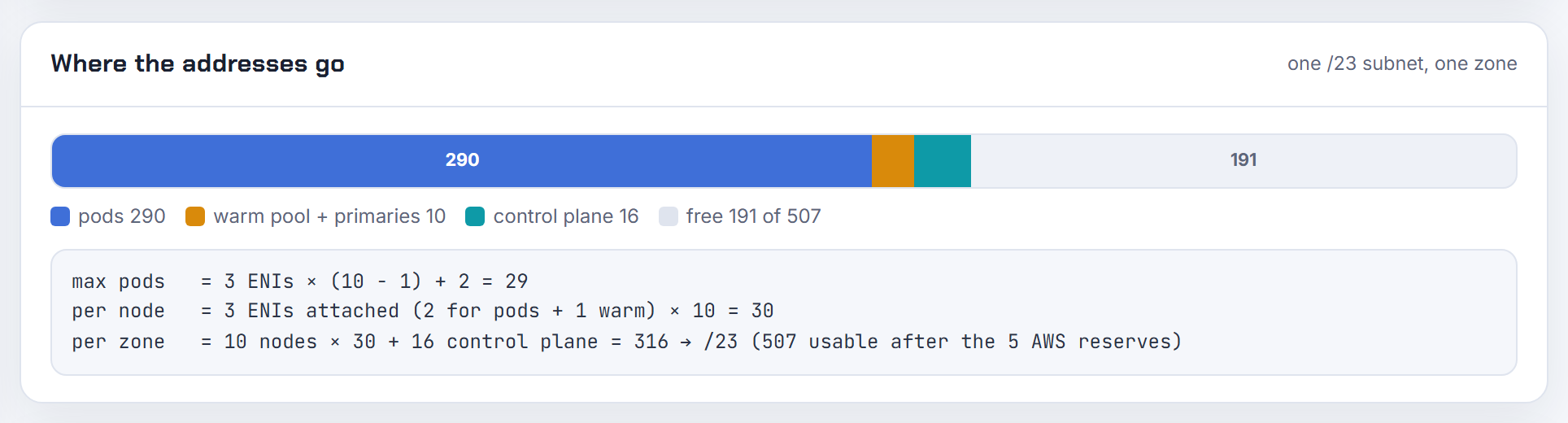
Why does the load balancer controller need 8 free IPs per subnet, and what happens when a subnet is full?
The 8 is an Elastic Load Balancing rule, not a controller quirk. Each ALB subnet must be at least a /27 and keep at least eight free addresses so the load balancer can scale out (ALB subnets). The AWS Load Balancer Controller enforces it up front by filtering out any candidate subnet with fewer than 8 available IPs (subnet discovery). An ALB also needs two subnets in different AZs, and an NLB at least one, each with eight free addresses (ALB on EKS, NLB on EKS).
So when the only kubernetes.io/role/elb subnet in an AZ drops below 8 free addresses, every new Ingress fails with "could not find any suitable subnets", even though existing load balancers keep running.
The fix I use: dedicated load balancer subnets, a /26 or /27 per AZ, tagged for the controller, with nodes and pods elsewhere. Those subnets stay nearly empty forever. The planner's design review flags tiers below the /27 ALB minimum.
Can the load balancer controller pick the subnet with the most free addresses?
No. After filtering, the controller picks exactly one subnet per AZ by a fixed order: subnets tagged kubernetes.io/cluster/<cluster-name> for this cluster first, then the lowest subnet ID in lexicographic order (final selection). Free address count only matters as a cut-off: subnets with fewer than 8 available IPs are dropped.
That explains the symptom. A new subnet created to relieve a full one is ignored until the old subnet falls under 8 free addresses, unless the new one happens to sort first or carries the cluster tag.
Ways to force it:
- Explicit subnets:
alb.ingress.kubernetes.io/subnetson the Ingress orservice.beta.kubernetes.io/aws-load-balancer-subnetson the Service (Ingress annotations, Service annotations). - Tag only the subnets you want with the role tag; untagged subnets are not candidates when tagged ones exist.
- Tag filters in IngressClassParams for Ingress.
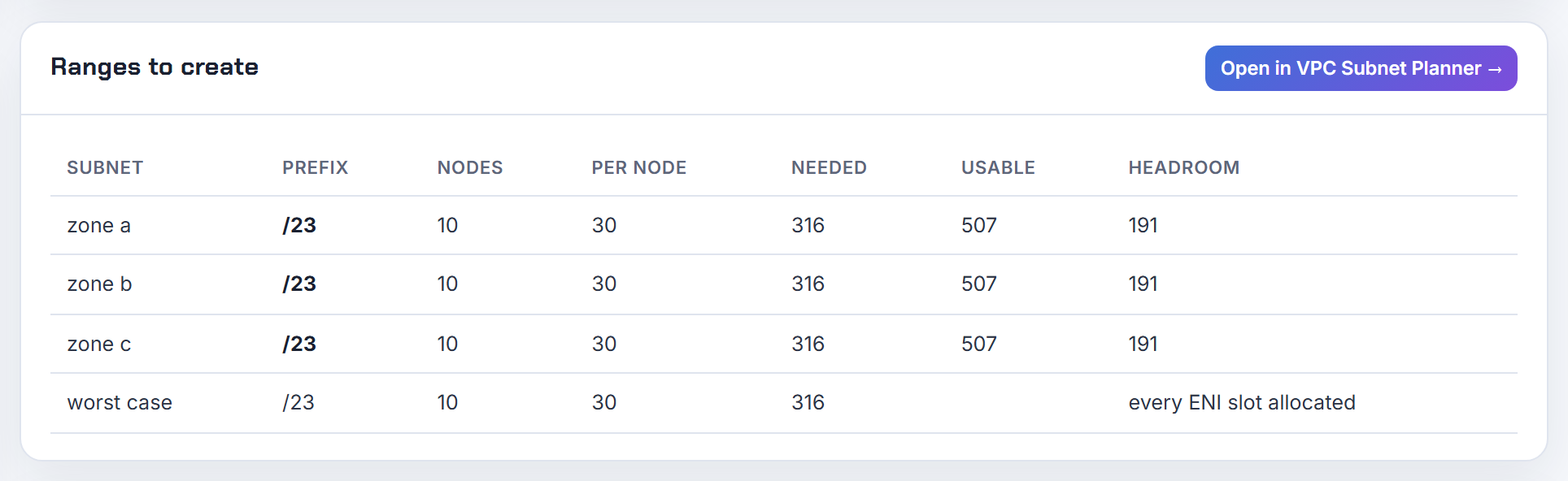
How many IPs do Fargate pods take, and why are my Fargate pods Pending?
One address per pod, because every Fargate pod gets its own ENI; AWS states pods never share a kernel, CPU, memory or network interface (Fargate). Size the profile subnets for the peak pod count per AZ plus headroom, and remember the 5 addresses AWS reserves in every subnet (subnet sizing).
Pending has a short list of causes:
- No Fargate profile matches the pod's namespace and labels at scheduling time. Pods that stay Pending can be deleted to reschedule once a profile exists.
- The profile lists a public subnet. Fargate pods get no public IP and only private subnets without a direct internet gateway route are accepted (Fargate profile).
- The subnet is out of addresses. On IPv6 clusters a Fargate pod needs an IPv4 and an IPv6 address, so an IPv4-exhausted subnet blocks it (IPv6 best practices).
Profiles may use subnets from a secondary CIDR, which is the standard way to get thousands of Fargate addresses. Spread across a profile's subnets is not guaranteed to be even; AWS recommends one subnet per profile and two profiles when you need balance.
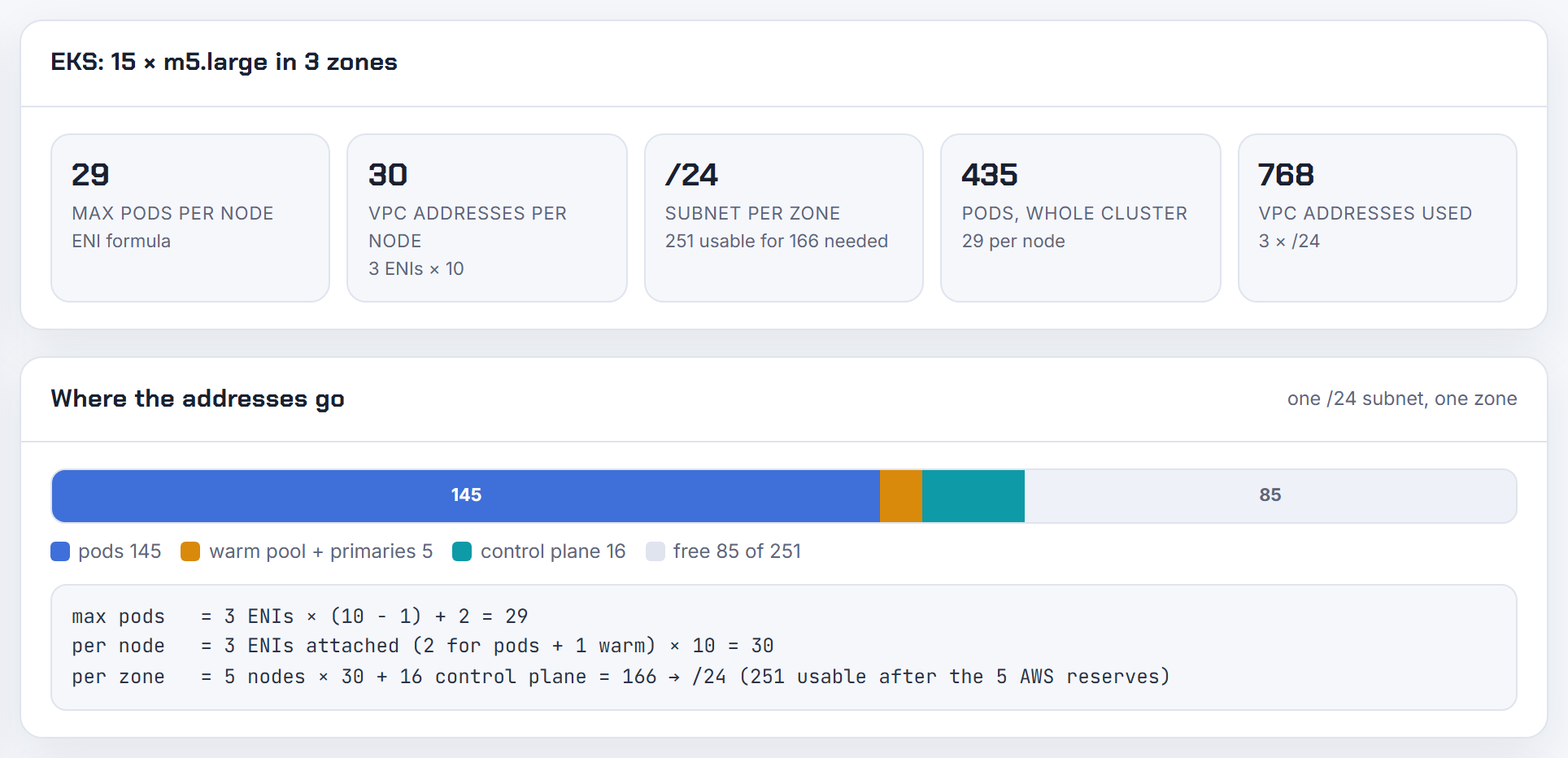
How are IP addresses allocated in an EKS Auto Mode cluster?
Auto Mode runs its own networking, so none of the VPC CNI variables apply (Auto Mode networking). What it does:
- Assigns /28 prefixes to node ENIs by default and keeps a predefined warm pool that scales with the pods scheduled. Each node therefore reserves 16 pod addresses up front.
- Falls back to single /32 secondary addresses when the pod subnet is fragmented.
- Caps max pods at the lower of 110 and ENIs x (IPs per ENI - 1), the worst case of no prefixes (Auto Mode considerations).
- Keeps released prefixes and addresses in a cooldown pool before returning them to the VPC, and garbage-collects network interfaces.
- On IPv6 clusters assigns one /80 per node.
Your levers are in the NodeClass: subnetSelectorTerms for nodes, podSubnetSelectorTerms plus podSecurityGroupSelectorTerms to put pods on separate subnets, and advancedNetworking.ipv4PrefixSize: "32" for pod-sparse fleets with hundreds of nodes per AZ (NodeClass). Sizing is the same as prefix mode on EC2: the calculator's prefix delegation numbers apply.
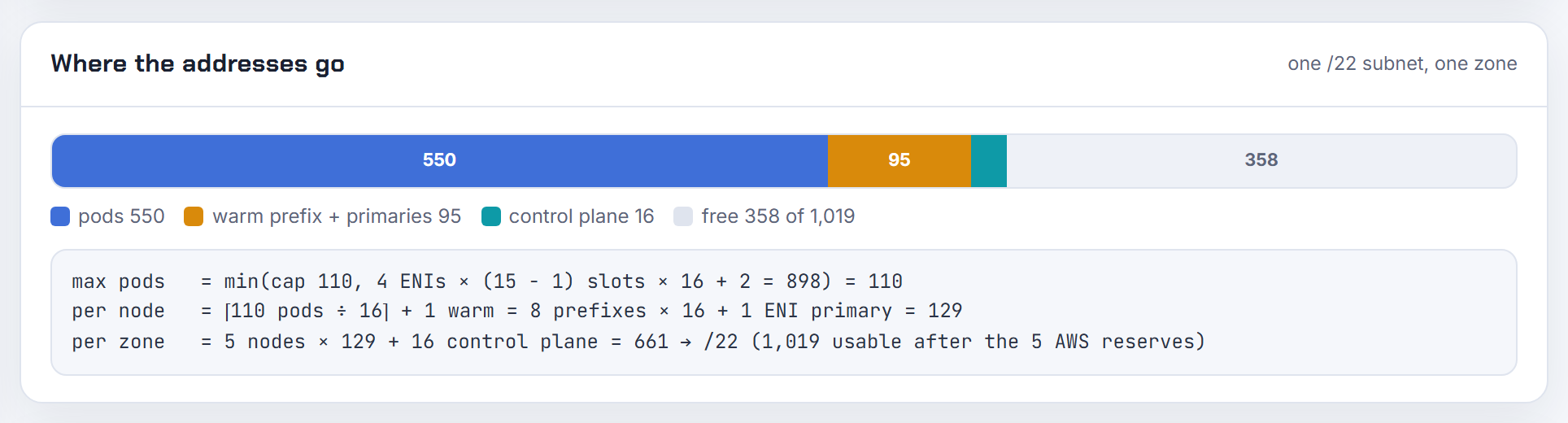
Why do ENIs stay dangling after node termination and keep holding subnet IPs?
Because the secondary ENIs are created by the CNI, not by the instance launch, and a node that dies abruptly cannot always detach and delete them. The VPC CNI handles that case itself: on IPv4 clusters every aws-node runs an hourly background task that deletes leaked ENIs, identified by the tags cluster.k8s.amazonaws.com/name and node.k8s.amazonaws.com/instance_id (CNI README). The task is skipped when DISABLE_LEAKED_ENI_CLEANUP=true or in IMDS-only mode, and nobody runs it once the cluster is deleted. Branch ENIs for security groups for pods are managed by the VPC Resource Controller instead.
Find and remove leftovers:
1aws ec2 describe-network-interfaces --filters Name=status,Values=available \
2  Name=tag-key,Values=cluster.k8s.amazonaws.com/name --query 'NetworkInterfaces[].NetworkInterfaceId'
3aws ec2 delete-network-interface --network-interface-id eni-0123
Delete only interfaces in available state. EKS Auto Mode garbage-collects its interfaces for you (Auto Mode networking). The same symptom exists on other clouds, but the cleanup above is specific to the VPC CNI.
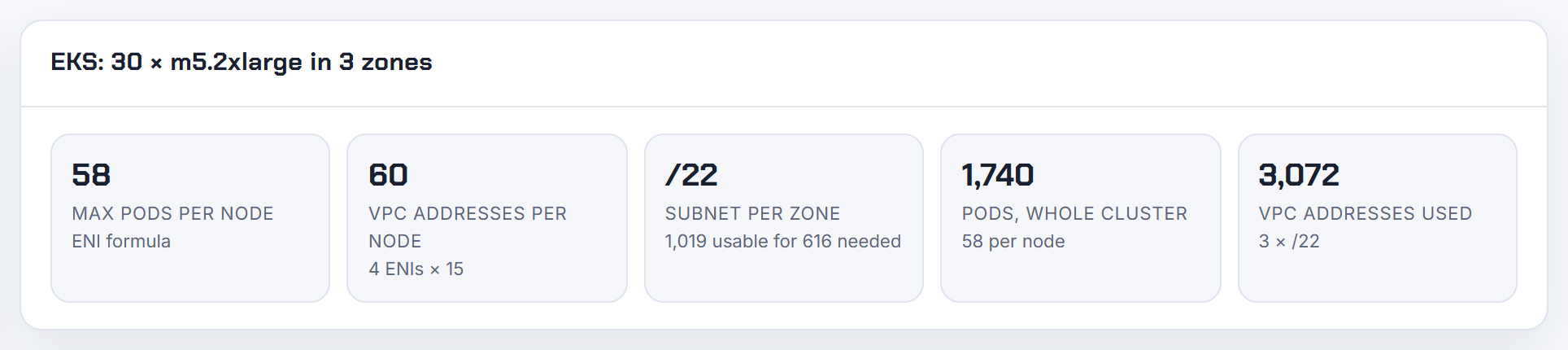
Can the control plane use internal addresses only, and can node groups in public subnets avoid public IPs?
Control plane: yes. Its ENIs in your subnets always use private addresses, and you can set the API endpoint to private only, after which every kubectl call must come from inside the VPC or a connected network (cluster endpoint access).
Nodes: not in a public subnet. A managed node group in a public subnet requires MapPublicIpOnLaunch to be true, otherwise the instances do not join the cluster (managed node groups). The supported way to have nodes without public IPs is to put them in private subnets with a NAT gateway or the required VPC endpoints (node subnet requirements), which is what AWS recommends anyway. Fargate pods never get a public IP.
On the "double address need" worry: a public IPv4 address is a one-to-one NAT mapping performed by the internet gateway on behalf of the instance (internet gateways), not a second address taken from the subnet, so a public subnet holds the same number of nodes and pods as a private one of the same size. It just exposes them. See public and private subnets step by step.
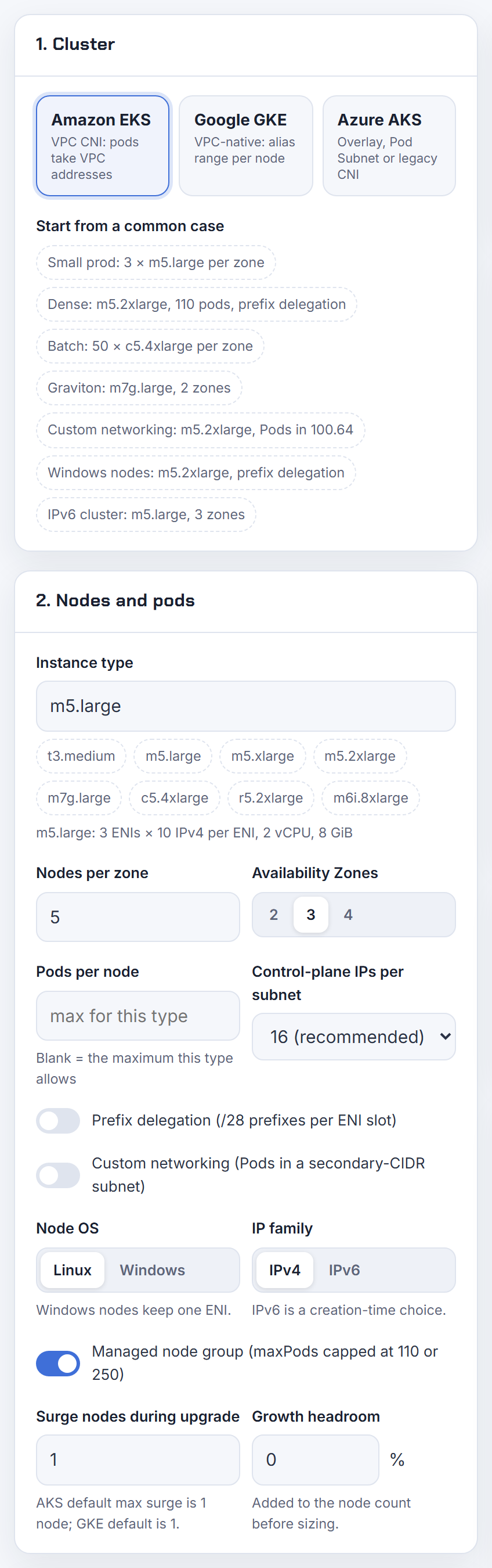
Service CIDR
The service range is the one setting you cannot fix later on most managed clusters, so these answers focus on finding it, sizing it and keeping it clear of every network your pods will ever talk to.
How do I find the pod CIDR and the service CIDR of an EKS, GKE or AKS cluster?
Ask the cloud API, because the ranges are not in any kubectl output on a managed cluster.
- EKS:
aws eks describe-cluster --name my-cluster --query cluster.kubernetesNetworkConfigreturnsserviceIpv4Cidr(orserviceIpv6Cidr) andipFamily(describe-cluster). There is no separate pod CIDR on EKS: pods take addresses from the VPC subnets. - GKE:
gcloud container clusters describe CLUSTER_NAMEprintsclusterIpv4Cidr(pods) andservicesIpv4Cidr(services) (Cluster resource). - AKS:
az aks show -g RG -n NAME --query networkProfilereturnspodCidrandserviceCidr(Managed Clusters - Get).
On any cluster running Kubernetes 1.33 or later, kubectl get servicecidr lists the service ranges, because the default range is mirrored into a ServiceCIDR object named kubernetes (Extend Service IP ranges). Per-node pod ranges, where the controller allocates them, are in kubectl get nodes -o jsonpath='{.items[*].spec.podCIDR}' (Node). On kubeadm clusters both values sit in the kubeadm-config ConfigMap in kube-system (kubeadm config).
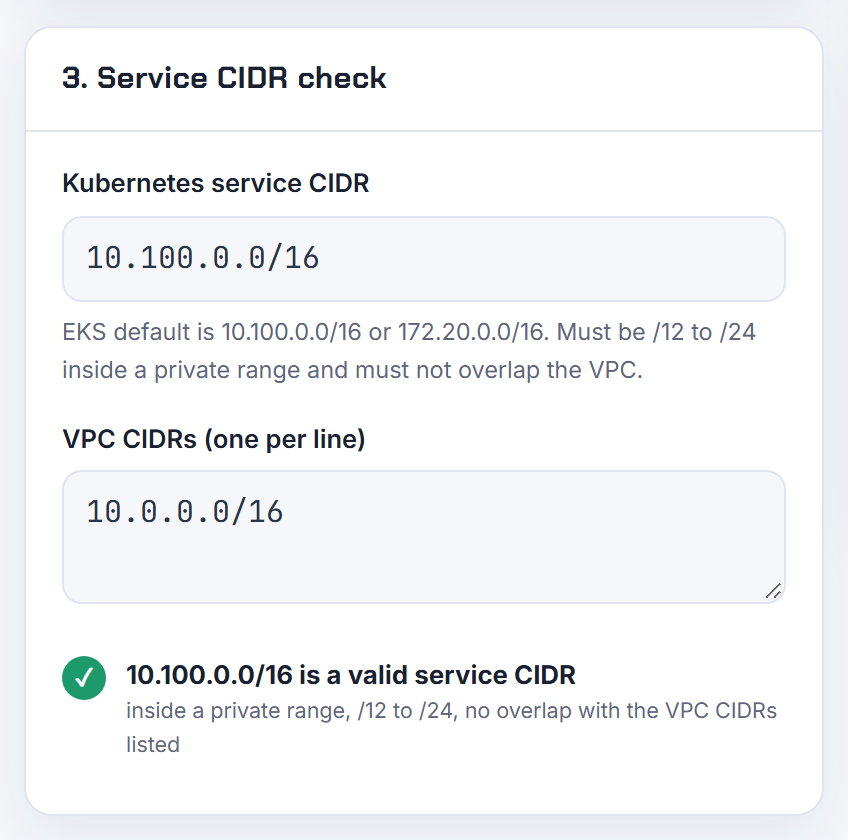
Can I set the service IPv4 CIDR on EKS, and can it be 100.64.0.0/10?
Yes, but only at cluster creation, and 100.64.0.0/10 is not allowed. EKS accepts a custom serviceIpv4Cidr that is inside 10.0.0.0/8, 172.16.0.0/12 or 192.168.0.0/16, between /24 and /12 in size, and does not overlap any CIDR of the cluster VPC (Create a cluster). If you skip it, Kubernetes uses 10.100.0.0/16 or 172.20.0.0/16, and the value cannot be changed afterwards (KubernetesNetworkConfigRequest).
1aws eks create-cluster --name my-cluster \
2  --kubernetes-network-config serviceIpv4Cidr=10.2.0.0/16 ...
The confusion in the Terraform threads comes from mixing two ranges. The service CIDR is virtual: it only ever appears in kube-proxy rules on your nodes. Pod addresses come from your VPC subnets. So 100.64.0.0/10 is a fine choice as a secondary VPC CIDR for pods with custom networking (custom networking), just not for services. I cover that pattern in EKS running out of IP addresses. The Kubernetes IP Calculator has a service CIDR field next to the pod sizing so both are planned together.
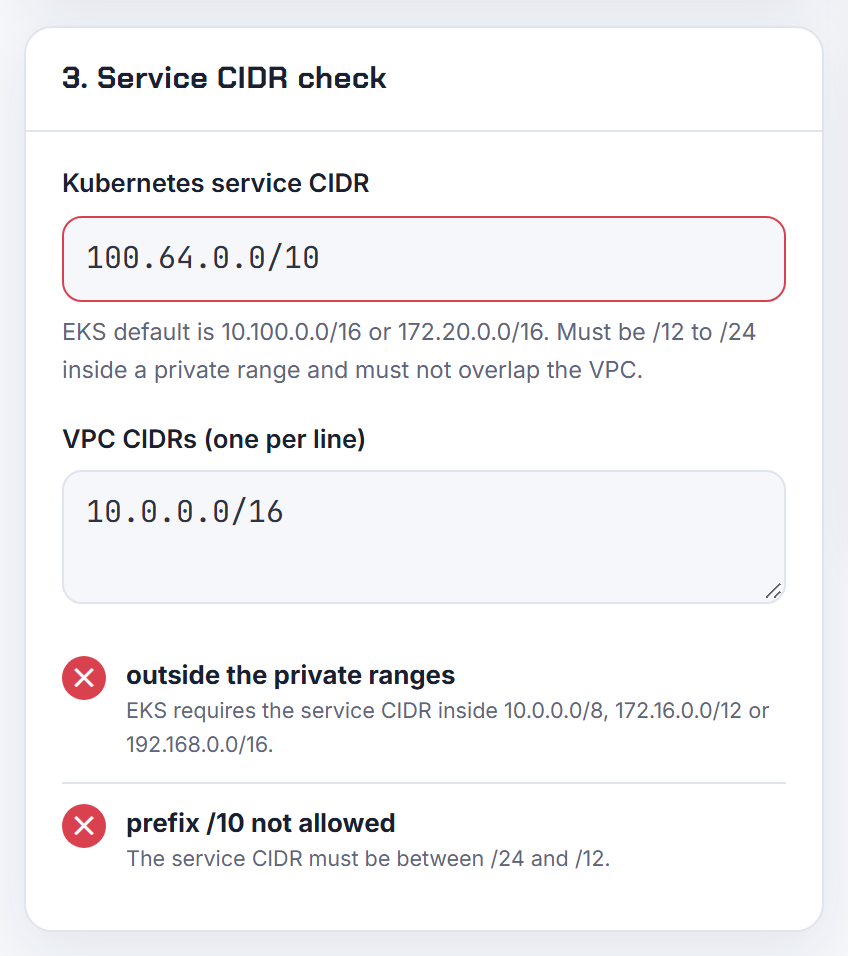
My EKS service CIDR overlaps another VPC or on-prem range: what breaks and can I change it?
You cannot change it; the service CIDR is fixed at creation (KubernetesNetworkConfigRequest). What breaks is narrower than people fear. From inside a pod, any destination address that falls in the service range is treated as a ClusterIP: AWS states that service IP addresses take priority over resources in connected VPCs with the same address, routing becomes unpredictable and applications may fail to connect (EKS networking requirements). Hosts in the remote network outside the overlapping part stay reachable, and nothing outside the cluster is affected, because the service range never leaves the nodes.
Your options are to create a new cluster with a non-overlapping serviceIpv4Cidr and migrate, or to keep the clash out of the data path with a transit gateway and a shared services VPC, which is the layout AWS points to for CIDR conflicts. The ways out of overlaps in general are in overlapping CIDR blocks. Paste the on-prem and peered ranges into the VPC Subnet Planner overlap check before the next cluster is built.
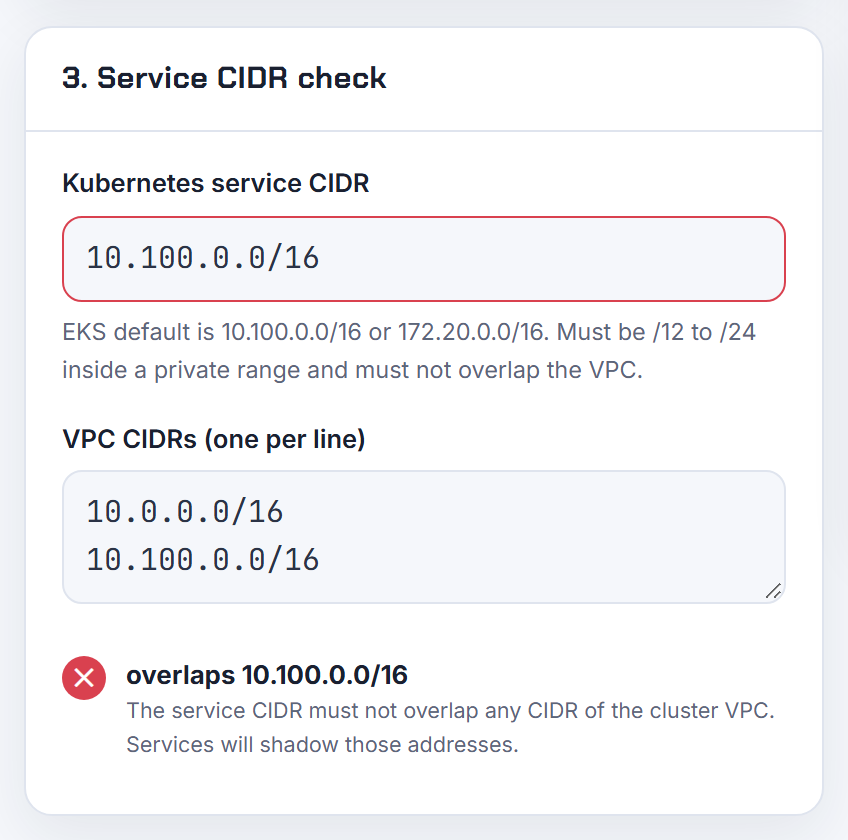
Can the service-cluster-ip-range be changed on a running cluster?
It cannot be replaced in place, but since Kubernetes 1.33 it can be extended. The API server turns --service-cluster-ip-range into a ServiceCIDR object named kubernetes; adding another ServiceCIDR object gives the allocator more addresses without touching existing Services (Extend Service IP ranges). The feature is GA and locked on since 1.33 and usable from 1.29.
1apiVersion: networking.k8s.io/v1
2kind: ServiceCIDR
3metadata:
4  name: newcidr1
5spec:
6  cidrs:
7    - 10.97.0.0/16
Shrinking or moving the default range still means changing the kube-apiserver flag and recreating the Services that live outside the new range, which is why a too-small or overlapping range usually ends in a rebuild. Managed clusters differ: EKS cannot change it at all, AKS allows the ServiceCIDR extension on 1.33 and later (AKS kubenet), and newer GKE clusters take service addresses from a GKE-managed 34.118.224.0/20 range by default (GKE alias IPs). Moving the kube-dns ClusterIP also means updating clusterDNS in every kubelet.
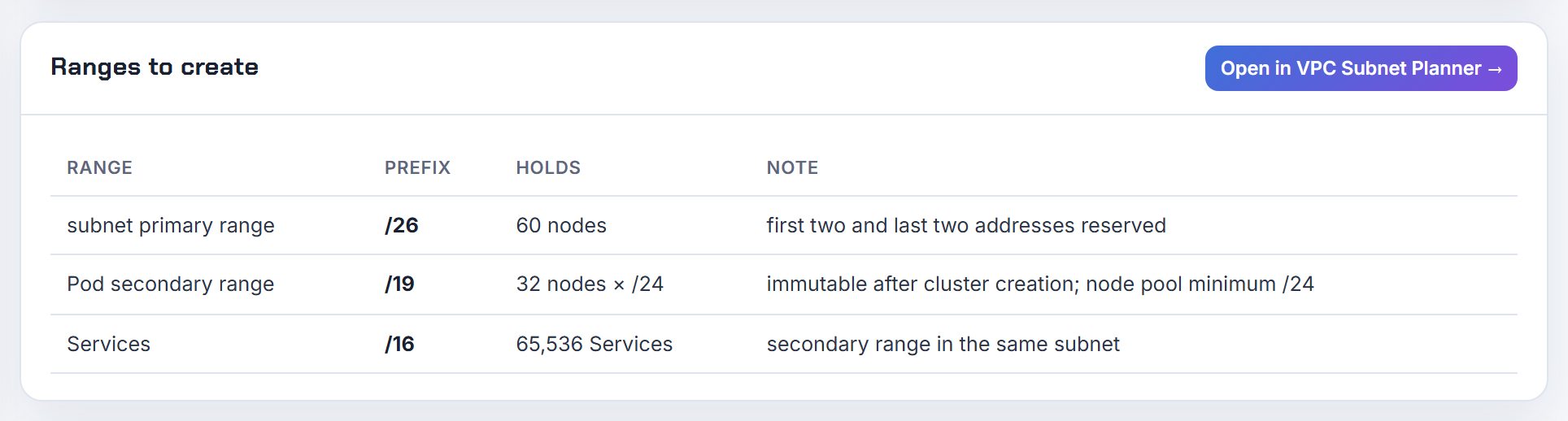
Can the pod CIDR and the service CIDR be the same or overlap?
No. Kubernetes requires non-overlapping ranges for pods, services and nodes (Kubernetes IP address ranges), and the kube-apiserver flag description says the service range must not overlap any range assigned to nodes or pods (kube-apiserver).
The reason is mechanical, not cosmetic. kube-proxy rewrites every packet whose destination is a ClusterIP into a pod address. If pod addresses sat inside the service range, pod-to-pod traffic to those addresses would be captured and sent to the wrong backend. "They are internal" is exactly the problem: both ranges are consumed by the same rules on the same nodes.
The same rule applies to networks the pods talk to. If 10.244.0.0/12 is already used by other machines, pods will never reach those machines, because the node routes that range to itself. Pick the kubeadm defaults (service 10.96.0.0/12, pod range of your choice via --pod-network-cidr) only after checking them against your LAN, VPN and cloud ranges (kubeadm init). The VPC Subnet Planner overlap check does that comparison against pasted networks.
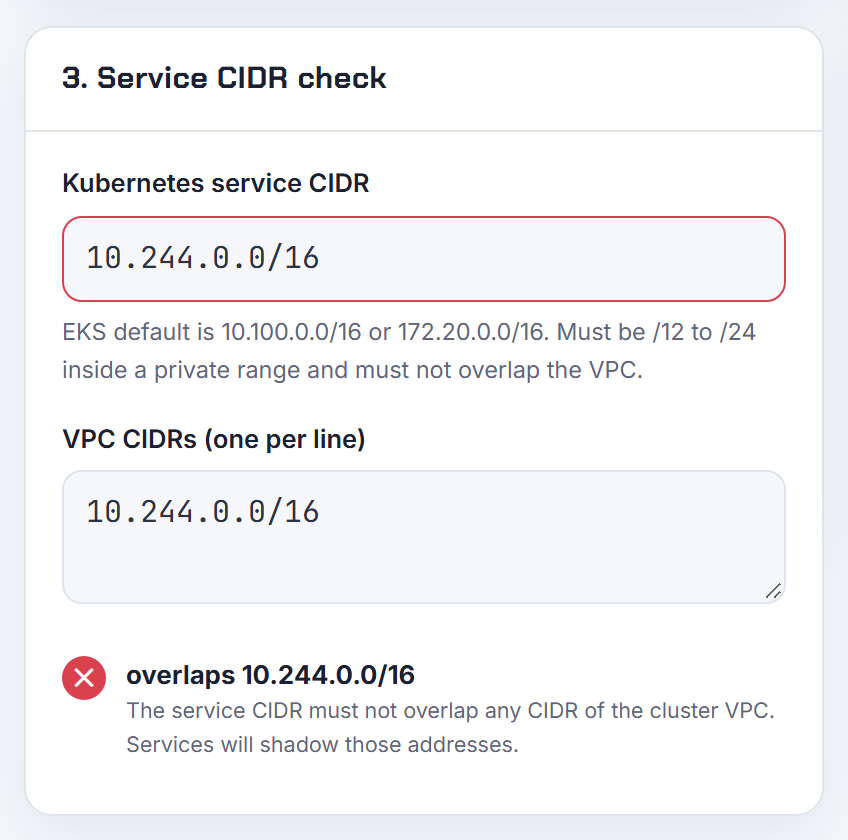
What is the difference between service-cidr and service-cluster-ip-range?
They are the same setting seen from different layers.
| Name | Where | Default |
|---|---|---|
--service-cluster-ip-range | kube-apiserver flag, the real setting (kube-apiserver) | none |
--service-cidr | kubeadm init, written into the API server manifest (kubeadm init) | 10.96.0.0/12 |
--service-cidr | AKS cluster creation (AKS kubenet) | 10.0.0.0/16 |
serviceIpv4Cidr | EKS cluster creation (Create a cluster) | 10.100.0.0/16 or 172.20.0.0/16 |
--services-ipv4-cidr | GKE cluster creation (GKE alias IPs) | GKE-managed 34.118.224.0/20 on new versions |
kube-controller-manager has its own --service-cluster-ip-range, used only with --allocate-node-cidrs so that node pod ranges are kept out of the service range (kube-controller-manager). Do you need to set it for production? Only if the default collides with a network your pods must reach. If it does, set it once at creation; it is immutable on EKS.
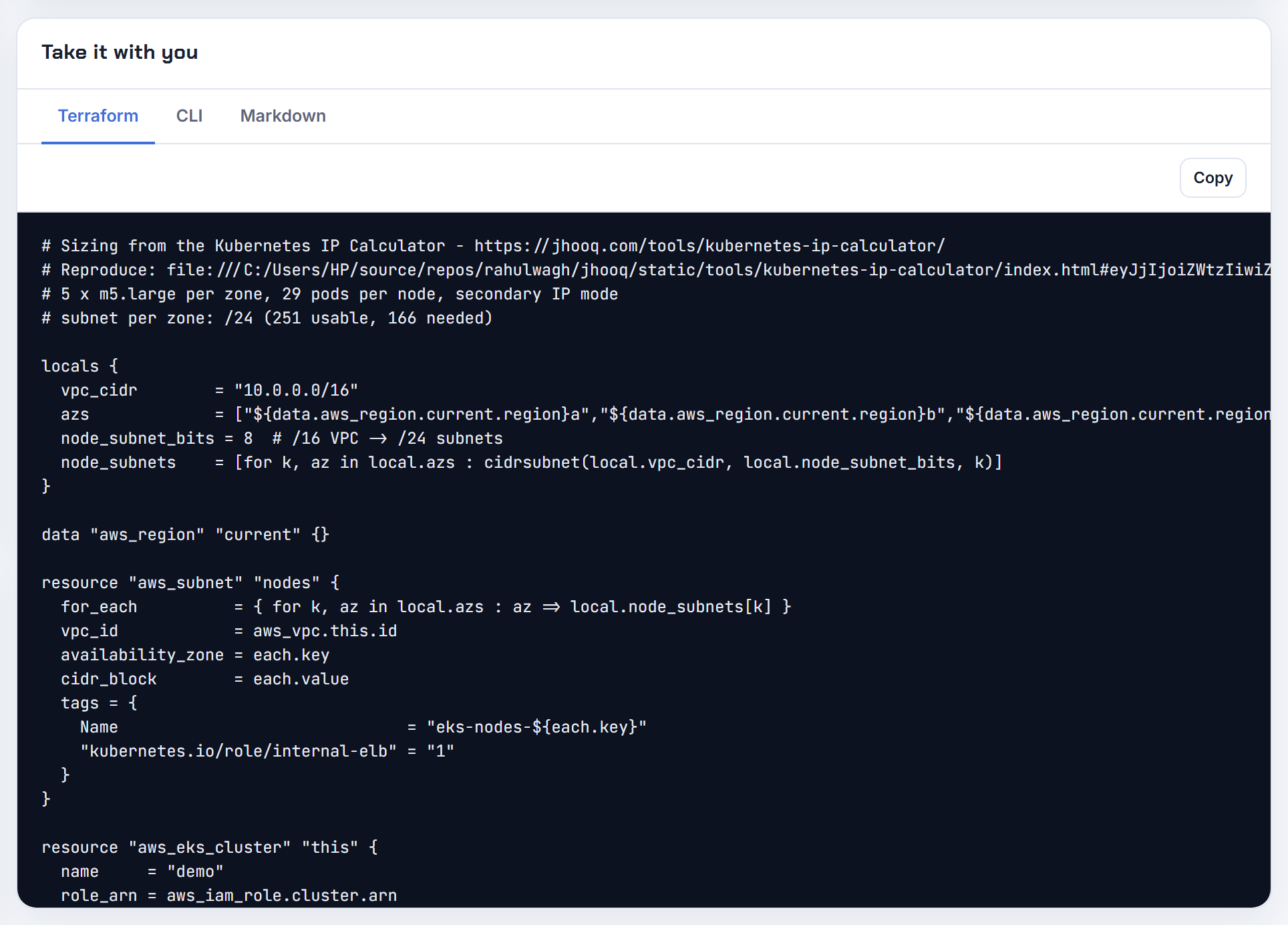
Why is DNS wrong on nodes when the cluster has a custom service CIDR?
Because the node bootstrap derives the cluster DNS address from the service CIDR, and some bootstrap paths fall back to the stock ranges instead of asking the cluster. The kubelet then points pods at 10.100.0.10 or 172.20.0.10 while CoreDNS actually sits at the tenth address of your custom range.
Set it explicitly in the node user data. On Amazon Linux 2 the value of --dns-cluster-ip is your service CIDR with .10 at the end, and AWS shows how to read it (launch templates):
1aws eks describe-cluster --name my-cluster \
2  --query cluster.kubernetesNetworkConfig.serviceIpv4Cidr --output text
3/etc/eks/bootstrap.sh my-cluster --dns-cluster-ip 10.2.0.10
On Amazon Linux 2023 the nodeadm NodeConfig has a cluster.cidr field, described as the service CIDR used to infer the cluster DNS address, and it is required when you bring your own launch template (nodeadm API). Managed node groups without a custom launch template get the right value injected by EKS; the failures reported in eksctl and the Terraform module came from custom AMIs or launch templates that omitted it. Windows nodes have the same problem with their own flags, covered under Windows nodes below.
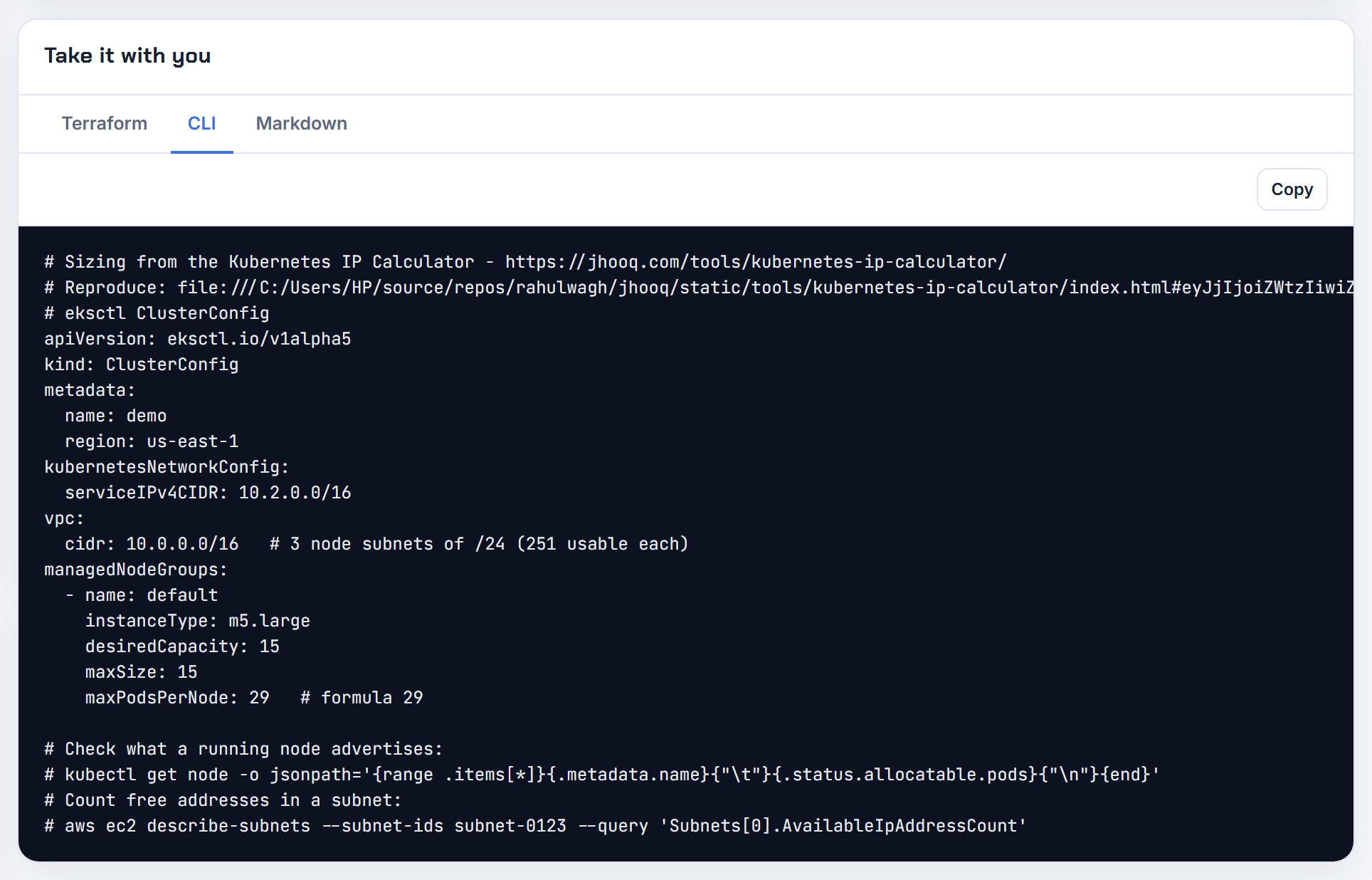
What does failed to allocate a serviceIP range is full mean, and how big should the service range be?
Every address in the service range is already assigned to a ClusterIP. A range of prefix /n holds 2^(32-n) - 2 usable addresses; the Kubernetes docs use a /28 with 14 addresses as the example, and show the exact error once the 14th ClusterIP is created (Extend Service IP ranges). A /24 gives 254, which Helm charts with a Service per component chew through quickly.
The fix on Kubernetes 1.33 and later is to add a ServiceCIDR object with a new range; the allocator uses it as soon as it is ready. On older control planes, or where the platform blocks it, the range must be recreated with the cluster.
Sizing: count Services, not pods. Each ClusterIP Service takes one address per IP family; headless Services take none. Two details change the maths: the allocator splits the range into a static lower band of min(max(16, size/16), 256) addresses and allocates dynamically from the upper band first (ClusterIP allocation), and EKS caps the range at /12 (Create a cluster). My rule of thumb is a /16 for anything shared by several teams; it costs nothing because the range is virtual.
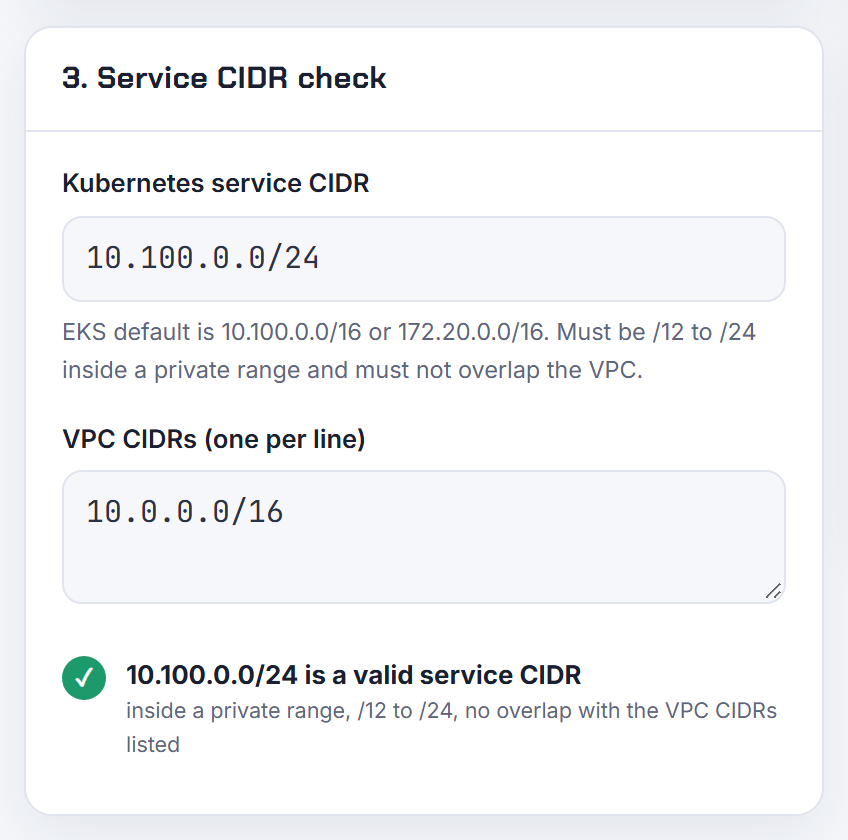
Why must the service CIDR be configured manually with kube-proxy in nftables mode and the VPC CNI?
Because of rule ordering between two different tables. The VPC CNI marks packets that enter a node from pod interfaces in the mangle PREROUTING chain so that reply traffic is routed back through the right secondary ENI. With kube-proxy in nftables mode, the ClusterIP DNAT lives in a separate nftables table and runs after that mark and after the routing decision, so the packet is still addressed to the ClusterIP when the route is chosen, gets sent out of eth0 and never reaches the backend pod. The maintainers titled the report "Service CIDR must be manually configured when using kube-proxy in nftables mode with VPC CNI iptables-nft" (issue 3563). In iptables mode both components share one nat table, so the order is deterministic and nothing breaks.
The fix shipped in VPC CNI v1.23.0, which installs the prerouting connmark rules through nftables instead of iptables (v1.23.0 release). Upgrade the add-on before switching kube-proxy to nftables (kube-proxy nftables mode), or keep kube-proxy in iptables mode until you can. The older ENABLE_NFTABLES variable only switches the CNI between iptables-legacy and iptables-nft and is deprecated (VPC CNI README).
Pod and cluster CIDR sizing on self-managed Kubernetes
On kubeadm, flannel and Calico clusters the hidden multiplier is the per-node range, not the pod count. These answers show the arithmetic and the allocator behaviour behind the errors.
How do I choose an appropriate pod CIDR size for a Kubernetes cluster?
Work backwards from nodes, not pods. kube-controller-manager hands every node one block of --node-cidr-mask-size, which defaults to /24 for IPv4 (kube-controller-manager). So the cluster CIDR supports 2^(node mask - cluster mask) nodes, whatever the pod count:
| Cluster CIDR | Nodes at /24 per node | Nodes at /25 per node |
|---|---|---|
| /16 | 256 | 512 |
| /14 | 1,024 | 2,048 |
| /12 | 4,096 | 8,192 |
The per-node mask should fit the kubelet pod limit with headroom. The default and recommended maximum is 110 pods per node (large clusters), and GKE documents the pairing it uses: a block with at least twice the maximum pods, so /24 for 65 to 128 pods, /25 for 33 to 64, /26 for 17 to 32 (GKE maximum pods per node). AKS kubenet and Azure CNI Overlay also give each node a /24 (AKS IP planning).
I would start with a /16 and a /24 node mask unless the cluster will pass 200 nodes, and check the range against existing networks first (CIDR explained). The Kubernetes IP Calculator derives the GKE node range as 31 - ceil(log2(max pods)) and sizes the pod secondary range from it.
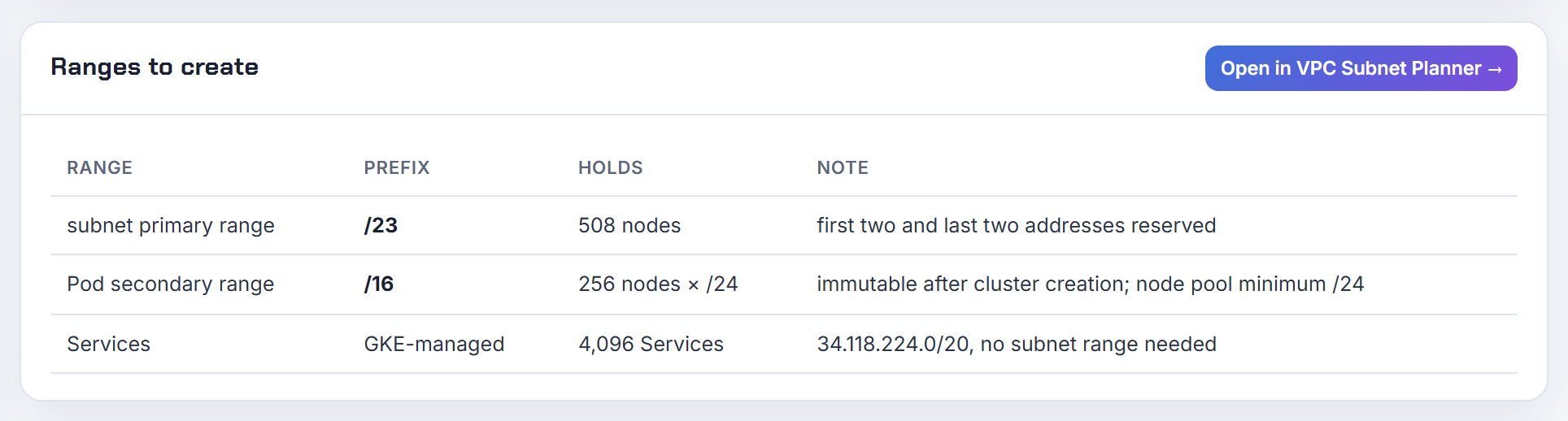
How do I enlarge or change the pod CIDR after a kubeadm, flannel or Calico cluster exists?
It depends on who allocates pod addresses.
If kube-controller-manager does (flannel, kubenet, Calico with host-local IPAM), the cluster CIDR is the --cluster-cidr flag in the controller-manager manifest and the podSubnet in the kubeadm-config ConfigMap (kubeadm config). At start the controller re-occupies every existing node.spec.podCIDR inside the new range (range allocator), so widening to a superset works without renumbering: change the flag, restart the controller, update the flannel Network in net-conf.json to match (flannel on Kubernetes), and update kube-proxy's cluster CIDR. A disjoint range means draining and re-joining nodes so they receive new blocks.
If Calico IPAM allocates, change nothing in Kubernetes: create a new IPPool, disable the old one, delete pods so they come back in the new pool, then remove the old pool. Calico documents this as a no-downtime migration but warns to keep pools inside the Kubernetes cluster CIDR, otherwise kube-proxy applies NAT unexpectedly (Migrate from one IP pool to another).
On EKS there is no pod CIDR to change: add a secondary VPC CIDR and use custom networking (custom networking); the steps are in EKS running out of IP addresses.
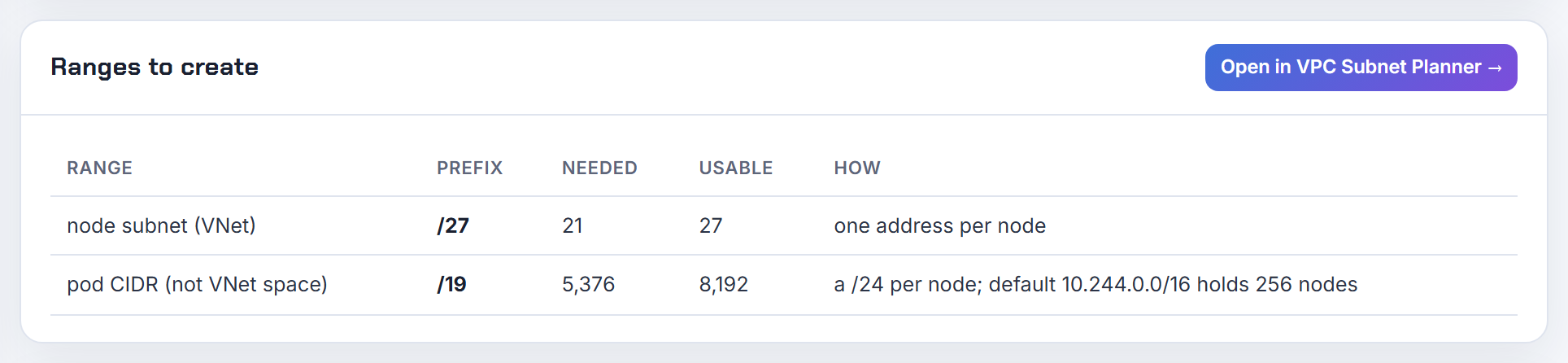
Can I change --node-cidr-mask-size on a running cluster, and why does it corrupt PodCIDR allocation?
Not safely, and the corruption is a direct result of how the allocator stores state. The range allocator keeps one bitmap per cluster CIDR with one bit per possible node block of the configured mask (cidr_set.go). When the controller restarts with a different mask it rebuilds that bitmap and marks every existing node.spec.podCIDR as occupied at the new granularity (range allocator).
Walk through the reported case: cluster 192.168.0.0/16, nodes hold 192.168.0.0/24 and 192.168.1.0/24, mask changed from 24 to 23. Both old blocks map to the single /23 bit. Delete the second node and its release clears that bit, so the next node is handed 192.168.0.0/23, which overlaps the surviving 192.168.0.0/24 (issue 90922). Variable block sizes per node were requested there and never implemented.
Decide the mask at install time. If nodes of different sizes need different pod densities, use an IPAM that is not block-per-node: Calico hands out /26 blocks on demand and lets a busy node take more (Calico IPPool), and GKE lets each node pool set its own maximum pods and block size (GKE maximum pods per node).
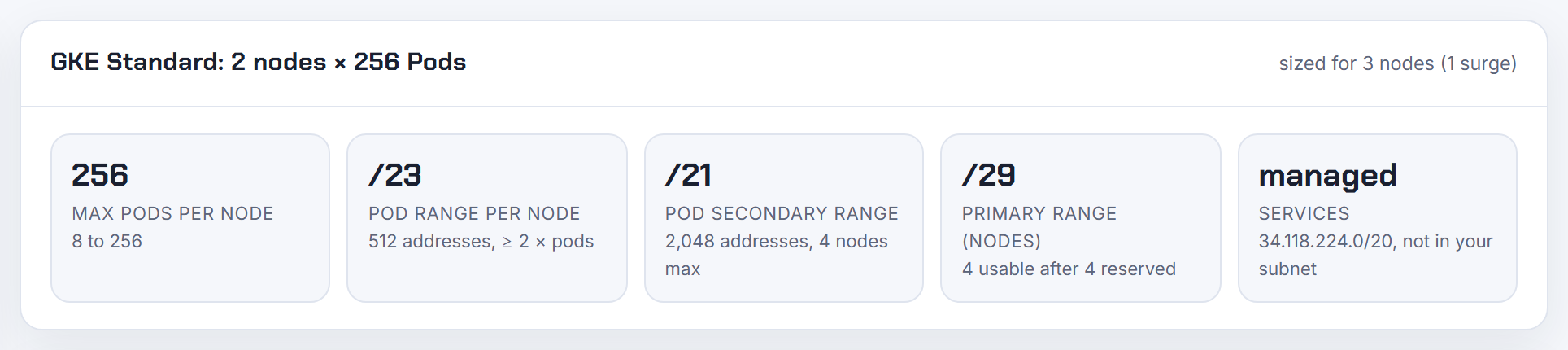
Why does a small cluster CIDR run out of per-node ranges with only a few pods?
Because allocation is per node, not per pod. Every node that joins receives a full block of the node mask, /24 by default, even if it runs two pods (kube-controller-manager). A /22 cluster CIDR therefore holds exactly four nodes, and the fifth gets CIDRNotAvailable no matter how empty the first four are. A cluster CIDR that is a /24 with a /24 node mask holds one node, which is why clusters cannot be created with anything smaller.
The arithmetic is nodes = 2^(node mask - cluster mask). Flannel follows the same rule in its own config, where SubnetLen defaults to 24 unless the network is smaller than a /22 (flannel configuration).
If address space really is tight, shrink the per-node block at install time rather than the cluster: --node-cidr-mask-size=26 gives 64 addresses per node, enough for the 30 or so pods a small node runs, and turns the same /22 into 16 nodes. GKE publishes the pairing it uses: /28 for up to 8 pods, /27 for 9 to 16, /26 for 17 to 32 (GKE maximum pods per node). The Kubernetes IP Calculator applies that 31 - ceil(log2(max pods)) rule for GKE node ranges.
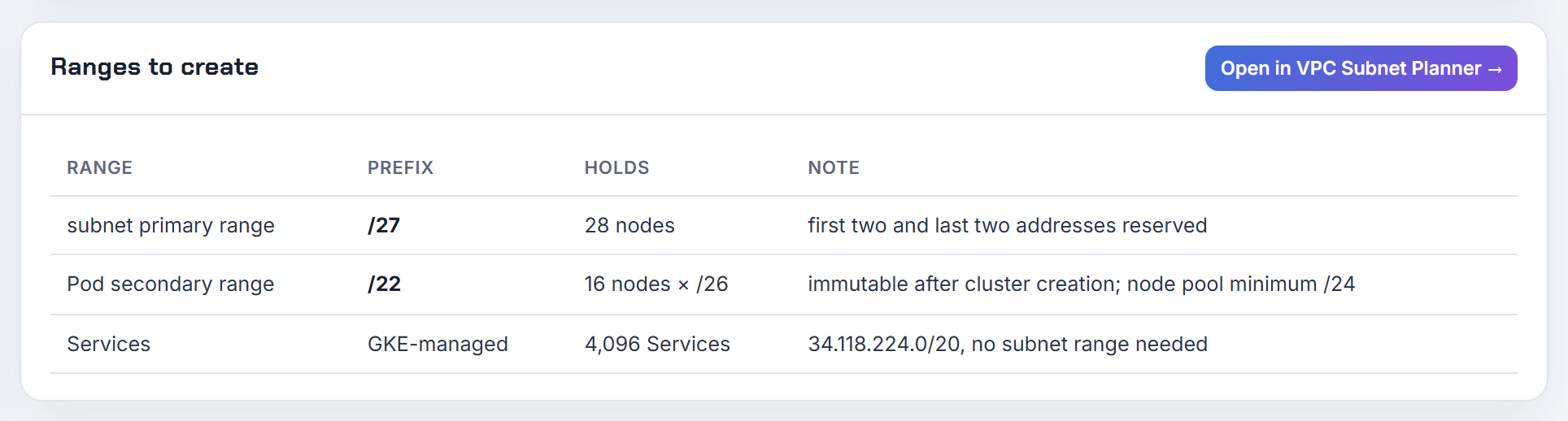
What does CIDRNotAvailable or pod cidr not assigned mean on new nodes?
kube-controller-manager tried to give the node a pod block and the cluster CIDR had none left. The allocator error text is "CIDR allocation failed; there are no remaining CIDRs left to allocate in the accepted range" and the node gets a CIDRNotAvailable event (cidr_set.go, range allocator). A CNI that reads node.spec.podCIDR, such as flannel, cannot start on that node, so it stays NotReady.
Check how many blocks exist versus how many are used:
1kubectl get nodes -o custom-columns=NAME:.metadata.name,CIDR:.spec.podCIDR
With a /16 cluster CIDR and /24 node blocks there are 256 slots. Stale Node objects for machines that are gone still hold their blocks; deleting them releases the slot. If every slot is genuinely in use, widen the cluster CIDR as described above.
If you run Calico IPAM, the event is noise: Calico does not use the node CIDR allocations at all, and Tigera recommends --allocate-node-cidrs=false on the controller-manager to stop the allocation and the events (Calico IPAM). kubeadm turns allocation on automatically whenever --pod-network-cidr was passed.
Can kube-controller-manager take multiple cluster CIDRs?
Only one per IP family. --cluster-cidr accepts a comma-separated pair for dual-stack, one IPv4 and one IPv6 range (dual-stack); a second IPv4 range is not supported, and the request to add discontiguous ranges was closed without being implemented (issue 94862).
In a crowded enterprise network the practical answers are:
- Reserve one contiguous block that is big enough from the start; a /14 gives 1,024 nodes at /24 per node.
- Let the CNI own IPAM. Calico supports multiple disjoint IPPools, with the caveat that pools outside the Kubernetes cluster CIDR can see unwanted NAT from kube-proxy (Calico pool migration).
- On managed clusters use the platform feature: EKS takes secondary VPC CIDRs (custom networking), GKE can add discontiguous multi-pod ranges (GKE alias IPs), and AKS Overlay can only grow the pod CIDR to a superset of the original (AKS expand pod CIDR).
The VPC Subnet Planner lists the leftover space of a network as CIDR blocks, which is a quick way to see whether a contiguous block is still free.
Can I use 192.168.0.0/16 or another range as the pod CIDR with flannel?
Yes. Any private range works as long as it overlaps nothing the nodes or pods must reach: the node LAN, the service range, VPNs and peered networks. The reason 10.244.0.0/16 shows up everywhere is only that the stock kube-flannel.yml uses it, and flannel's instructions pass the same value to kubeadm init --pod-network-cidr (flannel on Kubernetes).
Two places must agree, otherwise pods get addresses nobody routes:
1kubeadm init --pod-network-cidr=192.168.0.0/16
2# then edit net-conf.json in kube-flannel.yml before applying it
3#   "Network": "192.168.0.0/16"
Flannel's Network is the range for the whole flannel network and is mandatory (flannel configuration).
The catch with 192.168.0.0/16 is the LAN. It is the most common home and office range, and the node that receives 192.168.1.0/24 as its pod block loses the ability to reach a 192.168.1.0/24 office network. If the LAN is 10.x, choose 192.168; if the LAN is 192.168.x, choose 10.244.0.0/16 or 172.16.0.0/16 after checking the Docker default 172.17.0.0/16. The VPC Subnet Planner checks pasted networks for overlap and warns separately about the Docker 172.17.0.0/16 range.
What does no IP addresses available in network cbr0 mean?
The node's pod block is fully allocated on disk even though few pods are running. cbr0 is the bridge used by the kubelet's old kubenet plugin, and its addresses are handed out by the host-local IPAM plugin, which stores every allocation as a file in /var/lib/cni/networks/<network name> (host-local IPAM). When containers disappear without a CNI delete call, after a runtime crash, a hard reboot or a kubelet restart mid-teardown, those files leak. A /24 holds about 250 of them, so a single busy node fills up in days, and new pods sit in ContainerCreating.
Immediate fix: compare the files in that directory with the pods actually running on the node, delete the stale ones, and restart the kubelet. Long term: the --network-plugin flag and kubenet were removed from the kubelet in Kubernetes 1.24 together with dockershim (Kubernetes 1.24 changelog), so any cluster still on kubenet is well past upgrade time. Modern CNIs with their own IPAM, such as Calico, reconcile leaked allocations instead of trusting files. AKS keeps a managed kubenet until its retirement on 31 March 2028 (AKS kubenet).
Why is a pod IP outside the --pod-network-cidr I set with kubeadm?
Because the CNI's own IPAM ignores kubeadm's value. --pod-network-cidr only sets the controller-manager cluster CIDR and the per-node podCIDR (kubeadm init). Calico IPAM allocates from its IPPools and does not use node.spec.podCIDR at all (Calico IPAM); the quickstart manifests create a default pool of 192.168.0.0/16 (Calico quickstart). Flannel reads podCIDR, but only if the Network in its ConfigMap covers it.
The symptom in the question, NodePort and ClusterIP traffic failing between nodes, is the documented consequence: when pod addresses fall outside the Kubernetes cluster CIDR, kube-proxy may apply NAT to flows that should not be translated (Calico pool migration).
Make the three agree. Check what the CNI really uses:
1kubectl get ippools -o yaml        # Calico
2kubectl -n kube-flannel get cm kube-flannel-cfg -o yaml
Then either edit the Calico installation (custom-resources.yaml) to the kubeadm range before installing, or migrate the pool on a running cluster as in the Calico pool migration guide. Changing kubeadm to match the CNI is the other direction, but it requires the controller-manager and kube-proxy cluster CIDR edits described above.
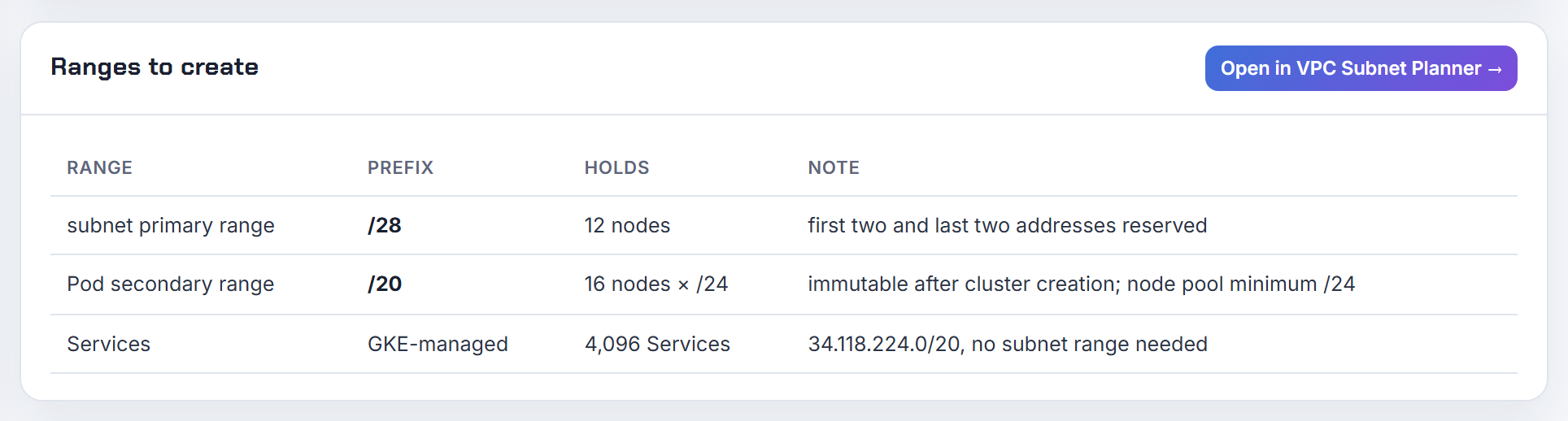
Why is the cluster CIDR bitmap so big, and how is pod CIDR allocation stored?
It is a bitmap in memory with one bit per possible node block: 2^(node mask - cluster mask) bits, kept in a big.Int inside the range allocator (cidr_set.go). For IPv4 that is never large: a /8 cluster CIDR with /24 nodes is 65,536 bits, which is 8 KB.
IPv6 is where the limit bites. The code caps the difference between node mask and cluster mask at 16 bits because the bitmap is uncompressed, and returns "New CIDR set failed; the node CIDR size is too big" otherwise. With the default /64 node mask the IPv6 cluster CIDR must therefore be a /48 or longer. The comment in the source still references the original issue about compressing the structure (issue 44918).
Nothing is persisted separately. The only durable state is node.spec.podCIDR on each Node object (Node); at startup the controller lists nodes and occupies their blocks before allocating anything new (range allocator). That is also why deleting a stale Node object is the correct way to free its block, and why a mask change between restarts is dangerous.
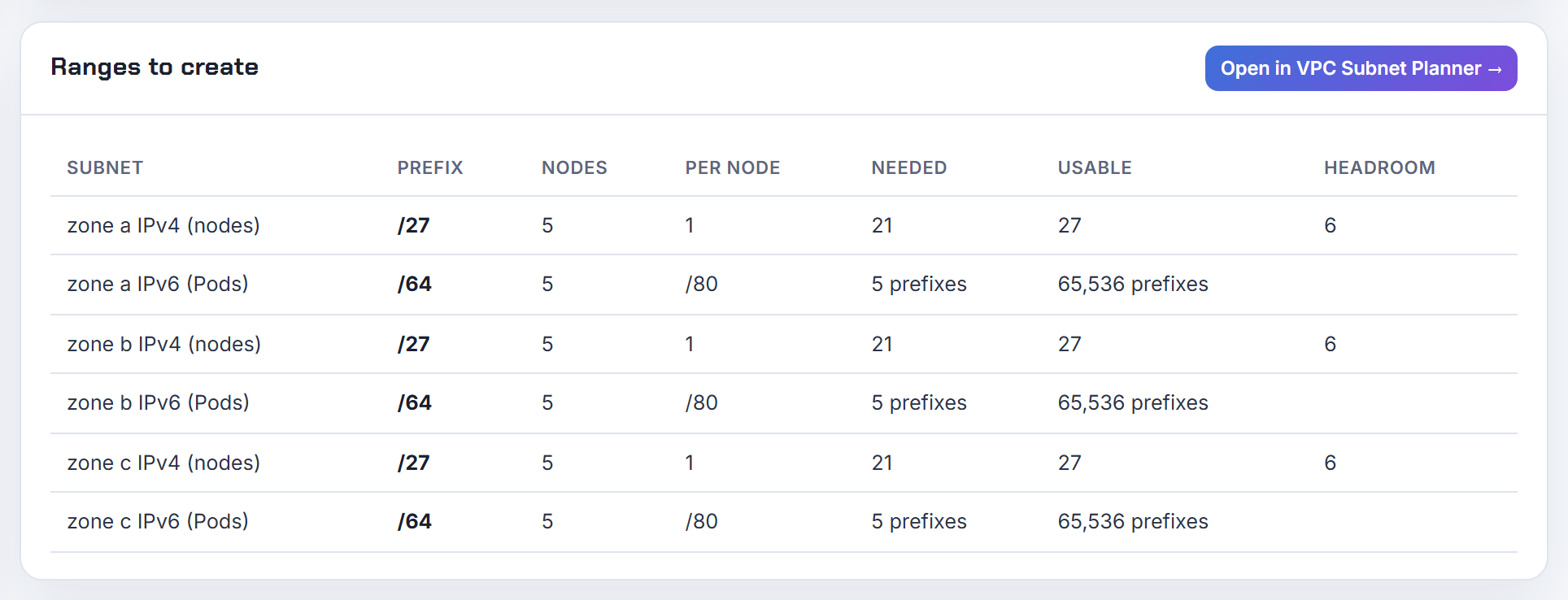
EKS IPv6 and dual-stack
IPv6 removes pod address exhaustion on EKS, but it is a one-way, cluster-wide choice with its own list of instance, subnet and load balancer constraints.
Does EKS support IPv6, and what are the requirements and limits?
Yes, as an IPv6 cluster chosen at creation; EKS does not support dual-stack pods or services, and the family cannot be changed afterwards (IPv6 on EKS).
Requirements from that page:
- VPC and subnets with both an IPv4 and an IPv6 CIDR; subnets must auto-assign IPv6 addresses and have IPv6 routes.
- Nitro-based EC2 instances or Fargate.
- VPC CNI 1.10.1 or later with prefix delegation on, which is the default for IPv6 clusters; the add-on cannot be downgraded below 1.10.1 without removing all nodes.
- An IPv6 IAM policy on the CNI role, and AWS Load Balancer Controller 2.3.1 or later in IP target mode.
Limits: no Windows, no custom networking, no Outposts, no FSx for Lustre, no hybrid nodes, and not available in the China regions (KubernetesNetworkConfigRequest). Services get ULA addresses from fc00::/7 that you cannot choose. Each node receives a /80 prefix, so pods are limited by compute, not addresses (IPv6 best practices).
The Kubernetes IP Calculator models IPv6 clusters as one IPv4 address per node plus a /80 per node. The IPv4 alternatives are in EKS running out of IP addresses.
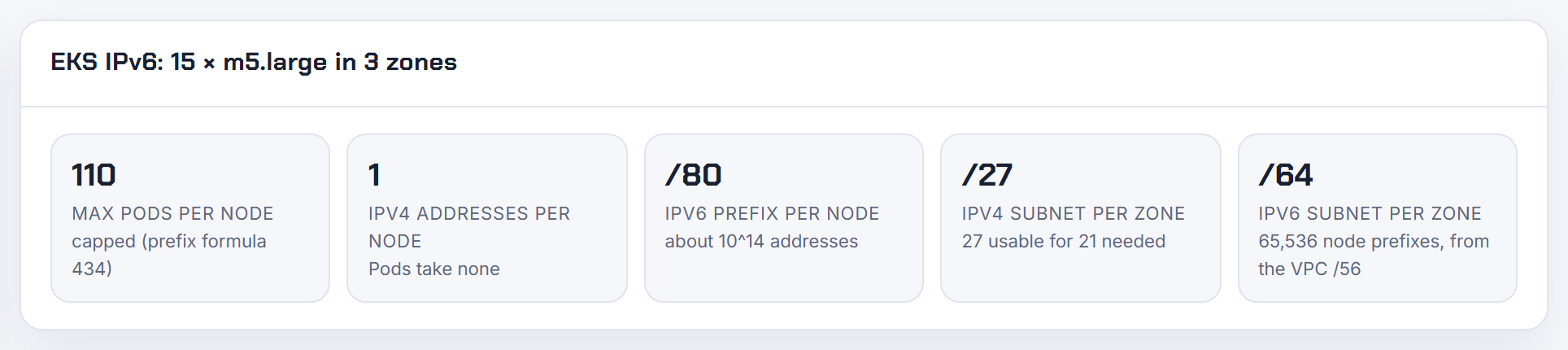
Why can an IPv6 EKS cluster not create a managed node group, or kubectl say no preferred addresses?
Because IPv6 clusters still run on dual-stack subnets, and node groups fail when any of three subnet rules is missed (IPv6 on EKS):
- The subnets must have an IPv4 CIDR as well as an IPv6 CIDR. IPv6-only subnets are rejected, which is the
SubnetInvalidConfigurationerror. - The subnets must auto-assign IPv6 addresses, otherwise nodes cannot be deployed. The AWS tutorial enables this on the subnets explicitly (deploy an IPv6 cluster).
- Nodes in public subnets need auto-assigned public IPv4 addresses, or they cannot join (EKS networking requirements). Private subnets with a NAT gateway and an egress-only internet gateway are the simpler layout.
The instance type must also be Nitro; the tutorial uses t3.medium with that note.
"no preferred addresses found" was a kubelet bug in comparing IPv6 address formats on early 2022 AMIs; AWS fixed it in a new EKS AMI release, and the cure is to upgrade the node group to a current AMI (eksctl issue 4663). The "invalid CIDR block size" error with a custom IPv4 CIDR was an eksctl subnet-splitting bug fixed in a later eksctl release.
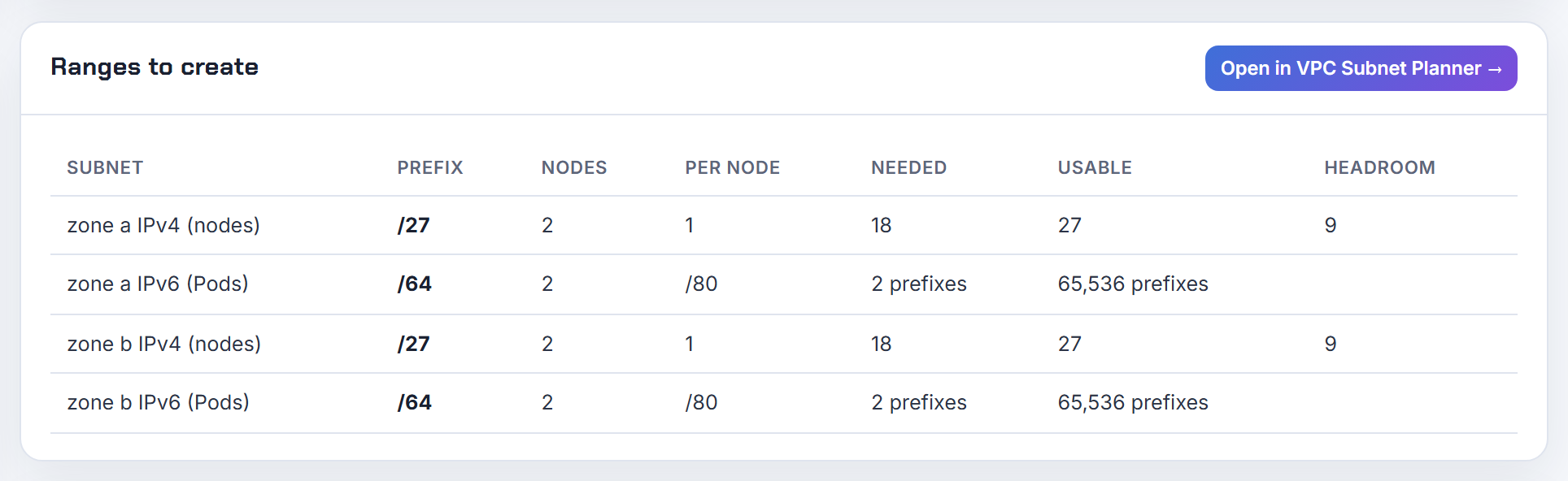
Can an IPv4 EKS cluster reach IPv6-only endpoints, or run on IPv6-only subnets?
Reaching IPv6-only endpoints from an IPv4 cluster: yes, with ENABLE_V6_EGRESS=true on the VPC CNI (1.13.0 and later). Pods get a second interface from fd00::ac:00/118 and traffic is SNATed to the node's IPv6 address, so the node's primary ENI must have an IPv6 address; the variable must be set on both the init container and aws-node, and existing nodes need a reboot (VPC CNI README).
1kubectl -n kube-system set env daemonset aws-node ENABLE_V6_EGRESS=true
IPv6-only subnets: no. Even an IPv6 cluster needs an IPv4 CIDR on the VPC and on every node subnet (IPv6 on EKS); the request for IPv6-only subnets is still open on the roadmap (containers-roadmap 1805).
The choice really is all-or-nothing: ipFamily is set at creation and cannot be changed, so moving to IPv6 means a new cluster and a workload migration (EKS networking requirements). The reverse direction is built in: IPv6 clusters reach IPv4 endpoints through ENABLE_V4_EGRESS, on by default, using 169.254.172.0/22 on the node.
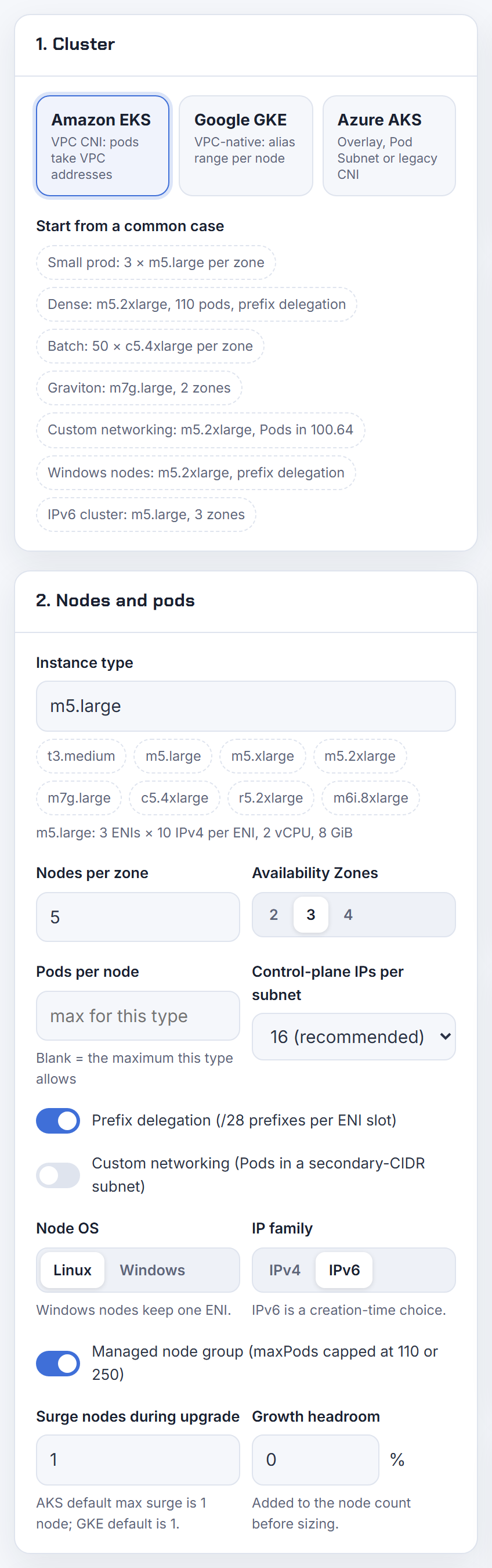
Why does the VPC CNI crash on IPv6 or dual-stack subnets after an add-on upgrade?
The common 2026 case is IAM. VPC CNI v1.22.1 introduced enhanced subnet discovery, on by default through ENABLE_SUBNET_DISCOVERY=true, and it now calls ec2:DescribeSubnets and ec2:DescribeSecurityGroups on every node. The customer-managed IPv6 CNI policy does not include those actions, so aws-node fails to start and the add-on update ends in CrashLoopBackOff (v1.22.1 release). AWS lists IPv6 clusters and Terraform-managed IAM roles as the ones that must act.
Fix: add both actions to the CNI role, or set ENABLE_SUBNET_DISCOVERY=false before upgrading. The release note also warns that the new per-node call can throttle the EC2 API in large clusters. When discovery is on, the CNI picks the subnet with the most free IPs among the node's subnet and subnets tagged kubernetes.io/role/cni (VPC CNI README); the tag is not required for the node's own subnet.
A separate crash happens when a trunk ENI from security groups for pods is present on a node in IPv6 prefix mode in a dual-stack subnet; it is tracked as issue 3572. Check its status before enabling ENABLE_POD_ENI on an IPv6 cluster.
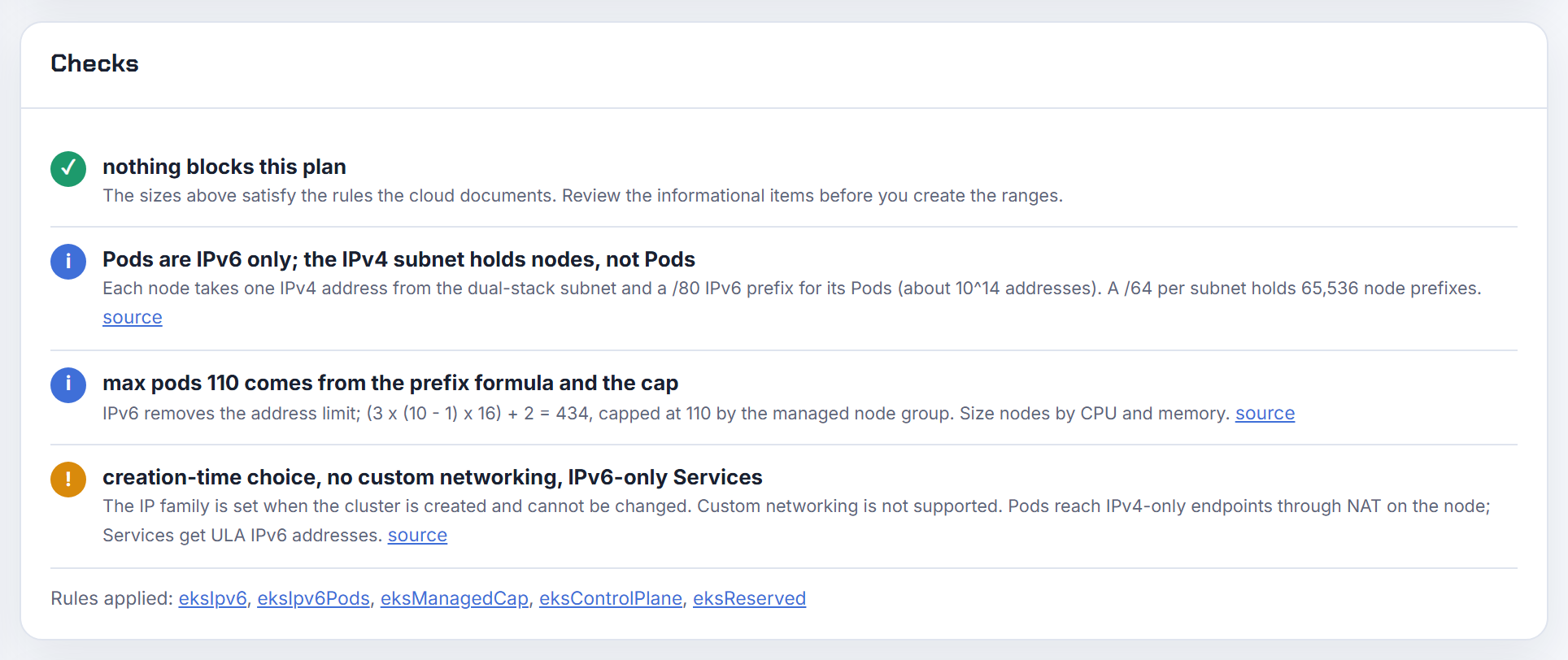
How do I expose a Service on IPv6 or dual-stack on EKS?
Use the AWS Load Balancer Controller with IP targets. AWS states that IPv6 pods can only be load balanced in IP mode, not instance mode, and that the controller must be 2.3.1 or later (IPv6 on EKS). The in-tree service controller does not support IPv6 (IPv6 best practices), which is why the manifest in the question produced an IPv4 load balancer: it never reached the controller.
1metadata:
2  annotations:
3    service.beta.kubernetes.io/aws-load-balancer-type: external
4    service.beta.kubernetes.io/aws-load-balancer-nlb-target-type: ip
5    service.beta.kubernetes.io/aws-load-balancer-ip-address-type: dualstack
The annotations are documented in the controller guide (Service annotations, NLB on EKS). For Ingress use alb.ingress.kubernetes.io/ip-address-type: dualstack (or dualstack-without-public-ipv4) with alb.ingress.kubernetes.io/target-type: ip (Ingress annotations).
Why instance mode is out: an IPv6 target group needs a dual-stack load balancer, and registering instances in it requires the instance to carry a primary IPv6 address (NLB target groups), which EKS nodes do not get.
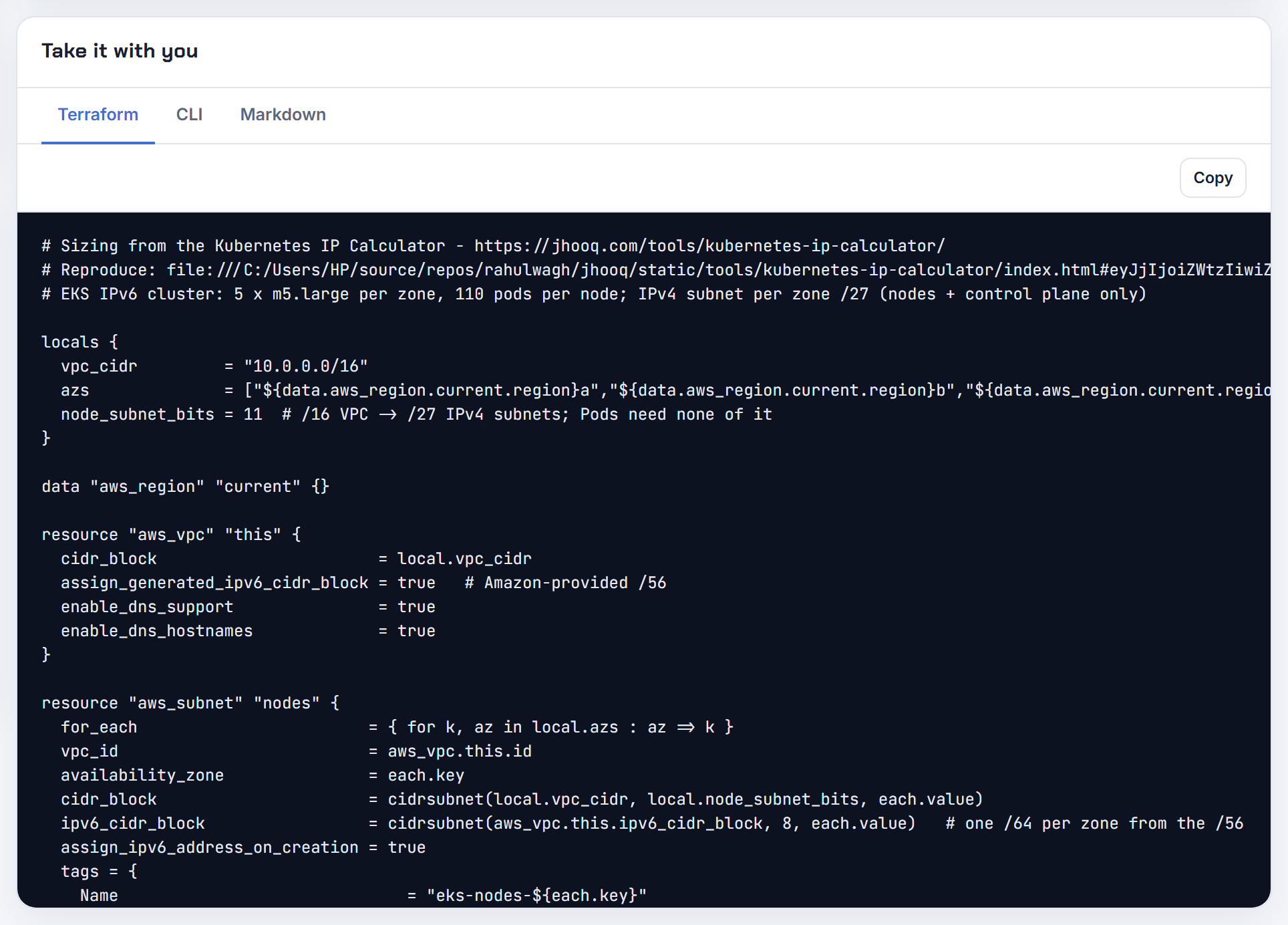
Does Karpenter support IPv6 prefixes on launch templates?
You do not need to set Ipv6PrefixCount yourself. Karpenter detects an IPv6 cluster from the kube-dns Service address and configures the node bootstrap for IPv6 automatically (Karpenter FAQ); the /80 prefix is attached to the primary ENI by the VPC CNI at node bootstrap (IPv6 best practices). The rejection in the old report came from EC2 Fleet validation, which refuses a network interface that specifies both an IPv6 address count and an IPv6 prefix count in the same launch template.
What you should set is an instance requirement, because the VPC CNI only supports IPv6 on Nitro instances and Karpenter will otherwise try older types and fail with "IPv6 is not supported for the instance type":
1requirements:
2  - key: karpenter.k8s.aws/instance-hypervisor
3    operator: In
4    values: ["nitro"]
That snippet is the FAQ's own recommendation. Windows nodes do not support IPv6 under Karpenter either, matching the EKS limit (Windows on EKS).
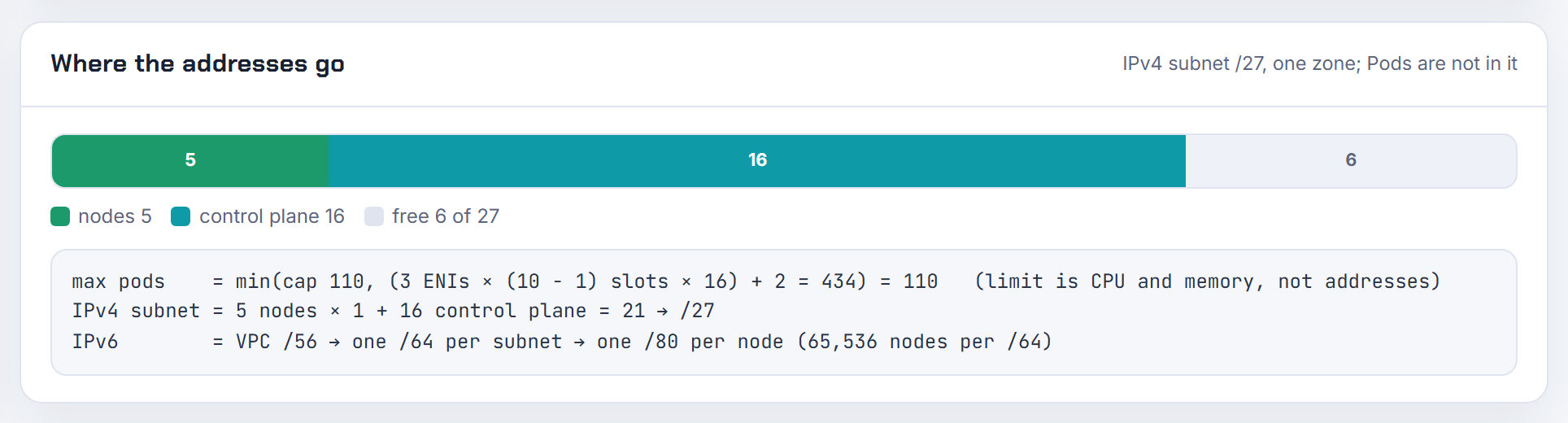
Does IPv6 work on EKS Windows nodes?
No. The Windows support page lists "You can't use IPv6 with Windows nodes" among its considerations, and the IPv6 page lists "No Windows support" (Windows on EKS, IPv6 on EKS). The feature request has been open since 2023 (containers-roadmap 1984).
Because ipFamily is cluster-wide and immutable, a mixed Linux and Windows cluster has to stay IPv4. The options are a separate IPv4 cluster for Windows workloads, or stretching IPv4 on the Windows side with prefix delegation, which multiplies the single ENI's addresses by 16 (Windows prefix mode).
If Windows plus IPv6 is a hard requirement, AKS does support dual-stack Azure CNI Overlay clusters with Windows node pools (Azure CNI Overlay). The Kubernetes IP Calculator has a Windows node mode for EKS (IPs per ENI minus 1, times 16 with prefixes) so you can see how far IPv4 stretches first.
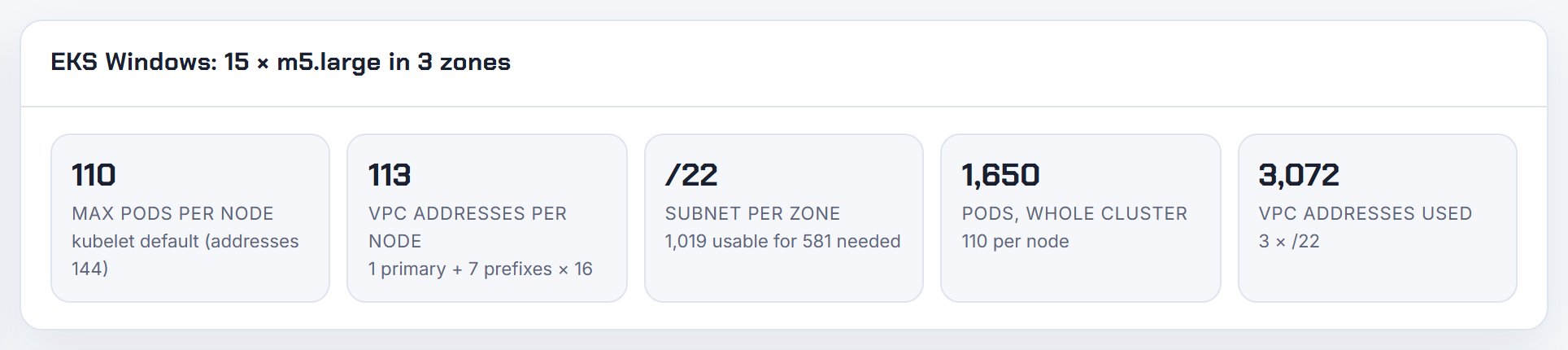
Why does an IPv6 EKS cluster still consume IPv4 addresses?
Because the nodes are dual-stack even though the pods are not. Every node gets one IPv4 and one IPv6 address; the IPv4 is the primary ENI address used to SNAT pod traffic to IPv4 destinations, and AWS states that only a single IPv4 address from the subnet is consumed per node (IPv6 best practices). Pods themselves get a host-local IPv4 from 169.254.172.0/22 that never comes from the VPC and is not reported to Kubernetes (IPv6 on EKS).
So IPv4 consumption drops from one address per pod to one per node, plus the cluster ENIs and load balancers. That is the exhaustion fix, not zero IPv4.
Two leftovers surprise people. The IPv4 ExternalIP shown by kubectl get nodes is the public IPv4 that public subnets auto-assign; keep nodes in private subnets and it disappears, and the request to stop advertising it is still open (containers-roadmap 1703). Fargate pods are different: each one still takes a VPC IPv4 address alongside its IPv6, so Fargate subnets must keep IPv4 headroom. The Kubernetes IP Calculator counts exactly one IPv4 per node for IPv6 clusters.
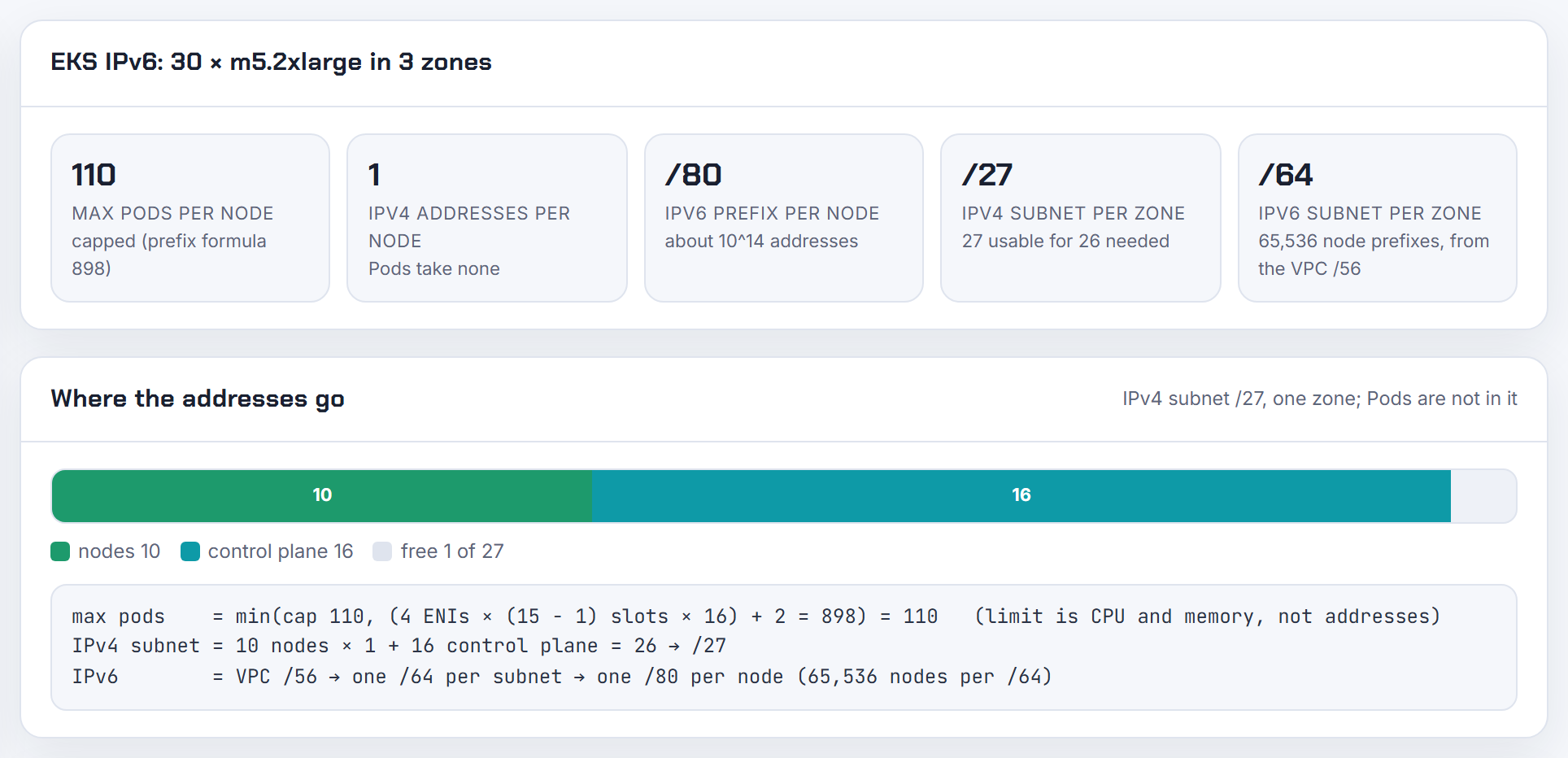
Windows nodes
Windows nodes get a single ENI and their addresses from a controller in the control plane, which changes the pod cap, the bootstrap flags and which VPC CNI features apply.
Does the VPC CNI support Windows nodes, and why do Windows pods not get IP addresses?
Yes, but Windows IPAM is not the aws-node DaemonSet. Addresses for Windows pods are assigned by the VPC Resource Controller running in the EKS control plane, and it is off until you enable it (Windows on EKS):
1apiVersion: v1
2kind: ConfigMap
3metadata:
4  name: amazon-vpc-cni
5  namespace: kube-system
6data:
7  enable-windows-ipam: "true"
The cluster IAM role also needs the AmazonEKSVPCResourceController policy, the node role needs the eks:kube-proxy-windows group (or an access entry of type EC2_WINDOWS), and the cluster needs at least one Linux node for CoreDNS. Without the ConfigMap entry, Windows pods fail with "pod does not have label vpc.amazonaws.com/PrivateIPv4Address", which is the exact message Karpenter's troubleshooting guide maps to Windows support not being enabled (Karpenter troubleshooting).
The pod cap is different too. Windows nodes support one ENI, so the default pod limit is the instance type's IPs per ENI minus one: 9 on an m5.large. There is also a cool-down before a freed IPv4 address goes to a new pod. The Kubernetes IP Calculator has a Windows mode that applies the single-ENI formula.
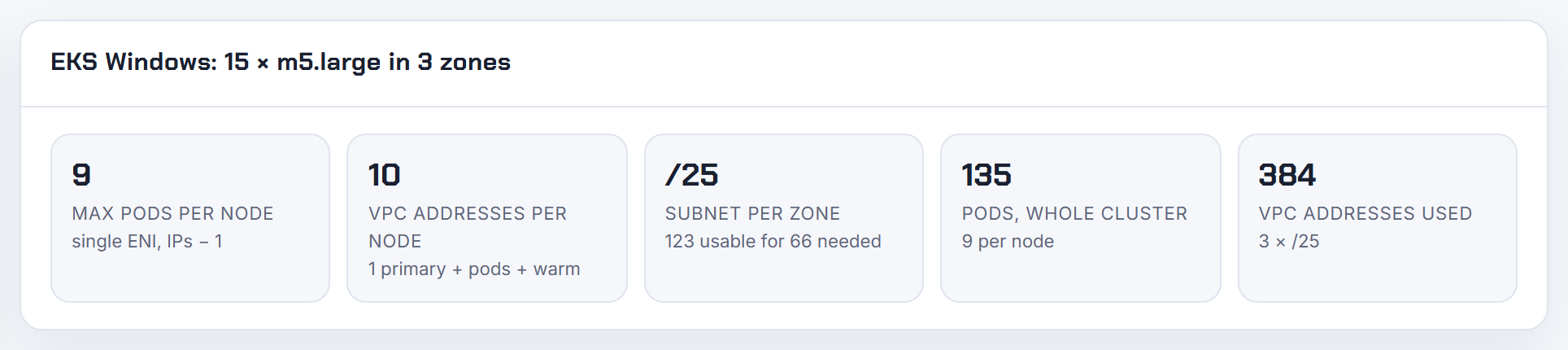
Can Windows nodes use custom networking or prefix delegation?
Prefix delegation yes, custom networking no.
Prefix delegation for Windows assigns /28 prefixes to the single ENI instead of individual secondary addresses, raising the pod cap from (IPs per ENI - 1) to (IPs per ENI - 1) x 16, 144 instead of 9 on an m5.large. Enable it in the same ConfigMap as Windows IPAM (Windows on EKS):
1data:
2  enable-windows-ipam: "true"
3  enable-windows-prefix-delegation: "true"
warm-prefix-target, warm-ip-target and minimum-ip-target tune the warm pool, prefixes need contiguous /28 blocks so AWS recommends subnet CIDR reservations, and you should replace nodes rather than toggle the mode under running pods (Windows prefix mode). Karpenter still sizes Windows pod density from secondary IPs only (EC2NodeClass), so set maxPods yourself there.
Custom networking, which moves pods into secondary CIDR subnets, is Linux only; the Windows request is open (containers-roadmap 2780). The documented workaround is to give Windows node groups their own, larger subnets (Windows networking best practices). The calculator's Windows mode shows the x16 jump from prefixes.
Why does a custom service CIDR break DNS on EKS Windows nodes?
Because the Windows bootstrap script guesses the service range from the node's own address. Start-EKSBootstrap.ps1 defaults -ServiceCIDR to 172.20.0.0/16 or 10.100.0.0/16 and -DNSClusterIP to the matching .10 address, based on the IP of the primary interface, not on what the cluster was created with (EKS Windows AMI). With a custom range the kubelet hands pods a DNS server that does not exist, so name resolution fails only on Windows while Linux nodes work.
Pass both values in the node user data:
1& $EKSBootstrapScriptFile -EKSClusterName "my-cluster" `
2  -ServiceCIDR "10.2.0.0/16" -DNSClusterIP "10.2.0.10" 3>&1 4>&1 5>&1 6>&1
The same page lists SERVICE_IPV4_CIDR as a machine-scoped environment variable alternative; a command line parameter wins when both are present. eksctl added this once the gap was reported (eksctl issue 6151). Read the correct range with aws eks describe-cluster --query cluster.kubernetesNetworkConfig.serviceIpv4Cidr (describe-cluster).
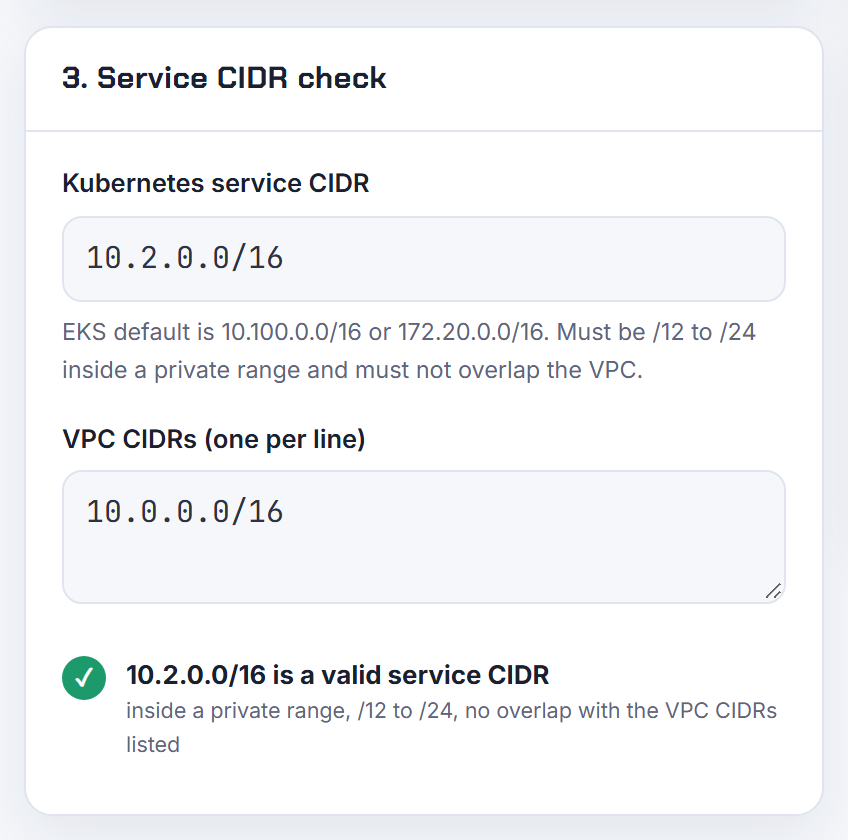
Why must AKS Windows node pools use Azure CNI and not kubenet?
Because kubenet on AKS never supported Windows: the AKS documentation states that Windows Server node pools require Azure CNI and that the kubenet model is not available for Windows containers, and lists Windows node pools under features not supported on kubenet (AKS kubenet). kubenet itself is being retired on 31 March 2028, so new clusters should not start on it anyway.
The worry behind the question, that Azure CNI eats a VNet address per pod, applies to the legacy Node Subnet mode, where a /24 holds only eight nodes with the default 30 pods each. It does not apply to Azure CNI Overlay: pods take addresses from a private pod CIDR, each node gets a /24 from it, and the VNet subnet only needs addresses for nodes (AKS IP planning). Overlay supports Windows node pools, including dual-stack (Azure CNI Overlay).
So adding Windows forces Azure CNI, but not the IP-hungry flavour of it. Default maximum pods per node are 250 on Overlay, 110 on Pod Subnet and 30 on legacy Azure CNI. The Kubernetes IP Calculator has separate AKS Overlay, Pod Subnet and legacy CNI formulas; the Azure steps are in Azure VNet step by step.
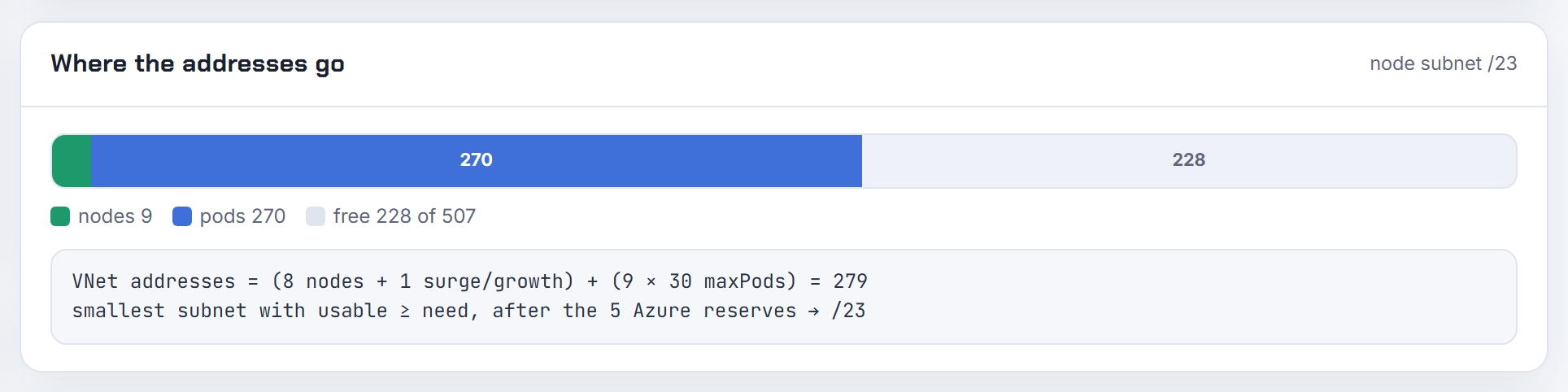
Karpenter, cluster autoscaler and EKS Auto Mode
Autoscalers decide on CPU and memory first and discover IP limits second. These answers cover where each one does look at addresses, and where you have to tell it.
Can Karpenter choose only subnets that still have free IP addresses?
Within a zone, yes; across zones, no. When several subnets match subnetSelectorTerms in the zone Karpenter picked, it launches into the one with the most available IP addresses, and status.subnets on the EC2NodeClass is sorted by that count (EC2NodeClass). The zone itself is chosen from the pod's scheduling constraints, so with one subnet per zone an exhausted zone is still selected. EC2 happily launches the instance, which needs only one address, and then the CNI cannot get pod IPs and pods sit in ContainerCreating (Karpenter troubleshooting). The request to skip such subnets is still open (karpenter 2921).
Mitigations from the troubleshooting guide: topology spread on topology.kubernetes.io/zone so load does not pile into one zone, bigger subnet CIDRs, custom networking with separate pod subnets, or IPv6.
One more lever: with subnet discovery on, the VPC CNI puts secondary ENIs into whichever same-zone subnet has the most free IPs among the node subnet and subnets tagged kubernetes.io/role/cni (VPC CNI README). Size the per-zone subnets evenly from the start; the VPC Subnet Planner's design review includes an EKS node capacity check.
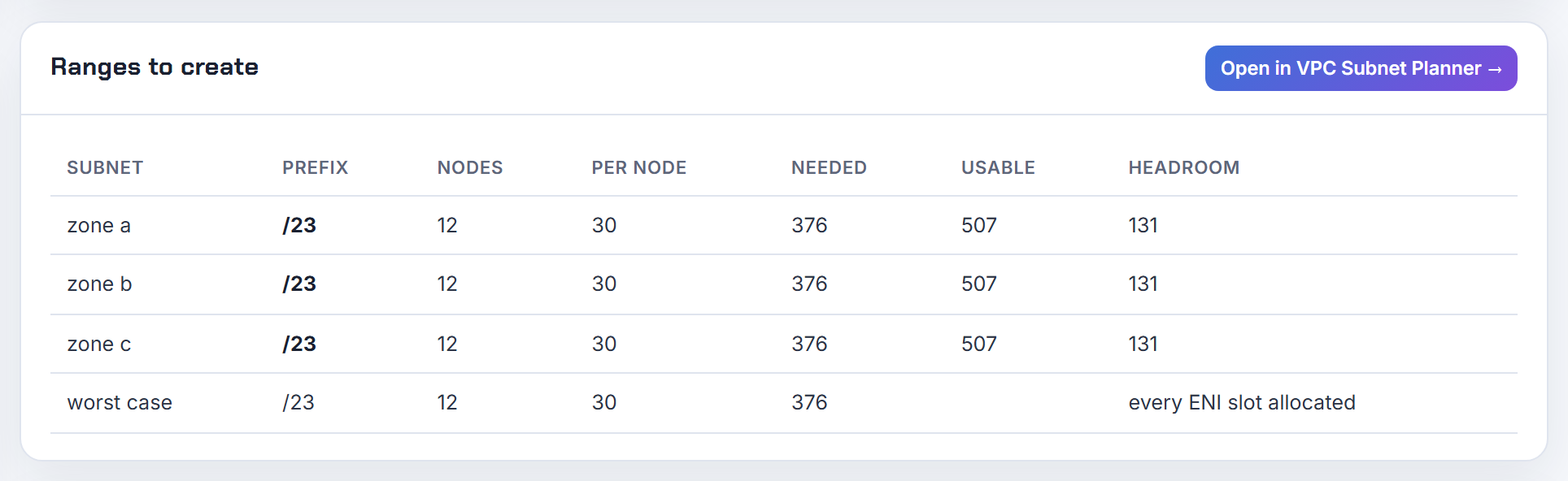
Why does Karpenter set the wrong maxPods or kubelet pod capacity?
Karpenter computes a pod limit per instance type from the ENI formula and passes it to the kubelet as --max-pods; it is wrong whenever your CNI configuration differs from that assumption.
- Prefix delegation is on but Karpenter does not know: it undercounts, so set
spec.kubelet.maxPodson the EC2NodeClass, or use the documented expressionmin(250, ((default_enis - 1) * (ips_per_eni - 1)) * 16 + 2)(EC2NodeClass). - Security groups for pods or custom networking reserve one ENI: set
RESERVED_ENIS=1in the Karpenter settings so that ENI is excluded (settings). Otherwise Karpenter packs more pods than the node can address and they fail with "failed to assign an IP address to container" (Karpenter troubleshooting). - You want the 110 cap managed node groups apply: use
maxPods: "min(110, max_pods)"or a static value; EKS itself caps managed node groups at 110 below 30 vCPUs and 250 above (maxPods on EKS). - Karpenter v1.0.0 to v1.0.3 had a pointer bug that produced random values such as 29 on an m7a.medium; fixed in v1.0.4 (release).
The Kubernetes IP Calculator shows the ENI formula result and the prefix delegation value per instance type, which is a quick check against kubectl get node -o jsonpath='{.status.capacity.pods}'.
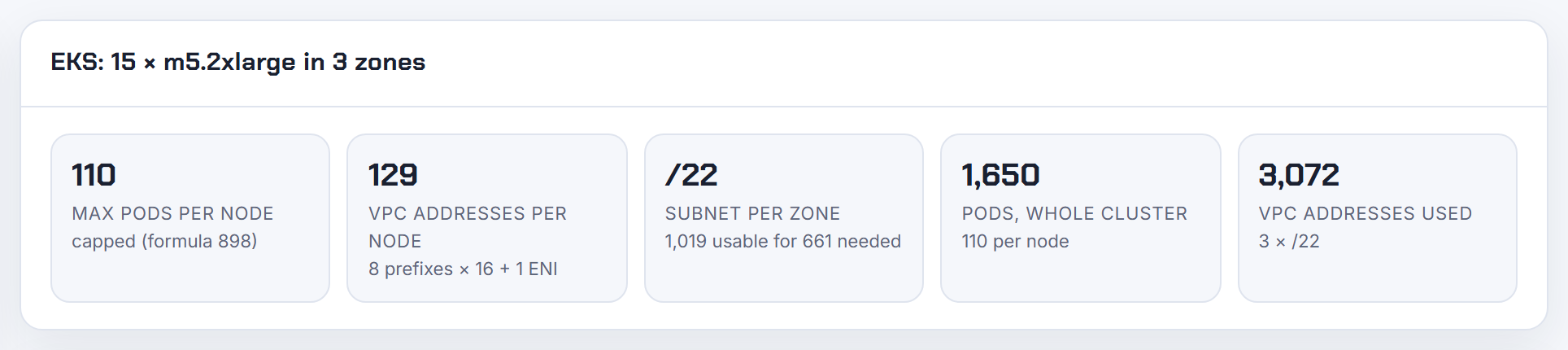
Why does AKS node auto-provisioning report SubnetIsFull when the subnet has over 1,000 free IPs?
Because the check counts reserved addresses, not pods in use. In the flat Azure CNI modes every node pre-allocates its pod addresses from the VNet subnet: in legacy Node Subnet mode a node claims its full maximum pods up front, which is why Microsoft's own comparison says a /24 supports only eight nodes with the default 30 pods each (AKS kubenet); in Pod Subnet mode with dynamic allocation nodes take addresses in batches of 16 and request the next batch when fewer than eight remain (dynamic IP allocation). The free count you see is after those reservations; the provisioner needs room for the whole next node, including upgrade surge.
Node auto-provisioning supports Azure CNI Overlay, Node Subnet and Pod Subnet, and lets each AKSNodeClass point at its own vnetSubnetID (NAP networking). Two fixes follow: move to Overlay, where pods come from a private CIDR and the VNet subnet only holds nodes, or spread node classes across more subnets. Also check for orphaned network interfaces still holding addresses after node deletions, which was a reported Karpenter-on-AKS leak. The Kubernetes IP Calculator's AKS formulas show the per-node reservation for each mode.
Why does the cluster autoscaler not split a scale-up to match the available IP addresses?
Because it does not model IP capacity at all. The cluster autoscaler simulates scheduling against a node template and then asks the cloud provider for the whole increment in one call; it only knows about quota and stockouts through the errors it gets back, and after a failed scale-up it backs off the node group, starting at 5 minutes and growing to 30 (cluster autoscaler FAQ). On AKS the request to grow the scale set by 30 fails as a unit when the subnet cannot hold 30 more addresses, so nothing is added, which matches the report.
Microsoft's guidance for that failure is to add another subnet in the same virtual network and a node pool in it (cluster autoscaler on AKS). Lowering the node pool maximum to what the subnet can hold makes the autoscaler succeed with a smaller plan.
Overlay clusters hit a different wall: AKS reserves a /24 per node and plans for the maximum node count plus surge (AKS IP planning), so a node pool whose theoretical maximum exceeds the pod CIDR is rejected before any scale-up. The fix is to expand the pod CIDR to a superset of the original, Linux node pools only (expand pod CIDR).
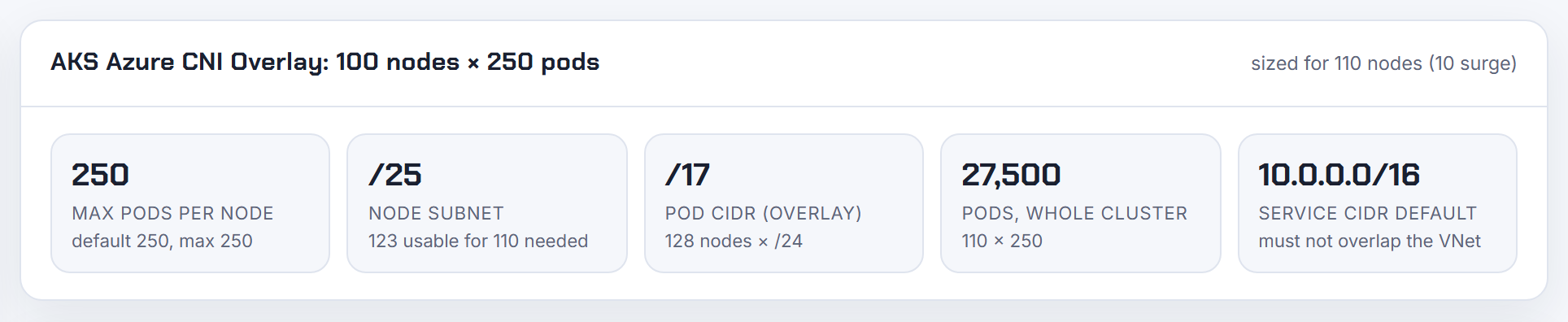
Does EKS Auto Mode support prefix delegation or custom warm pool settings?
Prefix delegation is the default and the warm pool is not configurable. Auto Mode assigns /28 prefixes per node, falls back to /32 secondary addresses when the subnet is fragmented, keeps a predefined warm pool that scales with scheduled pods, and releases unused prefixes after a cooldown (Auto Mode networking). The same page lists what is not supported: warm IP, warm prefix and warm ENI settings, minimum IP targets, custom networking through ENIConfig, security groups per pod, and the other VPC CNI variables.
What you can set is in the NodeClass (NodeClass):
1spec:
2  advancedNetworking:
3    ipv4PrefixSize: "32"   # secondary IP mode for pod-sparse nodes
4  podSubnetSelectorTerms:
5    - tags: { Name: pod-subnet }
6  podSecurityGroupSelectorTerms:
7    - tags: { Name: pod-sg }
Secondary IP mode allocates one address per pod instead of 16 per node, which AWS recommends for sparse GPU or anti-affinity workloads at scale. Pod subnet selectors are the Auto Mode replacement for custom networking. Max pods are the lower of 110 and ENIs x (IPs per ENI - 1) (maxPods on EKS), and IPv6 clusters get a /80 per node. Windows nodes are not supported in Auto Mode. The background is in EKS running out of IP addresses.
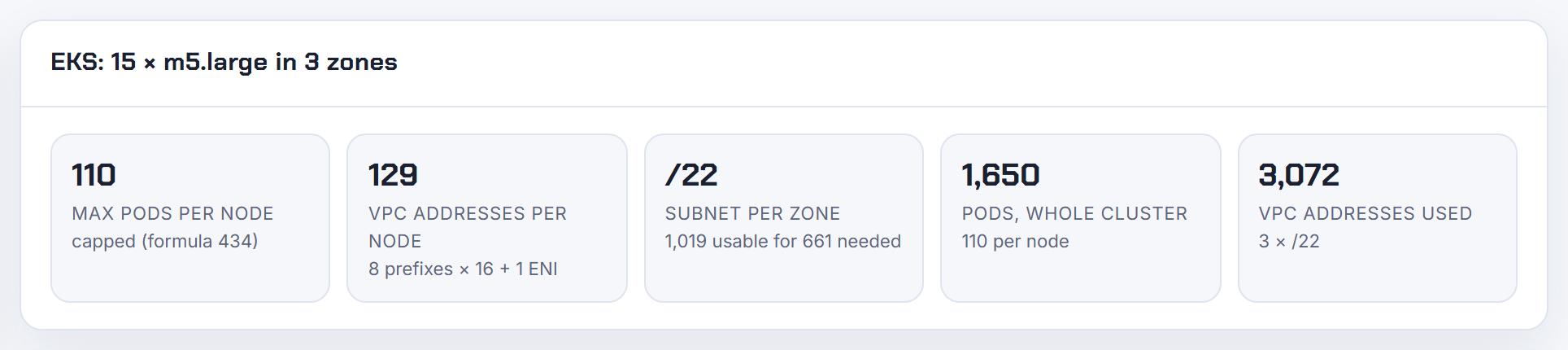
Can the node monitoring agent cordon or repair nodes that run out of IPv4 addresses?
No, not today. The EKS node monitoring agent does detect the state: IPAMDNoIPs, "IPAMD is out of IP addresses", is in its networking table, but with severity Event and repair action None (node health issues). Only entries with severity Condition set the NetworkingReady node condition, and automatic node repair acts on conditions, not events (node health). The request to treat IP exhaustion as repairable is open (containers-roadmap 2553).
So an exhausted node stays schedulable and new pods on it fail with "failed to assign an IP address to container" (Karpenter troubleshooting). Until the agent does more, fix the cause rather than the symptom:
- Make the kubelet
maxPodsmatch what the CNI can address, so the scheduler never over-packs a node (maxPods on EKS). - Keep subnets from running dry with prefix delegation, custom networking or IPv6; the trade-offs are in EKS running out of IP addresses.
- Alert on the agent's event or on the VPC CNI metrics and cordon by hand or with a small controller.
The Kubernetes IP Calculator shows the addressable pods per node and the VPC addresses each node consumes, including the warm ENI, which is the number to feed your subnet sizing.
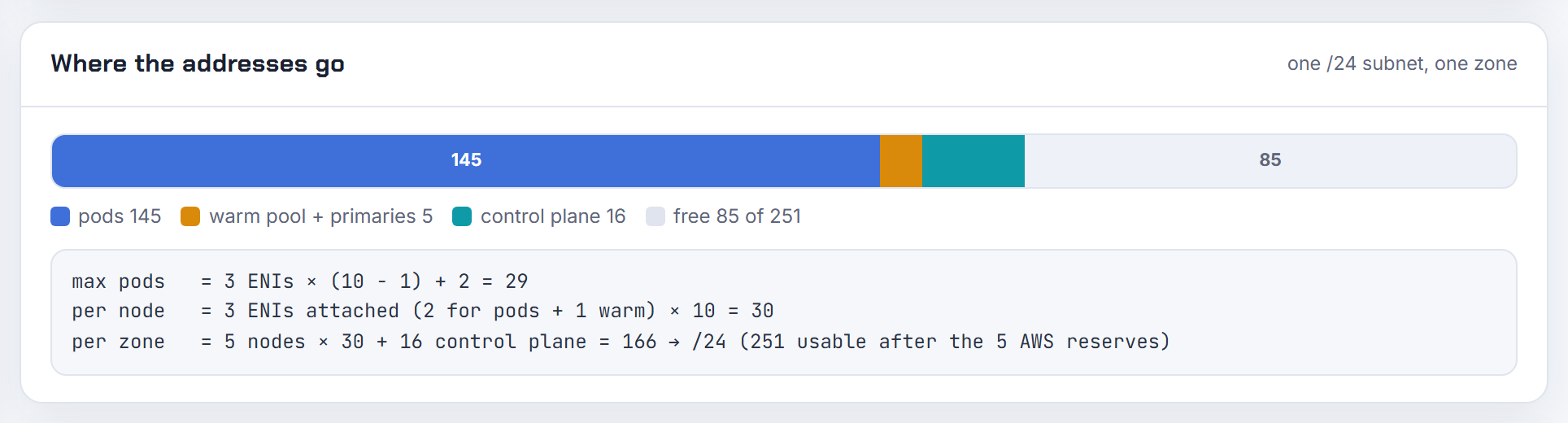
Why does Karpenter report could not schedule pod, incompatible with provisioner?
Most often because the pending pod is Karpenter itself. The message in the question says the pod requires karpenter.sh/provisioner-name DoesNotExist while the provisioner offers In [default]. Karpenter's own pods carry that anti-requirement on purpose so it never launches capacity to run itself, and since version 0.16 the chart runs two replicas by default; the second replica has nowhere to go on a one-node cluster. The documented fixes are to reduce replicas to one or to give the managed node group at least two instances (Karpenter troubleshooting). In current versions the label is karpenter.sh/nodepool and "provisioner" became NodePool (NodePools).
For application pods the same message means the pod's node selector, affinity, zone or instance requirements have no intersection with the NodePool's requirements. The IP-related variant looks different: when the pod limit Karpenter computed is lower than the node can really address, or higher, you see extra nodes or pods stuck in ContainerCreating rather than this error, and the levers are maxPods and RESERVED_ENIS (EC2NodeClass, settings). NodePool limits cap total CPU, memory and node count; they produce an insufficient capacity message, not an incompatibility.
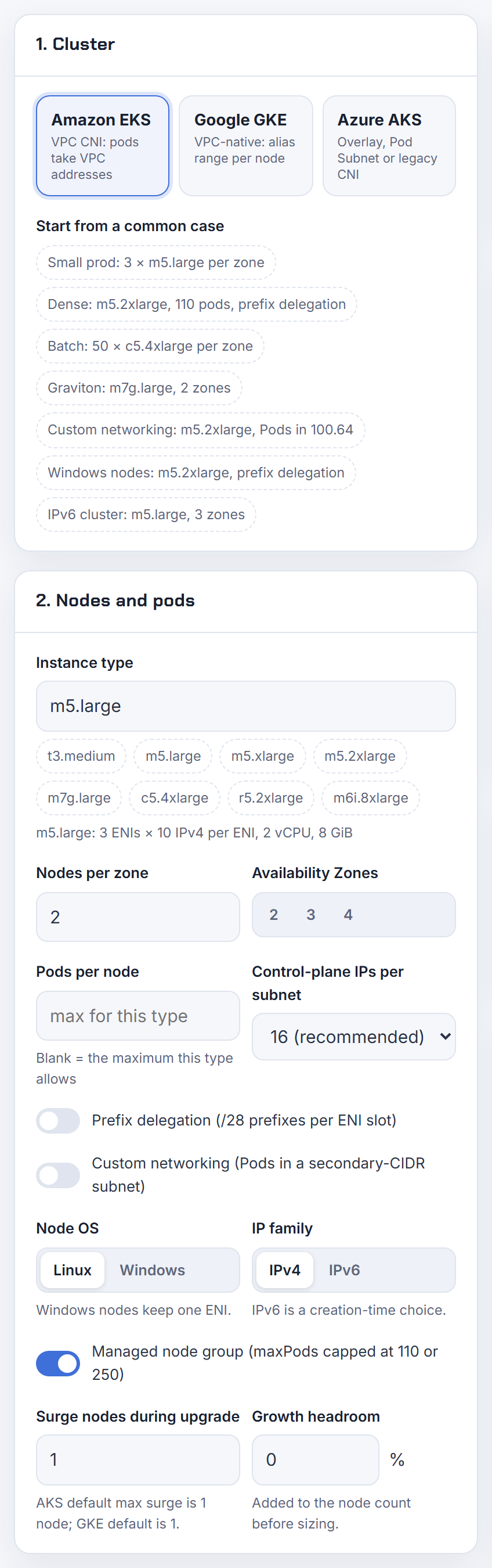
Google GKE
GKE VPC-native clusters take node IPs from the subnet's primary range and pod IPs from a secondary range, one block per node. Most GKE IP problems come from that per-node block.
What does the GKE error IP space exhausted mean and how do I fix it?
It means a GKE node could not be created because either the subnet's primary range (node IPs) or the cluster's secondary range for pods is full. The GKE troubleshooting page shows how to tell them apart: if the resourceName in the log entry is just the subnet name, nodes ran out; if it looks like subnet-podrangename-hash, pods ran out.
Pods are the usual culprit. With the default 110 pods per node, GKE reserves a /24 (256 addresses) per node whether pods run or not, so a /24 pod range is "100 percent used" after one node (IP utilization insights). GKE also keeps reserving space for the larger of a node pool's initial_node_count and its current size.
Fixes from the same page: add a secondary range and attach it with --additional-pod-ipv4-ranges, add a new node pool with a smaller --max-pods-per-node, or expand the subnet primary range if nodes are the problem. The default auto-mode subnet is only a /20 (alias IP ranges), so a few clusters empty it fast. The calculator shows the per-node block and the pod range needed before you build.
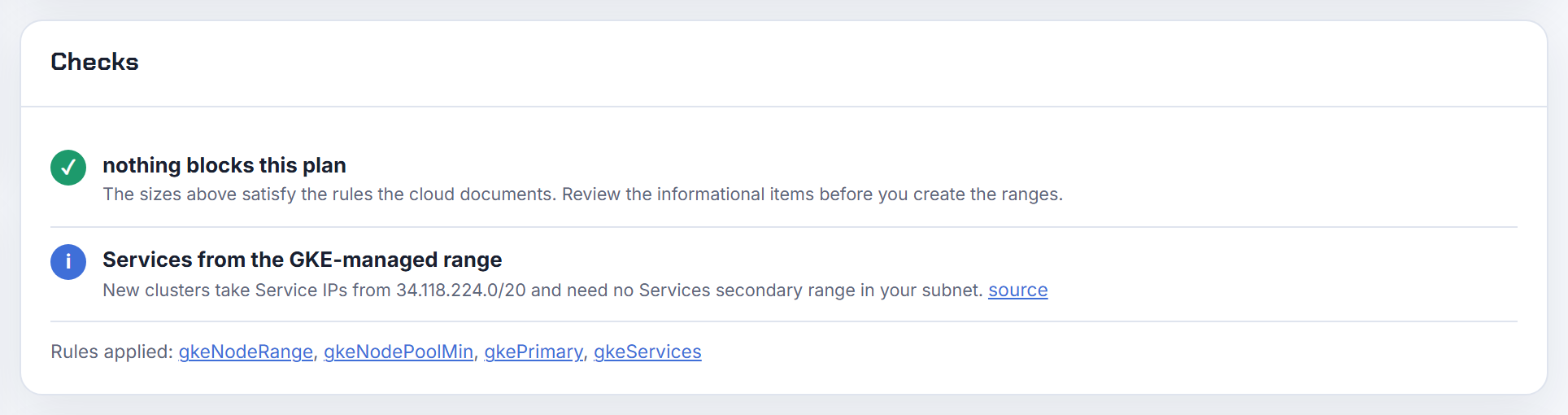
How do I increase the pod range, service range or subnet of an existing GKE cluster?
You can grow two of the three; the service range is fixed. The subnet primary range (node IPs) can be expanded any time with gcloud compute networks subnets expand-ip-range, but never shrunk (expand a primary IPv4 range). If the cluster uses authorized networks, add the new range there too or new nodes cannot register.
The original pod secondary range is immutable, but you can add more pod ranges: create a new secondary range on the subnet, then run gcloud container clusters update CLUSTER --additional-pod-ipv4-ranges=RANGE_NAME. Existing node pools keep their original range; only new node pools use the added one (add pod IPv4 ranges). Autopilot supports this from 1.26.
The secondary range for Services cannot be changed after creation (Service range). If it is full, the only route is a new cluster. Pick a /20 (4,096 Services) or larger up front; the calculator sizes the service CIDR next to the pod range.
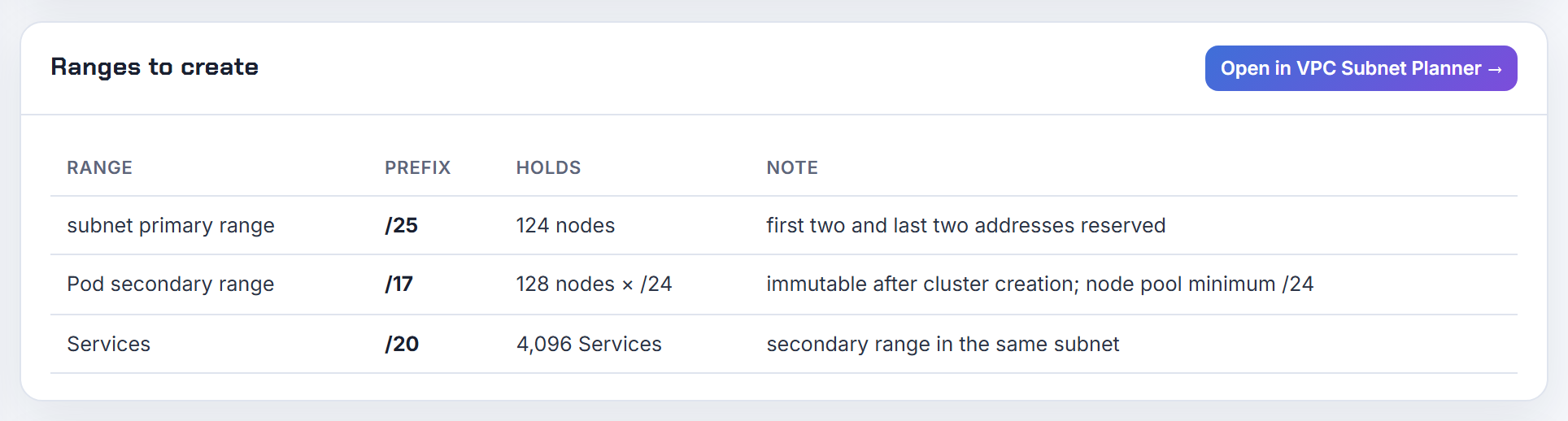
Why does the pod address range cap the number of nodes in my GKE cluster?
Because every node gets a fixed block from the pod range, sized by max pods per node, not by pods actually running. GKE's formula is M = 31 - ceil(log2(Q)) where Q is max pods per node; the maximum node count is 2^(host bits of the pod range - host bits of M) (cluster sizing for the pod range).
With the default Q = 110, M is /24. A /16 pod range therefore holds 2^(16 - 8) = 256 nodes and no more. With Q = 32 the block is /26 and the same /16 holds 1,024 nodes. Google's own example: a /17 range at 32 pods per node supports 512 nodes and 16,384 pods.
If you hit the cap, add a pod range with discontiguous multi-pod CIDR or create a new node pool with a smaller --max-pods-per-node (configure maximum pods). The calculator applies the 31 - ceil(log2(max pods)) rule and shows the resulting node ceiling for any pod range.
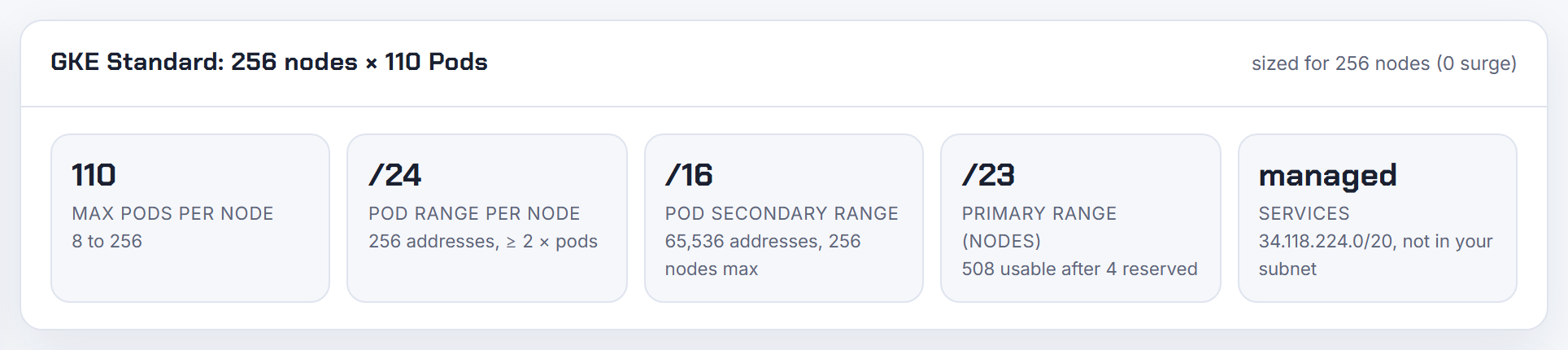
How many pods per node does GKE allow, and why does my per-node block differ from the docs?
Standard clusters default to 110 pods per node and can be configured up to 512 at cluster or node pool creation (about default maximum pods per node). The setting is immutable after creation. Autopilot picks the value itself between 8 and 256 (32 on versions before 1.28) (GKE quotas).
GKE always gives a node at least twice as many addresses as its max pods, which is why the block looks bigger than the number you set:
| Max pods per node | Block per node | Addresses |
|---|---|---|
| 8 | /28 | 16 |
| 9 to 16 | /27 | 32 |
| 17 to 32 | /26 | 64 |
| 33 to 64 | /25 | 128 |
| 65 to 128 | /24 | 256 |
| 129 to 256 | /23 | 512 |
| 257 to 512 | /22 | 1,024 |
The block is reserved whether or not pods run. In Terraform, default_max_pods_per_node only works with ip_allocation_policy set, because routes-based clusters do not support it (google_container_cluster). Count kube-system pods against the limit too. The calculator shows this table as "per node".
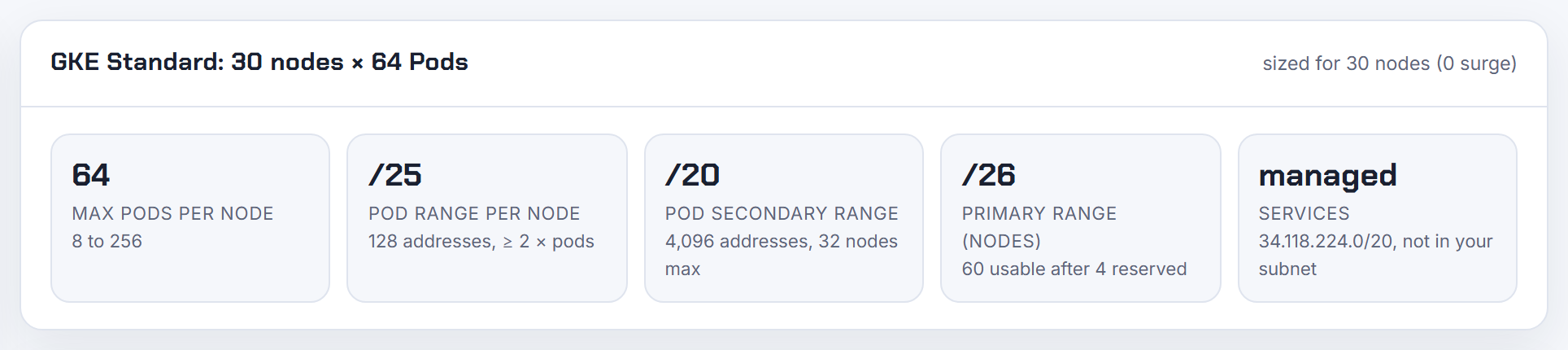
What are the GKE pod and service secondary ranges, how do I set them in Terraform, and can clusters share them?
A VPC-native cluster takes node IPs from the subnet's primary range, pod IPs from one subnet secondary range, and Service ClusterIPs from a second secondary range or, on Standard 1.29+ and Autopilot 1.27+, from the Google-managed 34.118.224.0/20 (IP ranges for VPC-native clusters). Rough sizes: 900 nodes at 110 pods need a /14 pod range; 3,000 Services need a /20.
In Terraform, create the ranges on google_compute_subnetwork and name them in ip_allocation_policy:
1ip_allocation_policy {
2  cluster_secondary_range_name  = "pods"
3  services_secondary_range_name = "services"
4}
Set cluster_ipv4_cidr_block or services_ipv4_cidr_block instead if you want GKE to create the ranges (google_container_cluster).
Sharing: clusters in the same subnet share the primary range by default; user-managed pod and service ranges can be shared by passing them with --cluster-secondary-range (CLI only, not the console). GKE-managed ranges and additional pod ranges cannot be shared, and one cluster can starve the others (sharing ranges). The calculator outputs both ranges as a Terraform snippet.
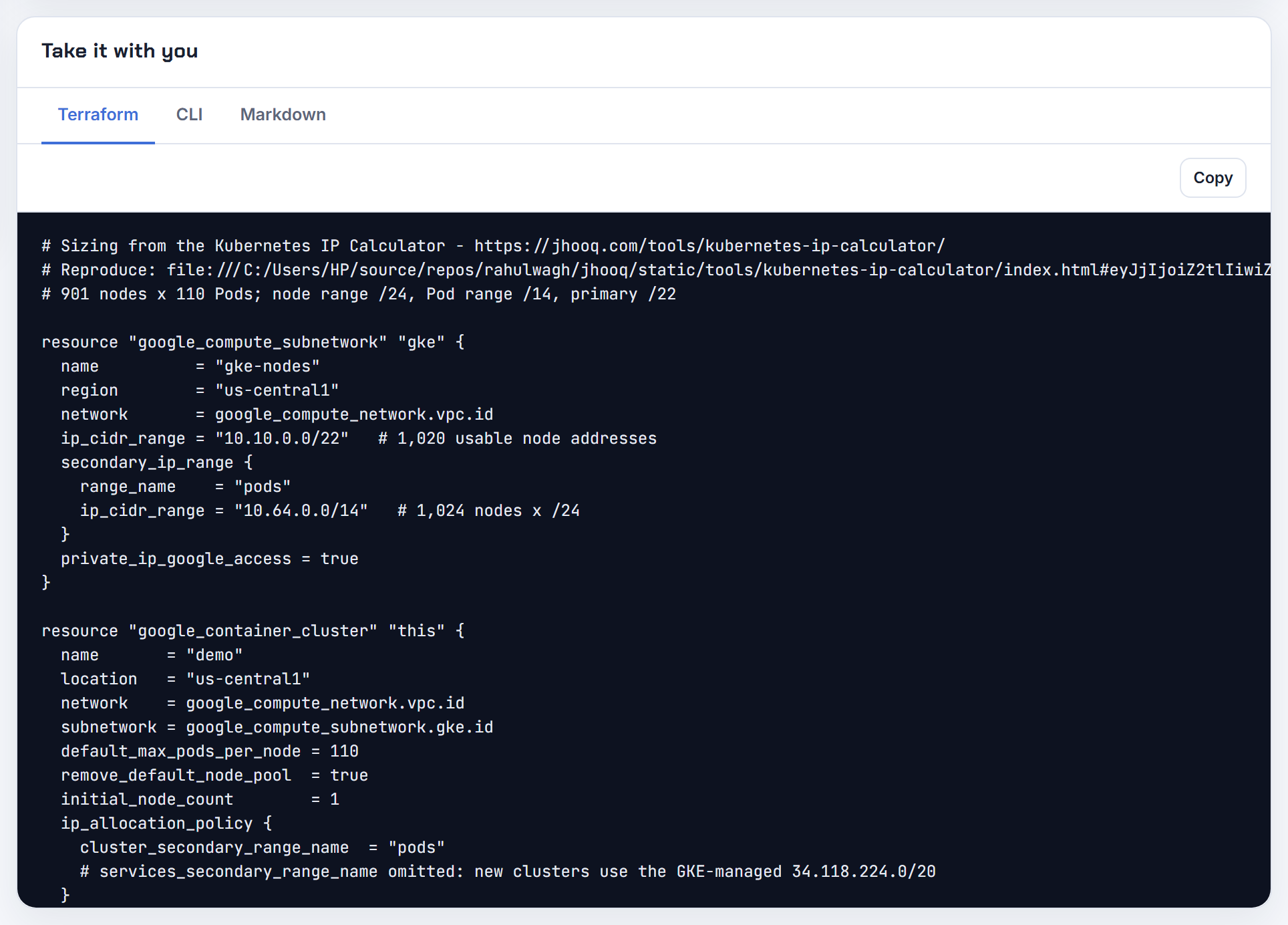
How do I give a GKE node pool its own pod range, and why does Terraform fail on it?
On Standard clusters (1.20.4-gke.500+) a new node pool can use its own secondary range. Either let GKE create it with --create-pod-ipv4-range=name=NAME,range=CIDR or point at an existing one with --pod-ipv4-range NAME. The range must be a secondary range on the cluster's subnet and overrides all cluster-level pod ranges for that pool (node pool custom pod ranges).
In Terraform the same thing is the network_config block on google_container_node_pool:
1network_config {
2  create_pod_range     = true
3  pod_range            = "pods-pool2"
4  pod_ipv4_cidr_block  = "10.20.0.0/20"
5}
With create_pod_range = false, pod_range must name an existing secondary range (google_container_node_pool). Two common failures: the pool's range is smaller than /24, which GKE rejects with "Pod secondary range must have a CIDR block of at least /24" (maximum pods per node), and the range does not exist yet because the subnet resource was not updated first. Routes-based clusters do not support this at all. After adding a range, check the ip-masq-agent non-masquerade list includes it.
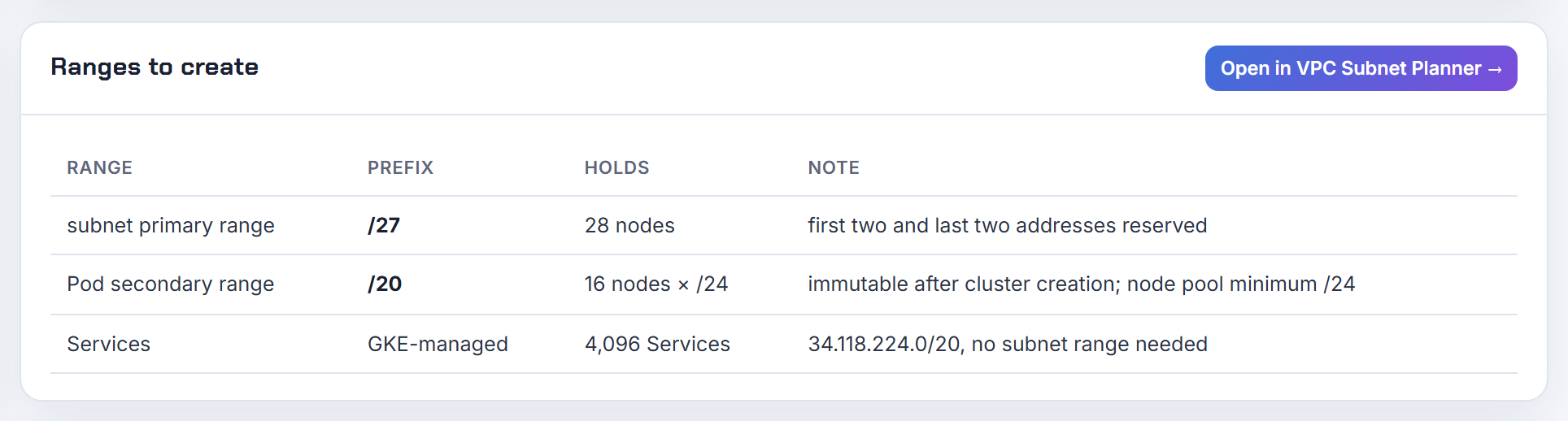
Why does GKE say the maximum supported number of secondary ranges per subnetwork was exceeded?
Because a subnet can hold a limited number of secondary IPv4 ranges and every cluster with GKE-managed ranges adds to that count. The VPC limit today is 170 secondary ranges per subnet and it cannot be raised (VPC quotas); older clusters hit a lower limit when the error was first reported.
Each Standard cluster created before 1.29 adds two ranges (pods and services). Clusters on Standard 1.29+ and Autopilot 1.27+ take Service IPs from the GKE-managed 34.118.224.0/20, which does not use the subnet's secondary range quota (Service range). Node pool custom pod ranges and additional pod ranges each add one more.
Ways out: delete ranges left behind by deleted clusters (a secondary range can be removed only when nothing uses it, see edit secondary ranges), share one user-managed pod or service range across clusters, or put clusters in separate subnets.
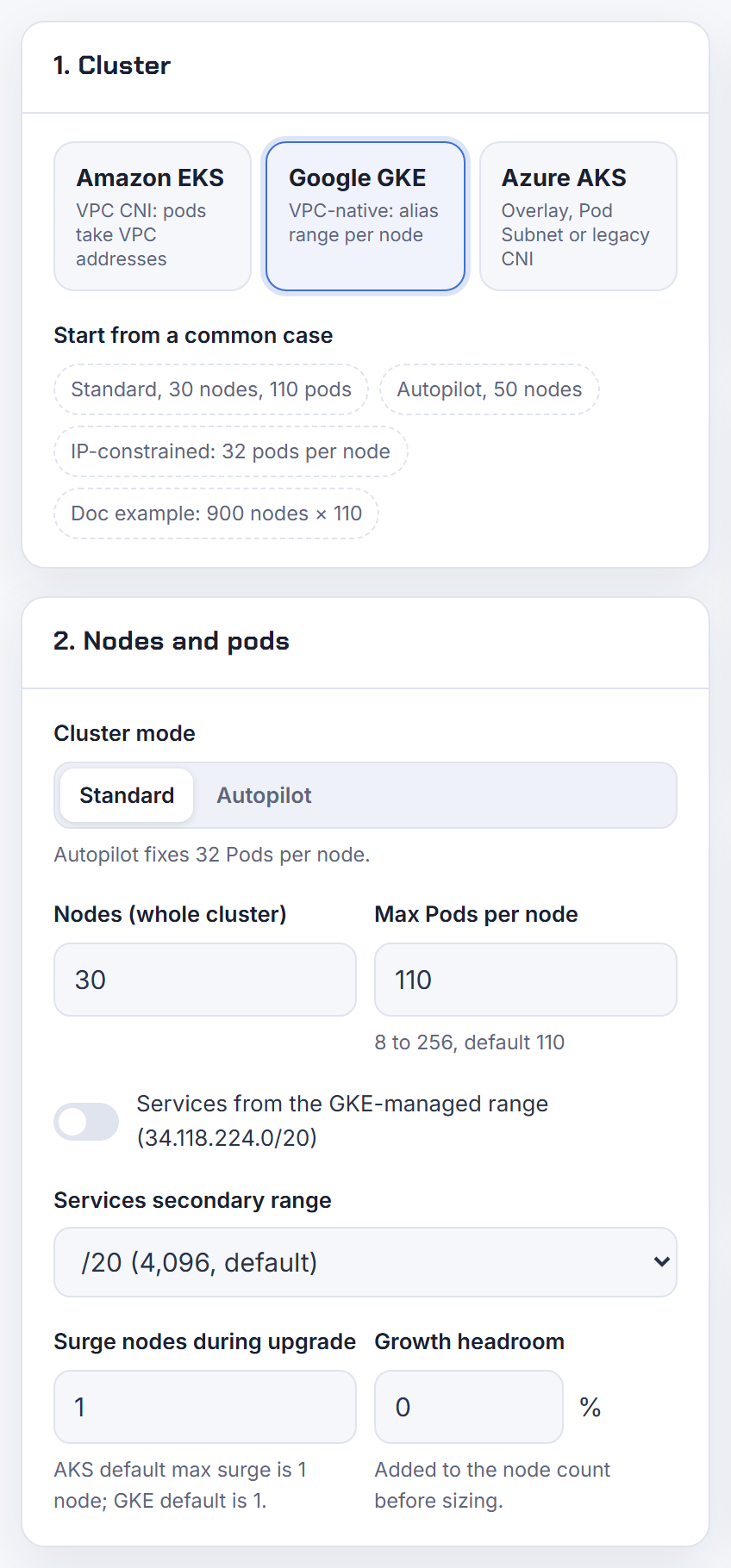
What is the GKE default service range 34.118.224.0/20, and can Standard clusters use it?
Yes. Since Standard 1.29 and Autopilot 1.27, GKE assigns Service ClusterIPs from the GKE-managed range 34.118.224.0/20 by default, so you no longer need a secondary range for Services. Google uses that block privately and publishes no internet routes for it; you cannot use it for external IPs (GKE-managed secondary ranges).
The managed range gives /20 (4,096 Services) by default and the smallest managed size is /27. If you pass only a size such as --services-ipv4-cidr=/22, GKE still carves it from 34.118.224.0/20. It does not count against the subnet's secondary range quota. To keep a VPC range instead, pass --services-secondary-range-name (Service range table).
For Terraform, leave services_secondary_range_name and services_ipv4_cidr_block out of ip_allocation_policy to get the managed range, or name a range to keep tooling that expects a VPC range working (google_container_cluster). Service IPs are only reachable from inside the cluster either way.
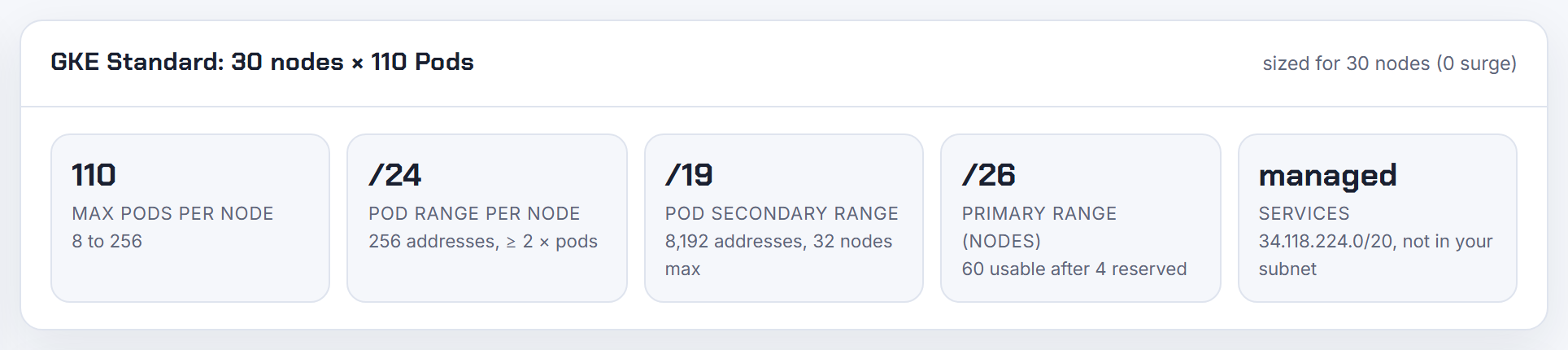
How many addresses do pods use on a routes-based, non VPC-native GKE cluster?
A routes-based cluster has one "Pod address range" (clusterIpv4Cidr) that serves both pods and Services. The last /20 of it (4,096 addresses) is the Service range; every node then takes a /24 (256 addresses) from the rest, for a maximum of 110 pods per node. The per-node /24 shows up as a Google Cloud route with the node as next hop, which is why the usage is hard to see in the subnet view (routes-based clusters).
Sizing: nodes x 256 + 4,096. Google's example is 900 nodes, which needs 230,400 pod addresses and therefore a /14 (262,144 addresses). The range must come from RFC 1918 and cannot be changed after creation (cluster sizing).
Routes-based clusters cannot use additional pod ranges, custom max pods per node, or privately used public ranges, and are not the default since 1.21.0-gke.1500. For new clusters use VPC-native and the calculator's GKE mode, which applies the per-node block rule.
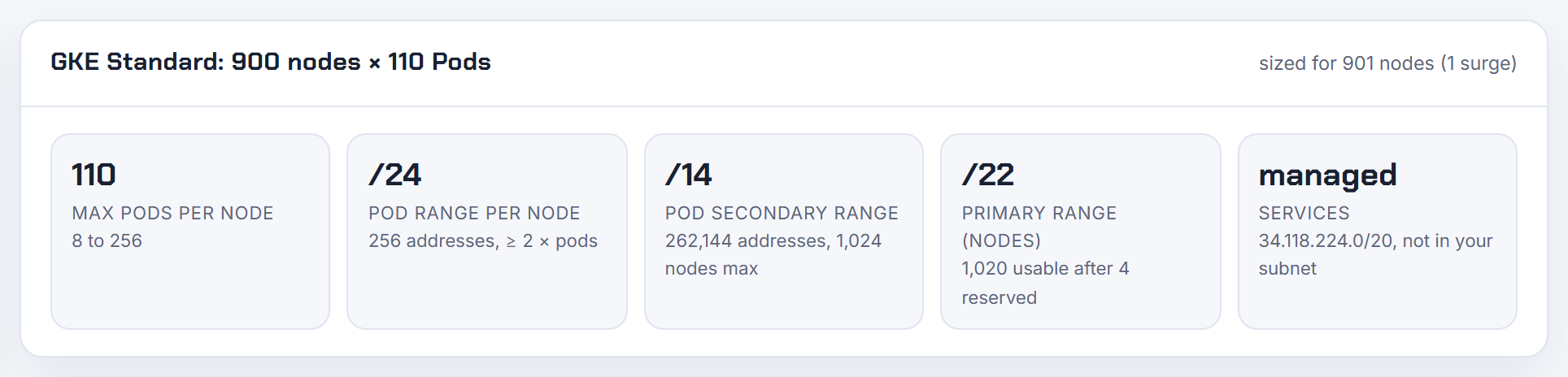
What is master-ipv4-cidr on GKE, which /28 should I pick, and can two clusters reuse it?
--master-ipv4-cidr is the internal range for the control plane of a private cluster that uses VPC Network Peering. It must be exactly a /28, must not overlap anything in the VPC, and is permanent for the cluster and unique within the VPC (private clusters with VPC peering). So no, two clusters in the same VPC cannot reuse one /28; GKE can detect an overlap in a normal VPC but not inside a Shared VPC. Autopilot picks a /28 from 172.16.0.0/16 if you omit it, and if you use 172.17.0.0/16 for the control plane you cannot use it for nodes, pods or Services.
Pick an unused block away from your subnets, for example 172.16.0.0/28, 172.16.0.16/28 and so on, one per cluster.
On clusters created on 1.29 or later the control plane uses Private Service Connect instead. There the flag is optional: GKE takes the control plane IP from the subnet's primary range, which costs one node slot, or from a subnet you name with --private-endpoint-subnetwork (network isolation). Terraform mirrors this: master_ipv4_cidr_block is optional on 1.29+ when private_endpoint_subnetwork is set (google_container_cluster).
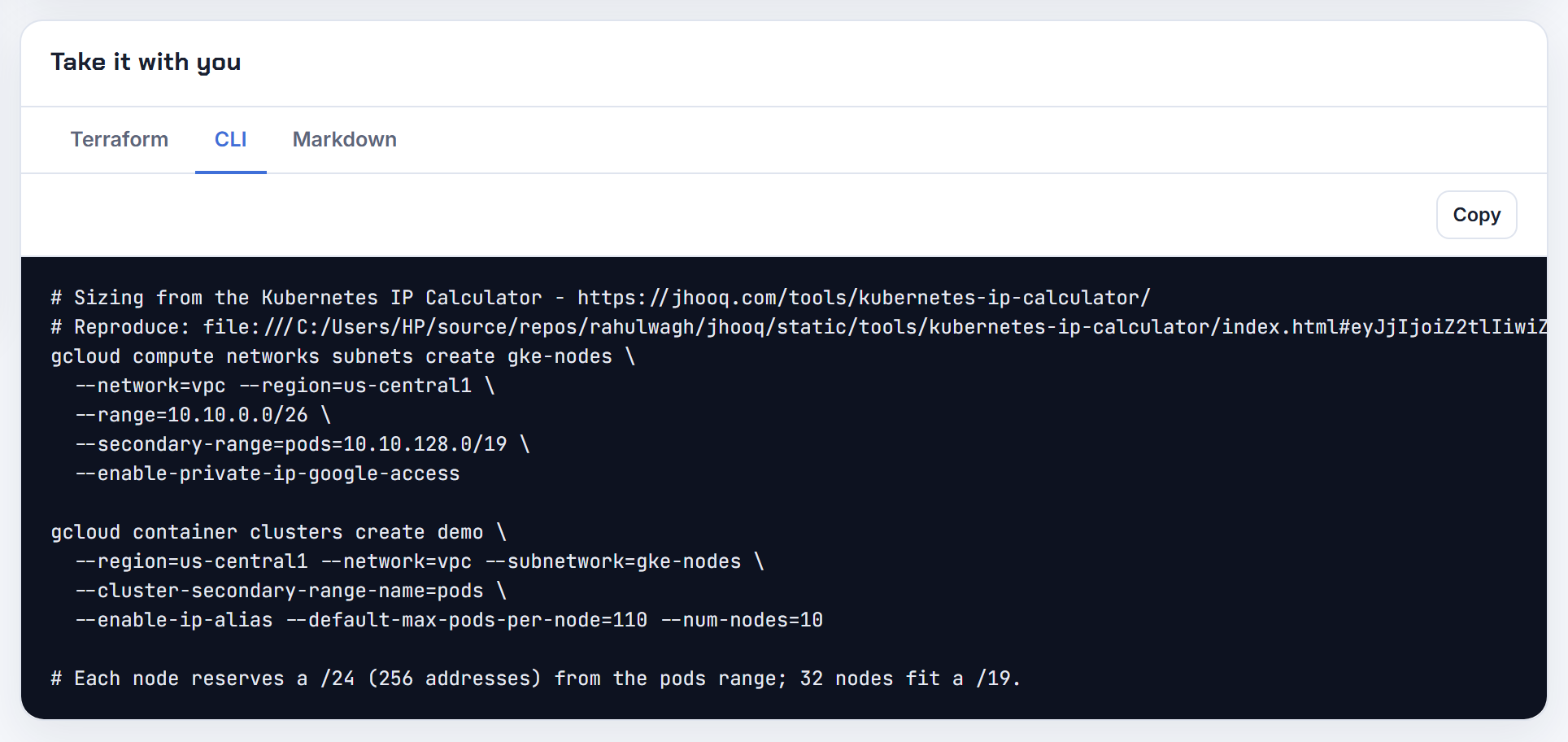
Are GKE pod ranges limited to 10.x RFC 1918 space, and which CIDRs are valid?
No, VPC-native clusters can use any valid VPC subnet range for nodes, pods and Services, not only 10.0.0.0/8. Valid ranges are RFC 1918 (10/8, 172.16/12, 192.168/16), the RFC 6598 shared space 100.64.0.0/10, 192.0.0.0/24, 198.18.0.0/15, the class E block 240.0.0.0/4, the RFC 5737 test nets, and privately used public IPv4 addresses (valid subnet ranges). A range cannot span two of these blocks.
GKE's own rules for non-RFC 1918 space: not supported on Windows node pools; you cannot switch node or Service ranges to or from non-RFC 1918 on an existing cluster, but you can add non-RFC 1918 pod ranges to an existing VPC-native cluster; privately used public ranges need a VPC-native cluster (use non-RFC 1918 ranges).
Two caveats: keep 172.17.0.0/16 free because Docker and some Google products use it inside the guest OS, and if an external destination rejects odd source ranges, keep the node range in RFC 1918 and let ip-masq-agent SNAT pod traffic to node IPs. Routes-based clusters remain RFC 1918 only. The planner flags 172.17.0.0/16 and non-RFC 1918 choices in its design review.
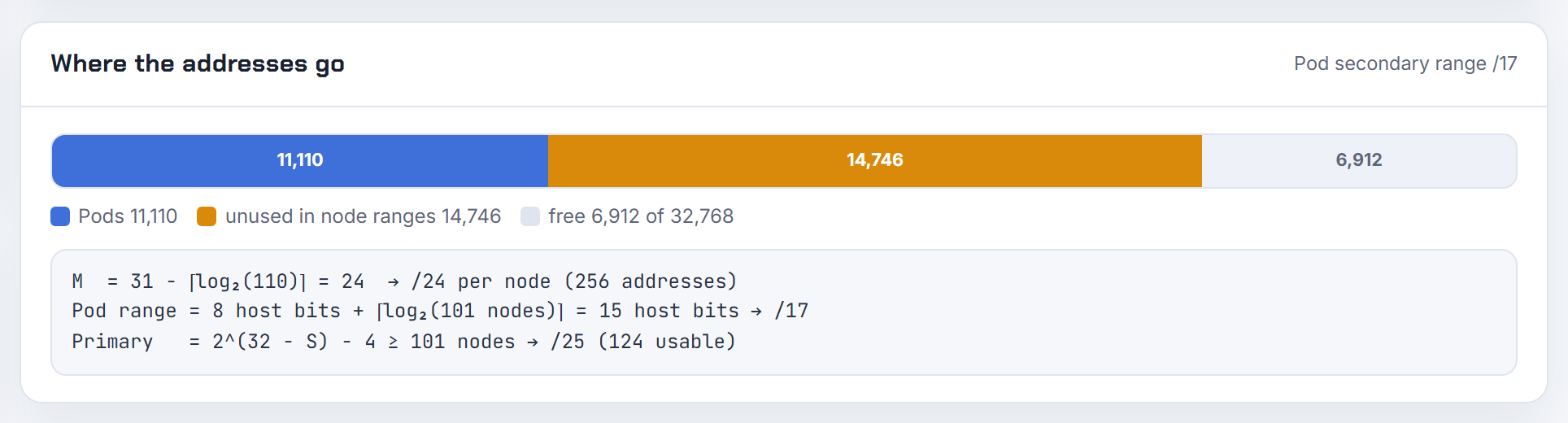
Does GKE support dual-stack or IPv6 for pods and services?
Dual-stack yes, single-stack IPv6 no. From GKE 1.24 you can create a dual-stack VPC-native cluster: nodes and pods get both an IPv4 and an IPv6 address, and Services can be IPv4, IPv6 or dual-stack. Requirements: GKE Dataplane V2, a custom-mode VPC with a dual-stack subnet, and no Windows nodes. Single-stack IPv6 for pods or nodes is not supported, and the setting is chosen at creation (IPv4/IPv6 dual-stack networking).
Address layout: the subnet gets a /64, each node a /96 from it, each node's pods a /112 inside that /96, and Services a /112 from Google's reserved 2600:2D00:0:4::0:0/64. External IPv6 comes from 2600:1900::/28; internal IPv6 uses fd20::/20 ULA space, which has no internet access because Cloud NAT does not support IPv6. Dual-stack LoadBalancer Services need 1.29+.
In Terraform, set ip_allocation_policy { stack_type = "IPV4_IPV6" } (google_container_cluster). Because IPv4 is still assigned to every pod, dual-stack does not reduce your IPv4 pod range needs.
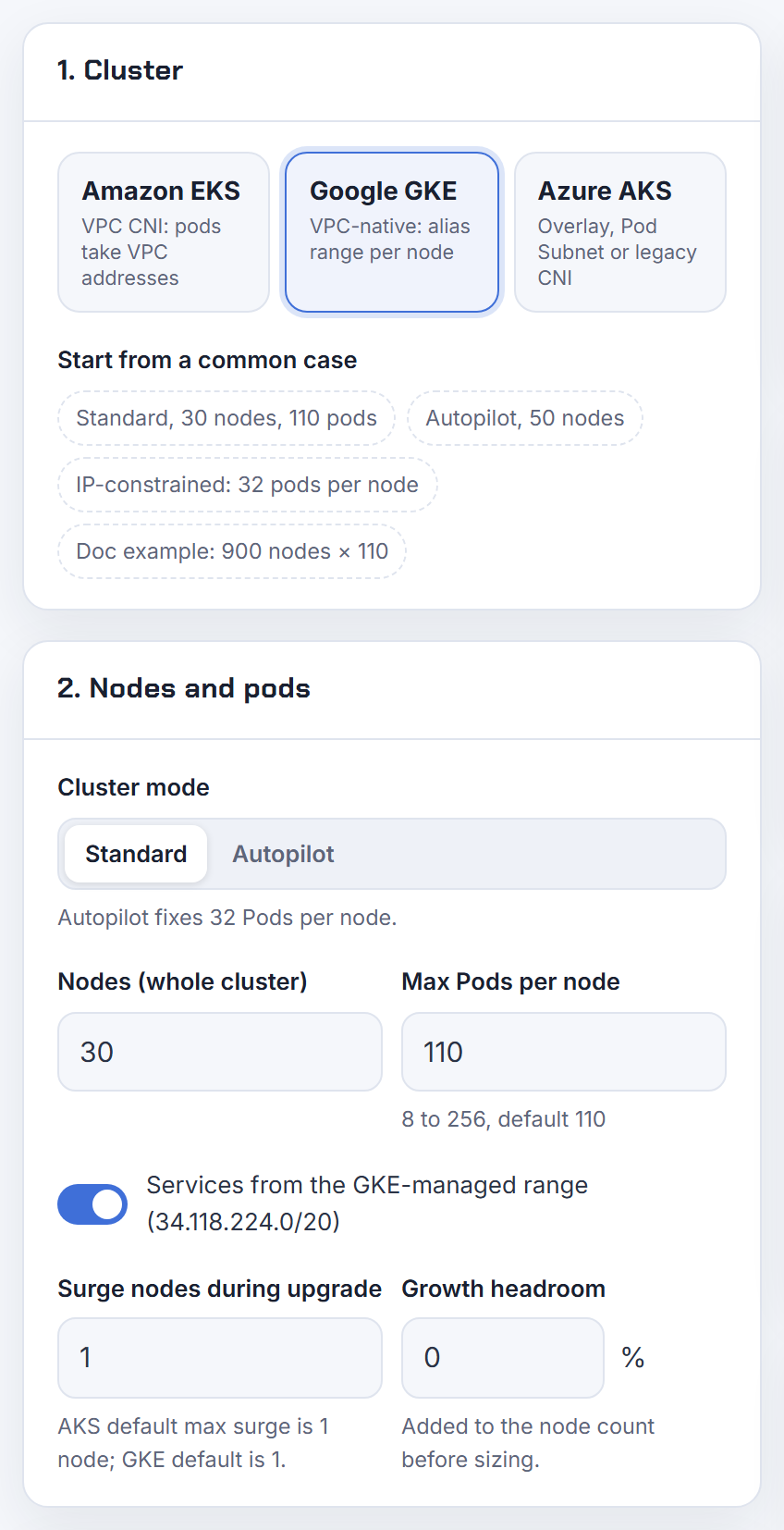
Why does a GKE Autopilot node report lack of PodCIDR?
Because the pod secondary range has no free block left to hand to the new node. Autopilot sets max pods per node itself, anywhere from 8 to 256 depending on workload density (32 before 1.28), and each node needs a block of 31 - ceil(log2(max pods)) bits from the pod range (GKE quotas and pod range sizing). When Autopilot scales out and the range is gone, the node joins without a PodCIDR and pods stay Pending.
Google's own example: a /17 pod range at 32 pods per node is 512 nodes maximum. The troubleshooting page lists "secondary range exhaustion (Autopilot)" as a cause of IP_SPACE_EXHAUSTED and points to Network Intelligence Center to confirm it (not enough free IP address space for pods).
Fix: add a secondary range on the subnet and attach it with gcloud container clusters update CLUSTER --additional-pod-ipv4-ranges=NAME; Autopilot supports this from 1.26 (add pod ranges). You cannot change Autopilot's per-node block size, so size the range generously at creation.
Which ranges collide with Private Services Access, Cloud SQL or MongoDB Atlas peering when I plan GKE ranges?
Anything reachable over VPC Network Peering. Peered VPCs cannot have subnet routes that match, contain or fit inside each other, and that check includes secondary ranges: adding a pod secondary range, adding a subnet, or expanding a primary range all fail if they overlap a peer (peering subnet route interactions).
Private Services Access (Cloud SQL, Memorystore and similar) is itself a peering: you create an allocated range, minimum /24, recommended /16, and Google carves producer subnets from it. Keep that allocated range completely separate from your subnets, pod ranges and anything else peered or routed (configure private services access). Atlas and other SaaS peerings work the same way: their VPC's CIDR becomes a peer subnet route in yours.
Practical order: pick the PSA range, the GKE node, pod and service ranges, and every partner CIDR before creating the cluster, because pod and service ranges cannot be changed afterwards. Also avoid 172.17.0.0/16 in allocated ranges. Paste the existing peered networks into the planner's overlap check and it proposes free alternatives.
What source IP range does a GKE Autopilot cluster use for outbound traffic?
It depends on the destination. Inside the VPC and to the default non-masquerade destinations (10.0.0.0/8, 172.16.0.0/12, 192.168.0.0/16, 100.64.0.0/10 and the other reserved blocks listed on the page), Autopilot preserves the pod IP, so allow-list the pod secondary range. To every other destination, GKE rewrites the source to the node IP from the subnet's primary range (IP masquerading for Autopilot clusters). You can change the no-SNAT set with an EgressNATPolicy on Dataplane V2 clusters.
For the internet, a cluster with private nodes has no external IPs, so traffic leaves through a Cloud NAT gateway and external allow-lists must contain the NAT gateway's addresses; reserve static ones for that (Cloud NAT with GKE). Nodes with external IPs egress from those node IPs instead.
So plan three ranges for allow-lists: pod range for in-VPC peers that see pod IPs, node primary range for everything masqueraded, and the Cloud NAT IPs for the public internet.
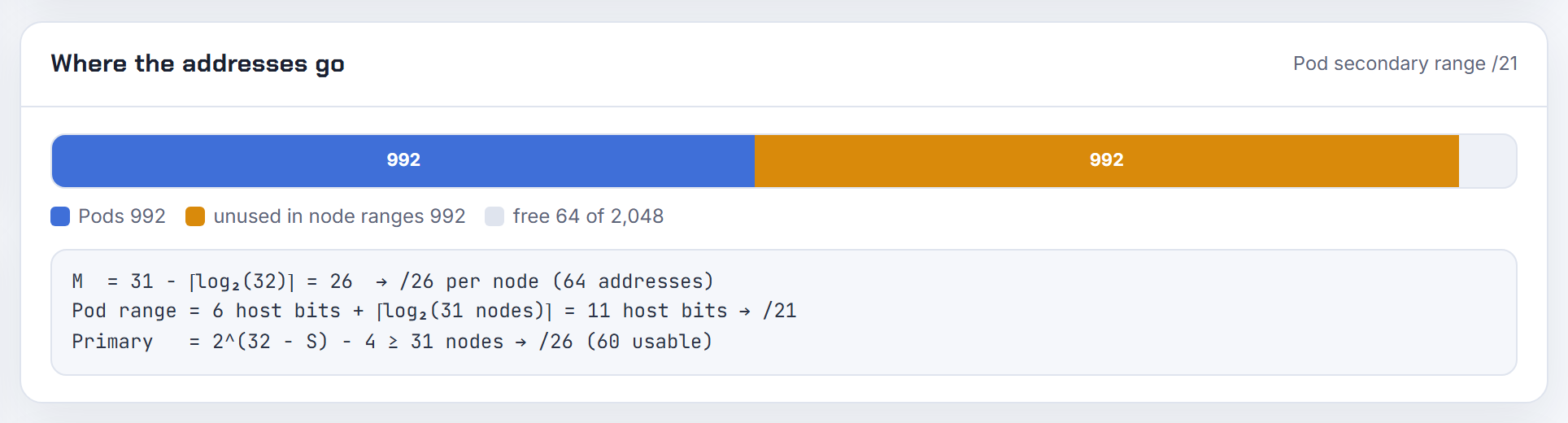
How do I check programmatically whether a secondary range is still used by a GKE cluster?
Ask each cluster which ranges it holds, then compare with the subnet. gcloud container clusters describe CLUSTER --location LOCATION prints ipAllocationPolicy with clusterSecondaryRangeName, servicesSecondaryRangeName and additionalPodRangesConfig.podRangeNames; gcloud container node-pools describe POOL shows the pool's networkConfig.podRange for custom node pool ranges (look up pod ranges).
1gcloud container clusters list --format="table(name,location,ipAllocationPolicy.clusterSecondaryRangeName,ipAllocationPolicy.servicesSecondaryRangeName,ipAllocationPolicy.additionalPodRangesConfig.podRangeNames)"
2gcloud compute networks subnets describe SUBNET --region REGION --format="yaml(secondaryIpRanges)"
Any secondary range on the subnet that no cluster lists is a candidate for removal; Google only lets you delete a secondary range when no resource uses addresses in it, so the delete itself is a safe test (edit secondary ranges). Network Analyzer's GKE IP utilization insight also reports the allocation ratio per range, aggregated across clusters that share it (IP utilization insights). Remember GKE-managed ranges are named gke-CLUSTER-HASH.
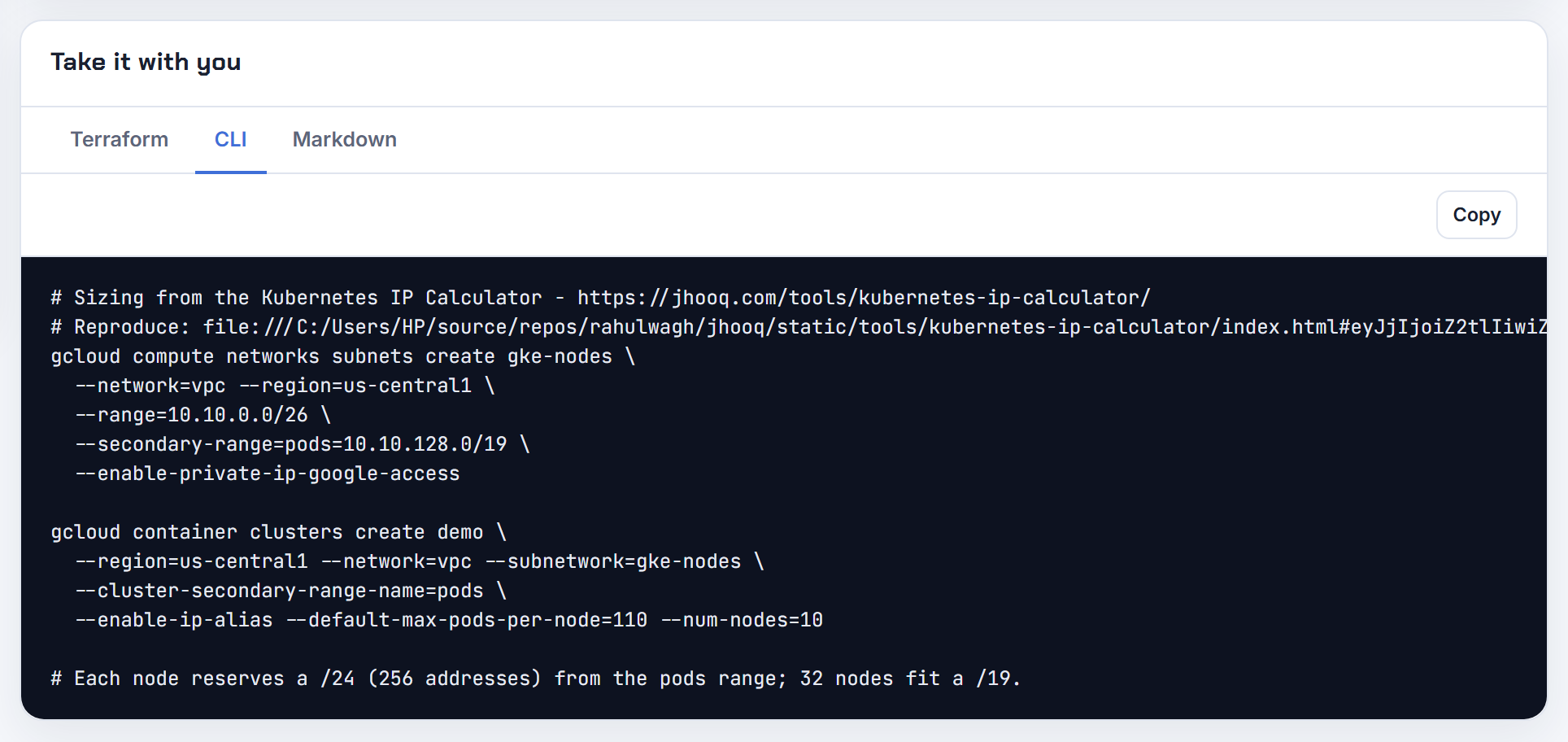
Can I reserve a range of static IPs for GKE pods?
Not per pod. GKE assigns pod IPs from the node's alias block inside the pod secondary range, and the block, not the pod, is the stable unit. What you can fix is the range: a node pool with its own pod secondary range keeps all its pods inside that CIDR, so a firewall can allow that range (node pool custom pod ranges).
For external allow-lists, make the source predictable instead: private nodes egress through Cloud NAT, and you can assign reserved static external IPs to the NAT gateway (Cloud NAT with GKE). For destinations inside the VPC that must see a fixed address, let ip-masq-agent SNAT to the node IP by leaving the destination out of nonMasqueradeCIDRs, or on Autopilot use an EgressNATPolicy (IP masquerade agent).
If an upstream insists on one IP per workload, put that workload in its own node pool with a small dedicated pod range and allow the whole range.
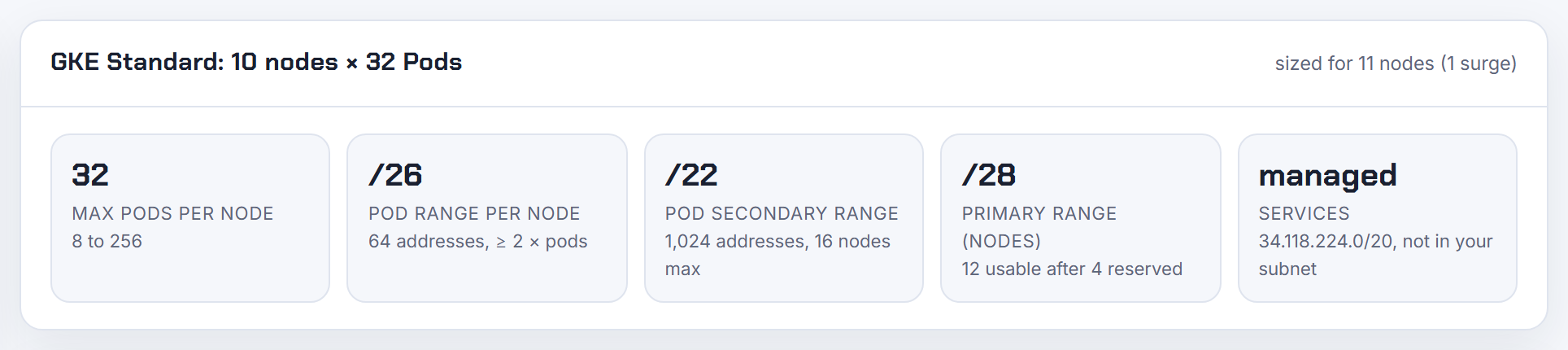
What CNI does GKE use, and are there alternatives?
GKE ships its own dataplane; you do not install a CNI. New clusters use GKE Dataplane V2, which is built on Cilium and eBPF, runs as the anetd DaemonSet in kube-system, replaces kube-proxy for Services and enforces Kubernetes NetworkPolicy natively. It is the default for all new Autopilot clusters (GKE Dataplane V2). The legacy dataplane is Calico with iptables, used for network policy on older Standard clusters.
IP allocation is separate from the dataplane: VPC-native clusters use alias IP ranges, one per node, so pod IPs are real VPC addresses routable without encapsulation (VPC-native clusters). That is the main difference from EKS (ENI secondary IPs) and AKS (overlay or pod subnet modes). Custom eBPF programs on Dataplane V2 nodes are not supported and the docs describe no bring-your-own CNI option.
Dataplane V2 is required for dual-stack and for Autopilot EgressNATPolicy, so enable it on new Standard clusters.
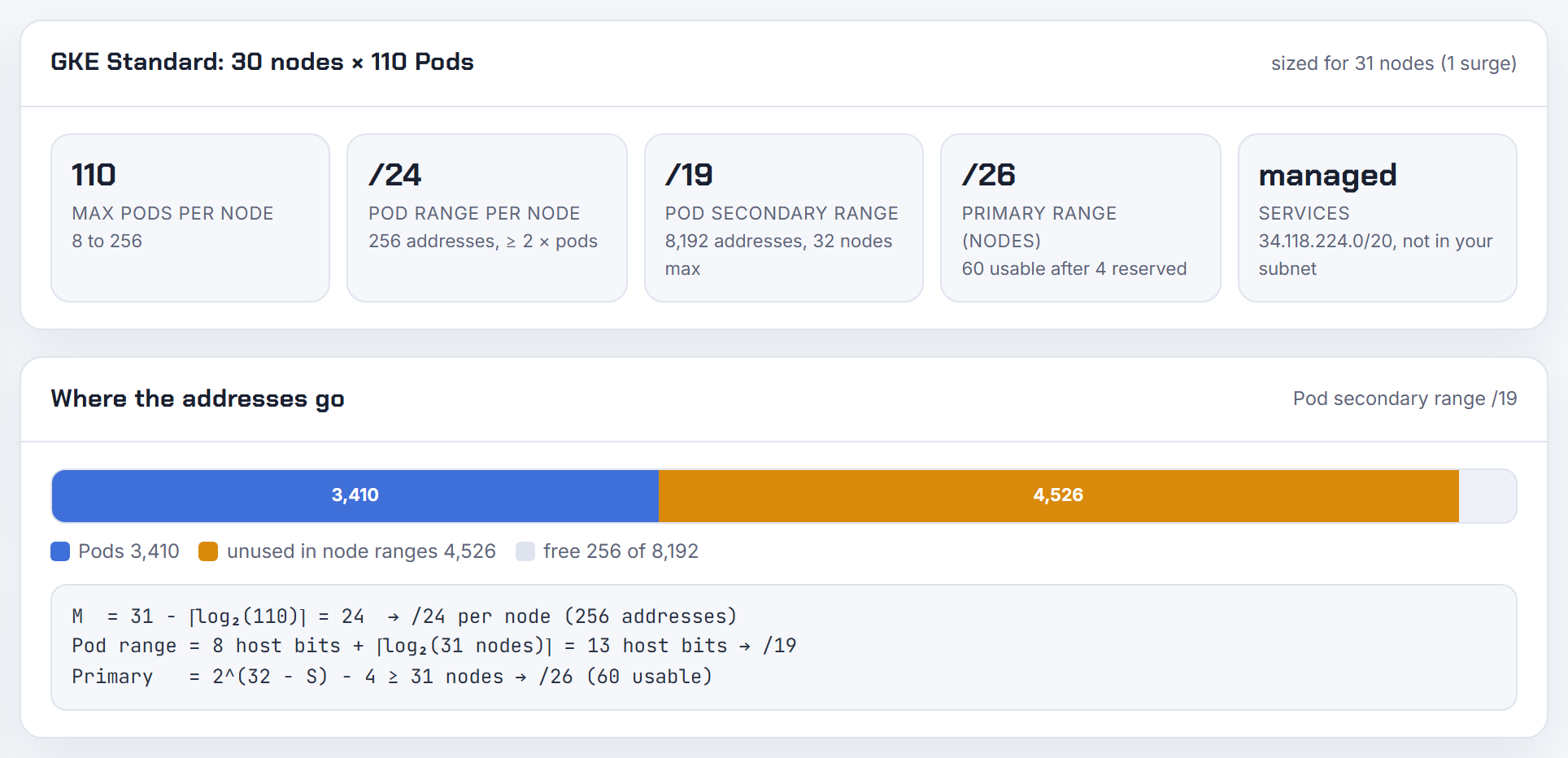
Azure AKS
AKS has four IPAM modes with very different VNet footprints. Azure CNI Overlay is the default and the one Microsoft recommends; kubenet retires on 31 March 2028.
Why does AKS use so many VNet IP addresses, and why do node pool IP counts differ from what I expect?
Because with legacy Azure CNI (node subnet) every node reserves its full --max-pods worth of VNet addresses at creation, whether or not pods are running. Each node has a max pods parameter and "the equivalent number of IP addresses per node are then reserved up front" (Azure CNI Node Subnet). A 3-node pool with the default 30 max pods takes 3 x (30 + 1) = 93 addresses on day one.
Microsoft's sizing formula adds surge: (nodes + max surge) + (nodes + max surge) x max pods. Their example, 50 nodes at 30 pods, is 1,581 addresses, so a /21 (IP address planning). Internal load balancer front ends also come from the same subnet, and Azure reserves 5 addresses per subnet.
To stop the hogging, change mode: Azure CNI Overlay uses one VNet IP per node and gives pods a private /24 each from a separate CIDR; Azure CNI Pod Subnet draws pod IPs from a dedicated subnet in batches of 16 as needed (CNI overview). The calculator shows the legacy, overlay and pod subnet footprints side by side.
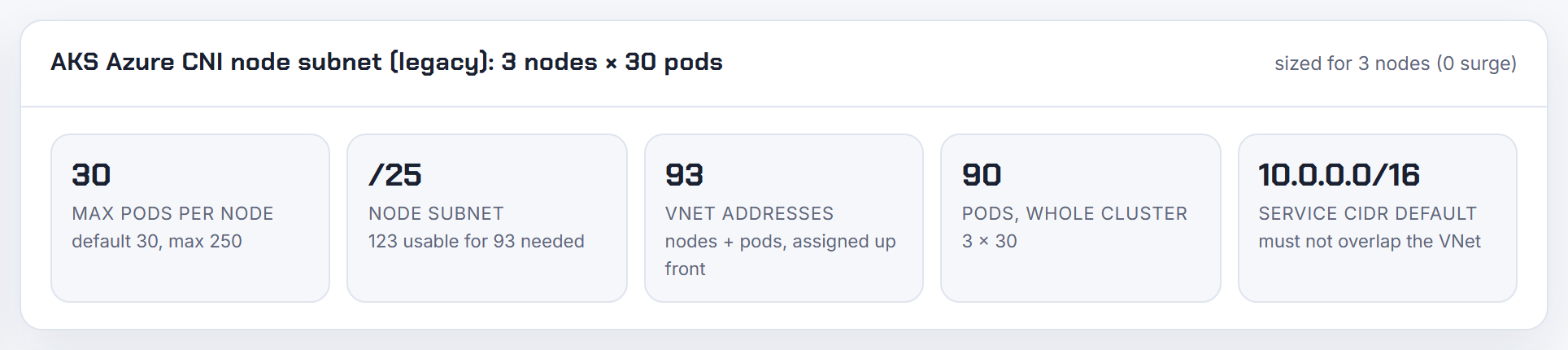
Why does an AKS upgrade or scale fail with InsufficientSubnetSize or pre-allocated IPs exceeding the subnet?
Because the operation needs more free subnet addresses than remain, and AKS counts the full max pods reservation of every surge node. For Azure CNI node subnet, an upgrade needs free IPs equal to the buffer nodes times --max-pods; a scale needs new nodes times max pods; kubenet and Overlay need one IP per node (InsufficientSubnetSize). The default max surge is 1 node, so with 250 max pods one surge node alone needs 251 free addresses, which a /24 cannot provide once it holds a few nodes. AKS also evaluates all node pools and their subnets together, so a full subnet on pool B blocks an upgrade of pool A, and autoscaled pools count at --max-count.
You cannot resize a node pool's subnet. The documented fix is to create a larger subnet in the same VNet, add a node pool there with --vnet-subnet-id, drain the old pool and delete it. Short term, lower --max-count on autoscaled pools or scale down to free addresses (SubnetIsFull). A pool left in a Failed state after SubnetIsFull should be replaced, not re-scaled.
Size with (nodes + surge) x (max pods + 1) before building; the calculator applies that formula to the AKS legacy mode.
What is the maximum pods per node on AKS, can I raise it, and what is the downside?
The ceiling is 250 pods per node on every network plugin. Defaults differ: Azure CNI Overlay 250, Azure CNI Pod Subnet 110, kubenet 110 (30 when created in the portal), legacy Azure CNI node subnet 30 (maximum pods per node and AKS limits). The minimum is 10, and only if every node pool still has room for 30 pods in total.
You set it with --max-pods on az aks create or az aks nodepool add. It cannot be changed on an existing node pool: add a new pool with the new value, move workloads, delete the old pool (create node pools). In Terraform, changing max_pods cycles the pool and needs temporary_name_for_rotation (azurerm_kubernetes_cluster_node_pool).
The downside depends on mode. On node subnet CNI every extra pod slot is a VNet address reserved per node, so 250 pods x 8 nodes already needs a /21. On Overlay the /24 per node is fixed, so raising max pods costs nothing extra. System pods (kube-proxy, CoreDNS, CNS) count against the limit, and Microsoft recommends no more than 110 on Windows nodes. The calculator shows VNet addresses per node for each max pods value.
Why does AKS scaling fail because secondary ipconfigurations exceed the maximum of 256?
Because on legacy Azure CNI (node subnet) every pod IP is a secondary IP configuration on the node's network interface, and Azure allows 256 private IP addresses per NIC (networking limits). The node's own primary address uses one slot, which is why AKS caps --max-pods at 250 for Azure CNI (AKS limits). It is a per-VM limit, not a subnet limit, so a bigger subnet does not help.
If you asked for more than 250 pods per node, or a template added extra IP configurations on the scale set, node creation fails with this error. Recreate the node pool with --max-pods at 250 or below.
If you need denser nodes, switch IPAM mode: Azure CNI Overlay assigns pods from a private /24 per node and does not program them as NIC IP configurations, and Pod Subnet with static block allocation hands each node /28 blocks instead of individual addresses (static block allocation).
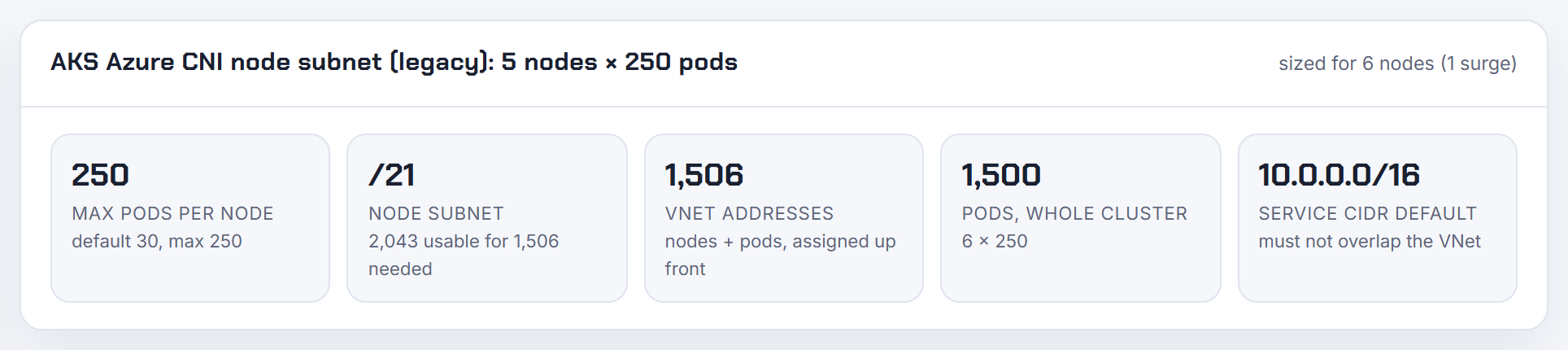
What is Azure CNI Overlay, how much IP space does it use, and can I change the /24 per node?
Azure CNI Overlay gives nodes VNet IPs but assigns pod IPs from a separate private CIDR (default 10.244.0.0/16). Each node gets a fixed /24 from that CIDR, pods talk to each other directly through a routing domain Azure manages, and traffic leaving the cluster is SNATed to the node IP (Azure CNI Overlay overview). It is the default when you do not pass --network-plugin.
The /24 per node cannot be changed. The pod CIDR therefore caps nodes: a /16 holds 256 nodes, a /12 holds 4,096. Max pods per node defaults to 250 and tops out at 250 (110 recommended on Windows), independent of the block size. The VNet subnet only needs one address per node plus surge and load balancer front ends; a /24 subnet gives 251 usable nodes' worth after Azure's 5 reserved addresses.
Rules: the pod CIDR may be RFC 1918 or 100.64.0.0/10, must not overlap the cluster subnet, peered VNets, ExpressRoute or VPN ranges, and cannot include 169.254.0.0/16, 172.30.0.0/16, 172.31.0.0/16 or 192.0.2.0/24 (CNI prerequisites). The same pod CIDR can be reused by independent clusters in one VNet. The calculator's AKS Overlay mode applies the /24 per node rule.
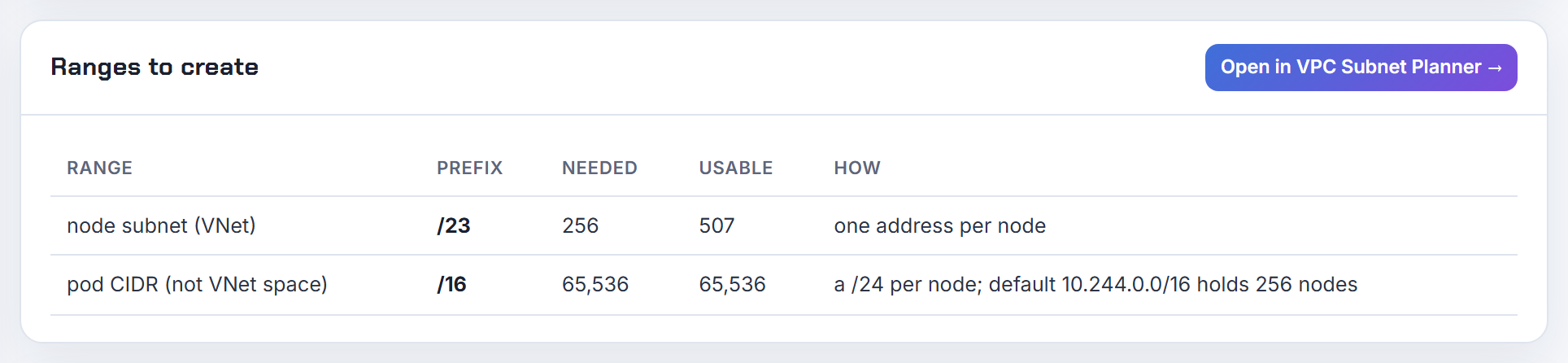
Can I expand the pod CIDR or service CIDR of an existing Azure CNI Overlay cluster?
Pod CIDR: yes, but only to a larger contiguous superset that contains the original range, and only on Linux-only clusters. Run az aks update --pod-cidr 10.244.0.0/16 against a cluster that started on 10.244.0.0/18, then confirm with kubectl get nnc -A that every NodeNetworkConfig shows the new block, because the update can report success before nodes are reconciled (expand pod CIDR). Shrinking, replacing, adding a second discontiguous block, IPv6 CIDRs, Windows and hybrid node pools are not supported, which is why some az aks update calls appear to change nothing.
Service CIDR: the Azure-side setting is immutable, but from Kubernetes 1.33 you can add a ServiceCIDR object inside the cluster to extend the service range; the feature is stable upstream (extend Service IP ranges and AKS IP planning). The added range still must not overlap your VNet, peers or on-premises space.
If you need 100.64.0.0/10 for thousands of nodes, Overlay accepts RFC 6598 space as a pod CIDR at creation (overlay IP planning).
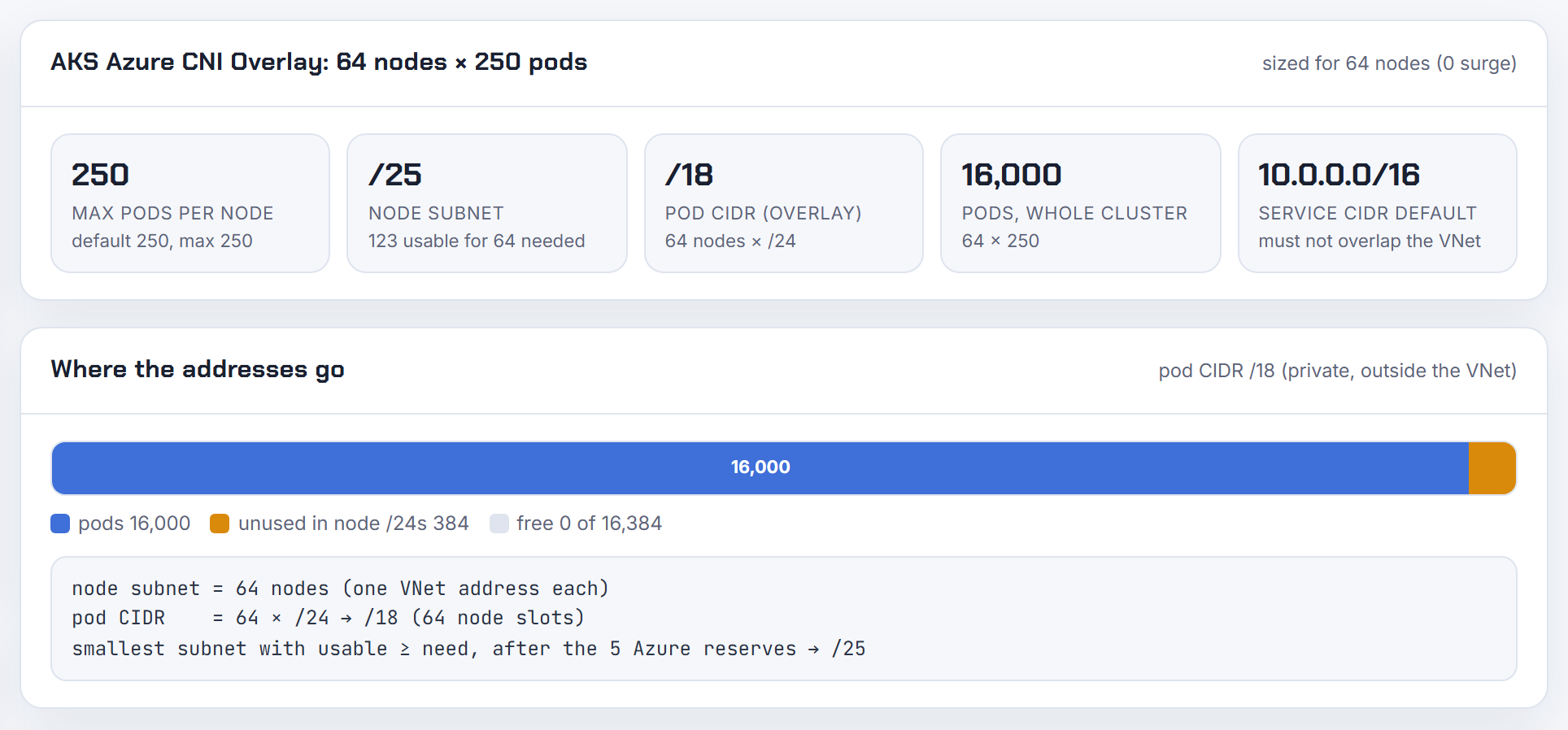
When does AKS kubenet retire, and how do I migrate kubenet to Azure CNI Overlay in place with Terraform?
Kubenet retires on 31 March 2028; after that date kubenet clusters are unsupported (configure kubenet). Migrate before then.
The in-place path is az aks update --network-plugin azure --network-plugin-mode overlay, optionally with a new --pod-cidr. Requirements: Kubernetes 1.27+, no network policy engine (uninstall Azure NPM or Calico first), no Windows pools on Docker, and a user-assigned managed identity, because AKS must detach and delete the kubenet route table. The update reimages every node pool at once and is irreversible (update Azure CNI). Cilium can be enabled afterwards as a separate step; kubenet cannot go straight to Cilium.
Terraform supports the same path without a replace: the azurerm docs state that changing network_plugin forces a new cluster "except when upgrading from kubenet to azure with network_plugin_mode set to overlay" (azurerm_kubernetes_cluster). Set network_plugin = "azure" and network_plugin_mode = "overlay" in one apply, keep pod_cidr unchanged (changing it forces replacement), and remove network_policy beforehand. Review the plan and refuse it if it shows destroy.
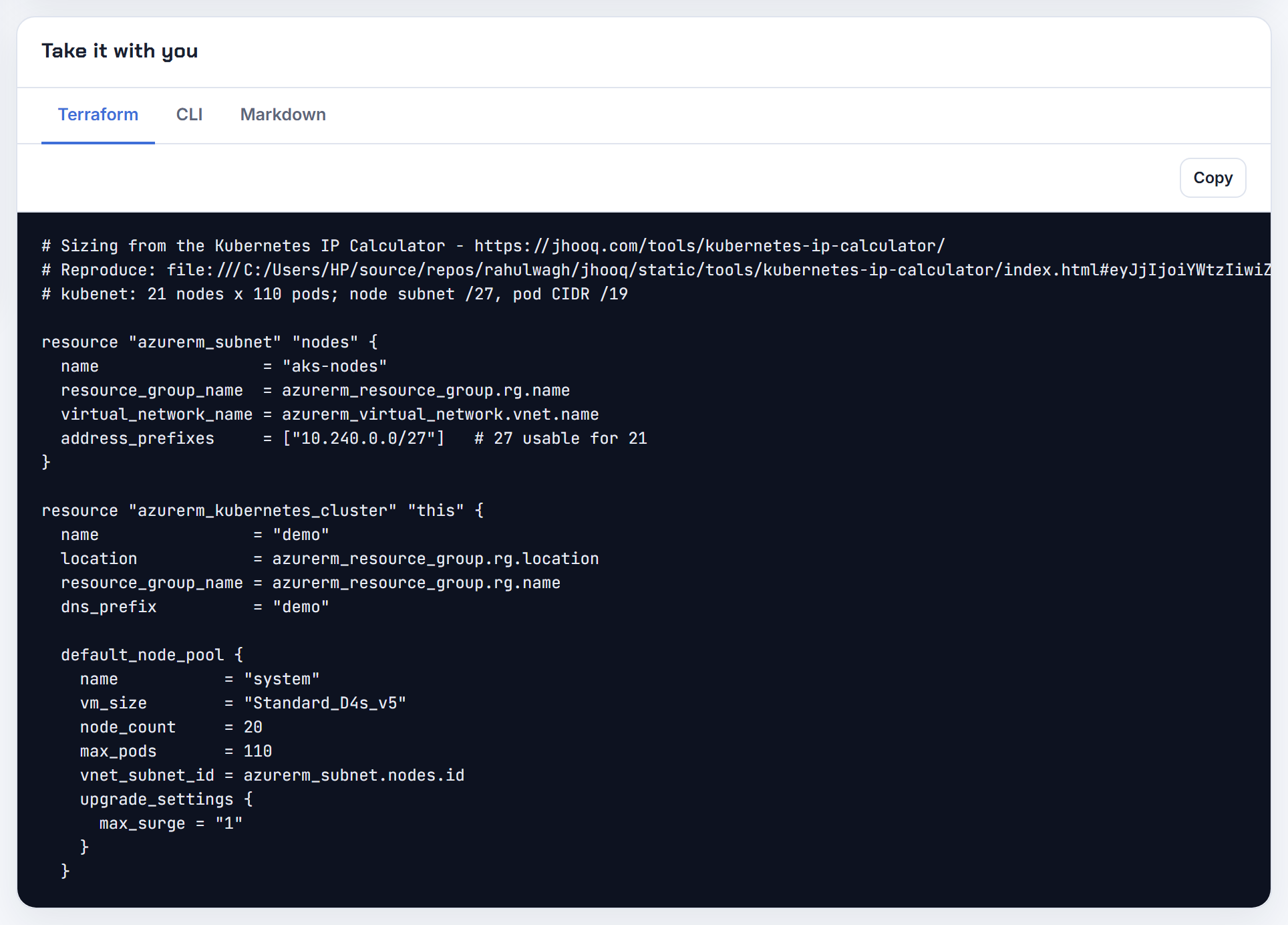
Can I move AKS from node subnet CNI to pod subnet, or from pod subnet to Overlay?
Only one in-place direction exists: node subnet or kubenet to Azure CNI Overlay. The docs call it "a single, forward-only IPAM migration path"; Overlay cannot go back, and pod subnet (dynamic IP allocation) clusters are explicitly excluded from the Overlay update (supported migration paths). Switching the data plane to Cilium is allowed from any mode, but that does not change IPAM.
Node subnet to pod subnet is not an update either. The cluster must use one CNI type, a node pool's subnet and --pod-subnet-id cannot be modified, and in Terraform changing pod_subnet_id or vnet_subnet_id cycles the pool (azurerm_kubernetes_cluster_node_pool). The last system pool cannot be deleted, so the realistic sequence is: add a new system pool in the target configuration, add user pools, drain and delete the old pools, or build a new cluster.
Pod subnet dynamic to static block allocation follows the same rule: add a static block node pool on a new pod subnet and move workloads (pod subnet limitations).
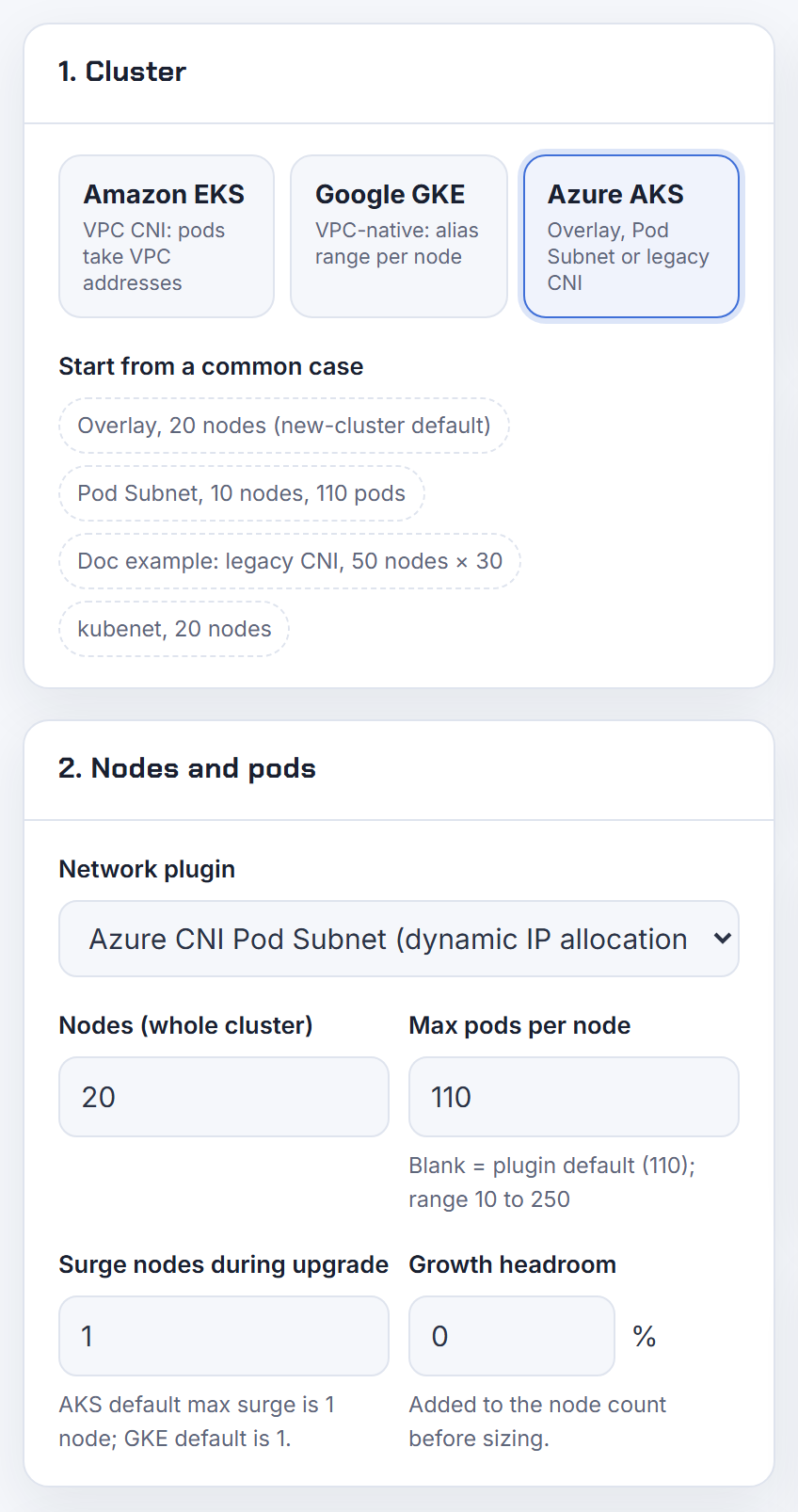
How does Azure CNI Pod Subnet dynamic IP allocation work, and do I need a dedicated pod subnet?
Yes, Pod Subnet mode needs a second subnet in the same VNet: nodes take IPs from --vnet-subnet-id, pods from --pod-subnet-id. Nodes request 16 addresses from the pod subnet at startup and another batch of 16 whenever fewer than 8 remain free, and they return unused ones when demand drops. The allocations are visible in the cluster, not the portal: kubectl get nodenetworkconfigs -n kube-system -o wide (configure dynamic IP allocation).
Why use it: pods are real VNet IPs reachable from peers and on-premises, node and pod subnets scale independently, one pod subnet can serve several node pools or clusters, and you can attach a NAT gateway or NSG to pods only. Default max pods is 110, configurable to 250.
Limits: pod subnet up to /16 and roughly 65,000 pods per cluster because of the Azure address mapping limit, one pod subnet per node pool, no node auto-provisioning, and the subnet must be in the cluster VNet (Pod Subnet concepts). Plan at least 16 addresses per node plus surge; the calculator's AKS Pod Subnet mode sizes both subnets.
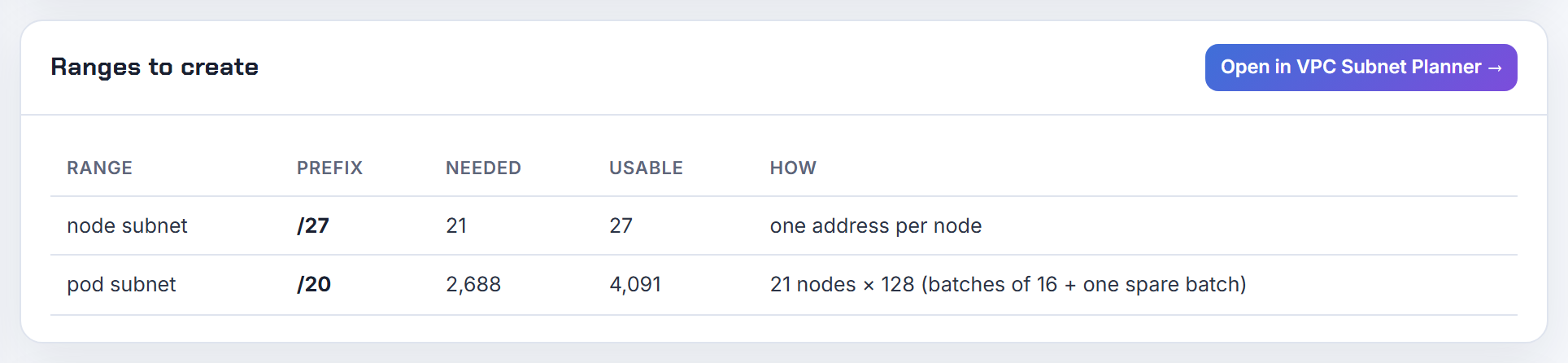
What is AKS Pod Subnet static block allocation, and does Terraform support it?
Static block allocation is the Pod Subnet variant for big clusters. Instead of individual addresses, each node receives /28 blocks (16 IPs) from the pod subnet for its lifetime and Azure routes by block, which lifts the cluster ceiling from about 65,000 pods to about 1 million and allows pod subnets up to /12 (static block allocation). One IP per node is kept for internal use, so set --max-pods to (16 x N) - 1, for example 31 or 47, to avoid wasting a block.
Enable it per node pool with --pod-ip-allocation-mode StaticBlock next to --vnet-subnet-id and --pod-subnet-id; needs Kubernetes 1.28+ and Azure CLI 2.75.0+. A subnet can be used in only one mode, existing pools cannot be converted, Windows Server 2019 is not supported, and a Private Link Service via a LoadBalancer Service is not supported (configure static block allocation).
Terraform: as of 2026-10-21 the azurerm kubernetes_cluster and kubernetes_cluster_node_pool resource docs list no pod IP allocation mode argument (azurerm_kubernetes_cluster_node_pool), so you need the CLI, an ARM or Bicep template, or the AzAPI provider for that pool.
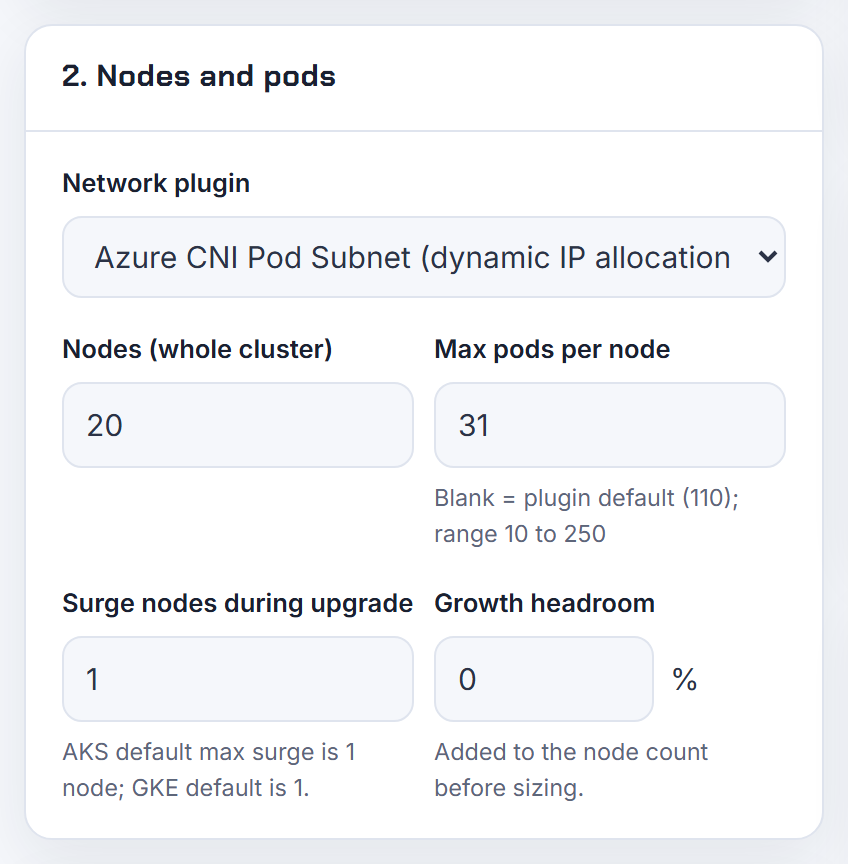
Can AKS node pools sit in different subnets, and why does adding one validate the other pools?
Yes. Any node pool can get its own subnet with az aks nodepool add --vnet-subnet-id, as long as every subnet belongs to the cluster's VNet. Caveats: system pods must reach all nodes, internal load balancers default to one of the pool subnets, Windows nodes SNAT to the new subnet until reimaged, and if you expanded the VNet after creating the cluster you must run a no-op az aks update before adding a subnet outside the original space (node pool with a unique subnet). Kubenet is the exception: it cannot share a subnet across clusters and ties routes to the cluster.
The cross-pool validation is by design: "AKS considers all node pools in the cluster and their respective subnet", so when you add or upgrade pool A, AKS also checks that pool B's subnet can satisfy B's max pods or autoscaler --max-count, and fails with InsufficientSubnetSize if it cannot (InsufficientSubnetSize).
A node pool's subnet cannot be changed; to move pools you add a pool in the new subnet, drain the old one and delete it. In Terraform, changing vnet_subnet_id cycles the pool.
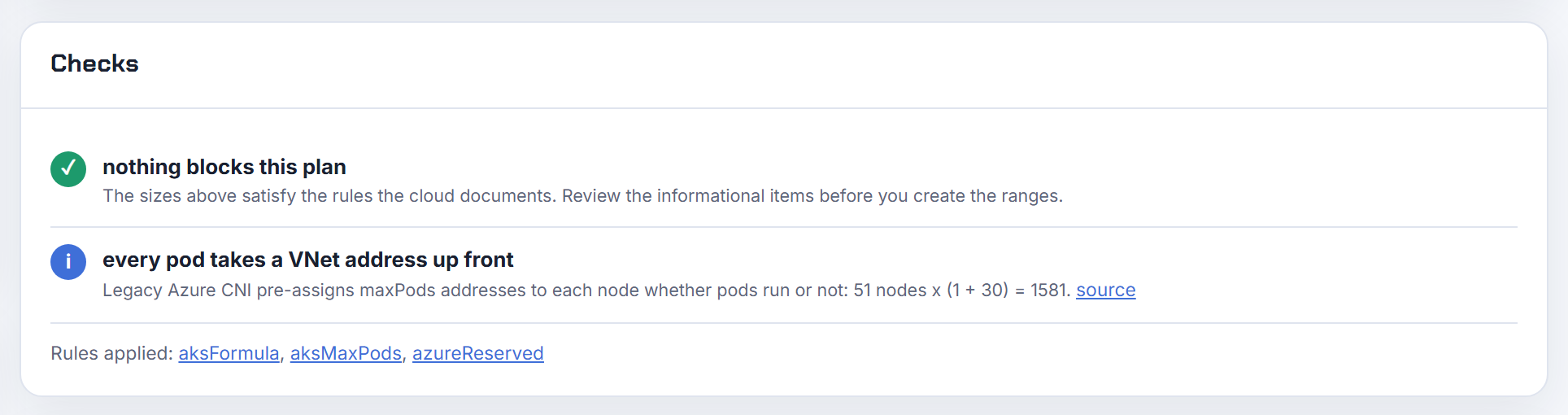
What are the AKS rules for service CIDR, DNS service IP and Docker bridge CIDR, and why do defaults overlap my VNet?
Service CIDR: any private range smaller than /12 that is not inside the cluster VNet, not overlapping peered VNets or on-premises, and not within 169.254.0.0/16, 172.30.0.0/16, 172.31.0.0/16 or 192.0.2.0/24. DNS service IP: must be inside the service CIDR and must not be its first address, which Kubernetes takes for kubernetes.default (deployment parameters). The CLI defaults are 10.0.0.0/16 and 10.0.0.10 (configure kubenet).
Overlap happens because 10.0.0.0/16 sits inside many VNets built on 10.0.0.0/8, including Microsoft's own examples, so a BYO-VNet cluster must set --service-cidr and --dns-service-ip explicitly. The pod CIDR must not overlap the VNet or service CIDR either, and AKS rejects pod CIDRs that include a reserved range, so 172.16.0.0/12 is invalid (CNI prerequisites). Service IPs can be reused across clusters because they never leave the cluster.
Docker bridge CIDR is gone: the current az aks create reference has no Docker bridge option (az aks create); the Terraform note that docker_bridge_cidr, dns_service_ip and service_cidr must be all set or all empty is a leftover (azurerm_kubernetes_cluster). The planner's overlap check catches a service CIDR inside your VNet before creation.
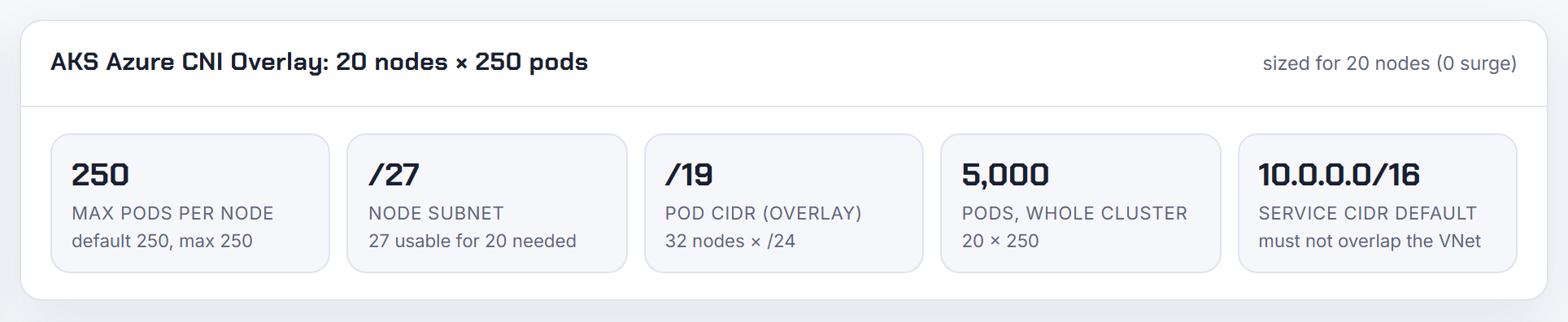
Can two AKS clusters share one subnet?
With Azure CNI yes, with kubenet no. The CNI comparison lists subnet sharing across clusters as supported for Azure CNI Overlay, Pod Subnet and Node Subnet, and not supported for kubenet (feature comparison). The kubenet page is blunt: "Don't create more than one AKS cluster in the same subnet", because each kubenet cluster attaches its own route table with a /24 route per node to the subnet (configure kubenet).
Sharing works but makes exhaustion a shared problem: with node subnet CNI each cluster pre-reserves nodes x (max pods + 1) addresses, so one cluster's growth blocks the other's upgrade surge. Overlay clusters only take one address per node and can even reuse the same pod CIDR in one VNet (overlay IP planning); Pod Subnet clusters can share a pod subnet as well. Keep service CIDRs distinct from the VNet, though they may be identical between clusters.
I would still give each production cluster its own subnet so a SubnetIsFull in one never stalls the other.
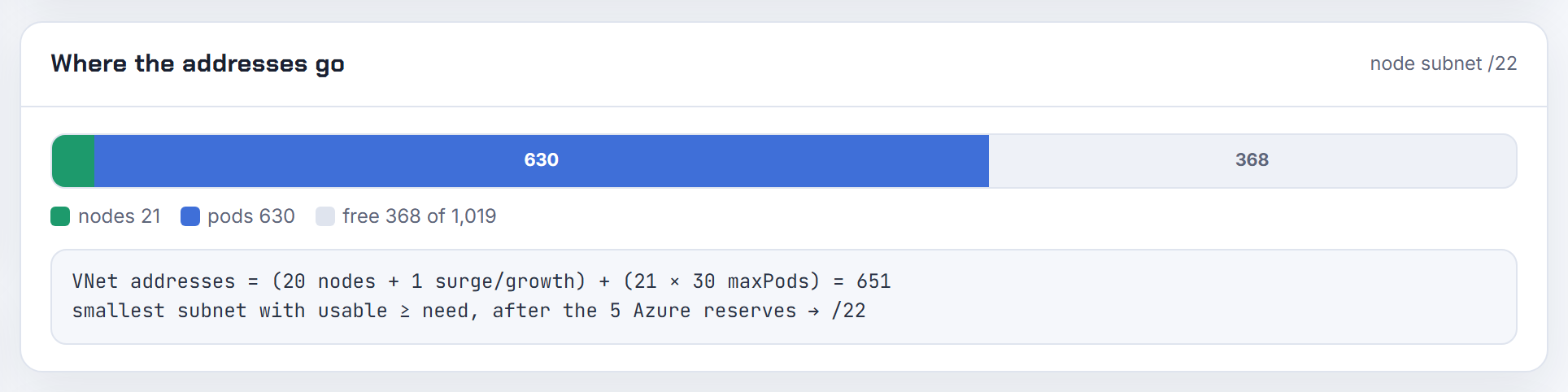
Does AKS support IPv6 or dual-stack networking, and in which plugin modes?
Dual-stack yes, IPv6-only no. Azure CNI Overlay supports --ip-families ipv4,ipv6: nodes get both families from a dual-stack VNet subnet, pods from --pod-cidrs (default 10.244.0.0/16,fd12:3456:789a::/64) and Services from --service-cidrs (default 10.0.0.0/16,fd12:3456:789a:1::/108, IPv6 no larger than /108). Windows node pools are supported in dual-stack Overlay (Overlay dual-stack). Azure CNI Powered by Cilium adds dual-stack on Linux from Kubernetes 1.29.
Limits: single-stack IPv6 is not supported for nodes or pods, only Services can be IPv6-only; Azure and Calico network policies do not work with dual-stack Overlay, so use Cilium; Standard NAT Gateway is IPv4-only; on Azure Linux nodes IPv6 Services need externalTrafficPolicy: Local (dual-stack limitations). The dual-stack pages document Overlay and Cilium only, not Pod Subnet or node subnet CNI, and the kubenet dual-stack path retires with kubenet. Families are chosen at creation, so an IPv4 cluster cannot be switched on later.
Because IPv4 is still assigned everywhere, dual-stack does not shrink your IPv4 plan; Overlay is the real exit from IPv4 exhaustion. The calculator's AKS modes show the IPv4 need per mode.
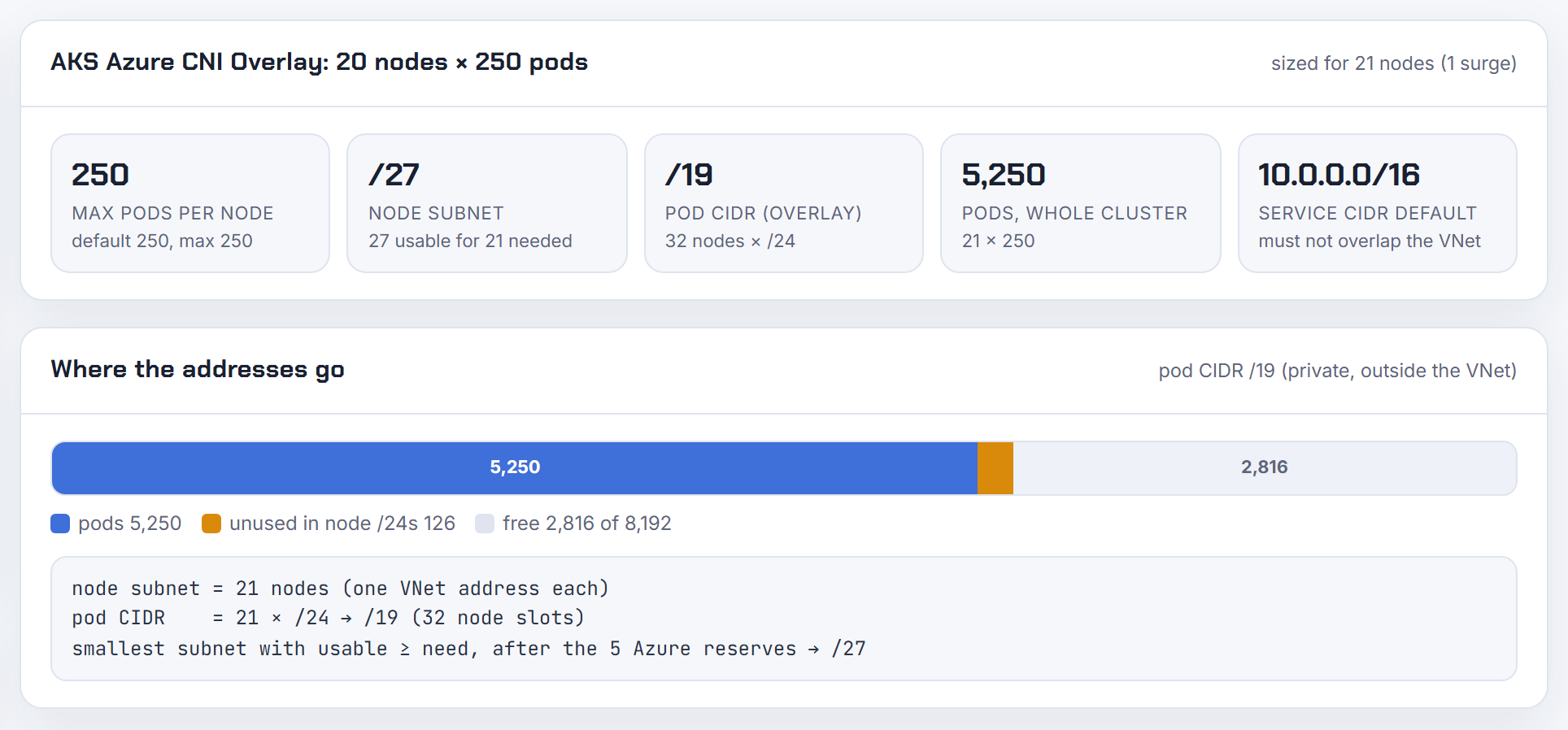
Can AKS pods use non-RFC 1918 ranges such as 100.64.0.0/10 or 198.19.0.0/16 like EKS?
Partly. Azure CNI Overlay accepts a pod CIDR from RFC 1918 private space or the RFC 6598 shared space 100.64.0.0/10. Public ranges such as 198.19.0.0/16 are not blocked but are "outside Microsoft's support scope", so Microsoft tells you to use a non-public, non-overlapping range (Overlay IP planning). Because Overlay pod IPs never leave the node (egress is SNATed to the node IP), 100.64.0.0/10 is the sensible answer when corporate 10.x space is gone, as long as nothing reachable from the cluster already uses it.
Reserved either way: 169.254.0.0/16, 172.30.0.0/16, 172.31.0.0/16 and 192.0.2.0/24 are rejected for service, pod and VNet ranges, and a CIDR that merely contains one of them, like 172.16.0.0/12, is rejected too (CNI prerequisites).
Pod Subnet and node subnet modes take pod IPs from the VNet, so there the range must be one your VNet can carry and route to its peers. The planner scores RFC 1918 use in its design review.
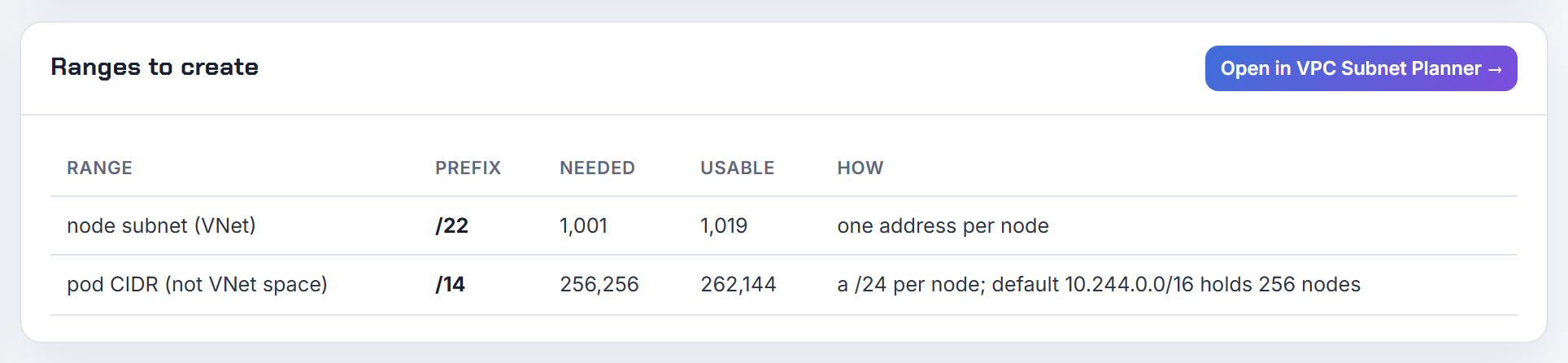
Why is the AKS pod CIDR setting ignored, and where do I set it in Terraform or the portal?
pod_cidr only has meaning in the two overlay-style modes, kubenet and Azure CNI Overlay, where pods get addresses from a private CIDR. In node subnet CNI and Pod Subnet mode pods take VNet addresses, so there is no pod CIDR to set and the value is ignored or rejected. The Terraform docs say it directly: pod_cidr "can only be set when network_plugin is set to kubenet or network_plugin_mode is set to overlay", and setting it with plain network_plugin = "azure" is an error (azurerm_kubernetes_cluster).
1network_profile {
2  network_plugin      = "azure"
3  network_plugin_mode = "overlay"
4  pod_cidr            = "10.244.0.0/16"
5  service_cidr        = "10.100.0.0/16"
6  dns_service_ip      = "10.100.0.10"
7}
Once set, changing pod_cidr in Terraform forces a new cluster even though the CLI can expand a Linux Overlay cluster's CIDR to a superset (expand pod CIDR). In the CLI the flag is --pod-cidr, default 10.244.0.0/16 (Overlay parameters). In the portal it appears only after you pick Azure CNI Overlay or kubenet as the network configuration. Use pod_cidrs for dual-stack.
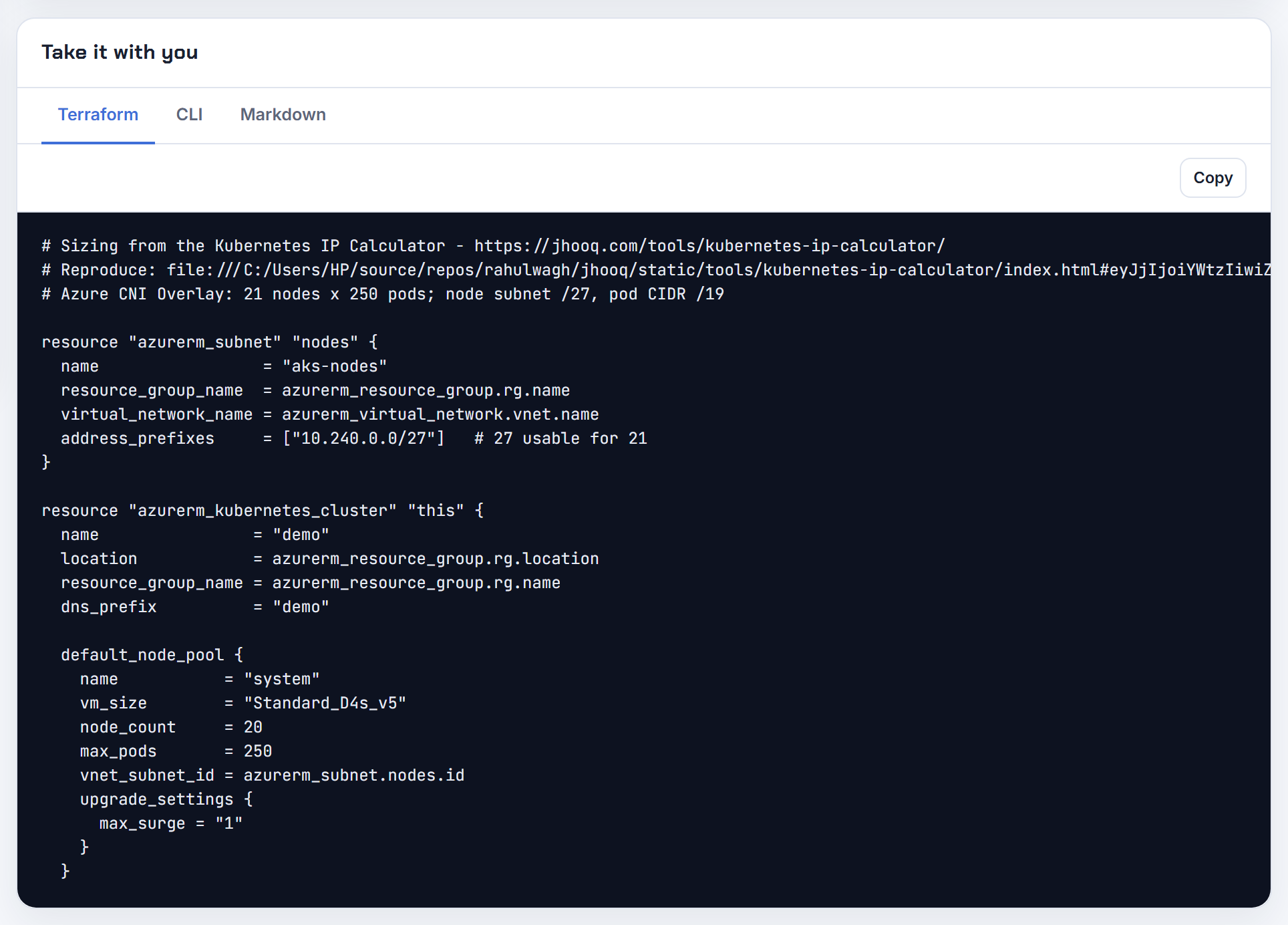
Can I pin pod IPs or reserve a pool of addresses inside the AKS node subnet?
Not per pod, and not inside the node subnet. AKS has no API for static pod IPs; addresses come from the node's reservation (node subnet CNI), from 16-address batches in the pod subnet (dynamic allocation) or from /28 blocks per node (static block allocation). The closest thing to a reserved pool is a dedicated pod subnet per node pool: the pods of that pool are guaranteed to live inside that subnet's CIDR, so a firewall can allow the whole subnet (Pod Subnet concepts). Static block allocation makes that even tighter because each node's blocks are fixed for its lifetime.
For a stable source IP per namespace or workload, Microsoft's documented pattern is a separate node pool with its own pod subnet and a NAT gateway on that subnet, which "fixes the source IP for pods in a node pool"; NSGs on the pod subnet filter traffic between pools (dynamic IP allocation). With Overlay, outside destinations already see the node IP, so allow the node subnet instead (Overlay overview).
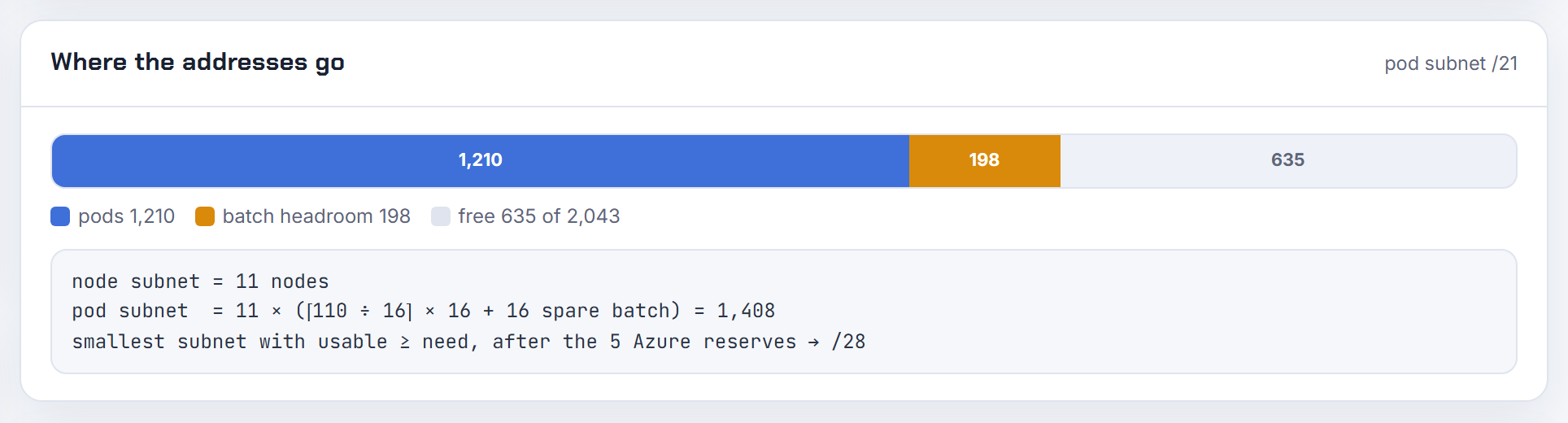
Why do Azure CNI pods hit SNAT port exhaustion or get unexpected source IPs?
Two different mechanisms. Source IP: with Overlay and kubenet, traffic leaving the cluster is SNATed to the node's primary IP, so peers see node addresses, not pod addresses; with node subnet CNI, destinations in the cluster VNet see the pod IP and destinations outside it see the node IP; only Pod Subnet mode preserves the pod IP across peered networks (flat networks). If an allow-list expected one and got the other, that is why.
Port exhaustion is about internet egress, not addresses. With the default loadBalancer outbound type every node shares the load balancer's public IP, which offers 64,000 SNAT ports, and default allocation hands each node a fixed slice of at most 1,024 ports based on pool size. Many short outbound connections from busy pods use them up and new connections to public IPs fail (load balancer outbound connections). Only connections to public destinations consume SNAT ports; RFC 1918 traffic does not.
Fixes: configure outbound rules with more allocated ports or extra front-end IPs, move to a NAT gateway, and reuse connections in the application. Microsoft's troubleshooting guide shows how to find the pod by counting ESTABLISHED connections to public IPs per node (SNAT port exhaustion on AKS nodes).
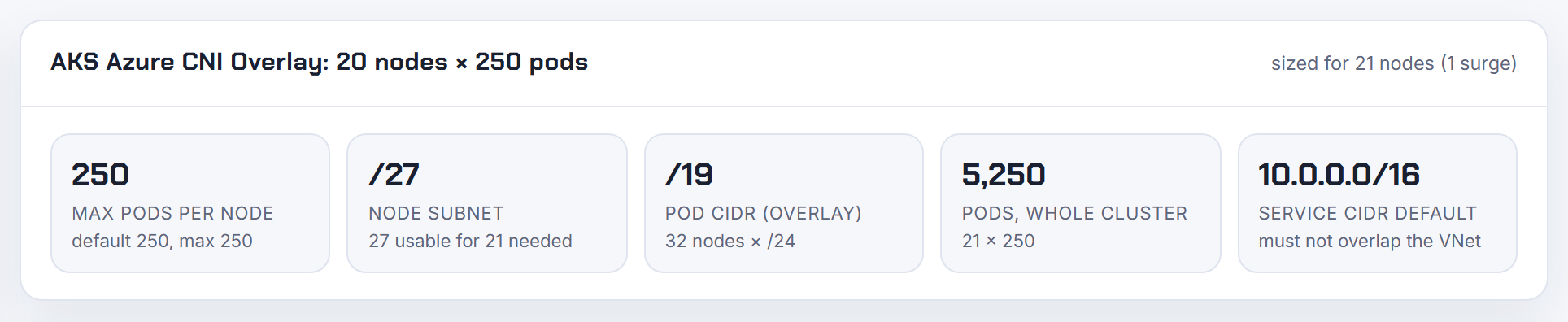
Why does an AKS upgrade need more IPs even though my pod CIDR does not change?
Because upgrades are rolling: AKS adds a surge node, moves workloads, then removes an old node, so the subnet must hold n + surge nodes at once. The default max surge is 1 node (InsufficientSubnetSize); you can raise it per node pool, and Microsoft suggests 33 percent for production, which multiplies the need (upgrade options). The pod CIDR is irrelevant here; the VNet subnet is what runs out.
How much per surge node depends on the mode: one VNet address on kubenet and Overlay, max pods + 1 on node subnet CNI, and one node address plus a 16-address batch from the pod subnet on Pod Subnet mode. Microsoft's planning formula for node subnet CNI is (nodes + surge) + (nodes + surge) x max pods (upgrading and scaling considerations).
If the subnet is already tight, reduce --max-surge to 1, lower autoscaler --max-count during the upgrade, or add a node pool in a larger subnet and retire the old pool. Reconcile errors after a failed upgrade usually mean the pool is in a Failed state; replace the pool rather than retrying (SubnetIsFull recovery).
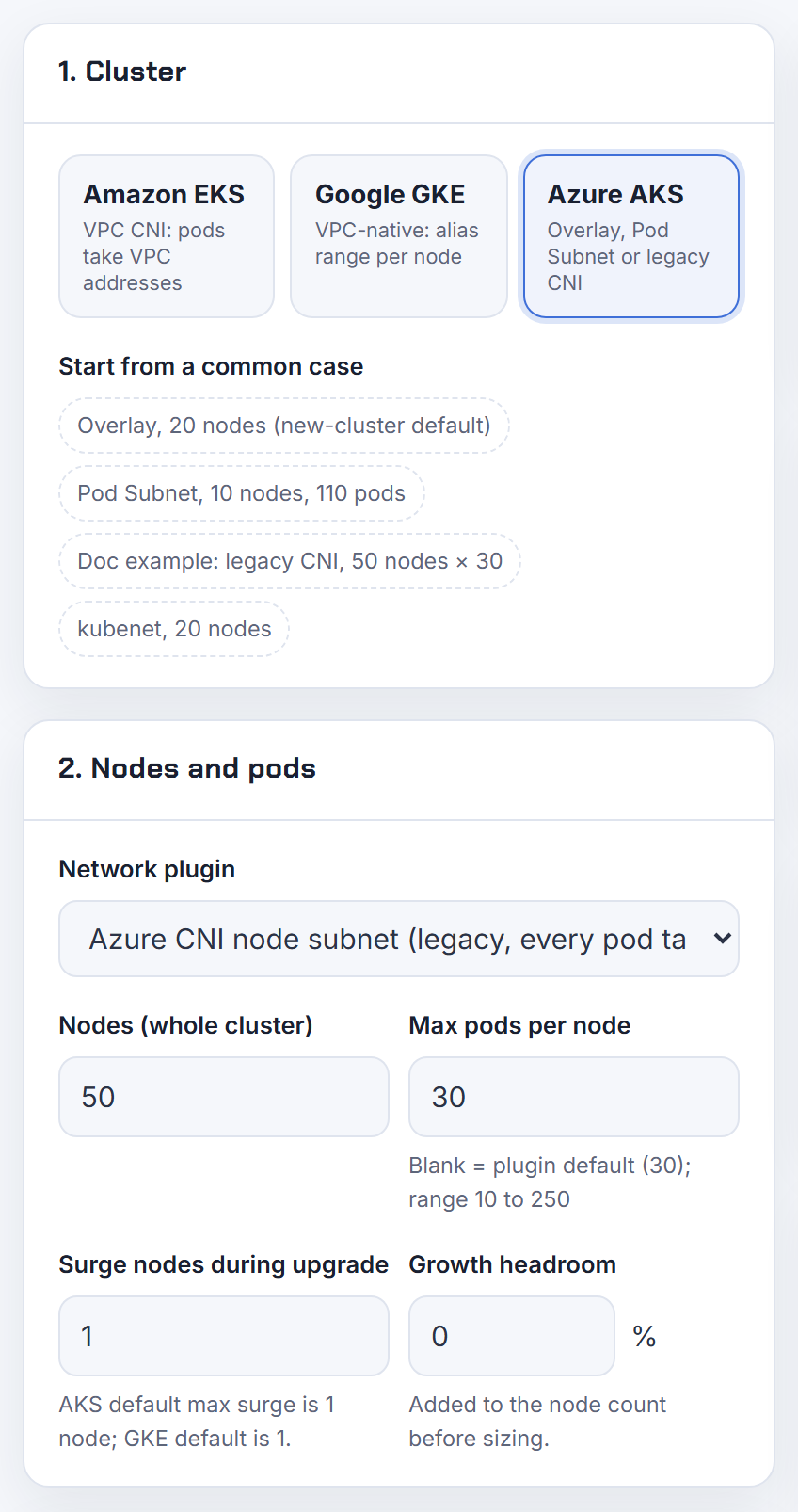
How do I size the VNet and subnet for AKS before I build it?
Decide the IPAM mode first, then apply Microsoft's formulas with surge included (IP address planning):
| Mode | Node subnet needs | Pod space needs |
|---|---|---|
| Azure CNI Overlay | nodes + surge + LB front ends | private CIDR with a /24 per node, outside the VNet |
| Azure CNI Pod Subnet | nodes + surge | pod subnet: at least 16 per node, plan for max pods x nodes, up to /16 |
| Node subnet CNI (legacy) | (nodes + surge) x (max pods + 1) | none, pods are in the node subnet |
| kubenet (retires 2028) | nodes + surge, max 400 nodes | /24 per node from the pod CIDR |
Worked example from the docs for node subnet CNI: 50 nodes at the default 30 max pods with 1 surge node is 51 + 51 x 30 = 1,581 addresses, so a /21; planning 10 more nodes makes it 1,891, still a /21. On Overlay the same 60 nodes need about 65 VNet addresses (a /25) plus a /16 pod CIDR. Azure reserves 5 addresses per subnet, so a /24 yields 251.
Add a service CIDR smaller than /12 outside the VNet and a DNS IP that is not its first address, keep every range clear of peers and on-premises, and reserve a second subnet if you plan a second node pool. The calculator applies these formulas per mode and hands the result to the VPC Subnet Planner for the VNet layout.

Cluster CIDRs that collide with VPCs, VPNs and other clouds
Pod and service ranges only stay invisible until something routes them. These questions are about the day a VPN, a peering or a second cloud sees them.
Can my cluster's service or pod CIDR overlap with a peered VPC, a VPN or an on-prem network?
No. Keep both ranges unique across everything the cluster can reach. When the EKS service CIDR overlaps a connected VPC, the service IPs take priority on the node and routing becomes unpredictable, so the EKS network requirements tell you to keep it clear of every peered, Transit Gateway or on-prem range. The service range is fixed at creation: aws_eks_cluster documents a default of 10.100.0.0/16 or 172.20.0.0/16, a size between /24 and /12, and a forced replacement if changed.
Pod ranges are stricter because they are real subnet routes. On AWS, pods use VPC subnets, and you cannot add a CIDR block that overlaps the peer of an active VPC peering connection. On GCP, a GKE pod range is a subnet secondary range, and VPC Network Peering rejects any range that matches, contains or fits inside a peered one.
A VPN does not check for you. Both sides route the same prefix, the local route wins, and the remote network disappears. Pick cluster ranges from a block reserved for Kubernetes across your organisation. My post on overlapping CIDR blocks covers the ways out once the overlap exists. The planner's overlap check accepts your pasted networks and proposes free alternatives.
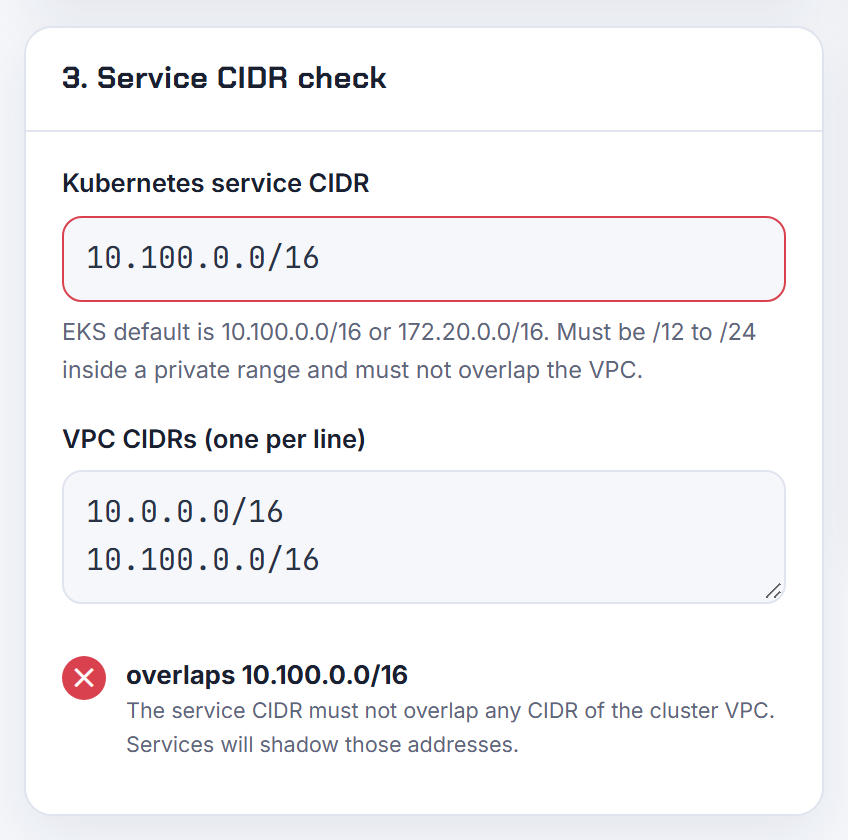
How do I allow-list the pod IP range of a managed cluster in an external database firewall?
It depends on whether the database sees the pod IP at all. For a destination outside the cluster's VPC or VNet, every managed cluster translates the source address by default, so you allow-list the NAT address, not the pod range. On EKS, traffic to any IPv4 address outside the VPC CIDRs is SNATed to the node's primary private IP unless you set AWS_VPC_K8S_CNI_EXTERNALSNAT=true, in which case your NAT gateway's address is what the database sees (EKS SNAT docs). On GKE, the ip-masq-agent rewrites the pod IP to the node IP for destinations outside the non-masquerade ranges (GKE IP masquerade). On AKS with Azure CNI Overlay, traffic that leaves the cluster is SNATed to the node IP (AKS CNI overview).
For a database inside the same VPC or a peered one, allow-list the ranges the pods actually get: the node subnets (or the ENIConfig subnets) on EKS, the pod secondary range on GKE, the pod subnet or node subnet on AKS. You know these before the cluster exists because you choose them. The calculator prints the pod subnet size per zone so you can reserve those blocks first.
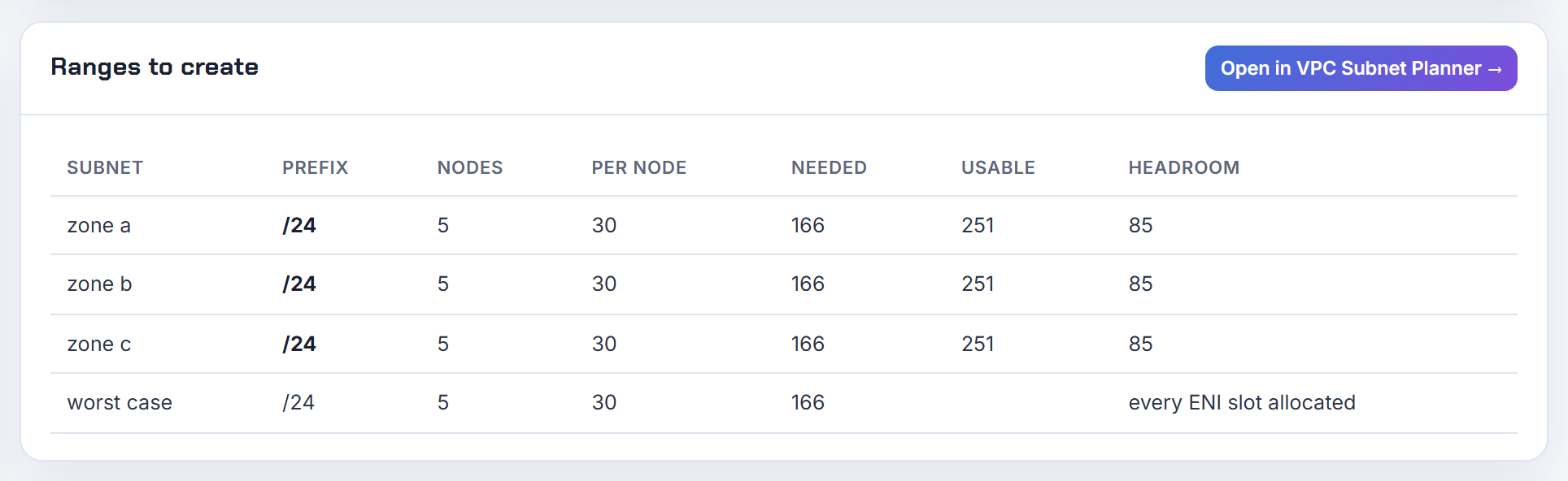
Why does my GKE pod secondary range conflict with a peered VPC or a VPN that uses the same range?
Because a GKE pod range is not an overlay. In a VPC-native cluster the pod addresses come from a subnet secondary range, and Google says they are natively routable inside the VPC, inside peered VPCs, and from on-prem networks over Cloud VPN or Interconnect (VPC-native clusters). A secondary range therefore has the same standing as a primary range.
Peering enforces this: no subnet range may match, contain or fit inside a range in a peered network, and adding an overlapping secondary range is rejected while the networks are peered (VPC Network Peering). A VPN enforces nothing. If an on-prem prefix overlaps a subnet range, Google applies its order of routes and the subnet route wins (Cloud VPN overview), so those on-prem hosts become unreachable from the cluster.
Choose the pod range from space that is free on every side. If the cluster already exists, add a second pod range from a free block instead of resizing (adding Pod IPv4 ranges). My GCP VPC peering guide covers the peering side. The planner's overlap check flags a pasted range that collides with your pod range.

Terraform, eksctl and other infrastructure-as-code settings
The same four knobs (max pods, prefix delegation, custom networking, service CIDR) live in different places in every tool. Here is where.
How do I configure max pods, prefix delegation or custom networking in the terraform-aws-eks module?
Use two places: the vpc-cni add-on for the CNI settings, and node group user data for max pods. The module's README shows vpc-cni = { before_compute = true } in the addons map, and each add-on accepts configuration_values (terraform-aws-eks README). That value is one JSON string that must match the schema from aws eks describe-addon-configuration (aws_eks_addon). Put ENABLE_PREFIX_DELEGATION, WARM_PREFIX_TARGET, AWS_VPC_K8S_CNI_CUSTOM_NETWORK_CFG and ENI_CONFIG_LABEL_DEF under env.
1addons = {
2  vpc-cni = {
3    before_compute = true
4    configuration_values = jsonencode({
5      env = { ENABLE_PREFIX_DELEGATION = "true", WARM_PREFIX_TARGET = "1" }
6    })
7  }
8}
Max pods is per AMI family. AL2023 takes a NodeConfig document through cloudinit_pre_nodeadm with kubelet.config.maxPods; Bottlerocket takes TOML through bootstrap_extra_args with settings.kubernetes.max-pods (module compute docs). The caveat that bites everyone: a managed node group without a custom AMI gets a cap injected by EKS, 110 pods under 30 vCPUs and 250 above, and that cap overrides anything you pass; only a launch template with an ami_id escapes it (how maxPods is determined). Custom networking also needs one ENIConfig per zone and new nodes; the add-on change alone does nothing for running nodes.
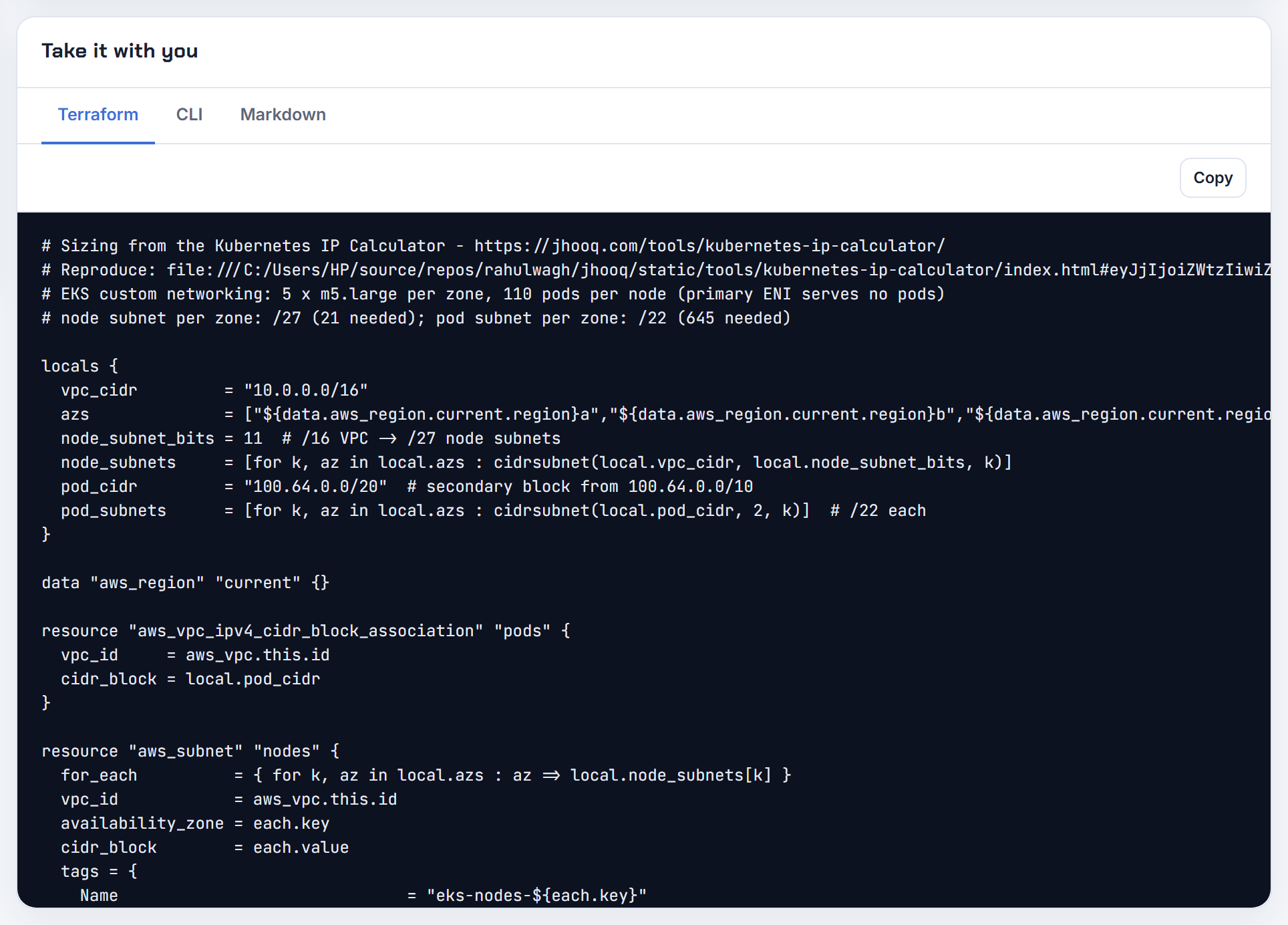
How do I set max pods per node, prefix delegation or custom networking with eksctl?
maxPodsPerNode exists on both nodeGroups and managedNodeGroups in the current config schema, and the managed node group guide shows maxPodsPerNode: 80 as a supported field (eksctl managed nodegroups, config schema). The flag is not self-managed-only any more. What still limits you is EKS itself: managed node groups without a custom AMI are capped at 110 or 250 pods, and that value wins (how maxPods is determined).
Prefix delegation and custom networking are add-on settings, so use addons[].configurationValues, which takes YAML or JSON; eksctl utils describe-addon-configuration --name vpc-cni prints the schema (eksctl addons).
 1addons:
 2  - name: vpc-cni
 3    configurationValues: |-
 4      env:
 5        ENABLE_PREFIX_DELEGATION: "true"
 6        WARM_PREFIX_TARGET: "1"
 7managedNodeGroups:
 8  - name: ng-1
 9    instanceType: m5.large
10    maxPodsPerNode: 110
Custom networking still needs an ENIConfig per zone and a new node group; eksctl does not create those for you. The calculator shows what maxPodsPerNode can reach per instance type in each mode.
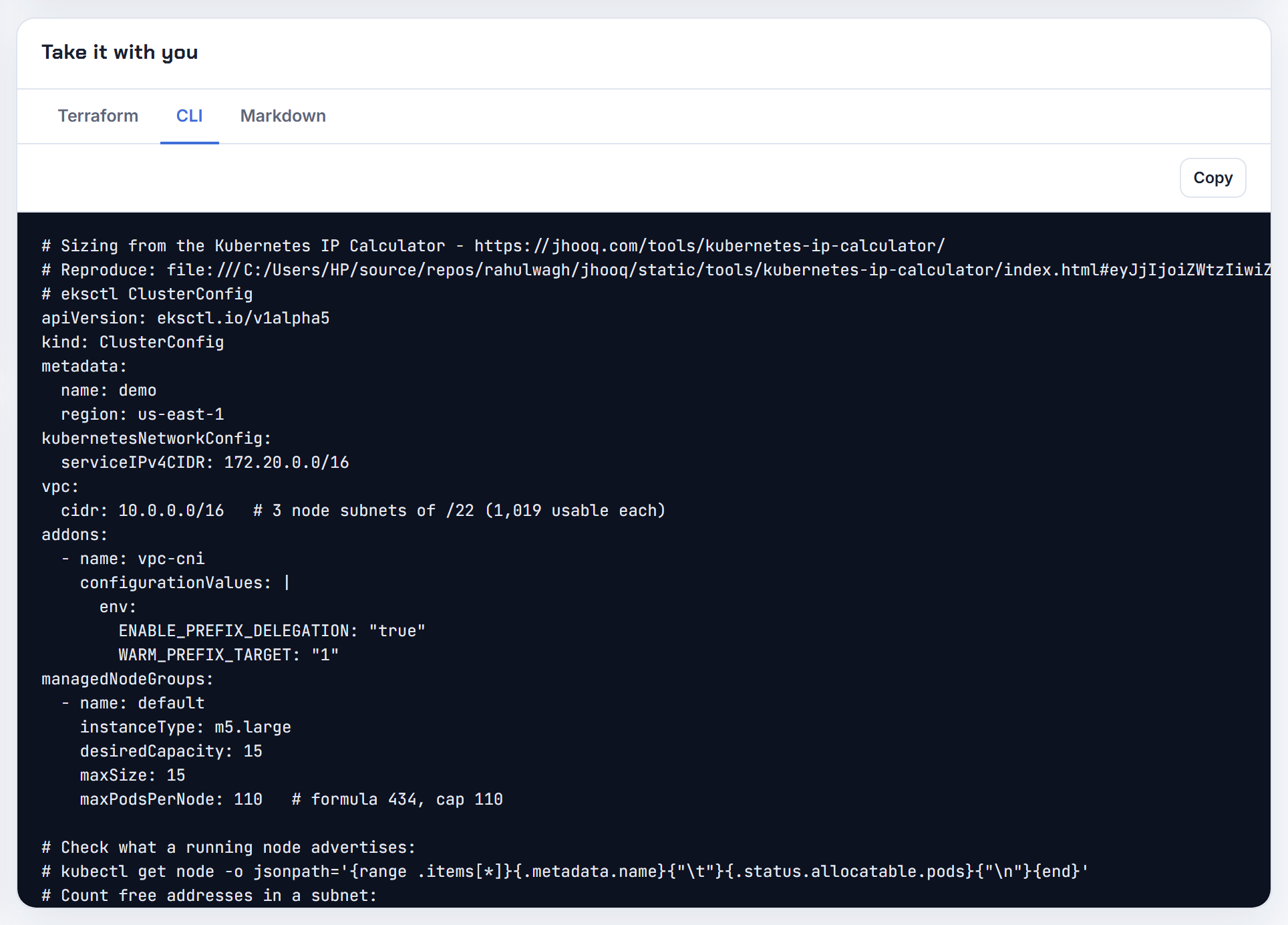
How do I set the EKS service CIDR or the IPv6 family in Terraform?
Both live in the kubernetes_network_config block of aws_eks_cluster, and both are create-time only. service_ipv4_cidr must sit inside 10.0.0.0/8, 172.16.0.0/12 or 192.168.0.0/16, be between /24 and /12, and not overlap peered or connected networks; leaving it empty gives 10.100.0.0/16 or 172.20.0.0/16. ip_family = "ipv6" makes the service range read-only (service_ipv6_cidr, taken from fc00::/7). Changing either value forces a new cluster (aws_eks_cluster). The terraform-aws-eks module exposes the same two settings as service_ipv4_cidr and ip_family (module README).
1kubernetes_network_config {
2  service_ipv4_cidr = "10.100.0.0/16"
3  ip_family         = "ipv4"
4}
For IPv6 the bootstrap differs because the VPC CNI must run prefix delegation in IPv6 mode (the add-on defaults to it on an IPv6 cluster), subnets need both an IPv4 and an IPv6 CIDR, and custom networking and Windows are not supported (EKS IPv6). AL2023 nodes also need the service CIDR in the NodeConfig (spec.cluster.cidr) when you bring your own launch template (launch templates). The calculator's IPv6 mode shows the one IPv4 per node and the /80 per node you still have to budget.
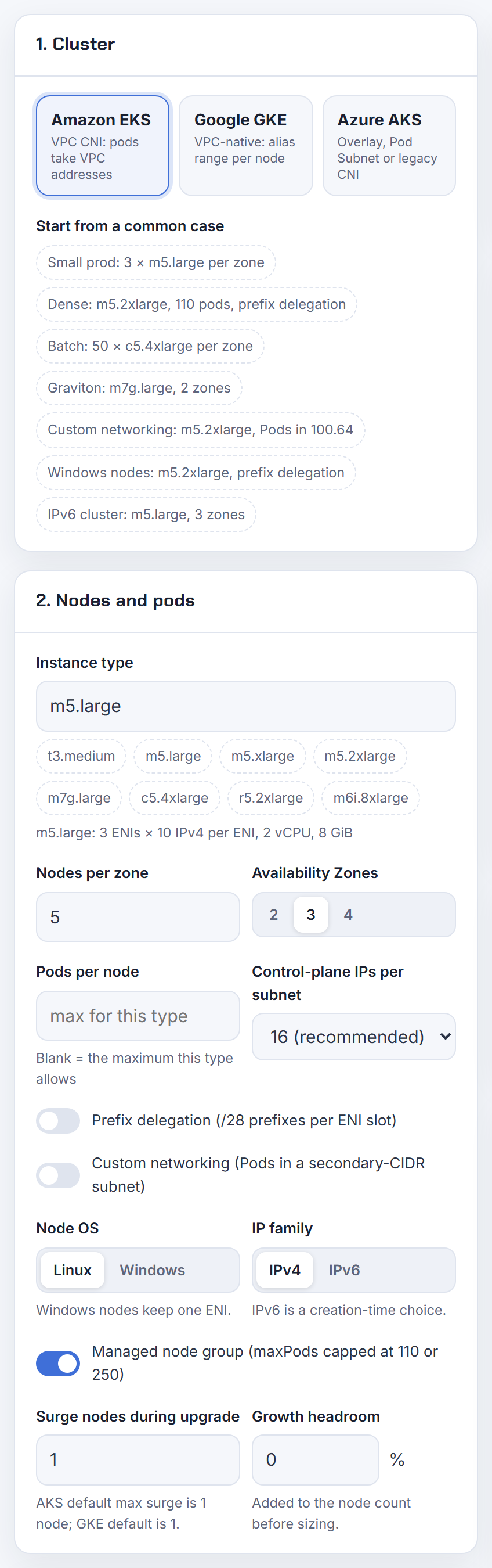
How do I set max pods per node, pod ranges and service ranges for GKE in Terraform?
Use ip_allocation_policy, not cluster_ipv4_cidr. The provider docs say a cluster with cluster_ipv4_cidr and no ip_allocation_policy defaults to routes-based, and that default_max_pods_per_node does not work on routes-based clusters (google_container_cluster). That is the conflict people hit.
Inside ip_allocation_policy, pick either existing ranges (cluster_secondary_range_name, services_secondary_range_name) or let GKE create them (cluster_ipv4_cidr_block, services_ipv4_cidr_block as blank, a /netmask or a CIDR). additional_pod_ranges_config adds pod ranges later. Per pool, google_container_node_pool has max_pods_per_node and a network_config block with create_pod_range, pod_range and pod_ipv4_cidr_block (google_container_node_pool).
1ip_allocation_policy {
2  cluster_ipv4_cidr_block  = "/16"
3  services_ipv4_cidr_block = "/20"
4}
5default_max_pods_per_node = 64
GKE requires at least a /24 pod range per node pool and gives each node a block with at least twice its max pods (maximum Pods per node). The calculator derives the per-node mask and the pool range from the max pods you enter.
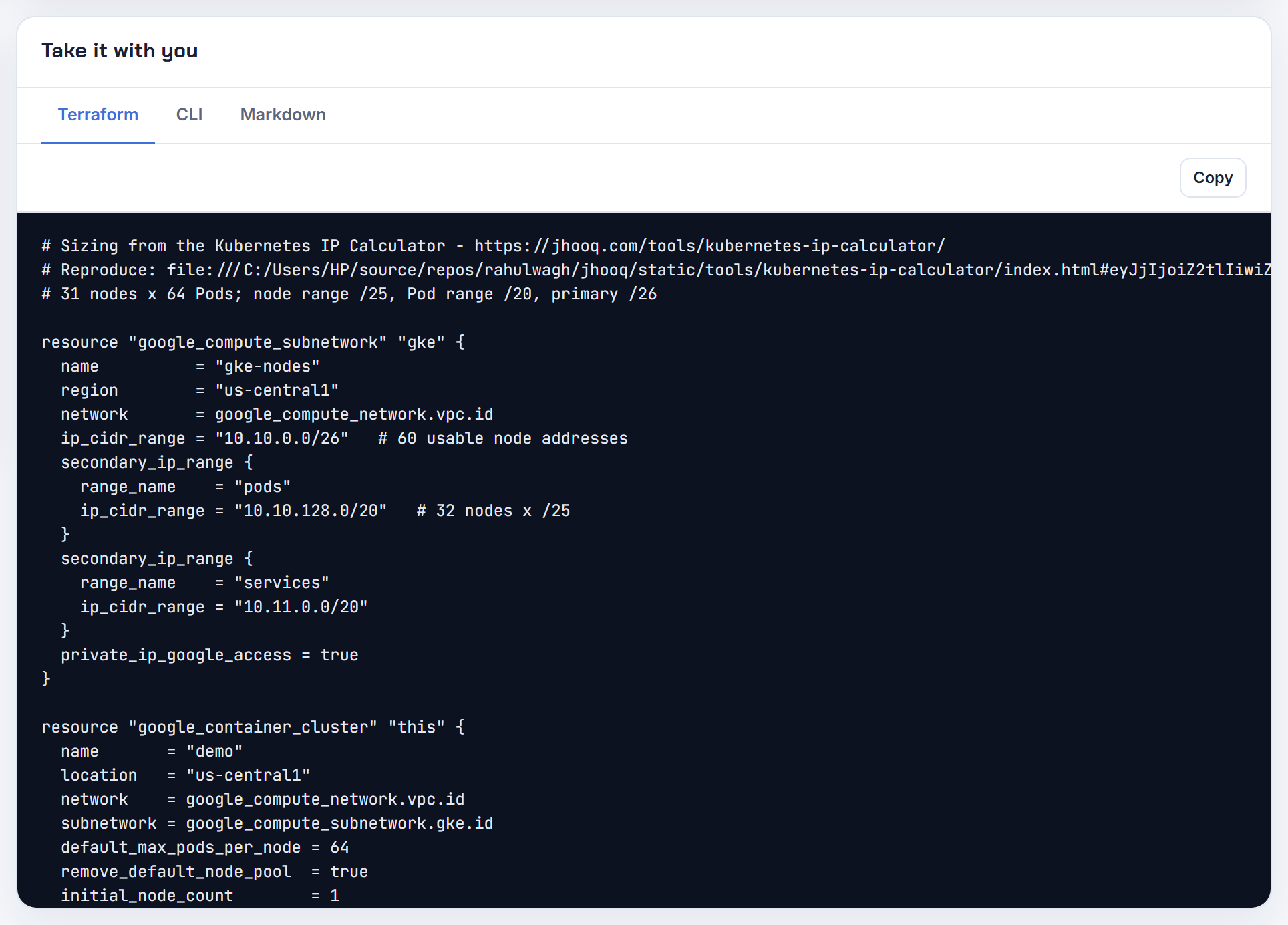
How do I set max pods, pod CIDR, service CIDR, DNS service IP and pod subnet for AKS in Terraform?
Split them by what forces a rebuild. Cluster-level networking is the network_profile block of azurerm_kubernetes_cluster: network_plugin, network_plugin_mode = "overlay", pod_cidr, service_cidr and dns_service_ip. Changing network_profile forces a new cluster, with one documented exception, upgrading from kubenet to azure with network_plugin_mode = "overlay". pod_cidr is only valid for kubenet or overlay and, once set, changing it forces a new cluster; service_cidr must be smaller than /12 and dns_service_ip must fall inside it (azurerm_kubernetes_cluster).
Node-level settings are max_pods, vnet_subnet_id and pod_subnet_id on default_node_pool or azurerm_kubernetes_cluster_node_pool. Changing any of them cycles the pool, which does not cordon and drain, and you must set temporary_name_for_rotation (azurerm_kubernetes_cluster_node_pool).
1network_profile {
2  network_plugin      = "azure"
3  network_plugin_mode = "overlay"
4  pod_cidr            = "10.244.0.0/16"
5  service_cidr        = "10.0.0.0/16"
6  dns_service_ip      = "10.0.0.10"
7}
Microsoft's own advice for raising max pods is to add a new node pool with the new value, move the pods and delete the old pool (AKS IP planning). The calculator's AKS modes show how many VNet addresses each max_pods choice reserves.
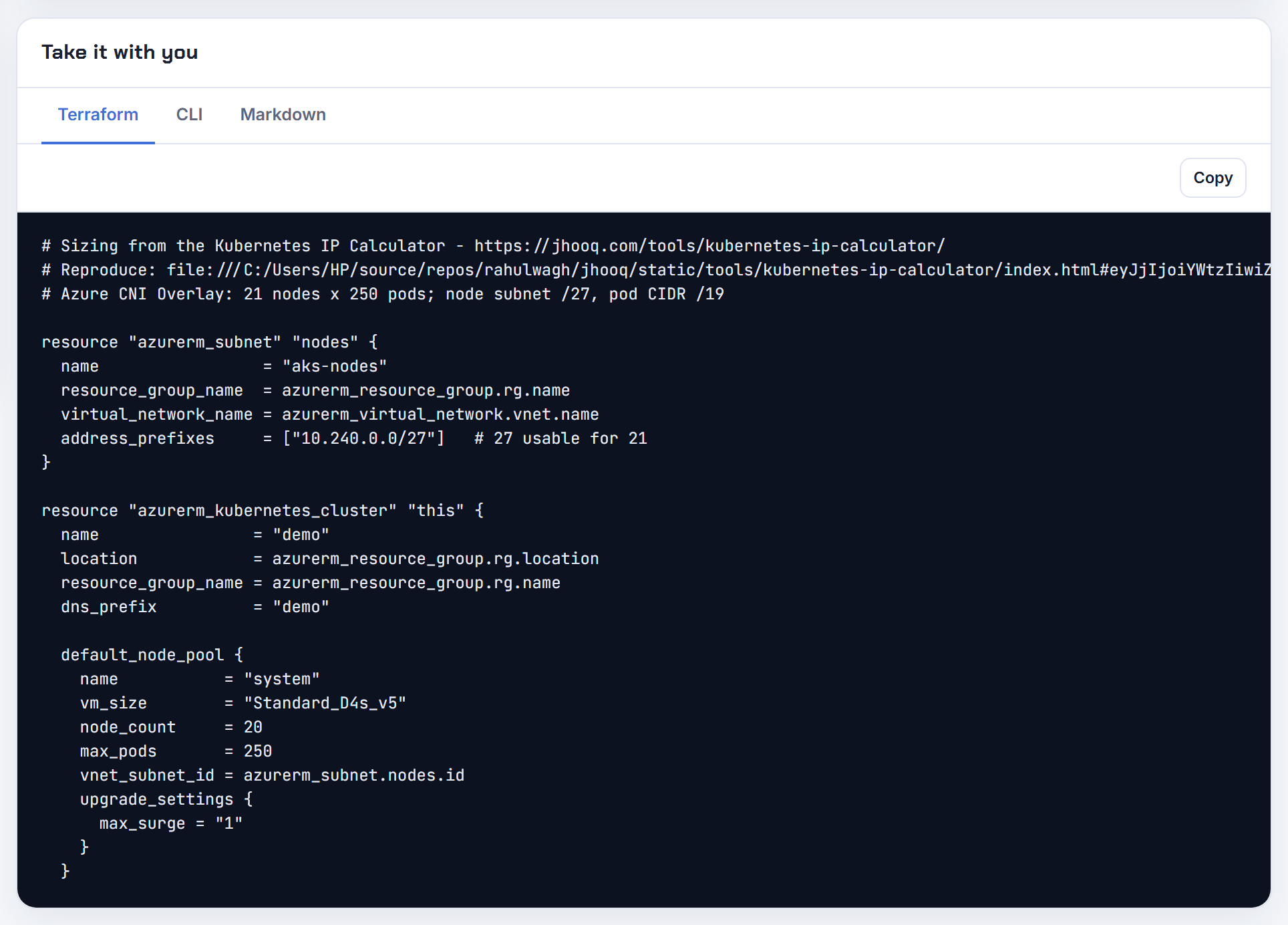
How do I set max pods with Karpenter?
Set spec.kubelet.maxPods on the EC2NodeClass; kubelet settings moved there from the NodePool. If you set nothing, Karpenter computes an ENI-limited value, ((default_enis - 1) x (ips_per_eni - 1)) + 2, or with prefix delegation min(250, ((default_enis - 1) x (ips_per_eni - 1)) x 16 + 2), and passes it to --max-pods (EC2NodeClass). podsPerCore is the other lever, and the lower of the two wins. maxPods can also be a CEL expression evaluated per instance type, behind a feature gate; while the gate is off a NodeClass carrying an expression is rejected.
1kind: EC2NodeClass
2spec:
3  kubelet:
4    maxPods: 110
Karpenter writes the user data itself, so do not fight it with a hand-written --max-pods; only the Custom AMI family needs the value in both spec.kubelet and spec.userData, and only AL2023 accepts arbitrary kubelet fields. For custom networking, set the controller setting RESERVED_ENIS so the primary ENI is excluded from the max-pods calculation (Karpenter settings). The calculator reproduces both Karpenter formulas so you can check the value it will choose for an instance type.
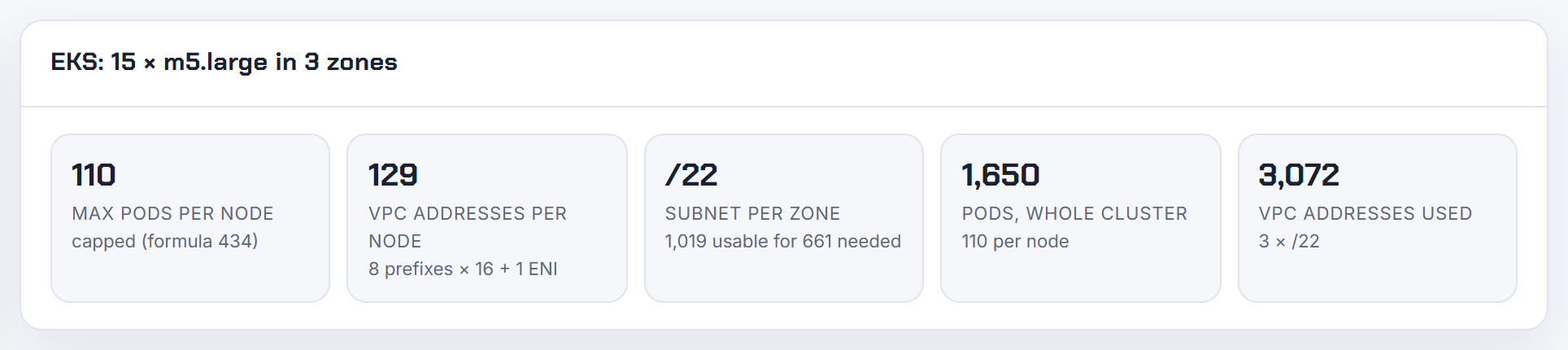
Why does eksctl assume my subnets use the whole VPC space or fail with existing subnets?
Because eksctl create cluster builds its own VPC unless you say otherwise. The default is 192.168.0.0/16 cut into eight /19 subnets (three private, three public, two reserved), and that layout is the one it reasons about (eksctl VPC configuration). To use a brownfield VPC pass --vpc-private-subnets and --vpc-public-subnets, or list vpc.subnets in the config. eksctl then needs at least two subnets in different zones, all in the same VPC, tagged kubernetes.io/role/internal-elb or kubernetes.io/role/elb, and public subnets with MapPublicIpOnLaunch enabled; it does not verify which subnets are really public.
When the only free space is small leftovers, extend the VPC instead of squeezing: add a secondary CIDR, create subnets in it, copy the route table and the tags from an existing subnet, then point a new nodegroup at them with subnets: (custom subnets, subnet settings). I cover the secondary CIDR route in EKS running out of IP addresses. The planner lists leftover space as CIDR blocks, which is exactly what you need before deciding whether a leftover is usable.
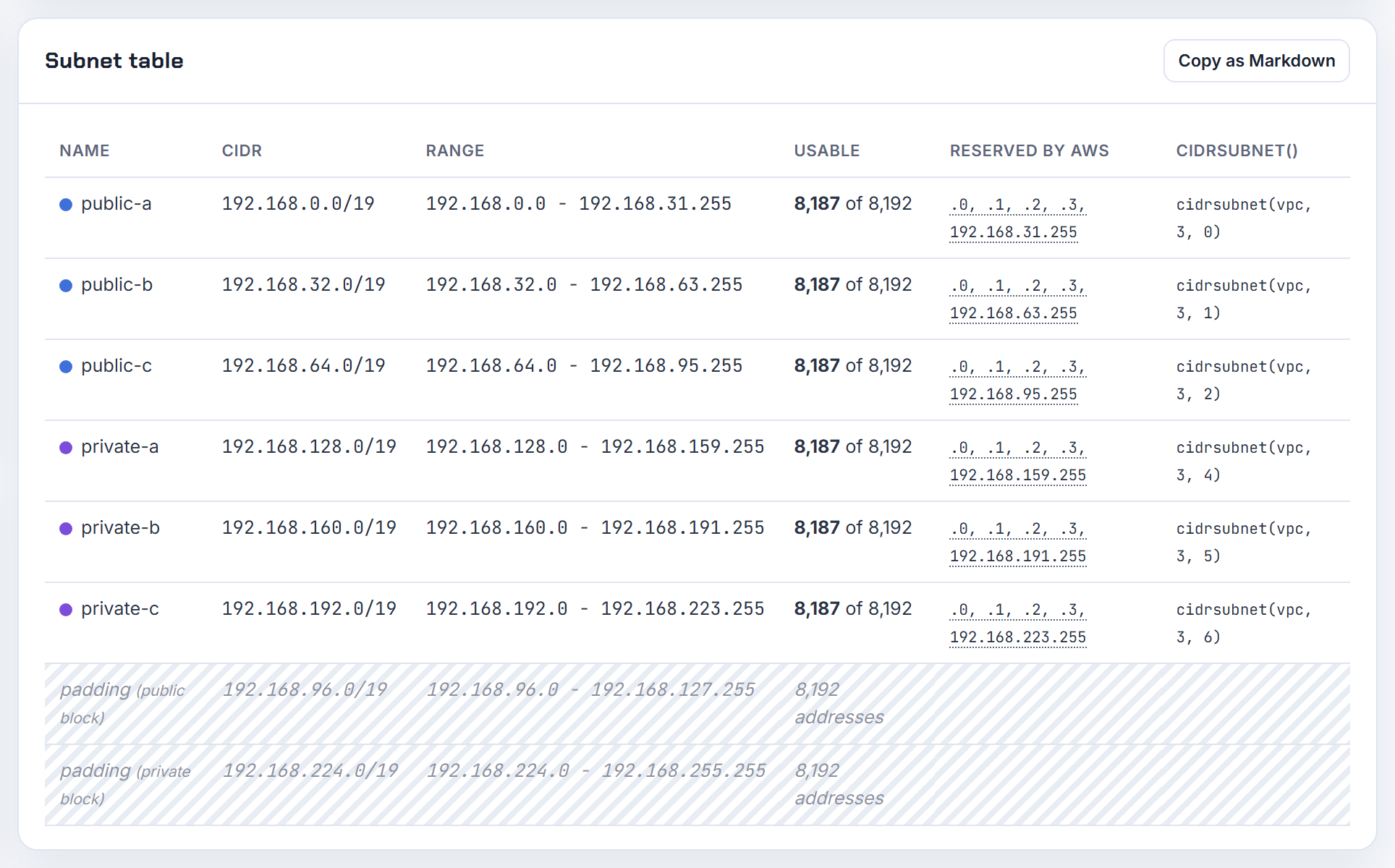
Changing CNI mode later, and what it costs
Every CNI mode change is really a node replacement. The cost side is mostly address space, not dollars.
Can I switch an existing EKS cluster from secondary IP mode to prefix delegation without downtime?
Yes, if you treat it as a node replacement rather than a flag flip. The CNI accepts ENABLE_PREFIX_DELEGATION being changed while pods run, and new pods get addresses from the new mode, but the kubelet's max pods is only updated by a kubelet restart or a node recycle (VPC CNI README). AWS recommends creating new node groups instead of a rolling replacement, because a node holding both single IPs and prefixes can advertise an inconsistent address count (assign more IPs with prefixes).
Order that keeps traffic flowing:
- Check that the subnets have contiguous /28 blocks; a fragmented subnet makes prefix attachment fail, and a subnet CIDR reservation fixes that (prefix mode guidance).
- Set
ENABLE_PREFIX_DELEGATION=trueandWARM_PREFIX_TARGET=1on the add-on. - Create a new node group with the new max pods; managed groups stay capped at 110 or 250.
- Cordon and drain the old group, then delete it.
Mixed fleets confuse max pods because the cap is injected per node group, so keep each group in one mode. The calculator's prefix delegation column shows the per-node ceiling and the per-zone subnet you need before step 3.

Can I replace the AWS VPC CNI with Calico or Cilium to escape IP exhaustion?
You can, but understand what you give up. AWS states that the VPC CNI is the only CNI it supports on EC2 nodes; alternate plugins are allowed because EKS runs upstream Kubernetes, and AWS recommends commercial support or in-house expertise if you go that way. Calico's own networking "conserves IP addresses from your underlying VPC", and EKS Auto Mode does not support alternate CNIs at all (alternate CNI plugins). The common failure, pods still getting node-subnet addresses, is the aws-node DaemonSet still running; eksctl can create a cluster without the default networking add-ons for exactly this case (eksctl addons).
Before switching, exhaust the VPC CNI options that keep pods VPC-routable: prefix delegation, custom networking with a 100.64.0.0/10 secondary CIDR, or an IPv6 cluster. AWS's own guidance only points at an alternate CNI when you cannot attach a secondary CIDR or already use the CG-NAT space (custom networking guidance). I compare those three in EKS running out of IP addresses.
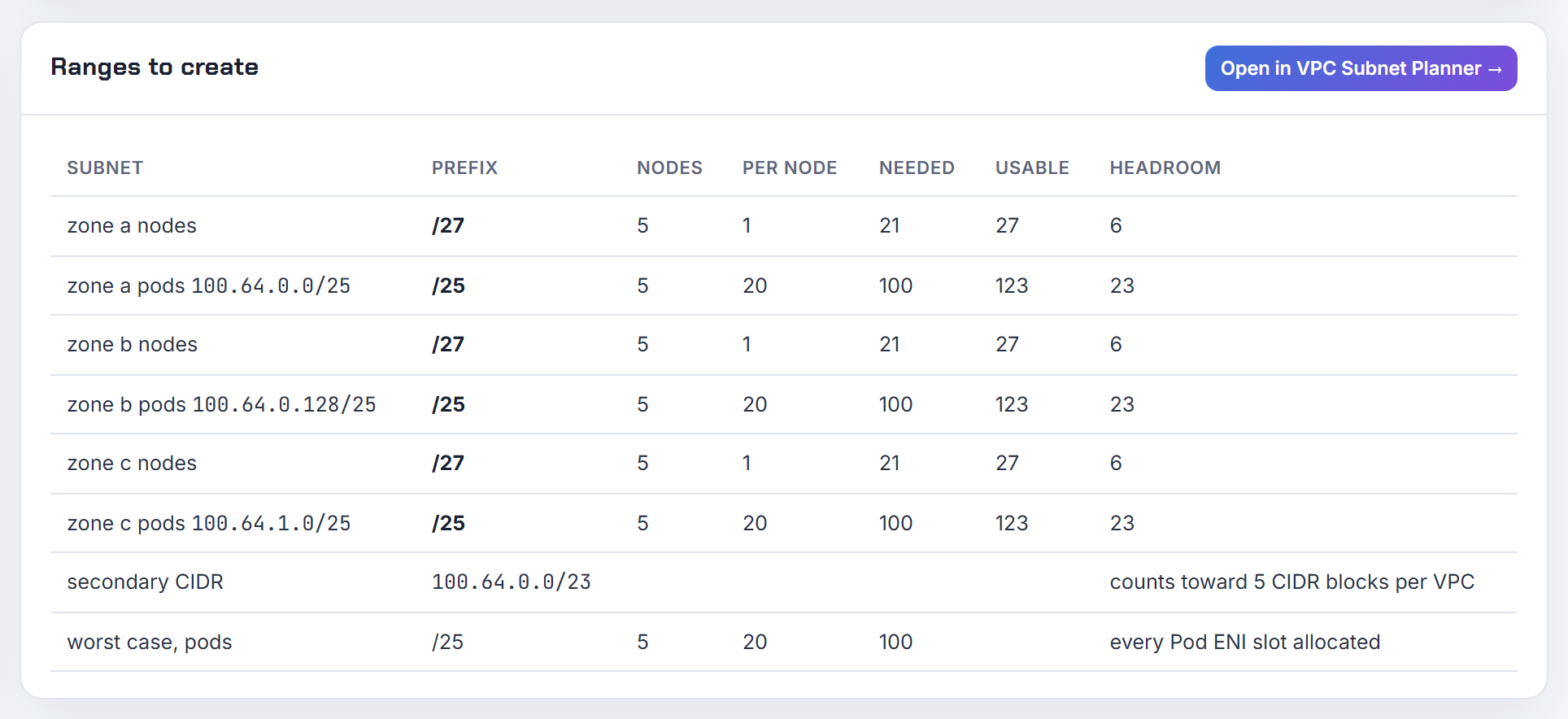
Is there a cost to a secondary VPC CIDR, or to the extra ENIs and IPs the CNI holds?
No. The Amazon VPC pricing page lists no charge for VPCs, CIDR blocks, subnets, ENIs or private IPv4 addresses. What it does bill, as of 2026-10-21: NAT Gateway at $0.045 per hour plus $0.045 per GB processed in the page's worked example, and every public IPv4 address, in use or idle, at $0.005 per hour; IPAM's advanced tier adds a per-active-IP charge. Check the region selector on the page for your region.
| Item | Charge |
|---|---|
| Secondary VPC CIDR, subnets, ENIs, private IPs | none |
| NAT Gateway (page example) | $0.045 per hour and $0.045 per GB |
| Public IPv4 address, in use or idle | $0.005 per hour |
| EKS cluster, standard support | $0.10 per cluster per hour |
The cluster fee is on the EKS pricing page; GKE charges the same $0.10 per cluster per hour with a $74.40 monthly free-tier credit (GKE pricing), and AKS's Free tier has no control-plane fee while Standard adds an SLA (AKS pricing). Pods themselves are never a line item on any of the three. The real cost of warm ENIs is address space: WARM_ENI_TARGET=1 keeps a whole spare interface of addresses per node (VPC CNI README). The calculator counts that warm ENI in the per-node figure.
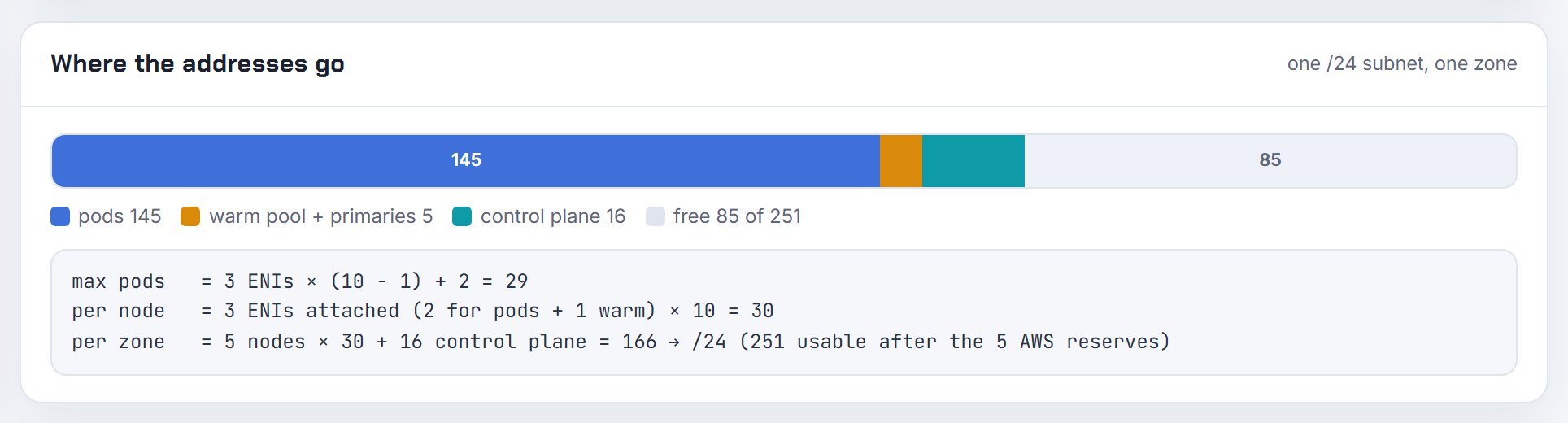
How do I migrate AKS from kubenet or node subnet CNI to overlay when Windows pools are present?
Run az aks update --network-plugin azure --network-plugin-mode overlay --pod-cidr <new range>. The move is one-way and irreversible, it is the only IPAM migration AKS supports (from Node Subnet or kubenet, to Overlay), and it reimages every node pool at the same time; per-pool migration is not supported (update Azure CNI).
Windows conditions from the same page: no Windows pool may use Docker as the runtime, and nodes must be on Windows build 20348.1668 or later, because older builds mis-routed host-network traffic through SNAT after the update. The Cilium data plane cannot be enabled on clusters with Windows pools, and kubenet clusters must go to Overlay first before any Cilium change.
Other conditions: the pod CIDR must not overlap the VNet or any node subnet; kubenet clusters need their route table detached, which needs a user-assigned identity; custom azure-ip-masq-agent ranges can break, because overlay pod IPs are unreachable outside the nodes. Terraform's azurerm provider lets the kubenet-to-overlay change happen in place without replacing the cluster (azurerm_kubernetes_cluster). Kubenet retires on 31 March 2028 (configure kubenet), so plan the move now rather than at the deadline.
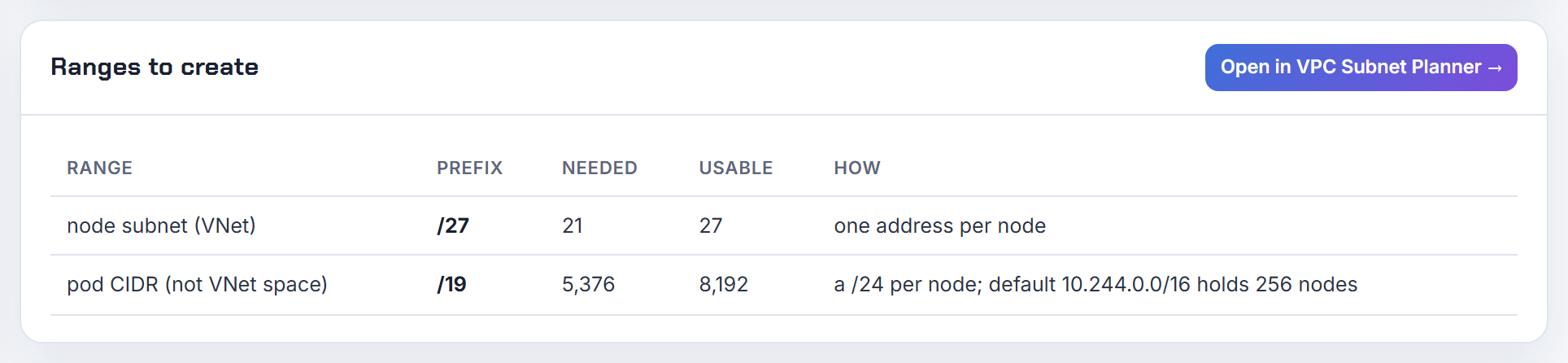
Using the calculator
What the Kubernetes IP Calculator can and cannot tell you, and the commands that give you the live numbers it cannot see.
Is there a command or tool that tells me how many pods my cluster or node can run in total?
No single command, because three things set the limit: the kubelet's maxPods, the addresses the CNI can obtain, and the cloud's cap. The kubelet's view is easy to read, since kubectl describe node shows Capacity and Allocatable (Kubernetes nodes) and custom columns print it for the fleet (kubectl quick reference):
1kubectl get nodes -o custom-columns=NAME:.metadata.name,PODS:.status.capacity.pods
That number ignores IPs. On EKS the AMI derives it from ENIs x (IPs per ENI - 1) + 2, and managed node groups cap it at 110 under 30 vCPUs or 250 above (how maxPods is determined). GKE defaults to 110 with a /24 per node (maximum Pods per node). AKS defaults to 30 on legacy Azure CNI, 110 on pod subnet and kubenet, and 250 on Overlay (AKS IP planning). The calculator takes the instance type, CNI mode and node count and gives the per-node ceiling and the cluster total before you build anything; see the companion post.
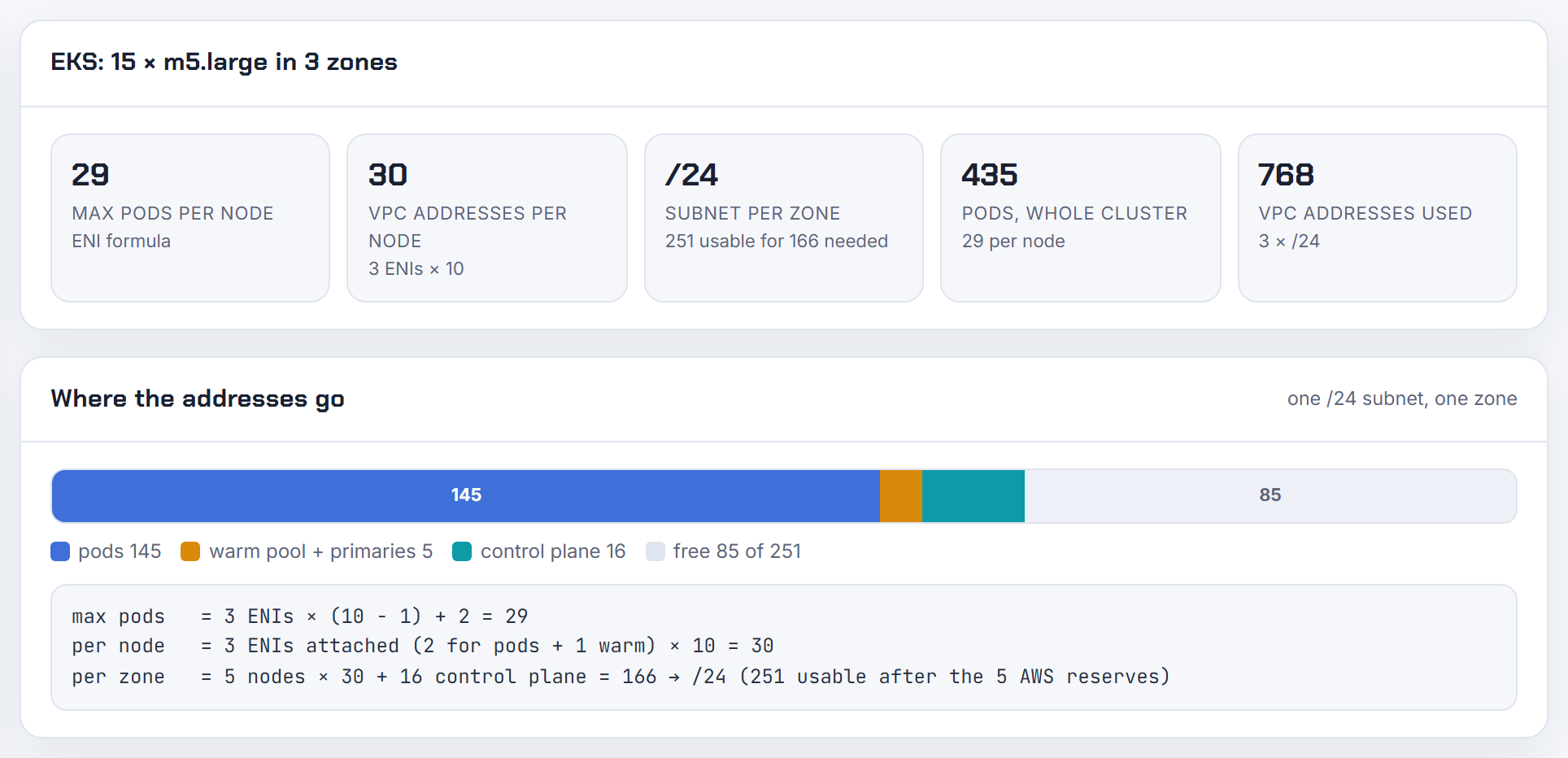
How do I calculate cluster-wide IP usage and the remaining headroom?
Read two numbers and divide. Free addresses per subnet come from the cloud; addresses held per node come from the CNI.
AWS: aws ec2 describe-subnets --query 'Subnets[].[SubnetId,AvailableIpAddressCount]' gives the free count (describe-subnets). On a node, ipamd publishes Prometheus metrics on :61678/metrics and curl localhost:61679/v1/enis lists every ENI and the IPs it holds (VPC CNI troubleshooting). Azure: az network vnet subnet list-available-ips (az network vnet). GCP: gcloud container clusters describe prints the pod and service ranges (gcloud describe), and the node count a pod range supports is 2^(HD - HM) where HD is the host bits of the pod range and HM the host bits of the per-node mask (VPC-native clusters).
Headroom in nodes is then free addresses divided by addresses per node. On EKS that per-node figure is not max pods; with WARM_ENI_TARGET=1 a node also holds a spare interface's worth (VPC CNI README). The calculator reports that figure as VPC addresses per node including the warm ENI.
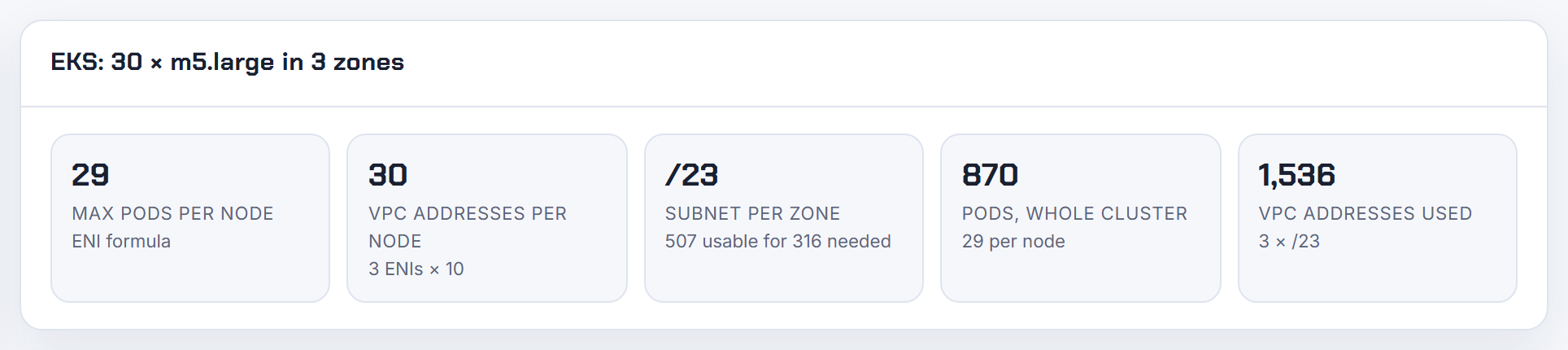
How do I find the pod network CIDR or cluster CIDR from inside automation or a pod?
Ask the platform API; Kubernetes does not expose the cluster CIDR as a first-class field. On EKS, aws eks describe-cluster --name my-cluster --query cluster.kubernetesNetworkConfig.serviceIpv4Cidr returns the service range (describe-cluster); pods use VPC subnets, so aws ec2 describe-subnets on the node subnets gives the pod ranges. On GKE, gcloud container clusters describe my-cluster --format='value(clusterIpv4Cidr,servicesIpv4Cidr)' (gcloud describe). On AKS, az aks show -n my-cluster -g my-rg --query networkProfile (az aks).
On kubeadm clusters the ranges are flags: --pod-network-cidr on kubeadm init, service range default 10.96.0.0/12 (kubeadm init), and the controller manager's --cluster-cidr plus --node-cidr-mask-size (kube-controller-manager). From a pod with RBAC to read kube-system, the static pod spec carries them:
1kubectl -n kube-system get pod -l component=kube-controller-manager -o yaml | grep -E 'cluster-cidr|service-cluster-ip-range'
Per-node pod ranges are on the Node object as spec.podCIDR on clusters where the controller manager allocates them. Give the automation a cloud API call and a fallback to the Node objects; do not parse CNI config files, they differ per plugin.
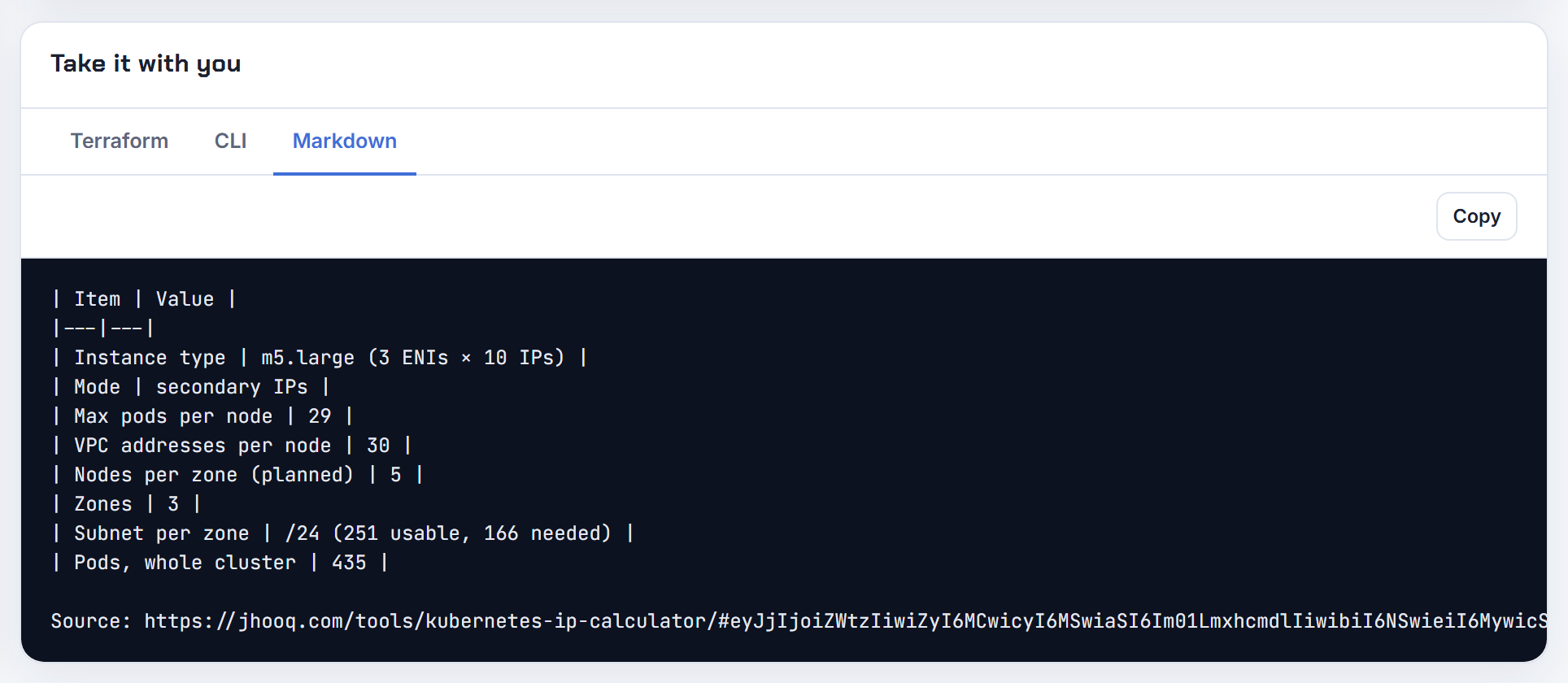
Why does the kubelet report more pod capacity than the node can address, and can max pods be a label?
Because capacity.pods is just the kubelet's maxPods setting, default 110 (KubeletConfiguration); nothing in Kubernetes ties it to the IPs a CNI can get. EKS narrows the gap by deriving max pods from ENIs x (IPs per ENI - 1) + 2 in the AMI, but the managed node group cap of 110 or 250 is injected on top, and prefix delegation raises the IPs without touching the kubelet until it is restarted or the node recycled (how maxPods is determined, VPC CNI README). Karpenter schedules with the same ENI-limited formula unless you override it (EC2NodeClass).
Only branch interfaces are exposed as a schedulable quantity: with ENABLE_POD_ENI=true the VPC resource controller advertises them as an extended resource on each node. For ordinary pods there is no official label or resource for free IPs. If a dashboard needs it, compute it from the instance type and the CNI mode and set your own node label at provisioning. The calculator gives you that per-type number from the EKS AMI instance data for 1,404 types.
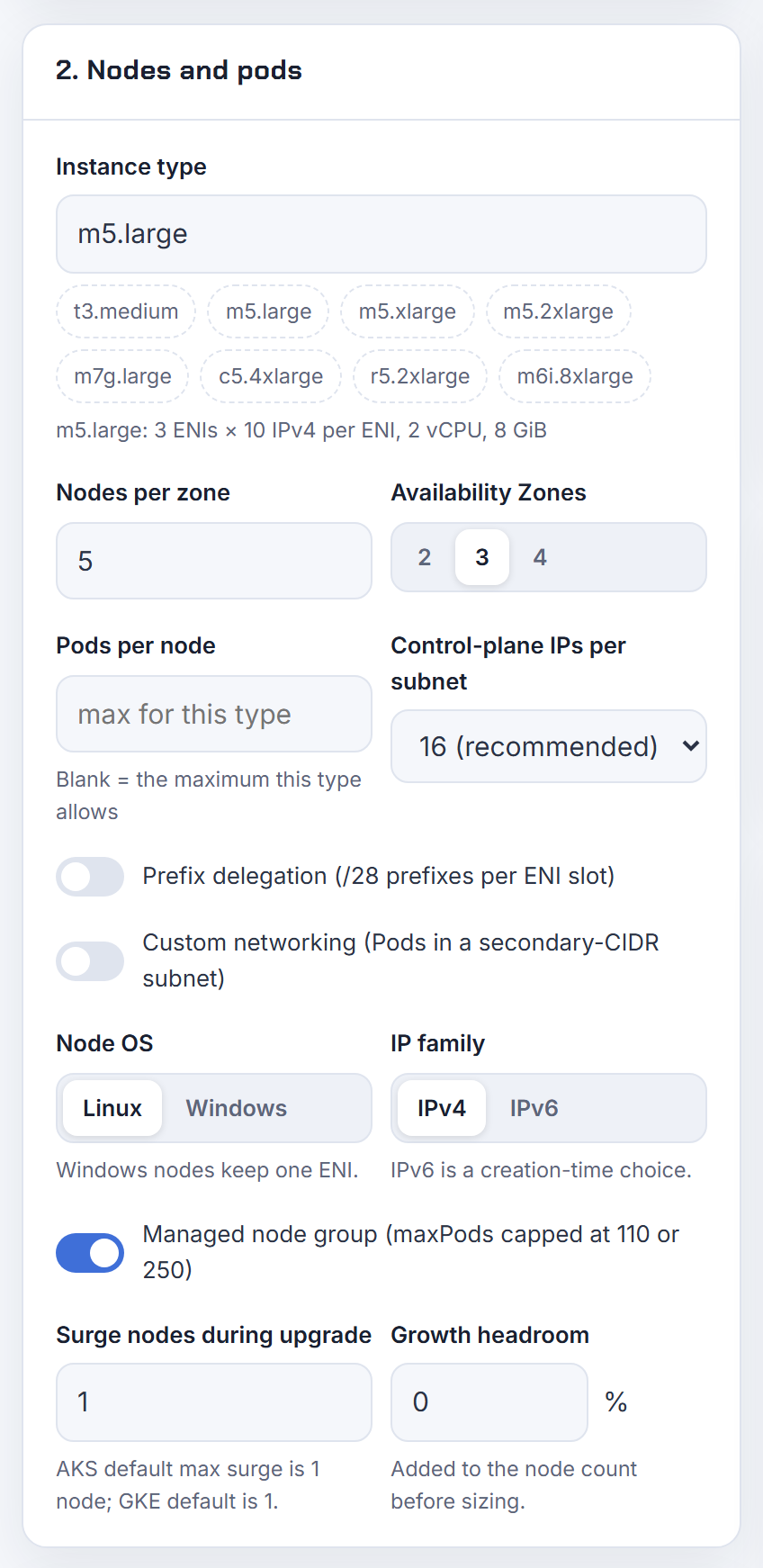
What is the sizing arithmetic for a GKE node pool pod range at N pods per node?
Per node, GKE uses a mask of M = 31 - ceil(log2(Q)) where Q is max pods per node, which always gives at least twice as many addresses as pods. The pool range then supports 2^((32 - DS) - (32 - M)) nodes, where DS is the pod range prefix length (VPC-native clusters). Google's example: a /17 pod range with 32 pods per node gives /26 per node, 512 nodes and 16,384 pods.
| Max pods per node | Per-node range | Addresses |
|---|---|---|
| 8 | /28 | 16 |
| 9 to 16 | /27 | 32 |
| 17 to 32 | /26 | 64 |
| 33 to 64 | /25 | 128 |
| 65 to 128 (default 110) | /24 | 256 |
| 129 to 256 | /23 | 512 |
| 257 to 512 | /22 | 1,024 |
The table is from configure maximum Pods per node, which also sets the floor: a node pool's pod range must be at least /24, Standard clusters go up to 512 pods per node, and the pod range size is immutable after creation, so start large (gcloud defaults to /21) and add ranges later if needed. The calculator applies 31 - ceil(log2(max pods)) and sizes the secondary range for your node count.
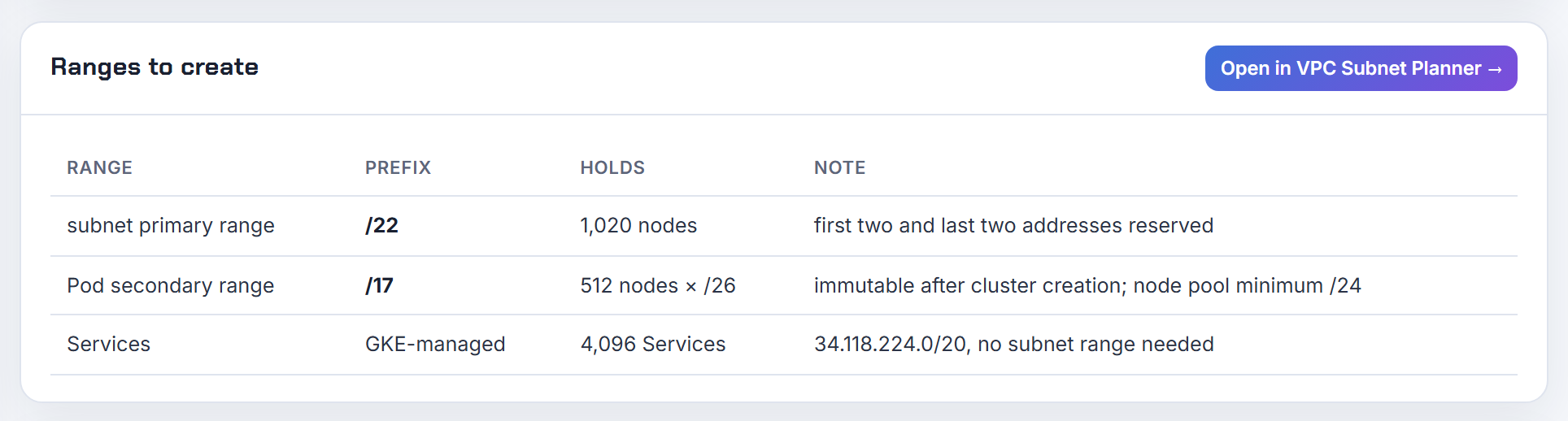
How many IP addresses does one AKS node need under kubenet, Azure CNI, pod subnet and overlay?
| Mode | VNet addresses per node | Where pods get IPs | Default max pods |
|---|---|---|---|
| Kubenet (retires 31 March 2028) | 1 | /24 per node from the pod CIDR | 110 |
| Azure CNI node subnet (legacy) | 1 + max pods, reserved up front | node subnet | 30 |
| Azure CNI pod subnet, dynamic | 1 in node subnet, pods in batches of 16 from the pod subnet | pod subnet | 110 |
| Azure CNI pod subnet, static block | 1 in node subnet, /28 blocks from the pod subnet | pod subnet | per block maths |
| Azure CNI Overlay | 1 | /24 per node from the private pod CIDR | 250 |
The defaults and the 250 ceiling are on the AKS IP planning page, which also gives the flat-network formula (nodes + surge) + ((nodes + surge) x max pods): 50 nodes at the default 30 need 1,581 addresses, a /21. The kubenet page makes the contrast concrete: a /24 fits 251 kubenet nodes but only 8 legacy Azure CNI nodes. Dynamic allocation hands out 16 IPs at a time and refills when fewer than 8 remain (pod subnet dynamic allocation); static block assigns /28 blocks and keeps one IP per node as its primary (static block allocation). The calculator has the Overlay, Pod Subnet and legacy CNI formulas, so the same 50-node cluster shows its 51 versus 1,581 addresses side by side.
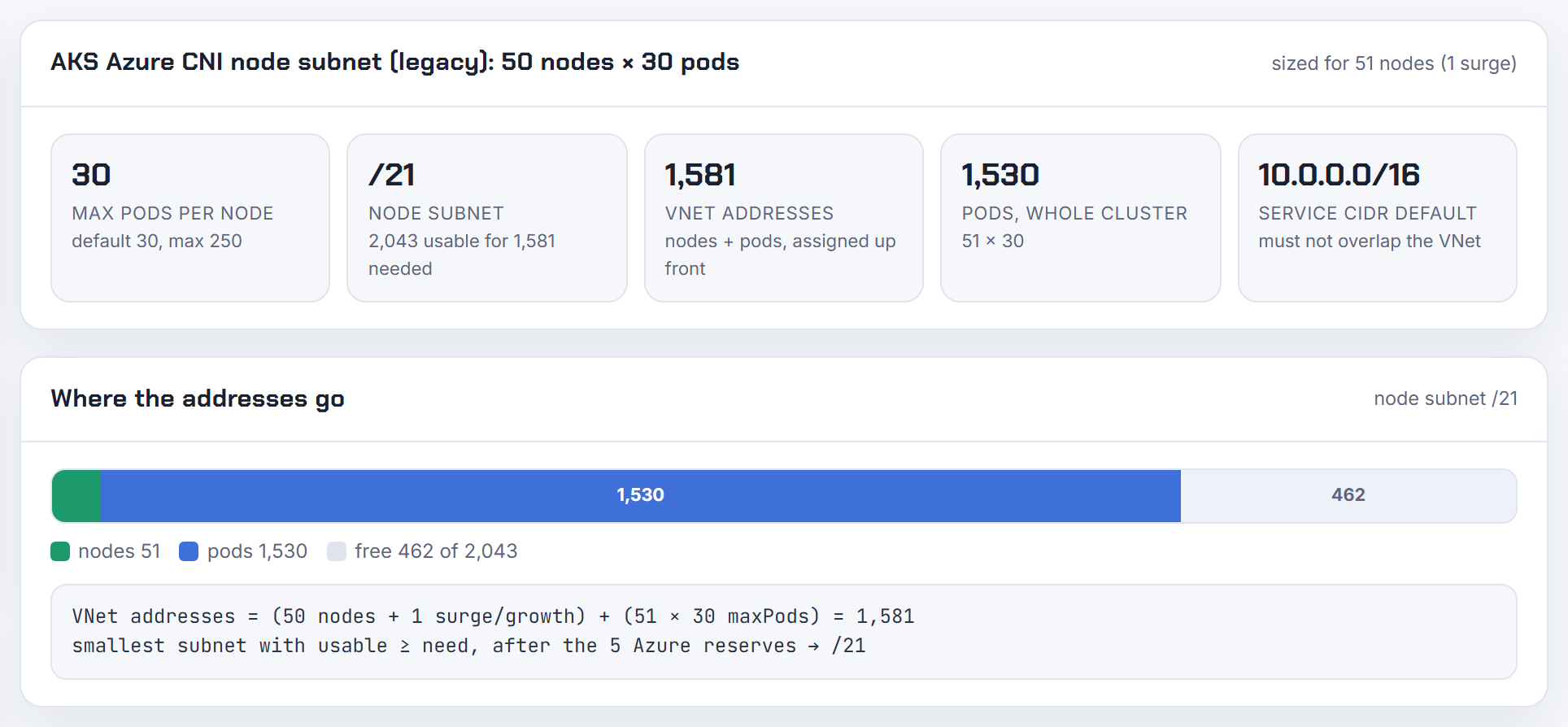
ENI behaviour, limits and other questions
The long tail. Most of these come down to one of two facts, an ENI table and a warm pool.
Why does the VPC CNI reserve an ENI slot for the trunk interface on instances that cannot trunk?
Because ENABLE_POD_ENI is a DaemonSet-wide switch. When it is true, ipamd labels every node vpc.amazonaws.com/has-trunk-attached=false and leaves an interface slot for the VPC resource controller to attach the trunk; on instance types that do not support trunking the label simply stays false (VPC CNI README). Security groups for pods only work on Nitro types listed with IsTrunkingCompatible: true in the plugin's limits file; no t-family type qualifies, and Windows and Auto Mode are out (security groups for Pods).
Practical rule: keep instance types that cannot trunk out of clusters that have ENABLE_POD_ENI=true, or accept one fewer interface of pod addresses on those nodes. Branch interface capacity is additive and not counted in the max-pods formula, so on trunking types you lose nothing; a m5.large keeps its 27 secondary IPs plus 9 branch interfaces (SGP guidance). If Karpenter provisions the nodes, RESERVED_ENIS tells it how many interfaces to exclude from max-pods (Karpenter settings). The calculator's per-node figure assumes the standard ENI count, so subtract one interface yourself for this case.
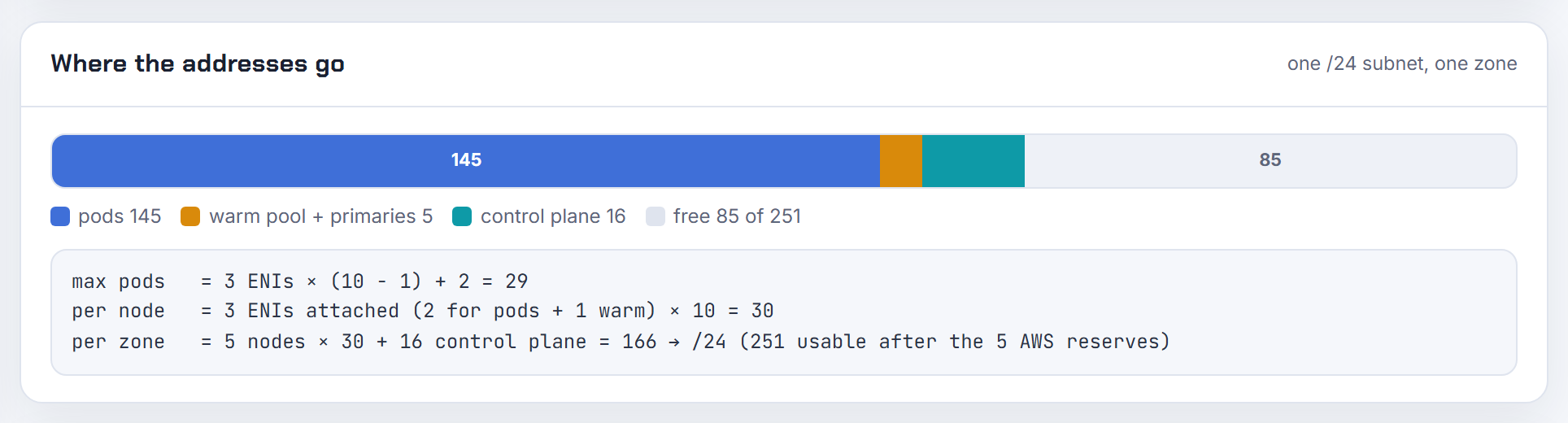
Can branch ENI density for security groups for pods be increased?
No. The number of branch interfaces per instance type is fixed by AWS in the plugin's limits file, and the README says prefix delegation does not raise it; each branch interface carries exactly one primary IP for one pod (VPC CNI README). The documented examples are 9 branch interfaces on a m5.large and 54 on a c5.4xlarge, next to 27 and 234 ordinary secondary IPs (SGP guidance).
That is why SGP pods per node sit far below max pods. Three ways to live with it: pick a larger instance type for the pools that run SGP pods; use VPC CNI network policies instead of security groups where you only need in-cluster control, since the two can coexist (network policies); and raise max pods if branch pods are being counted against it, because they are not in the formula. The WARM_* targets do not affect branch capacity, so set WARM_IP_TARGET low on nodes that mostly run SGP pods to stop wasting ordinary addresses.
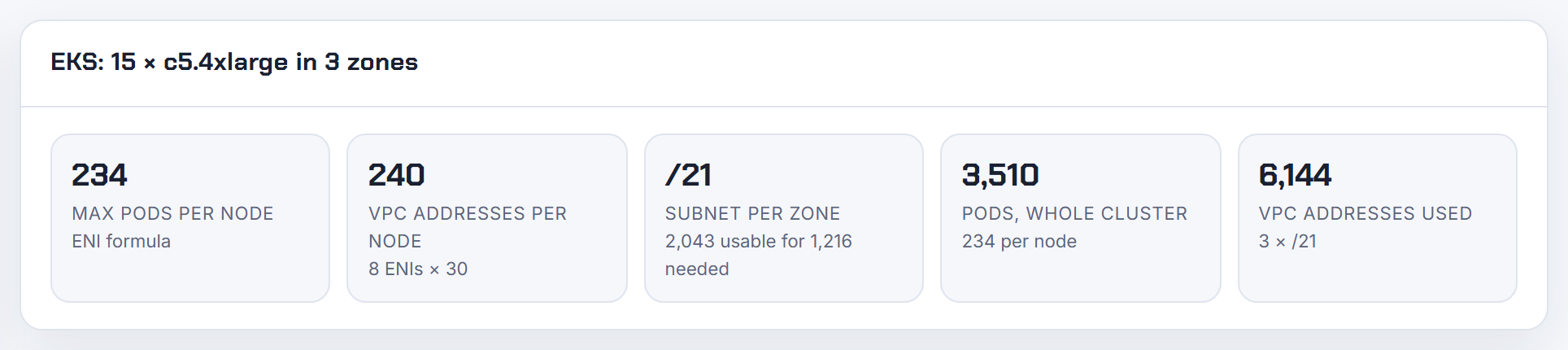
How does ECS and EKS ENI density compare, and can either be increased?
Same EC2 table, different unit. ECS awsvpc tasks take a whole ENI each: a c5.large allows three interfaces, one is the primary, so two tasks; with the awsvpcTrunking account setting the limit rises to twelve and ECS attaches a trunk, giving ten tasks (ECS ENI trunking). EKS hands pods secondary IPs, so the unit is an address, not an interface: the default max pods is ENIs x (IPs per ENI - 1) + 2, 29 on a m5.large (SGP guidance, how maxPods is determined).
| Platform | Unit | m5.large or c5.large |
|---|---|---|
| ECS awsvpc, default | 1 ENI per task | 2 tasks |
| ECS awsvpc, trunking | branch ENI per task | 10 tasks |
| EKS secondary IP | 1 IP per pod | 29 pods |
| EKS prefix delegation | 16 IPs per prefix | capped at 110 by managed node groups |
| EKS security groups for pods | branch ENI per pod | 9 pods, additive |
The interface counts themselves come from the per-type table in EC2 elastic network interfaces and cannot be raised. The calculator carries that table for 1,404 types.
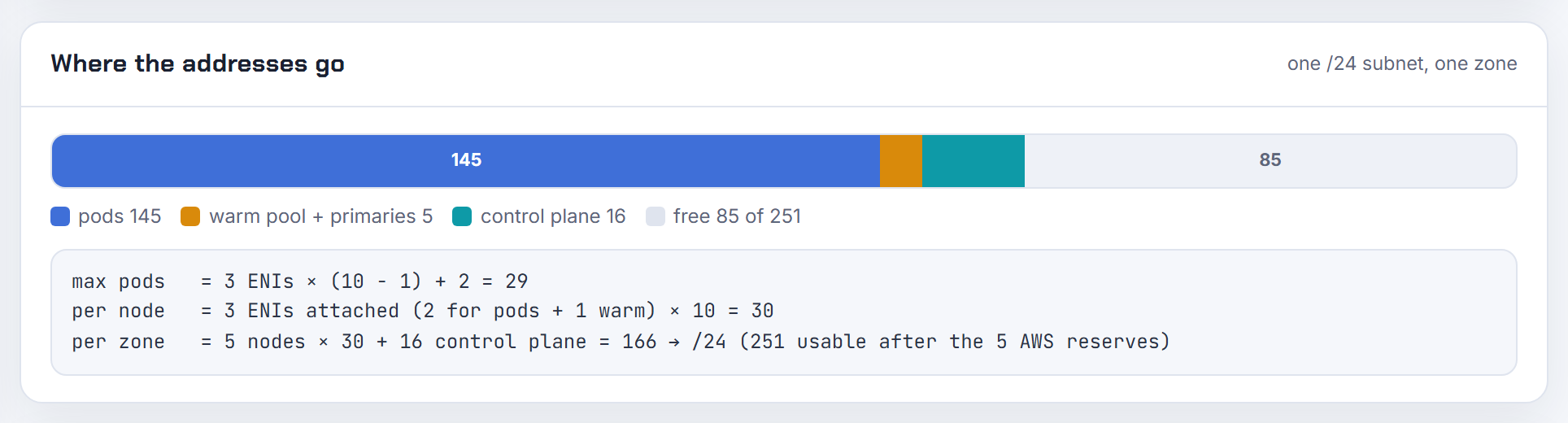
Can a managed node group get advanced ENI or IP configuration such as prefixes through its API?
Not through the node group API. ENI and IP behaviour belongs to the VPC CNI, so you set it on the add-on with configuration values, for example aws eks update-addon --configuration-values '{"env":{"ENABLE_PREFIX_DELEGATION":"true"}}' --resolve-conflicts PRESERVE, where PRESERVE keeps your custom values across updates (update the VPC CNI add-on). Warm targets, ENABLE_POD_ENI, custom networking and ADDITIONAL_ENI_TAGS for tagging the interfaces ipamd creates are all environment variables on that add-on (VPC CNI README).
Launch templates will not get you there either: with managed node groups the console only accepts a single network interface specification, and you cannot mix instance-level and interface-level security groups (launch templates). If you need the launch template itself to request prefixes, Karpenter's EC2NodeClass has spec.ipPrefixCount, which sets ipv4PrefixCount or ipv6PrefixCount on the interface (EC2NodeClass). Keep the node group simple and put the networking policy on the add-on; the calculator shows what each add-on mode yields per node so you know which env values to set.
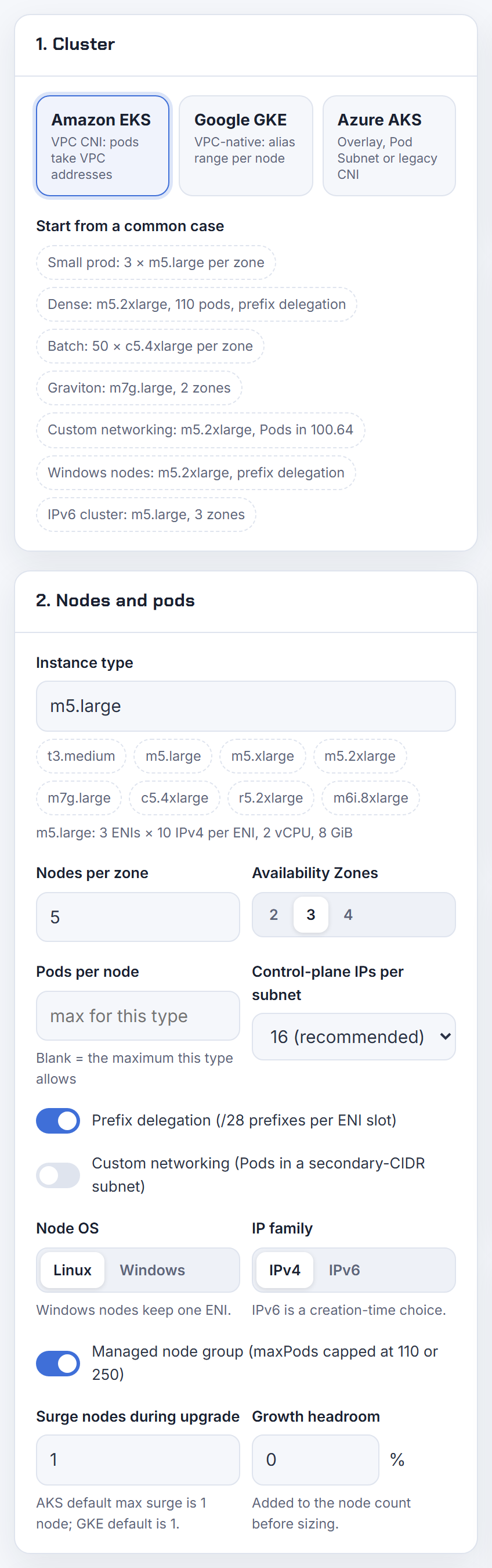
Why does ipamd assign IPs from detached ENIs or hand out an IP that EC2 does not know about after a restart?
Because ipamd rebuilds its address datastore at startup from what EC2 and the instance metadata service report, and the two can disagree for a short time after interfaces are attached or detached. The README documents the knob that shows the dependency: DISABLE_NETWORK_RESOURCE_PROVISIONING=true makes ipamd rely only on IMDS for attached ENIs and IPs (VPC CNI README), and the troubleshooting guide notes that v1.10.0 needed IMDSv1 access to learn the node's primary IPv4 at all (VPC CNI troubleshooting).
When you see a ghost or duplicate address, compare the two views:
1curl -s localhost:61679/v1/enis | python -m json.tool
2aws ec2 describe-network-interfaces --filters Name=attachment.instance-id,Values=<instance-id>
If they differ, recycle the node, and run /opt/cni/bin/aws-cni-support.sh first to capture /var/log/aws-routed-eni/ipamd.log for a bug report. Keep the add-on current; this class of bug is fixed in releases, not in configuration. Lower churn in EC2 calls also reduces the window: MINIMUM_IP_TARGET plus a small WARM_IP_TARGET halves the allocate and release traffic compared with a large warm target.
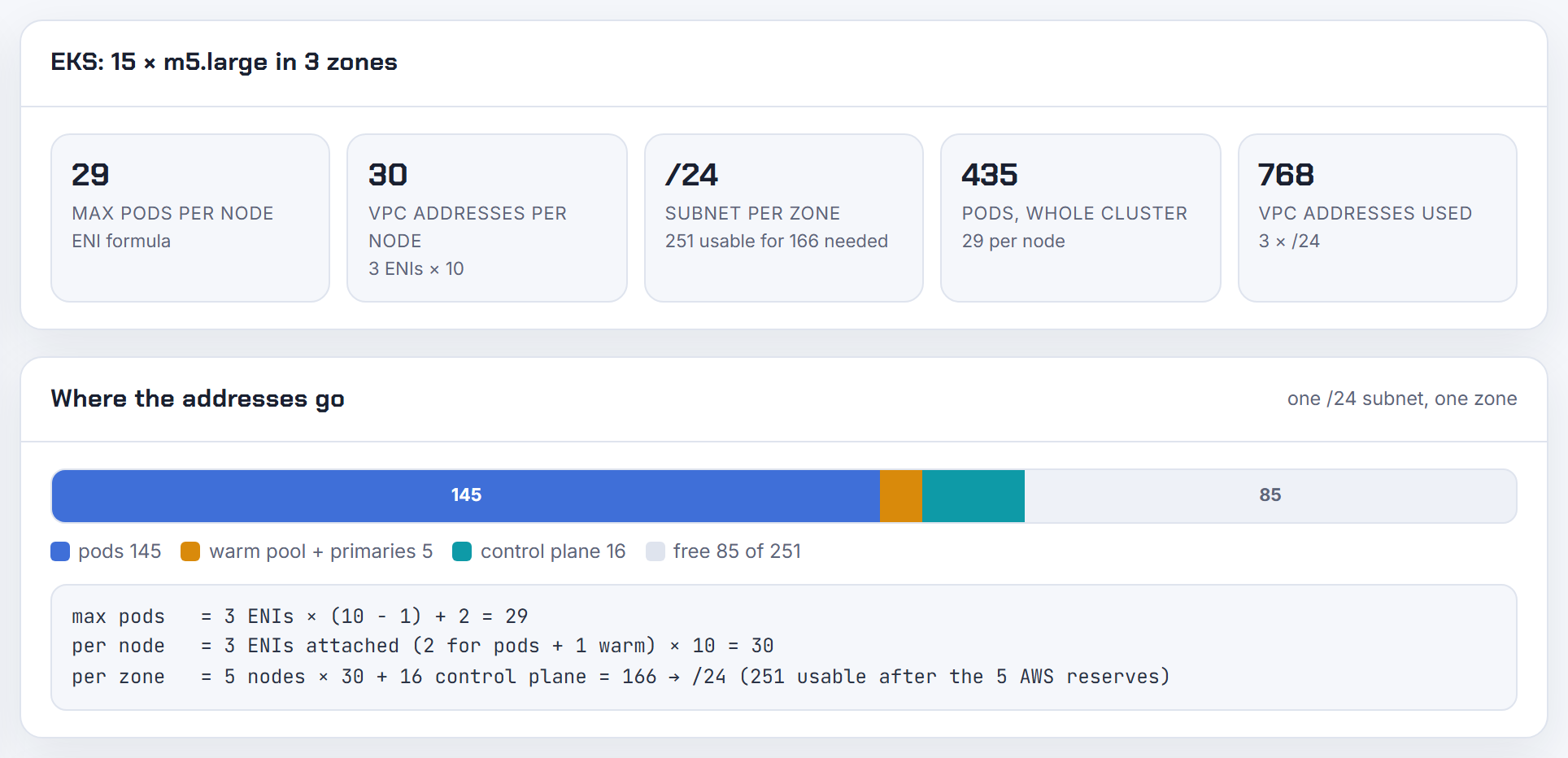
Why do pods sometimes get the same IP, or a reused IP that still has stale connections?
Reuse is by design; the question is how fast. The VPC CNI parks a released address for IP_COOLDOWN_PERIOD seconds, default 30, so that kube-proxy on every node has time to remove the old endpoint from its rules before the address is handed to a new pod. The README warns that kube-proxy update time scales with the number of nodes and services, and that setting the period to 0 is supported but highly discouraged (VPC CNI README). With heavy churn and thousands of services, 30 seconds can be too short, and a new pod receives traffic meant for the one that just died.
Other platforms use address space instead of time: GKE gives each node a block with at least twice its max pods specifically to reduce IP reuse (maximum Pods per node), and AKS tells you to budget extra addresses per node because releasing an IP takes a few seconds (AKS IP planning).
If connections break on reuse, raise the cooldown rather than lower it, keep terminationGracePeriodSeconds non-zero so the CNI can tear the pod network down (SGP guidance), and give nodes more address headroom.
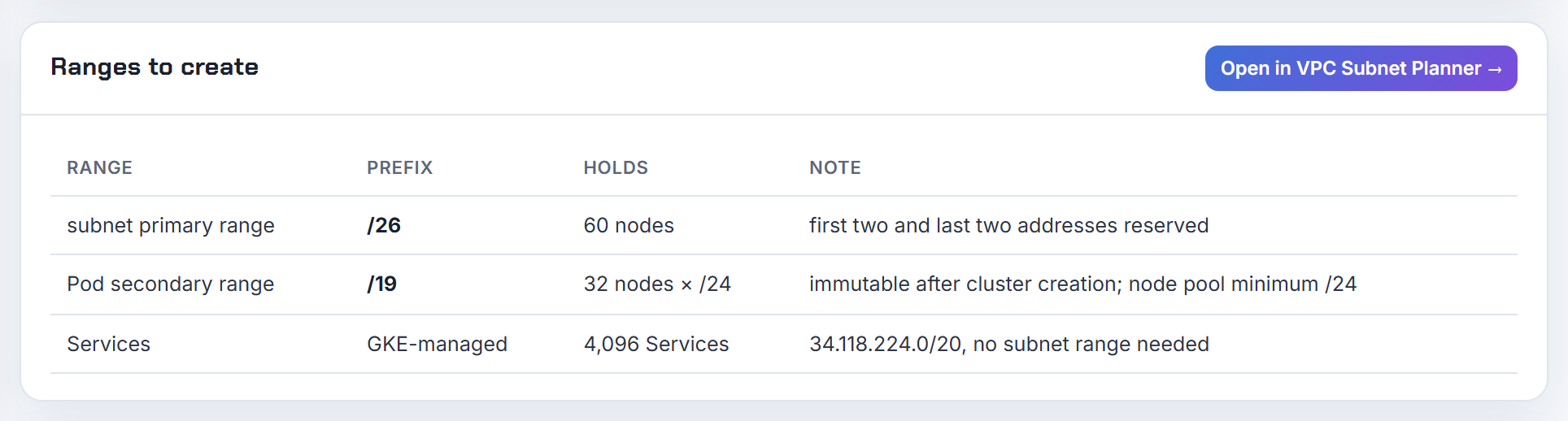
How long is the IP cooldown after a pod is deleted on EKS, and can I change it?
30 seconds by default, set by the IP_COOLDOWN_PERIOD environment variable on aws-node, available since VPC CNI v1.15.0. It is an integer as a string, 0 is accepted but discouraged, and higher values mean more EC2 API calls because addresses sit in the cooldown cache instead of being released (VPC CNI README). Change it through the add-on so updates do not overwrite it:
1aws eks update-addon --cluster-name my-cluster --addon-name vpc-cni \
2  --configuration-values '{"env":{"IP_COOLDOWN_PERIOD":"60"}}' \
3  --resolve-conflicts PRESERVE
The cooldown explains why churn "parks" addresses: a node cycling 50 pods a minute keeps roughly 25 addresses in cooldown at any time, and in prefix mode a whole /28 stays attached even if one address in it is in use (prefix and IP targets). Size subnets for that. Too short a cooldown is the worse failure, since traffic for a deleted pod lands on its replacement, so my rule is to raise it with the service count, never to cut it. The calculator's per-node address figure is the steady-state number; add churn on top.
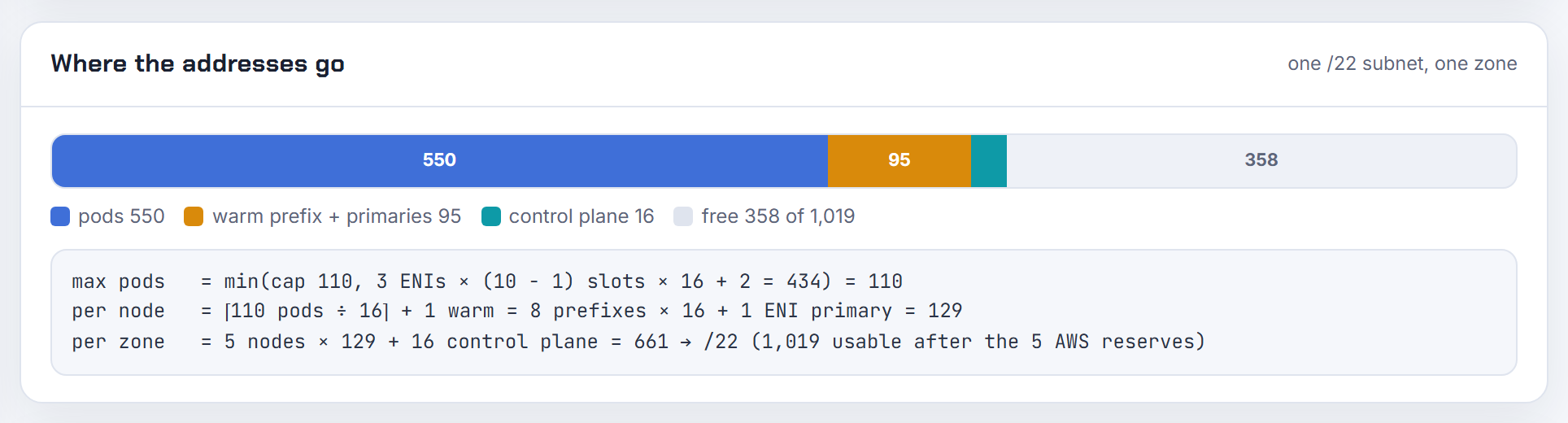
Can the kube-scheduler be told how many free IPs each node has, like an extended resource?
Only for branch interfaces. When ENABLE_POD_ENI=true, the VPC resource controller advertises branch network interfaces as an extended resource on each node, so pods that use security groups are scheduled against real capacity (VPC CNI README). Windows nodes are also handled by that controller, which manages their IPv4 addresses from the control plane (VPC resource controller). Ordinary Linux pods have no such resource; the scheduler only sees the pods capacity.
The way to make the scheduler honest is to make maxPods equal the address ceiling. The EKS AMI already does that with ENIs x (IPs per ENI - 1) + 2 (how maxPods is determined), and Karpenter uses the same formula for its own scheduling (EC2NodeClass). Where the two still drift is the subnet: a node can have capacity while its subnet is empty. Watch AvailableIpAddressCount and the ipamd metrics on :61678/metrics, and pre-warm with MINIMUM_IP_TARGET so a node already holds what its pods will need. The calculator gives the max pods value that matches each instance type's addresses.

Why are there no obvious logs or pod events when IP assignment fails?
Because the event you see comes from the kubelet, which only knows the sandbox failed; the reason lives in ipamd on the node. Look there first (VPC CNI troubleshooting):
1sudo tail -n 200 /var/log/aws-routed-eni/ipamd.log /var/log/aws-routed-eni/plugin.log
2curl -s localhost:61679/v1/enis | python -m json.tool
3sudo /opt/cni/bin/aws-cni-support.sh   # bundle for a support case
The same "failed to assign an IP address" message covers five different causes, and each has its own tell:
| Cause | Where it shows |
|---|---|
| Subnet has no free addresses | aws ec2 describe-subnets, AvailableIpAddressCount is 0 |
| Node at its ENI or IP limit | /v1/enis shows every interface full; max pods above the formula |
| EC2 API throttling | RequestLimitExceeded in ipamd.log, exponential backoff (EC2 throttling) |
| Prefix fragmentation | no contiguous /28 in the subnet (prefix mode guidance) |
| Subnet discovery denied | DescribeSubnets failing, all ENIs land in the node subnet (VPC CNI README) |
AWS_VPC_K8S_CNI_LOGLEVEL defaults to DEBUG, so the detail is already there. The calculator cannot see the live state, but it tells you which of the first two limits you were going to hit.
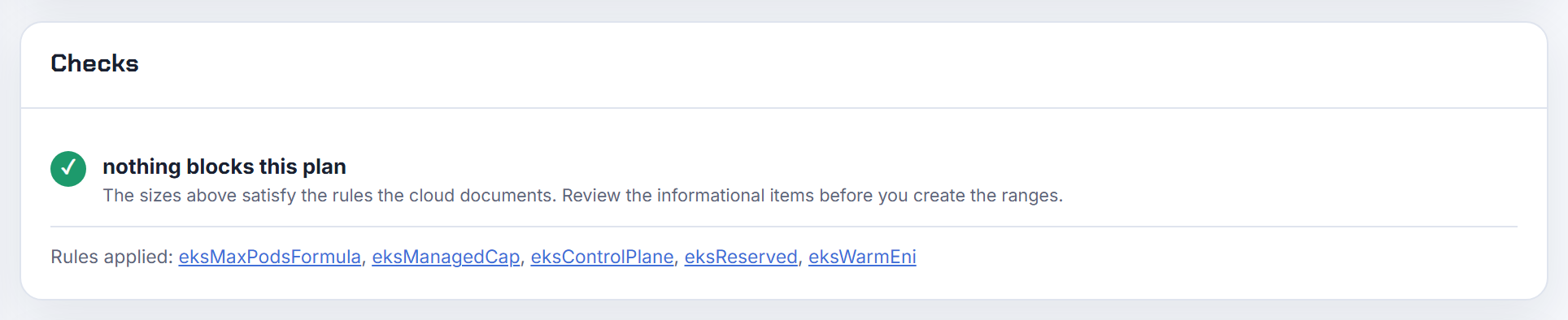
Can I restrict a subnet to nodes only and keep pod addresses out of it?
Yes, with custom networking. Set AWS_VPC_K8S_CNI_CUSTOM_NETWORK_CFG=true on the add-on and create one ENIConfig per availability zone naming the pod subnet; from then on no address on the node's primary interface is given to pods, only addresses from the secondary interfaces in the ENIConfig subnets, which must be in the same VPC and zone as the node (custom networking). AWS suggests taking those pod subnets from a 100.64.0.0/10 secondary CIDR (custom networking guidance).
Two costs. The node loses its primary interface for pods, so max pods drops to (ENIs - 1) x (IPs per ENI - 1) + 2, and only new nodes pick the setting up, so you cordon and drain the old ones. Subnet discovery, on by default, is not a substitute: it picks the subnet with the most free IPs among the node's own subnet and subnets tagged kubernetes.io/role/cni, so the node subnet stays a candidate (VPC CNI README). The calculator's custom networking mode applies the reduced formula and sizes the pod subnets from 100.64.0.0/10.

Why does one big deployment make every pod fail with IP assignment errors at the same time?
Because every node's ipamd calls EC2 at once. A burst of pods makes each node request addresses or interfaces, EC2 throttles with RequestLimitExceeded through a token bucket, and ipamd backs off exponentially; pods on a node that is waiting stay in ContainerCreating until its retry succeeds. AWS describes exactly this for a 500-node cluster scaling pods from 0 to 23,000 (VPC CNI troubleshooting, EC2 API throttling). Spot makes it worse because replacements re-run the whole allocation.
Mitigations, in order of effect:
- Pre-warm with
MINIMUM_IP_TARGETand a smallWARM_IP_TARGET; the README notes this cuts the allocate and release calls that get throttled at scaling time (VPC CNI README). - Turn on prefix delegation, which fetches 16 addresses per call, and attaching a prefix typically completes in under a second (prefix mode guidance).
- Watch
ipamdActionInProgressfrom the cni-metrics-helper; a high count during rollouts confirms throttling. - Ask for an EC2 API limit increase if the fleet is genuinely large.
The calculator's warm-ENI figure shows how much each node pre-holds, which is the budget you are trading against API calls.

Why does an Istio, OPA or Cilium chained setup on an EKS IPv6 cluster stay pending?
Usually because the chained plugin expects an IPv4 pod address and there is none. On an IPv6 EKS cluster, pods and services get IPv6 addresses only; the pod's IPv4 is a host-local address that the VPC CNI chains in for egress and does not report to the API server. The VPC CNI must run in prefix delegation mode with IPv6 enabled, Windows is unsupported, custom networking is unsupported, and the whole cluster is single-stack (EKS IPv6). Anything you chain after it has to be happy with that: an IPv6-only pod IP, an unreported v4 address, and services it can only reach over IPv6.
Checks that narrow it down: kubectl describe pod for the sandbox error, then /var/log/aws-routed-eni/plugin.log on the node for the plugin that returned the failure (VPC CNI troubleshooting). Remember that AWS supports only the VPC CNI on EC2 nodes, so a chained plugin problem is one you debug with that vendor (alternate CNI plugins). The VPC CNI's own network policy works on IPv6 clusters, but policies apply to one family only (network policies); if that is all you needed the mesh for, it is the simpler path.
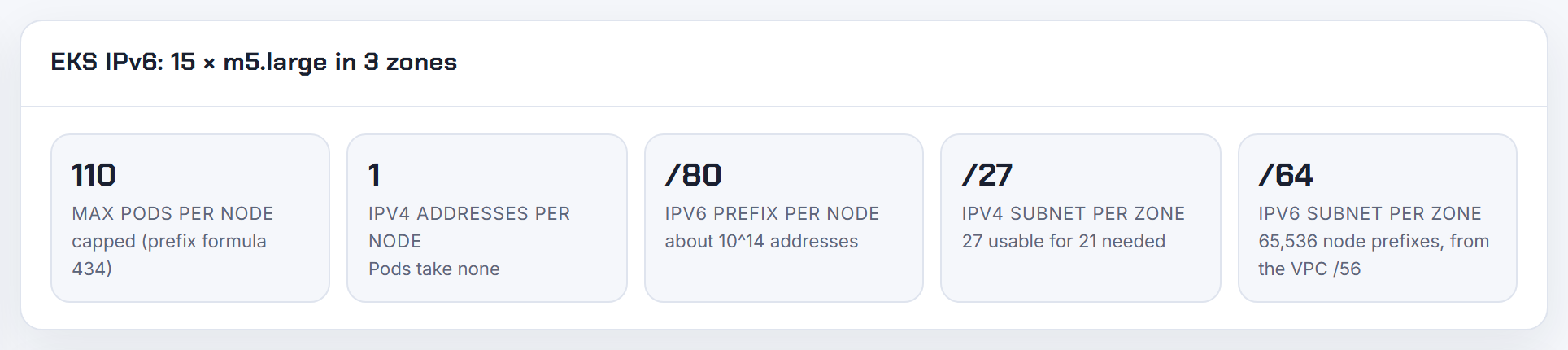
Why does changing the subnets of an ALB or NLB, or replacing a subnet within a zone, fail?
Most failures are the subnet rules, not the change itself. An Application Load Balancer needs subnets in at least two zones, each at least a /27 with at least eight free addresses (ALB overview). Within those rules you can enable or disable a zone at any time and swap the subnet of an enabled zone through Edit subnets or set-subnets (update ALB Availability Zones). A tiny or full new subnet is rejected. NLBs have their own Update Availability Zones procedure with different restrictions; read it before moving one (NLB guide).
With the AWS Load Balancer Controller the subnets are chosen for you, so a controlled re-home is a tagging exercise: it picks subnets tagged kubernetes.io/role/elb (internet-facing) or kubernetes.io/role/internal-elb (internal) and prefers ones carrying the cluster tag (subnet discovery). To move, tag the new subnets, remove the tags from the old ones, or pin them explicitly with alb.ingress.kubernetes.io/subnets (ingress annotations) or service.beta.kubernetes.io/aws-load-balancer-subnets (service annotations). The planner's design review flags a load balancer tier below /27 before you build it.
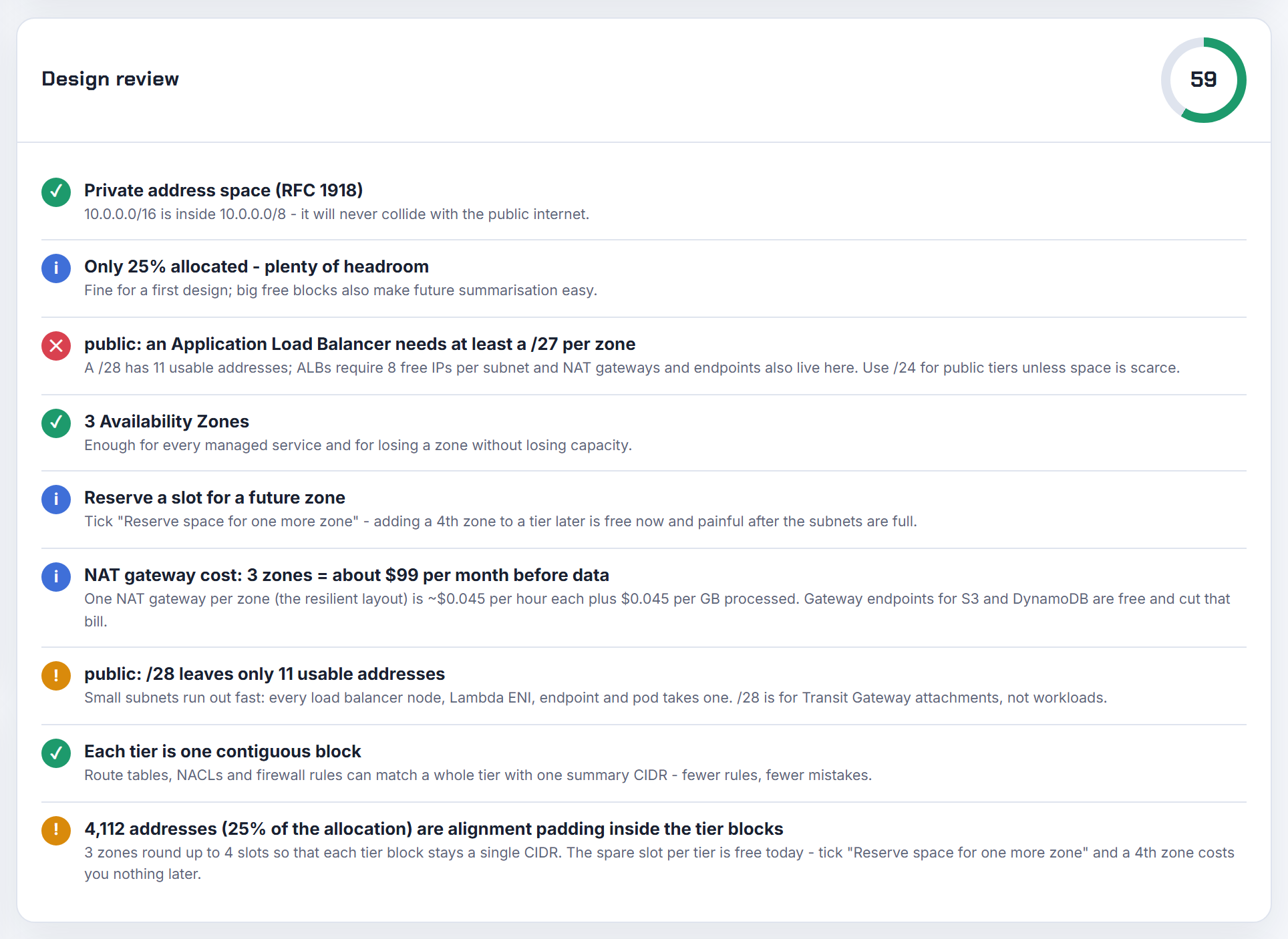
Why do AKS or EKS nodes get public IPs I did not ask for, and do they double my address needs?
They do not double your private address needs; a public IP is extra, billed, and comes from a setting you did not know you had. On EKS, managed node groups never assign public IPs themselves; the subnet does, through MapPublicIpOnLaunch, and a node group in a public subnet actually requires that flag to join (managed node groups, eksctl VPC configuration). The fix is private subnets with a NAT gateway or VPC endpoints. Each public IPv4 address costs $0.005 per hour in use or idle as of 2026-10-21 (VPC pricing).
On AKS nodes do not need public IPs at all; they only get one if the pool was created with --enable-node-public-ip (instance-level public IPs), or node_public_ip_enabled = true in Terraform, and turning that off cycles the pool with temporary_name_for_rotation (azurerm_kubernetes_cluster_node_pool). My NAT gateway deep dive covers the private-subnet layout; the planner's Terraform export already puts nodes behind a NAT per zone.
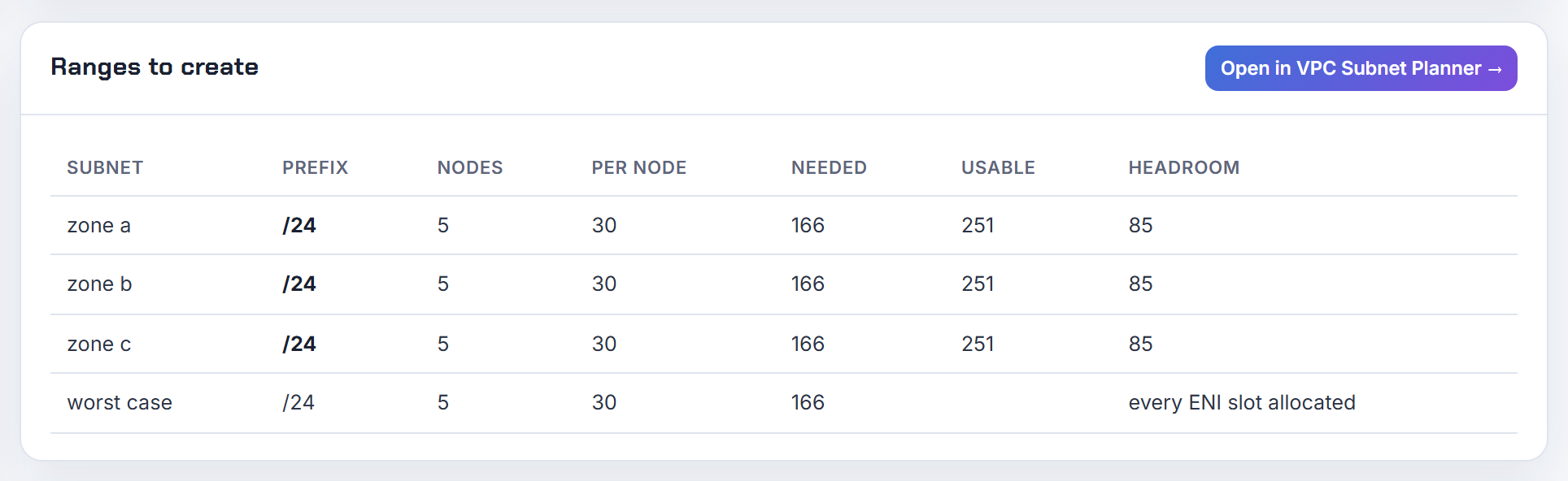
How do I run an EKS node group in private-only subnets without NAT and still get IPs for pods?
Pod addresses are never the problem in a private subnet; the CNI takes them from the subnet regardless of routing. What breaks without NAT is everything the node must download or call. AWS's private cluster guide lists the requirements: private endpoint access on the cluster, and interface endpoints for ecr.api, ecr.dkr, the S3 gateway endpoint, ec2 (the optimised AMI uses it), sts for IRSA and eks-auth for Pod Identity, plus any AWS service your pods call; the endpoint security group must allow the node subnets (private clusters). Managed node groups in private subnets specifically need ECR reachable through NAT or those endpoints (managed node groups).
Then size the private subnets properly, because they are the ones that get sized small: each node holds its pods' addresses plus a warm interface, so a /24 does not go far. Add a secondary CIDR for pod subnets if the VPC is tight. My PrivateLink walkthrough sets up the endpoints; the planner's Terraform export includes the S3 gateway endpoint and an isolated route table for the private tier.
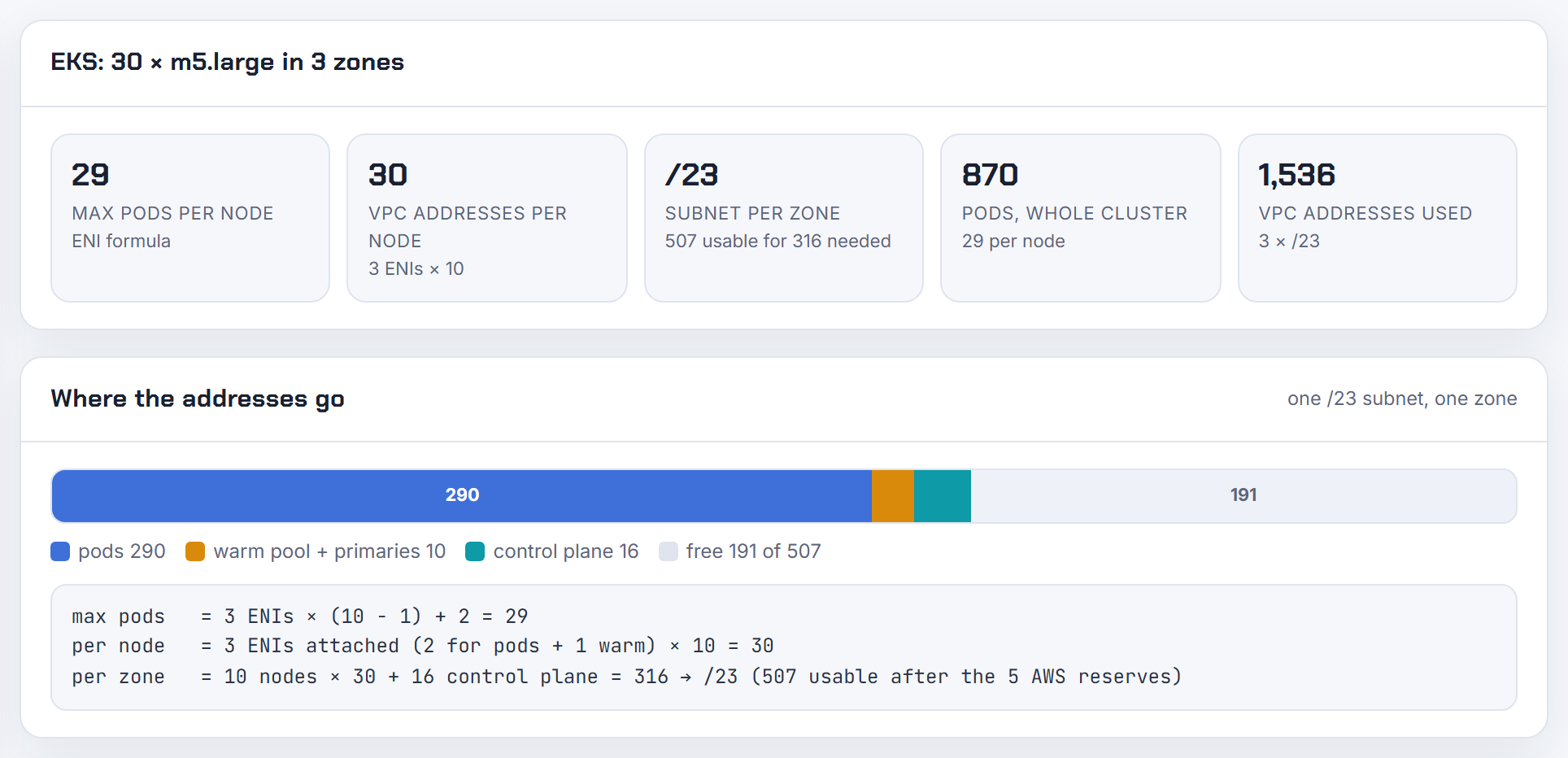
Can the AKS cluster autoscaler or node auto-provisioning account for pod subnet exhaustion?
Not the cluster autoscaler. Microsoft lists "IP address exhaustion in the subnet" as a scale-up failure cause, with the fix being to add another subnet and a new node pool in it; repeated failures put that pool into exponential backoff (cluster autoscaler overview). The autoscaler counts VMs, not addresses.
Node auto-provisioning narrows the problem by not supporting the modes that exhaust subnets: NAP does not support Azure CNI pod subnet with dynamic IP allocation (pod subnet dynamic allocation) and does not support Windows pools (node auto-provisioning). On Overlay, pods take no VNet addresses, so only the node subnet can run out, at one address per node.
If you must stay on a flat network, size for the worst case up front using (nodes + surge) + ((nodes + surge) x max pods) (AKS IP planning), remembering that dynamic allocation hands out 16 addresses per node at a time. The calculator's Pod Subnet mode gives that number for your node count and max pods.
Why is GKE Autopilot pod density fixed, and how does that size my pod and service ranges?
Because Google sizes Autopilot nodes for you. The sizing guidance fixes the maximum pods per node, Q, at 32 for Autopilot, which gives a /26 per node, while Standard lets you choose Q (VPC-native clusters). The maximum pods per node is not something you configure on an Autopilot cluster (maximum Pods per node).
The arithmetic then follows the same formula as Standard: with a /17 pod range, M = 31 - ceil(log2(32)) = 26, host bits 6 versus 15, so 2^(15 - 6) = 512 nodes and 16,384 pods. If you need more nodes, add Pod IPv4 ranges rather than recreate the cluster (adding Pod IPv4 ranges). Services are simpler: Autopilot clusters on 1.27 and later take service addresses from a GKE-managed 34.118.224.0/20 unless you specify a range. One Autopilot-specific note: its proactive extra compute capacity can raise IP usage, and you can turn it off if addresses are tight (Autopilot overview). The calculator's GKE mode has a 32 pods per node preset for this case.
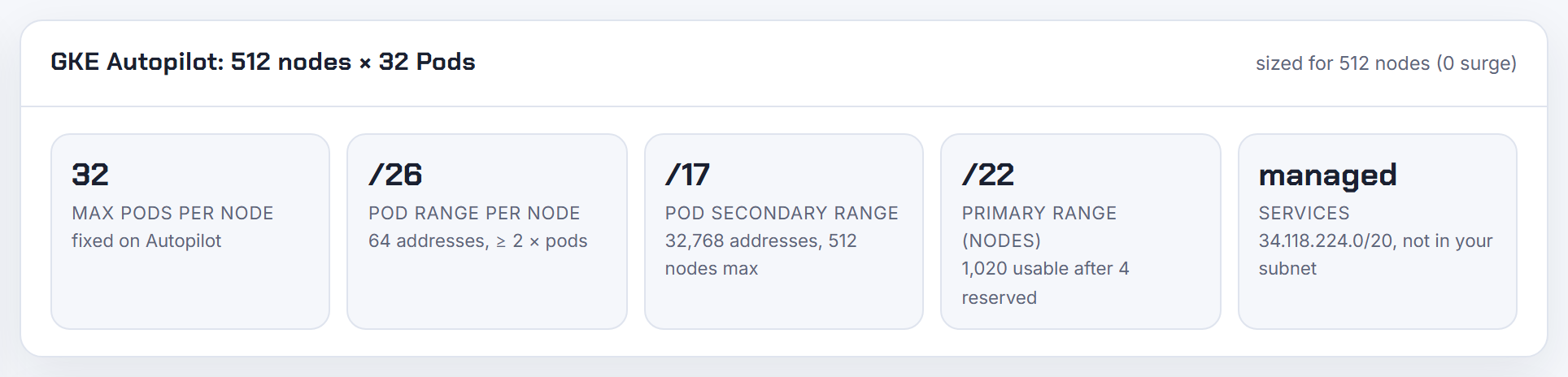
How do I plan IP ranges for many short-lived or nightly clusters in one VPC?
Share the ranges that can be shared and stop reserving a block per cluster. On GKE you can share one user-managed pod secondary range and one services range among clusters in the same subnet by passing the same --cluster-secondary-range; each pod still gets a unique address, GKE-managed and additional ranges cannot be shared, and the risk is one cluster eating the shared range (VPC-native clusters). On AKS a single pod subnet can serve several node pools or several clusters in the same VNet with dynamic allocation (pod subnet dynamic allocation), and Overlay pods take no VNet addresses at all.
On EKS nothing is reserved per cluster beyond live nodes and pods; the only standing requirement is six (AWS recommends 16) free addresses in each cluster subnet for the control plane interfaces (EKS troubleshooting), and the service CIDR is virtual, so every nightly cluster can use the same one. The expensive mistake is giving each ephemeral cluster its own subnets. Give them shared pod subnets sized for the peak number of clusters that overlap in time. The planner's JSON and CSV exports make a small registry of which blocks are in use.
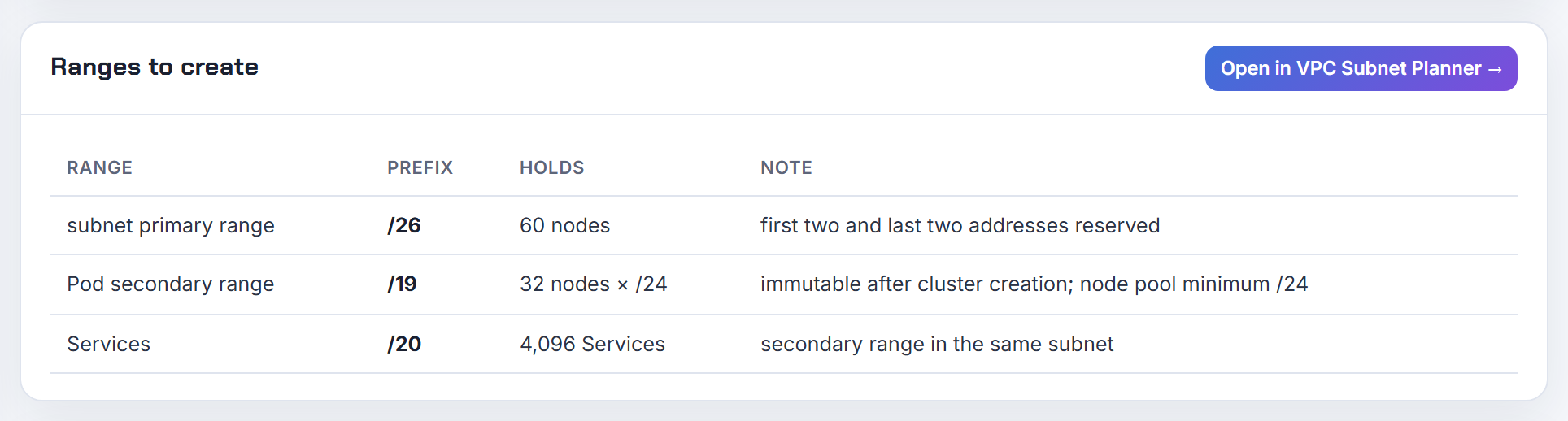
What is the EKS node group IP limit, is it the subnet or the instance?
There are two limits and the error usually names only one. The subnet limit is reported by the managed node group as the health issue InsufficientFreeAddresses, meaning a subnet in the group no longer has enough free addresses for new nodes (EKS troubleshooting); check it with aws ec2 describe-subnets and AvailableIpAddressCount. The instance limit is the ENI table: each type supports a fixed number of interfaces and addresses per interface (EC2 elastic network interfaces), and EKS turns that into max pods with ENIs x (IPs per ENI - 1) + 2 (how maxPods is determined).
A quick way to tell them apart: pods stuck in ContainerCreating while new nodes still launch is the instance limit; nodes failing to launch at all is the subnet. The two interact because every node holds a spare interface's addresses with the default WARM_ENI_TARGET=1 (VPC CNI README), so the subnet empties faster than the pod count suggests. The calculator shows both numbers, the per-node ceiling and the subnet size per zone that keeps it from running dry.
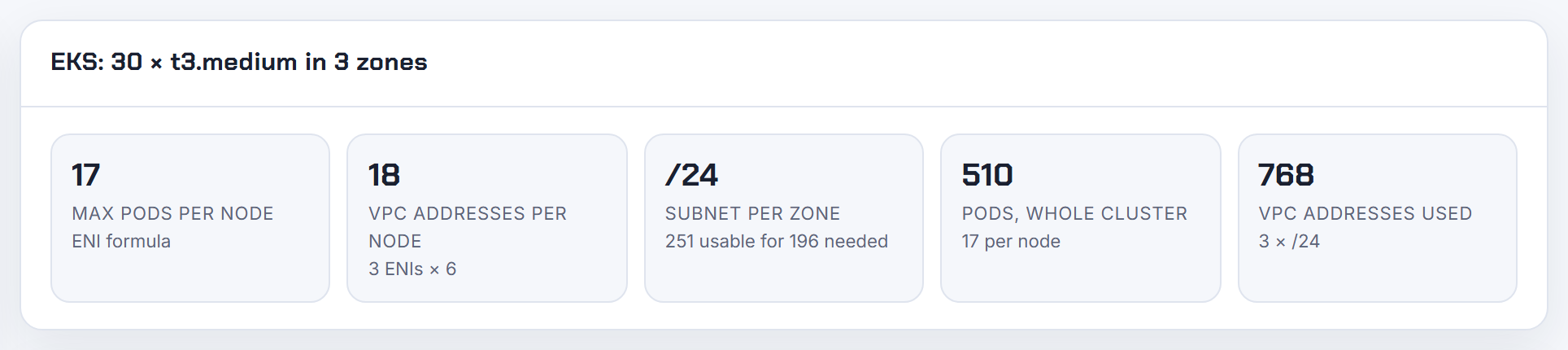
Why does a /24 subnet with 10 nodes run out of IPs on EKS?
Because each node holds far more addresses than it has pods. A /24 has 256 addresses and AWS reserves five, leaving 251. Take a m5.large: three interfaces with 10 addresses each. The CNI keeps one spare interface at all times with the default WARM_ENI_TARGET=1 (VPC CNI README), so a node with a handful of pods already holds two interfaces, 20 addresses, and a busy node holds all three, 30. Ten nodes is 200 to 300 addresses against 251 available. The AWS example makes the same point with smaller numbers: two interfaces of five addresses, one warm, means all ten are taken while five pods run (VPC CNI guidance).
Fixes, cheapest first: set WARM_IP_TARGET and MINIMUM_IP_TARGET so nodes hold what they use plus a small buffer; move to prefix delegation, which needs contiguous /28 blocks in an unfragmented subnet (prefix mode guidance); or add a secondary CIDR with custom networking. I walk through all three in EKS running out of IP addresses. This is the calculator's default case; it shows the 20 to 30 addresses per node and the subnet size per zone that avoids it.
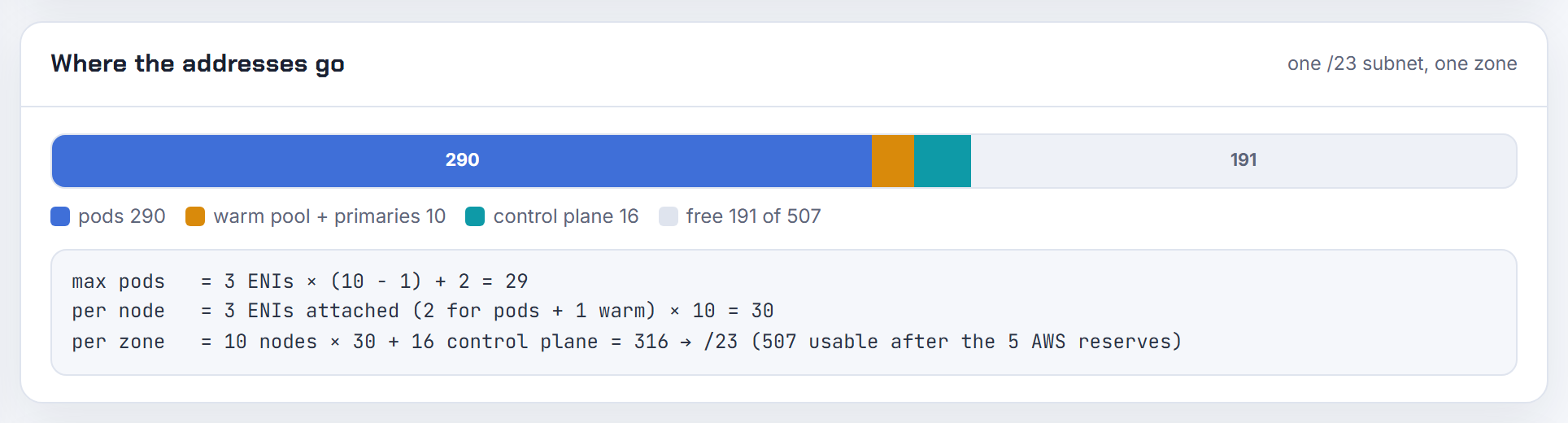
How does Fargate choose a subnet when several are listed, and does every one of them need free IPs?
EKS Fargate spreads pods across all the subnets in the profile, and the spread can be uneven; if you need an even split, use two profiles. Only private subnets with no route to an internet gateway are accepted, because Fargate pods never get public IPs (Fargate profiles). Each pod takes one address from the subnet it lands in, from the subnet's CIDR, and in dual-stack subnets both an IPv4 and an IPv6 are consumed (EKS IPv6, IPv6 guidance).
There is no documented skip of a full subnet, so treat every subnet in the profile as one that must have space. The good news is that Fargate has no warm pool and no per-node interface table: one pod is one address, so a /24 really does hold around 250 pods. ECS Fargate behaves the same way, one interface and one address per task in the chosen subnet (ECS ENI docs). Keep the subnet list short and sized for the peak pod count across all profiles that reference it. The calculator does not model Fargate; use the planner to size the private tier for one address per pod.
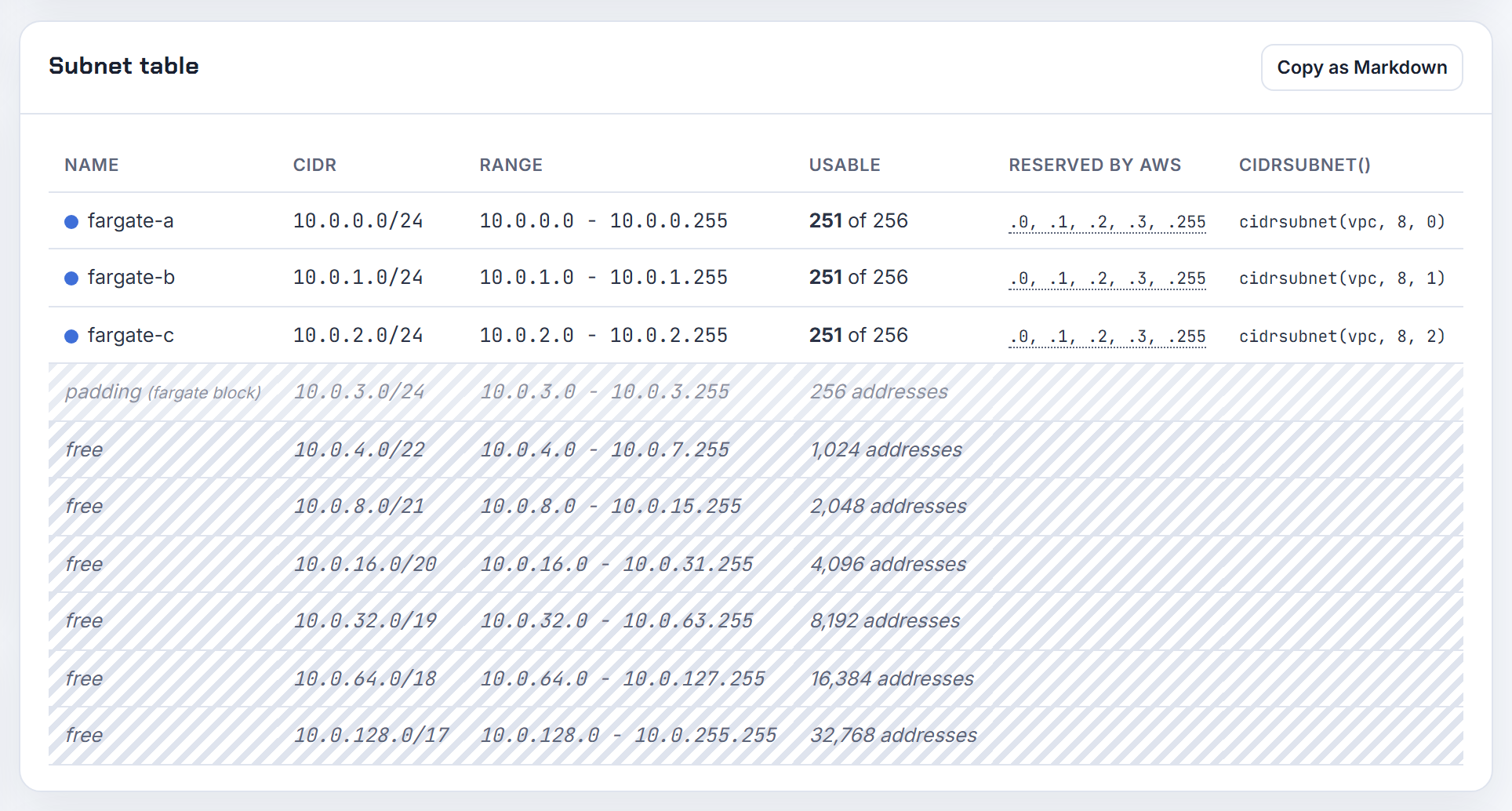
Should I enable Windows IPAM or network policy through the VPC CNI ConfigMap or the add-on configuration?
Depends on the feature, and mixing channels is what causes the conflicts. Windows IPAM is read by the VPC resource controller on the control plane, not by the aws-node DaemonSet, so it lives in the amazon-vpc-cni ConfigMap in kube-system: enable-windows-ipam: "true", and enable-windows-prefix-delegation: "true" for prefix mode (Windows support, prefix delegation procedure). AWS notes that when the CNI is installed as an EKS add-on or Helm chart you may not be able to edit that ConfigMap directly and should use the add-on's configurable fields instead.
Network policy is the opposite: it is an add-on setting, {"enableNetworkPolicy": "true"} in the configuration values, or --set enableNetworkPolicy=true with Helm, and it applies to Linux EC2 nodes only, never Windows or Fargate (configure network policy, network policies).
Pick one channel per setting and always update the add-on with --resolve-conflicts PRESERVE, otherwise EKS resets custom values to defaults (update the VPC CNI add-on). The calculator's Windows mode shows the single-interface ceiling and the x16 prefix figure these flags unlock.

Why does AKS Azure CNI pre-allocate the full max pods worth of IPs for every node, even an empty one?
Because the legacy node subnet mode reserves addresses statically. Microsoft describes it plainly: each node has a maximum pods setting and the equivalent number of addresses is reserved up front for that node (configure kubenet). With the default of 30, a node takes 31 addresses the moment it joins, so 30 running pods across a pool can indeed mean 100 or more addresses gone, and a /24 fits only 8 nodes and 240 pods.
Plan with the official formula, (nodes + surge) + ((nodes + surge) x max pods): 50 nodes at 30 pods is 1,581 addresses, a /21 (AKS IP planning). Max pods cannot be changed on an existing pool; add a new pool with the new value.
If the reservation is the problem, change mode rather than fight it: pod subnet with dynamic allocation hands out 16 addresses at a time and refills under 8 (pod subnet dynamic allocation); static block assigns /28 blocks per node (static block allocation); Overlay takes no VNet addresses for pods at all. The calculator's legacy CNI formula shows the up-front reservation, and the Overlay and Pod Subnet modes show what you get back.
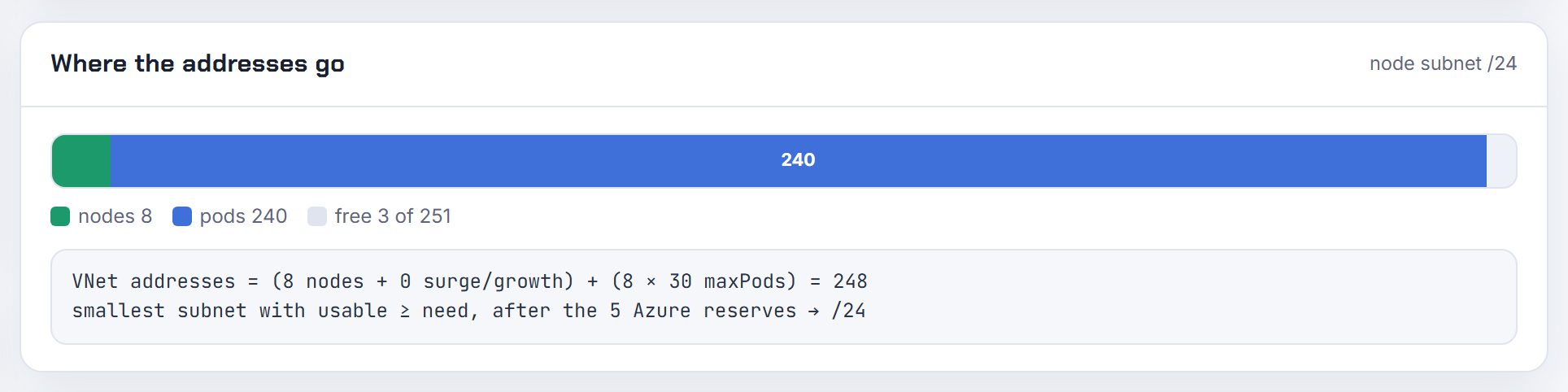
Why is the AKS default pod range 10.244.0.0/16 for overlay, and can I use a non-RFC 1918 range?
10.244.0.0/16 is simply the default --pod-cidr for both Azure CNI Overlay and kubenet, carved into a /24 per node (Azure CNI Overlay, configure kubenet); dual-stack overlay defaults to 10.244.0.0/16,fd12:3456:789a::/64. Pods are SNATed to the node IP when they leave the cluster, so the range is private to the cluster, but it is still routed on the nodes, and Microsoft's rule is that it must not be in use anywhere the cluster talks to, including on-prem networks reached over ExpressRoute or a VPN, and it must not overlap the VNet or the node subnets (update Azure CNI).
The documented restriction is a short exclusion list, not an RFC 1918 requirement: 169.254.0.0/16, 172.30.0.0/16, 172.31.0.0/16 and 192.0.2.0/24 cannot be used for the service, pod or VNet ranges. Beyond that the docs only say to pick a large space not used elsewhere, so test anything outside 10/8, 172.16/12 and 192.168/16 in a dev cluster first. Set it at creation: changing pod_cidr replaces the cluster (azurerm_kubernetes_cluster), though Overlay clusters can expand their pod CIDR space. The planner's overlap check tells you whether 10.244.0.0/16 collides with anything you pasted.

Does a dual-stack VPC CNI interface still need an IPv4 address when only IPv6 pods run?
Yes, one per interface that EKS creates. An IPv6 cluster still requires every subnet to carry both an IPv4 and an IPv6 CIDR, and the network interfaces EKS creates for the cluster and for your nodes are assigned an IPv4 and an IPv6 address, even though pods only get IPv6 (EKS network requirements). AWS's own sizing note is the reassuring part: a worker node consumes only a single IPv4 address from the dual-stack subnet, and its pods take a /80 of IPv6 from the node prefix (IPv6 guidance).
So the IPv4 budget is per interface, not per pod. Security groups for pods work on IPv6 clusters with VPC CNI 1.16.0 or later (security groups for Pods); the docs do not say whether a branch interface takes an IPv4 there, so I would budget one per branch interface to be safe. Fargate costs more: each pod consumes both an IPv4 and an IPv6 from the subnet (EKS IPv6). Keep a small IPv4 subnet per zone for nodes and interfaces, and let the pods live in IPv6. The calculator's IPv6 mode counts one IPv4 per node and a /80 per node.
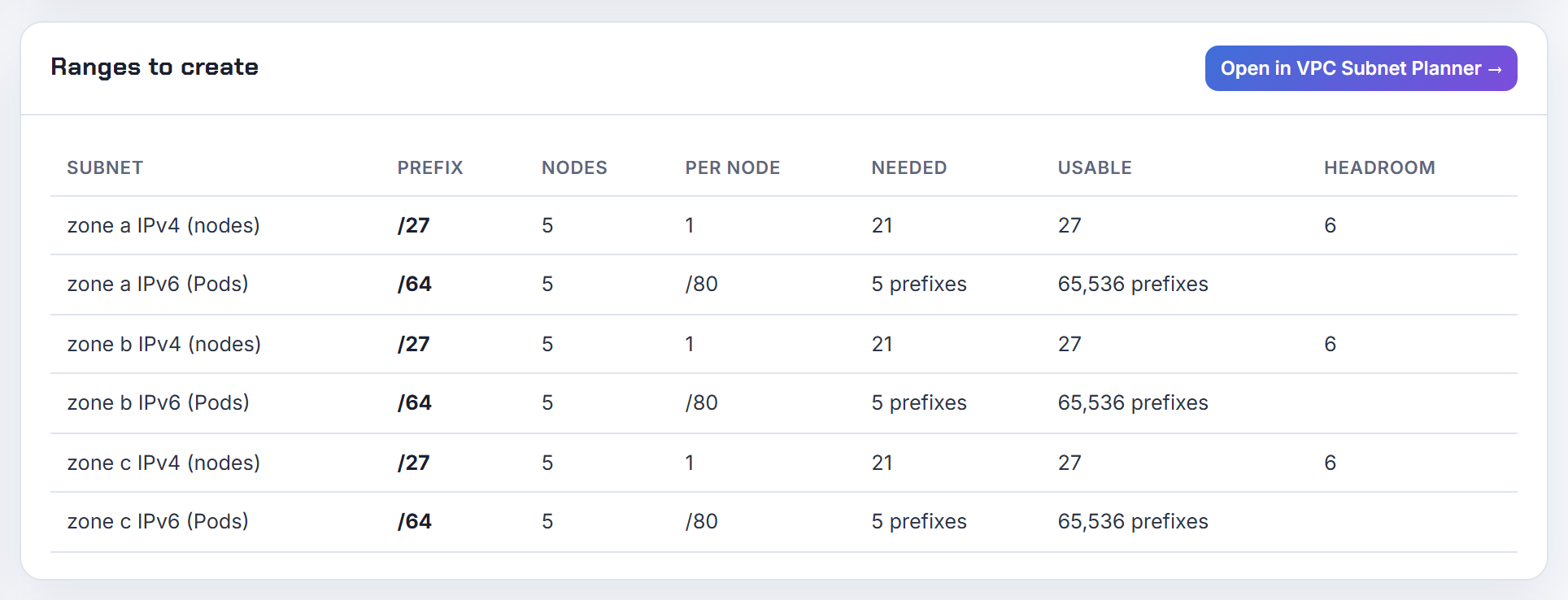
Is there a GKE or kubeadm equivalent of the EKS max pods cap when the per-node pod range is small?
Not on kubeadm; you have to set it yourself. The kubelet's maxPods defaults to 110 (KubeletConfiguration), while the controller manager carves per-node ranges from the pod network CIDR using --node-cidr-mask-size, default /24 for IPv4 (kube-controller-manager). Nothing links the two. Set the mask to /29 and each node gets eight addresses while the kubelet still advertises 110 pods, so the scheduler keeps placing pods that the CNI cannot address. The undeclared cap is 2^(32 - mask) minus whatever the CNI reserves; make maxPods match it in the kubelet config, and size --pod-network-cidr on kubeadm init for nodes x per-node block (kubeadm init).
GKE does declare it: the per-node range follows from max pods, 31 - ceil(log2(max pods)), always holding at least twice the pods, and a node pool's pod range cannot be smaller than /24 (maximum Pods per node). EKS declares it from the other side, deriving max pods from the ENI table (how maxPods is determined). The calculator covers EKS, GKE and AKS; for kubeadm, apply the mask arithmetic above by hand.