Learn AWS S3 - The Complete Course (Buckets, Objects, Storage Classes, Lifecycle, Versioning, Security Defaults, Bucket Policies, Static Hosting, CLI and Terraform)

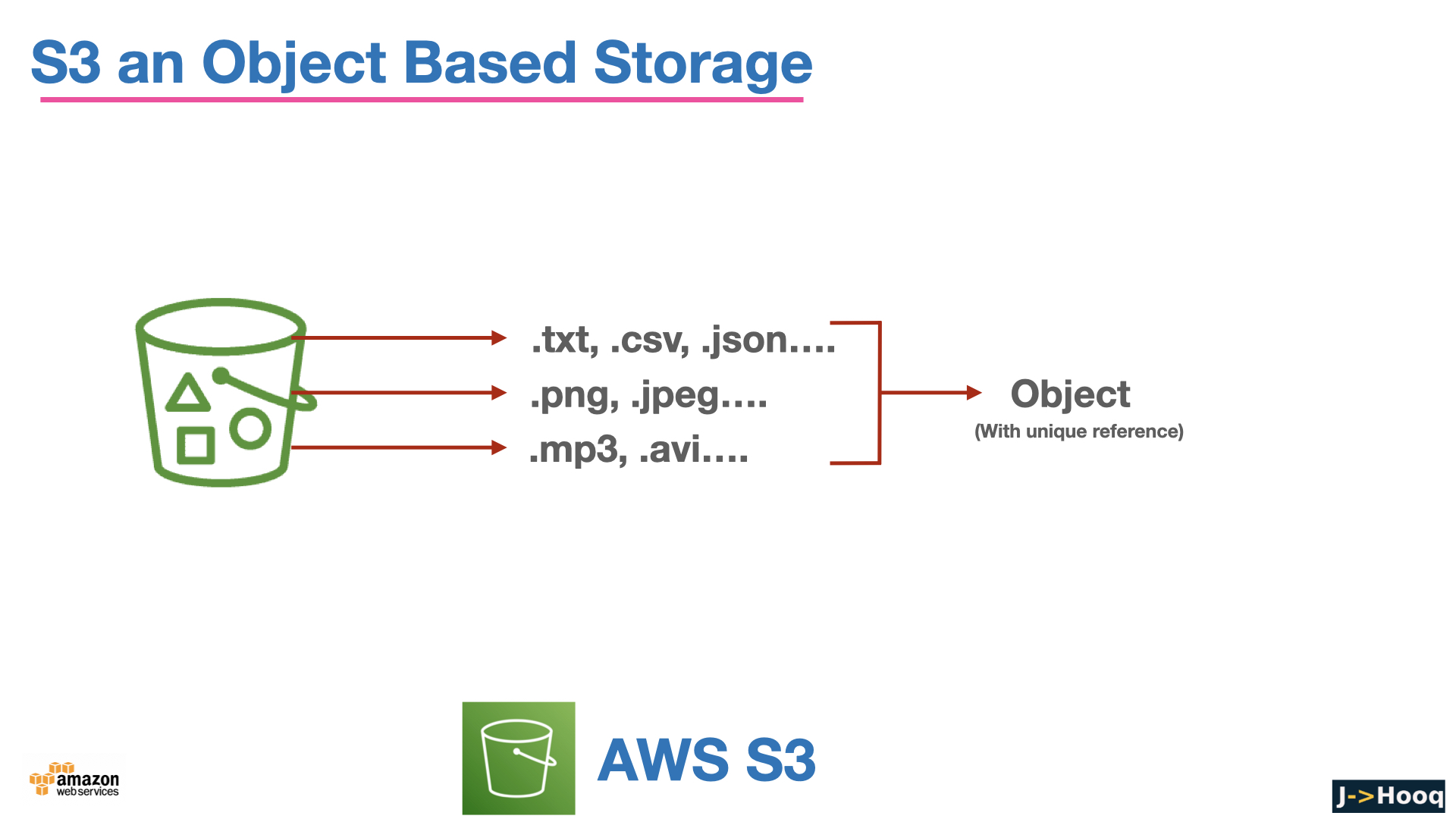
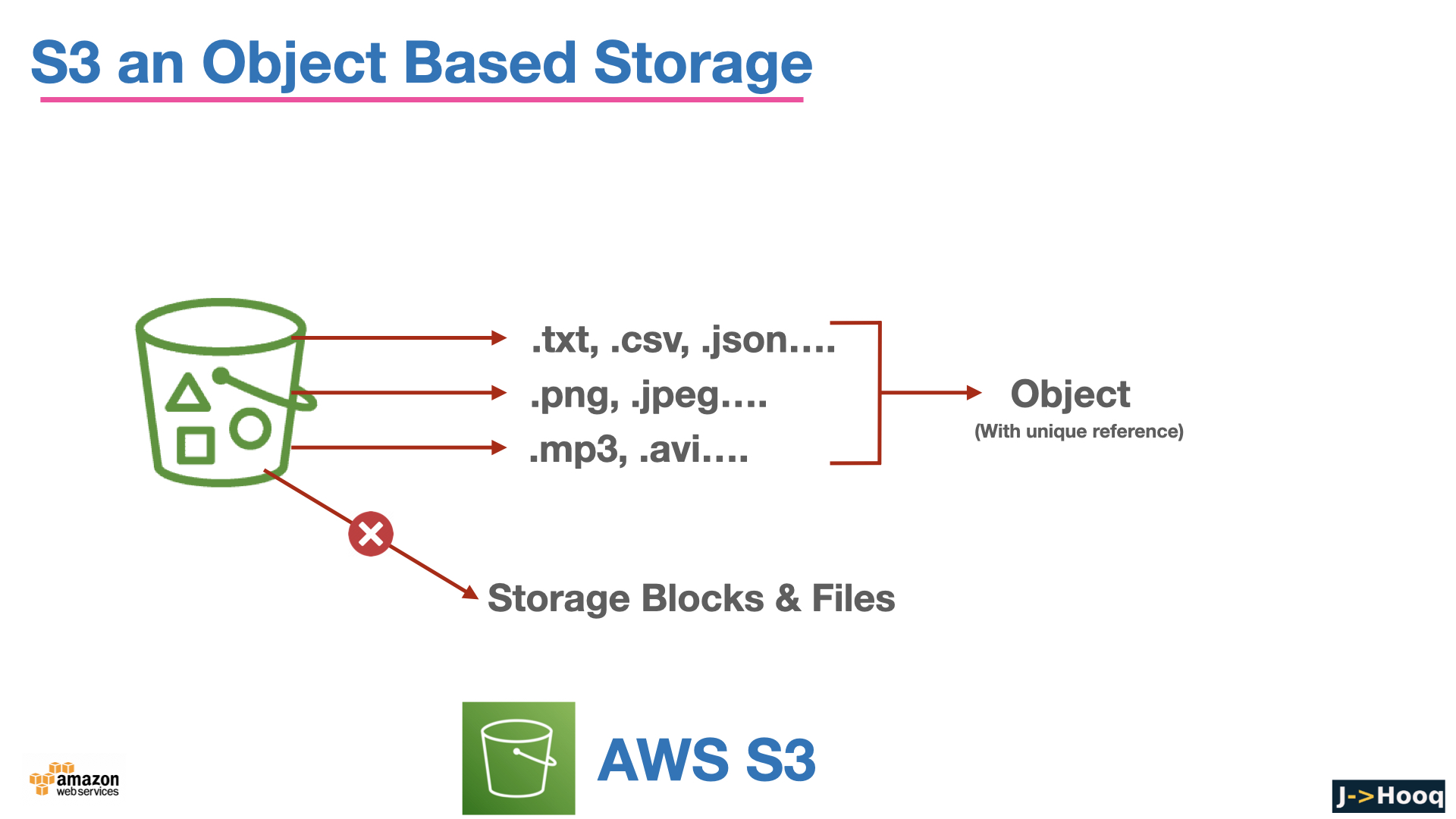
Amazon S3 (Simple Storage Service) was the second AWS service ever launched, back in 2006, and it is still the one you will touch in almost every AWS project - for backups, logs, build artifacts, static websites, data lakes, Terraform state files and the images on this very blog. It is object storage - you put files (objects) into buckets and get them back by name over HTTPS - with practically unlimited capacity and durability that nobody can build themselves.
This page started life as the slide deck of my S3 video course. People kept landing on it from Google, so I have turned it into a proper written course - the same topics as the slides, in the same order, but with the commands, the current defaults (S3 changed its security defaults in 2023, and the storage class list has grown) and the gotchas written out, and with every fact checked against the current S3 User Guide. The original slides are still at the bottom if you want to flip through them.
Table of Content
- What is S3? Buckets, objects and keys
- Durability, availability and consistency - what S3 guarantees
- Create a bucket and work with objects - console and AWS CLI
- S3 storage classes and how to pick one
- Lifecycle rules - move and expire objects automatically
- Versioning, MFA delete and Object Lock
- Security - the defaults every new bucket gets
- Who can access a bucket - IAM policies, bucket policies and presigned URLs
- Encryption - SSE-S3, SSE-KMS, DSSE-KMS, SSE-C
- Static website hosting
- Replication, Transfer Acceleration, event notifications, S3 Tables and S3 Metadata
- S3 with Terraform
- Pricing - what you actually pay for
- Common S3 errors and how to fix them
- The slide deck from the video course
- Conclusion
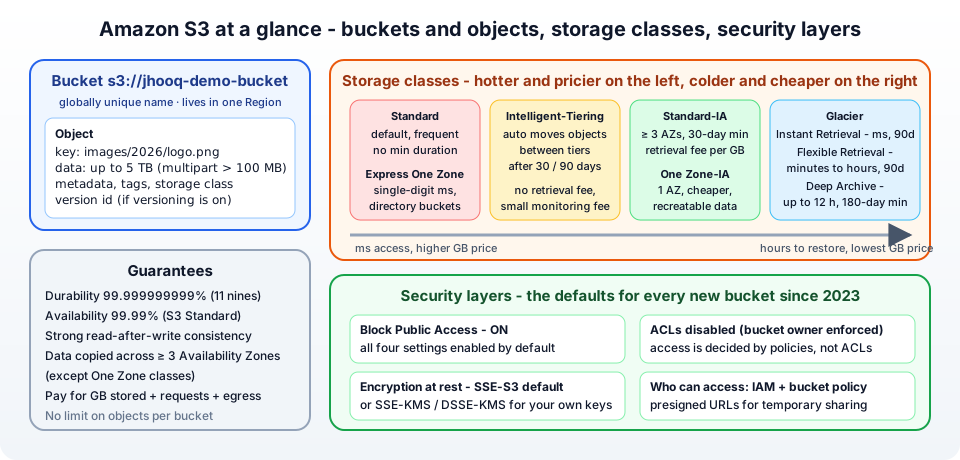
1. What is S3? Buckets, objects and keys
Three words cover the whole data model -
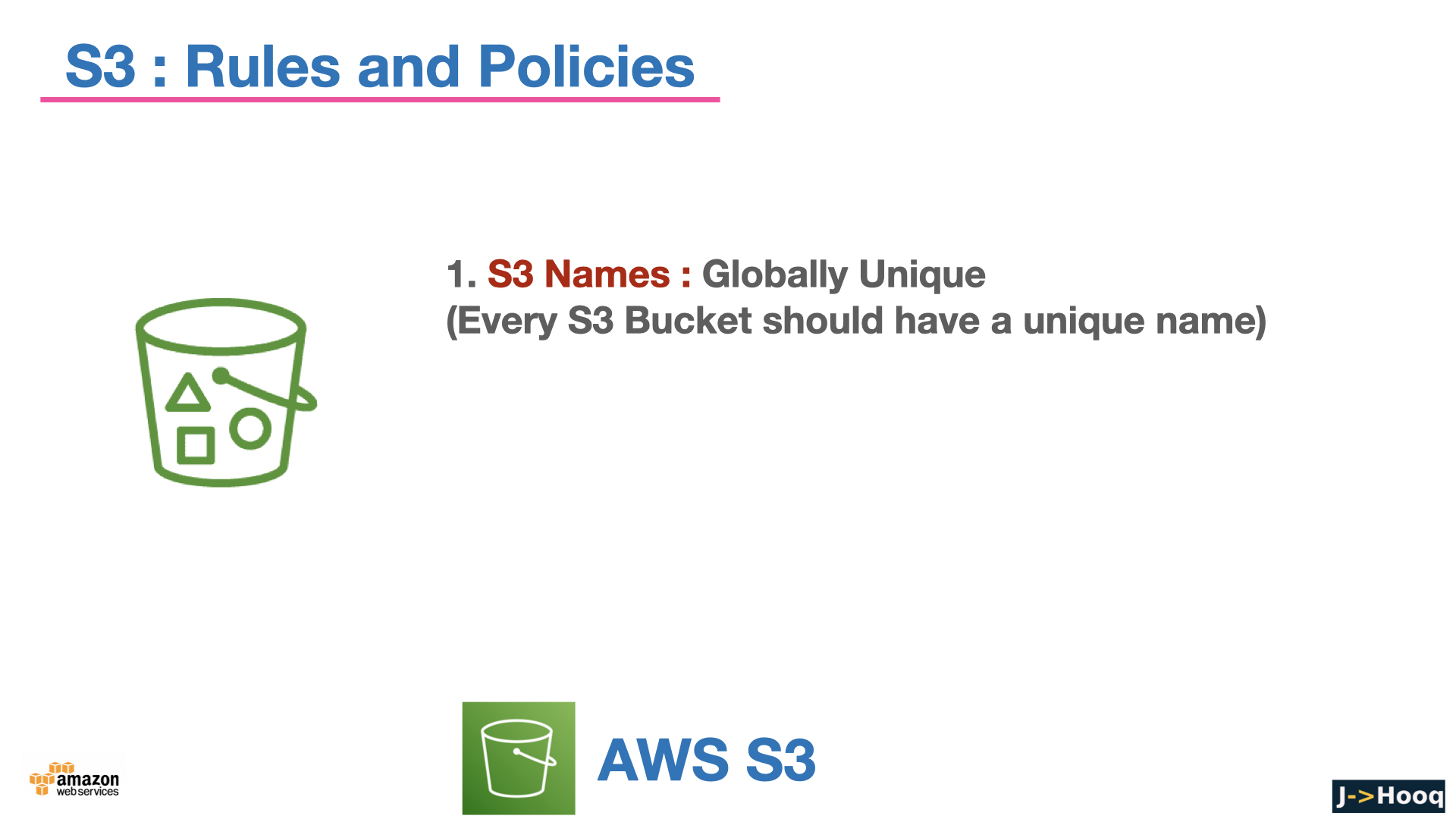
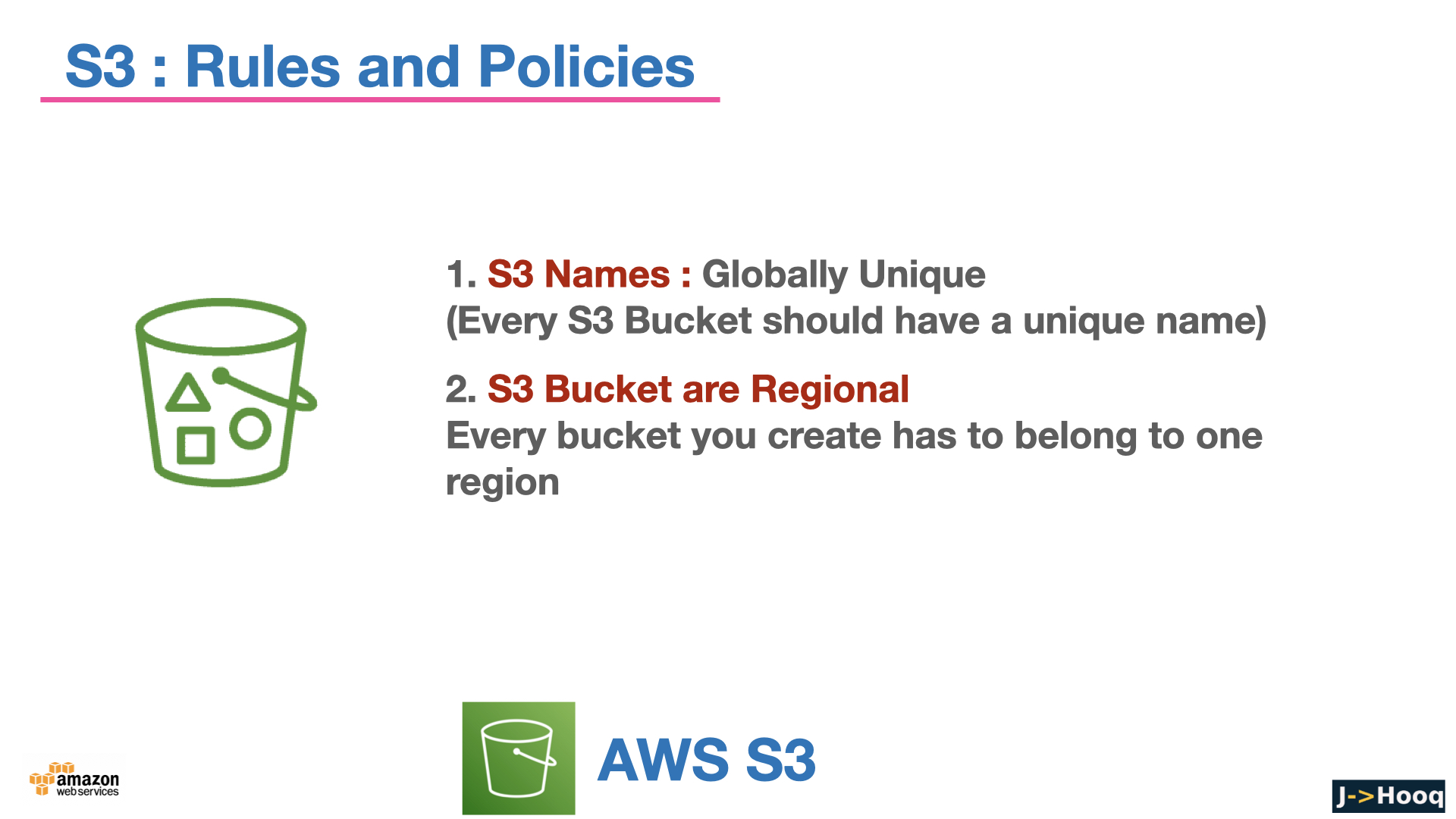
- Bucket - the top-level container. A bucket has a globally unique name across all AWS accounts (nobody else can have
jhooq-demo-bucket), it lives in one Region you choose, and it holds an unlimited number of objects. By default you can create 10,000 buckets per account (raised from 100 in 2024). - Object - a file plus metadata. The data can be from 0 bytes to 5 TB. A single
PUTcan upload up to 5 GB; anything above about 100 MB should use multipart upload, which the CLI and SDKs do for you automatically. - Key - the object's full name inside the bucket, for example
images/2026/logo.png. S3 is flat - there are no real folders. The console showsimages/as a folder because it groups keys by the/delimiter, but it is just a prefix on the key. This matters for performance (S3 scales per prefix) and for lifecycle rules and policies, which match on prefixes.
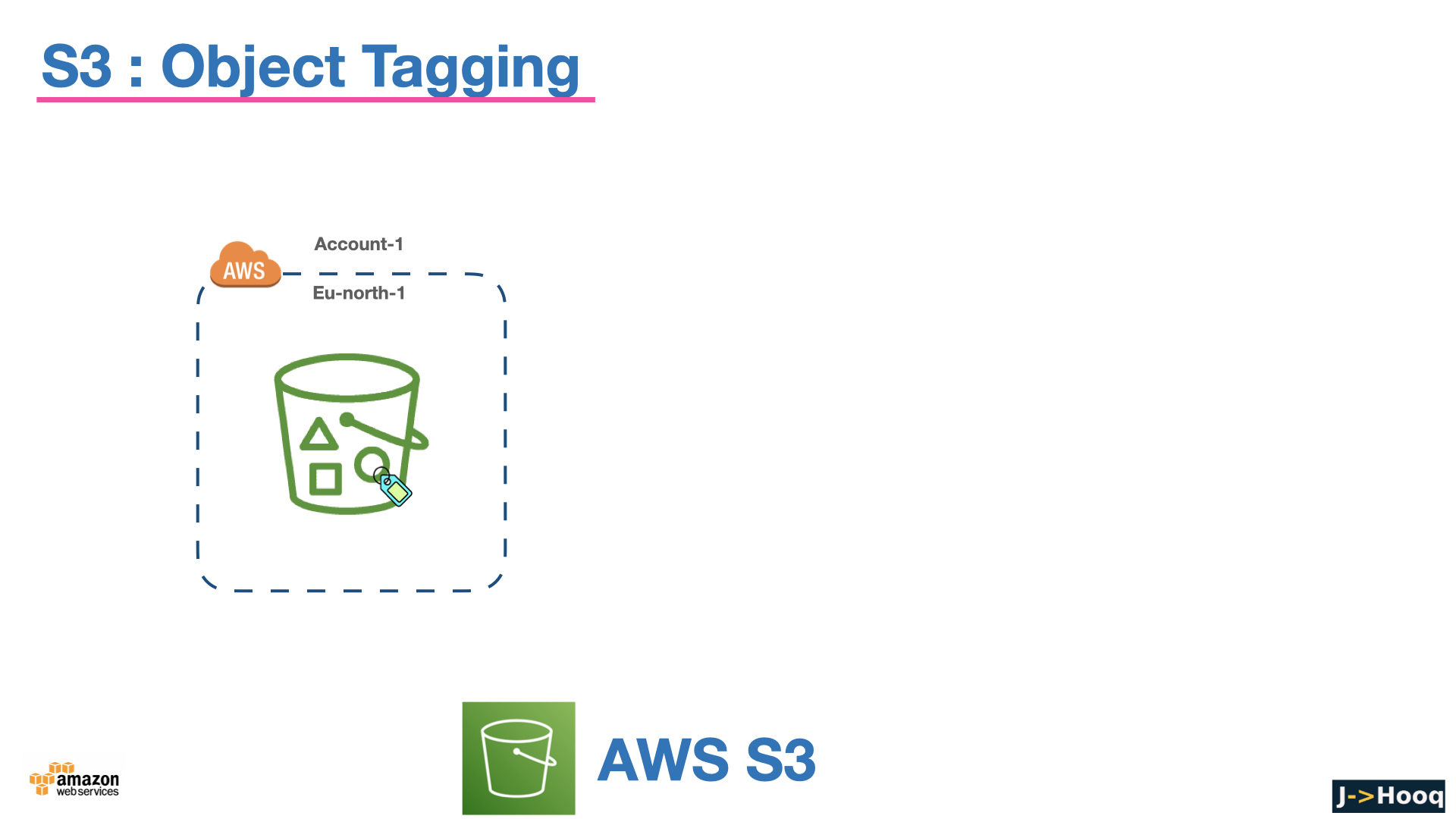
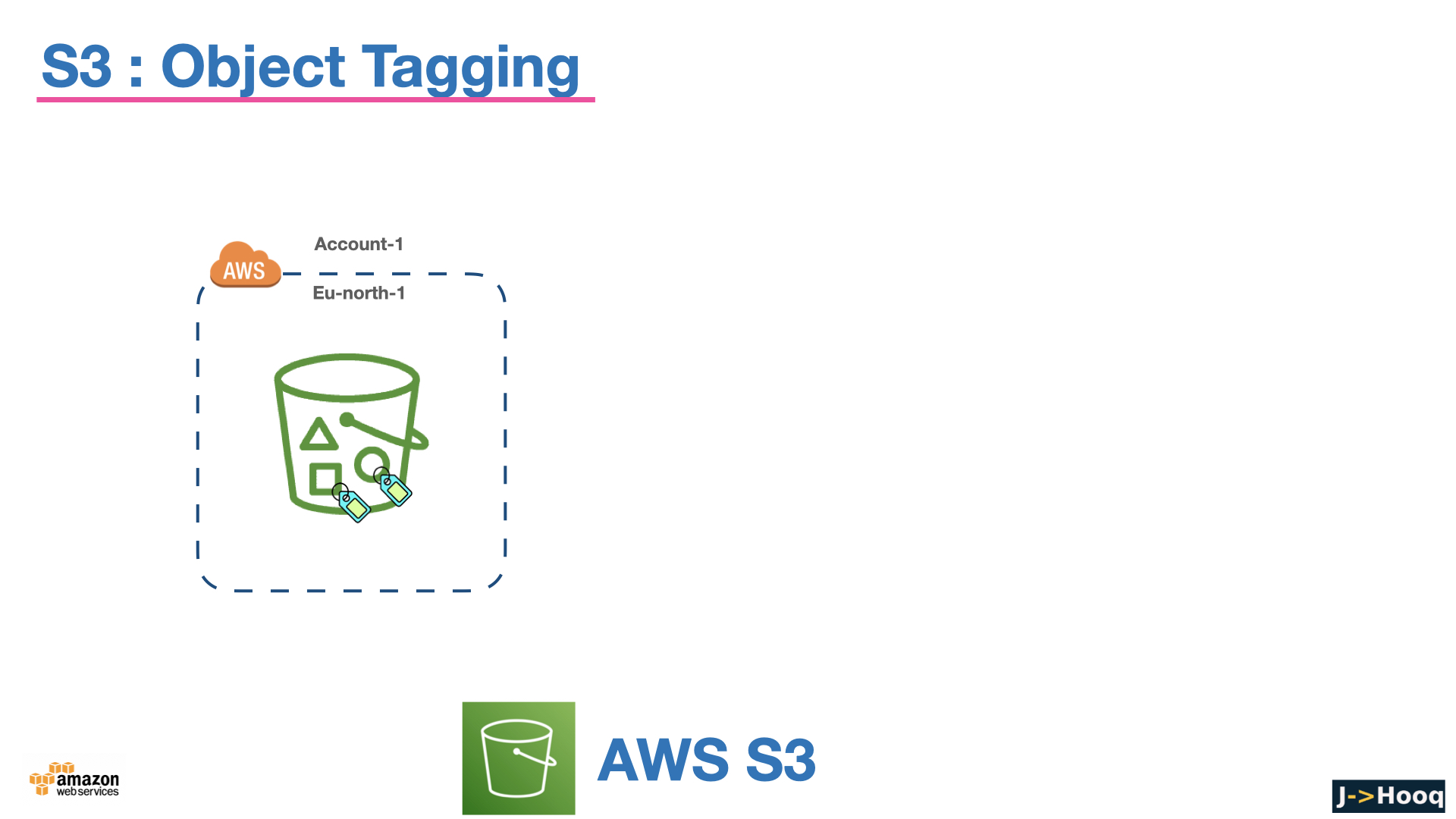
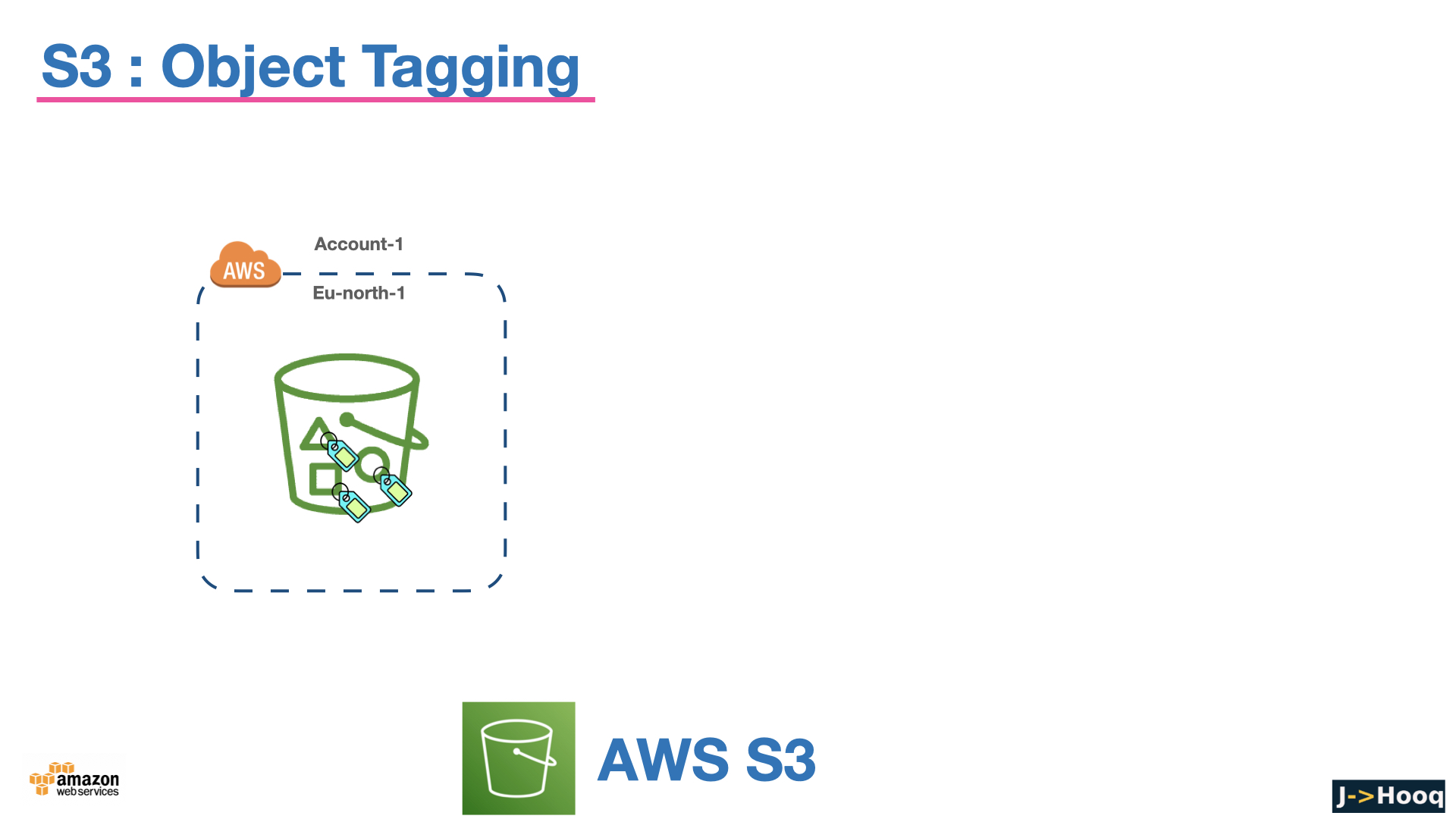
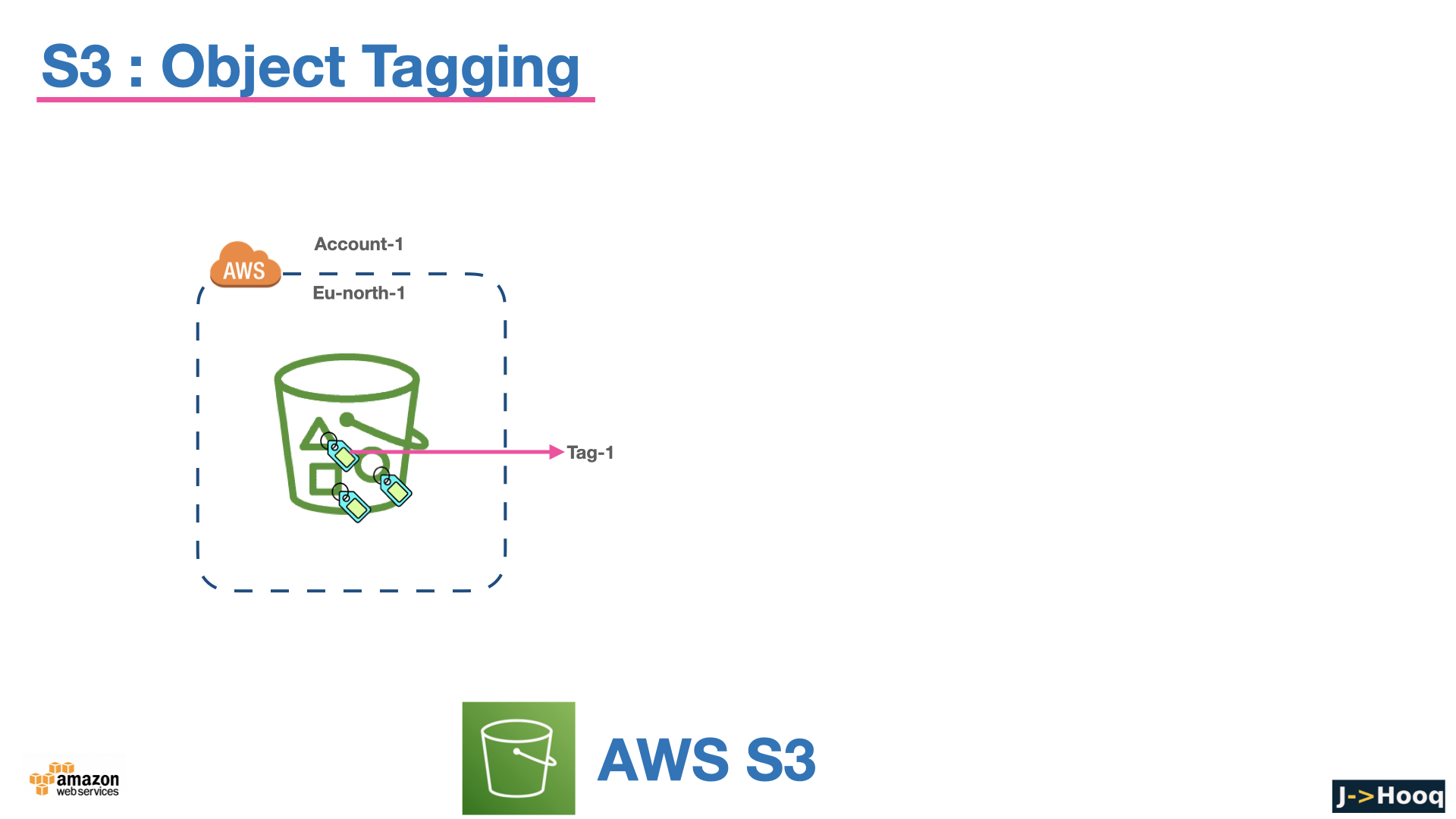
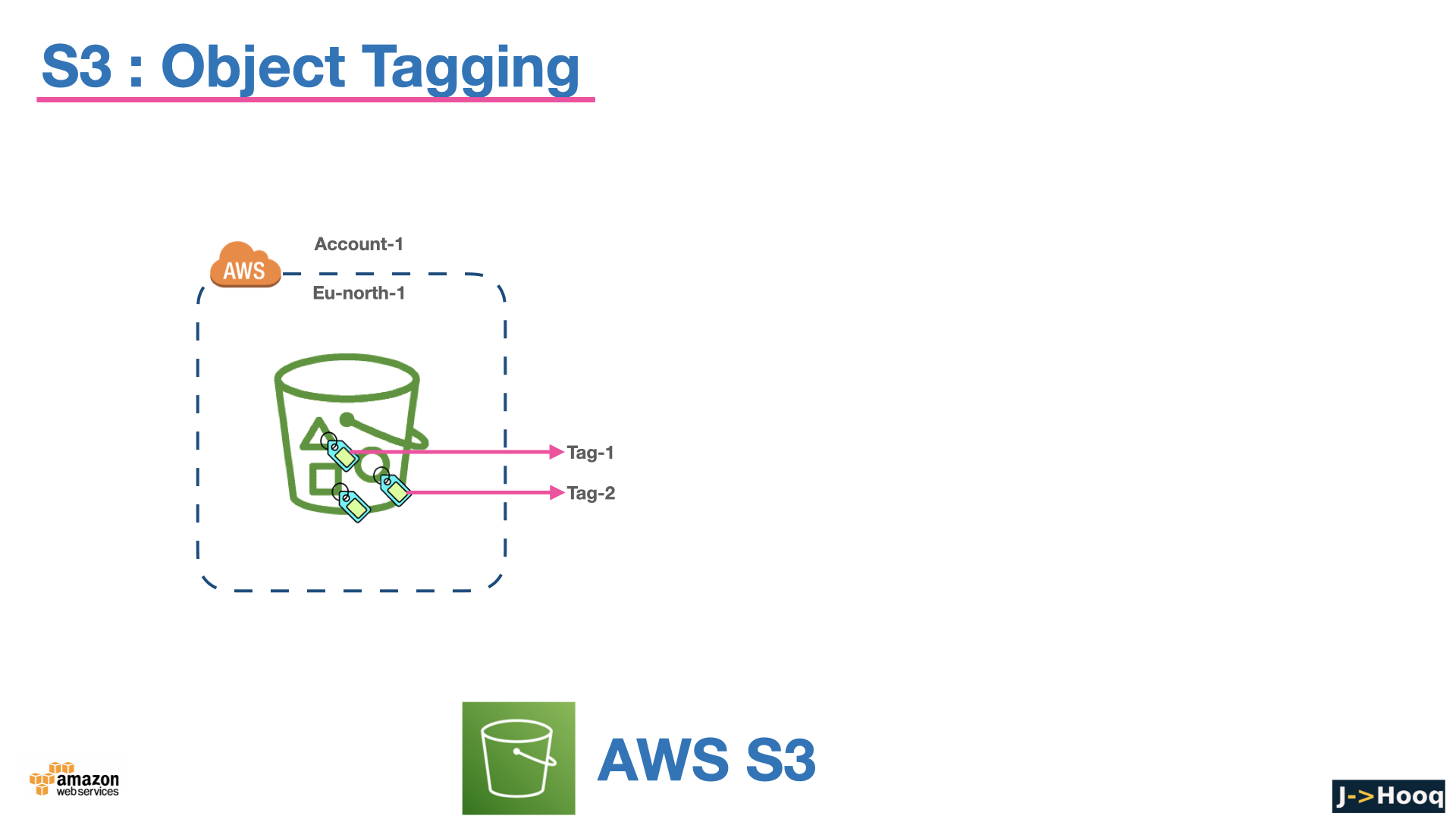
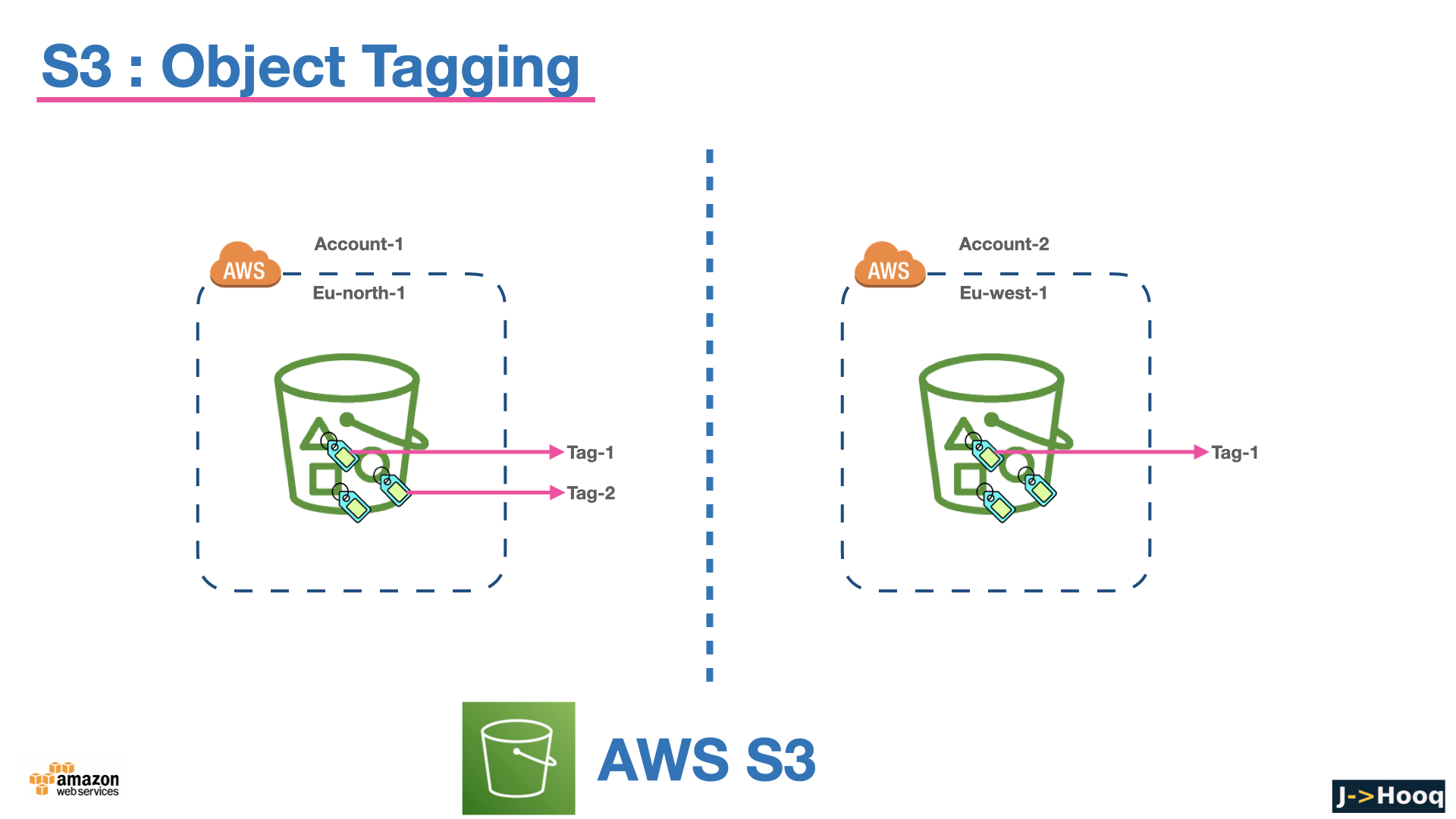
Every object also carries system metadata (size, last-modified, ETag, storage class), optional user metadata (x-amz-meta-* headers), up to 10 tags, and - if versioning is on - a version ID.
An object is addressed by URL in two styles - virtual-hosted (https://jhooq-demo-bucket.s3.eu-central-1.amazonaws.com/images/logo.png) or the s3://jhooq-demo-bucket/images/logo.png URI the CLI uses. The bucket naming rules - 3 to 63 characters, lowercase letters, numbers, dots and hyphens, no underscores, must not look like an IP address - exist because the name becomes a DNS hostname.
2. Durability, availability and consistency - what S3 guarantees
The numbers you will be asked in every interview -
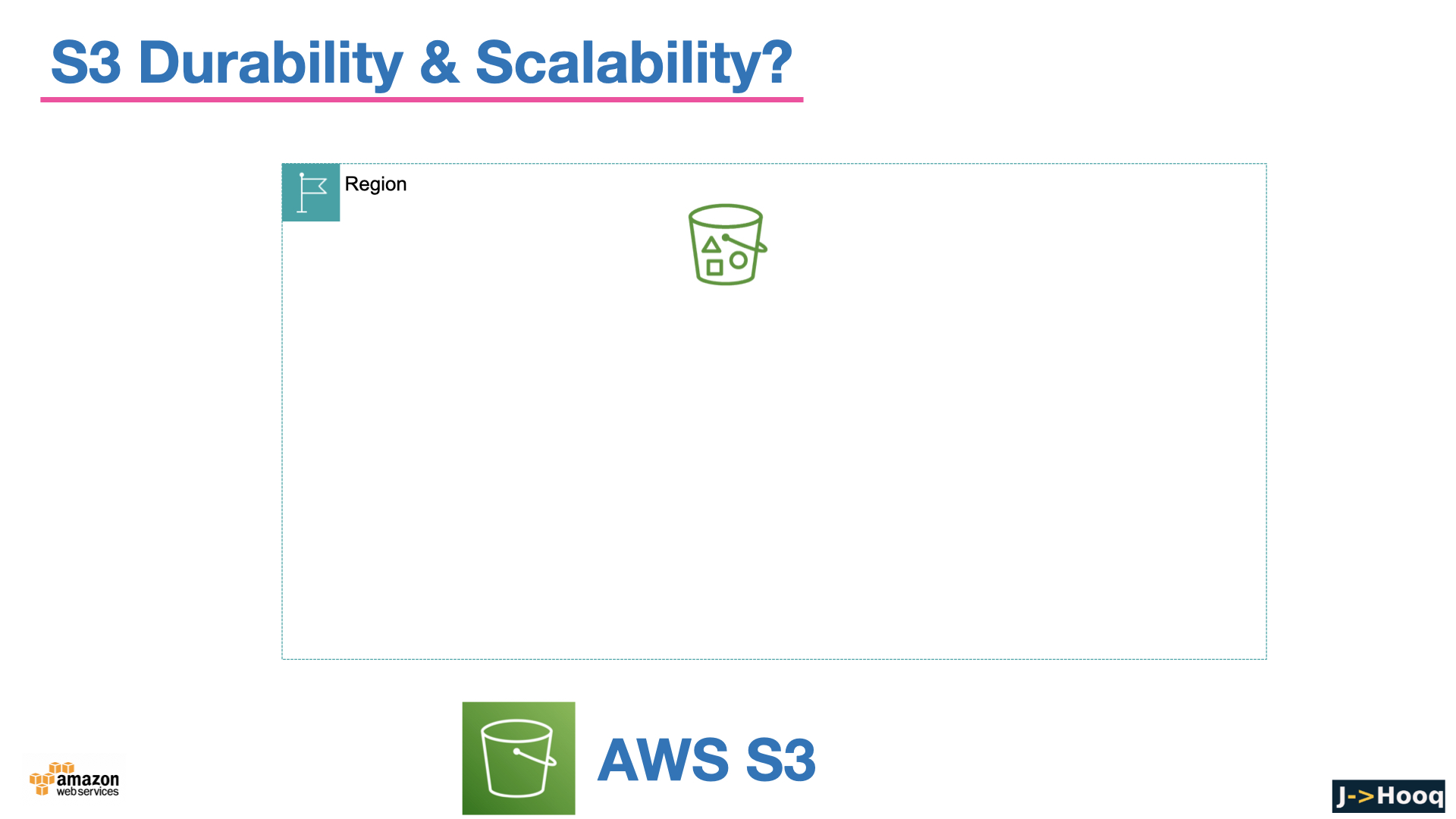
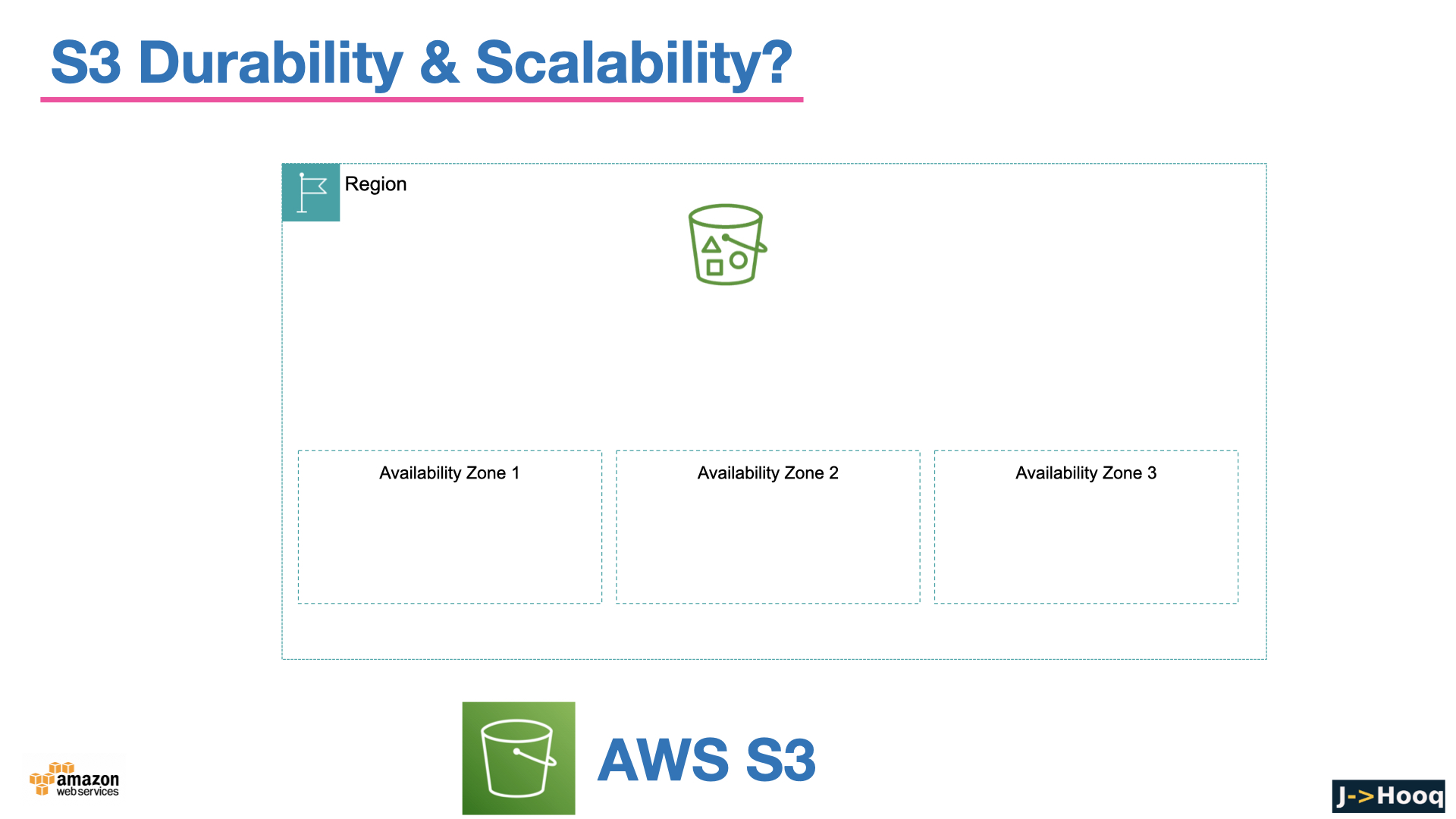
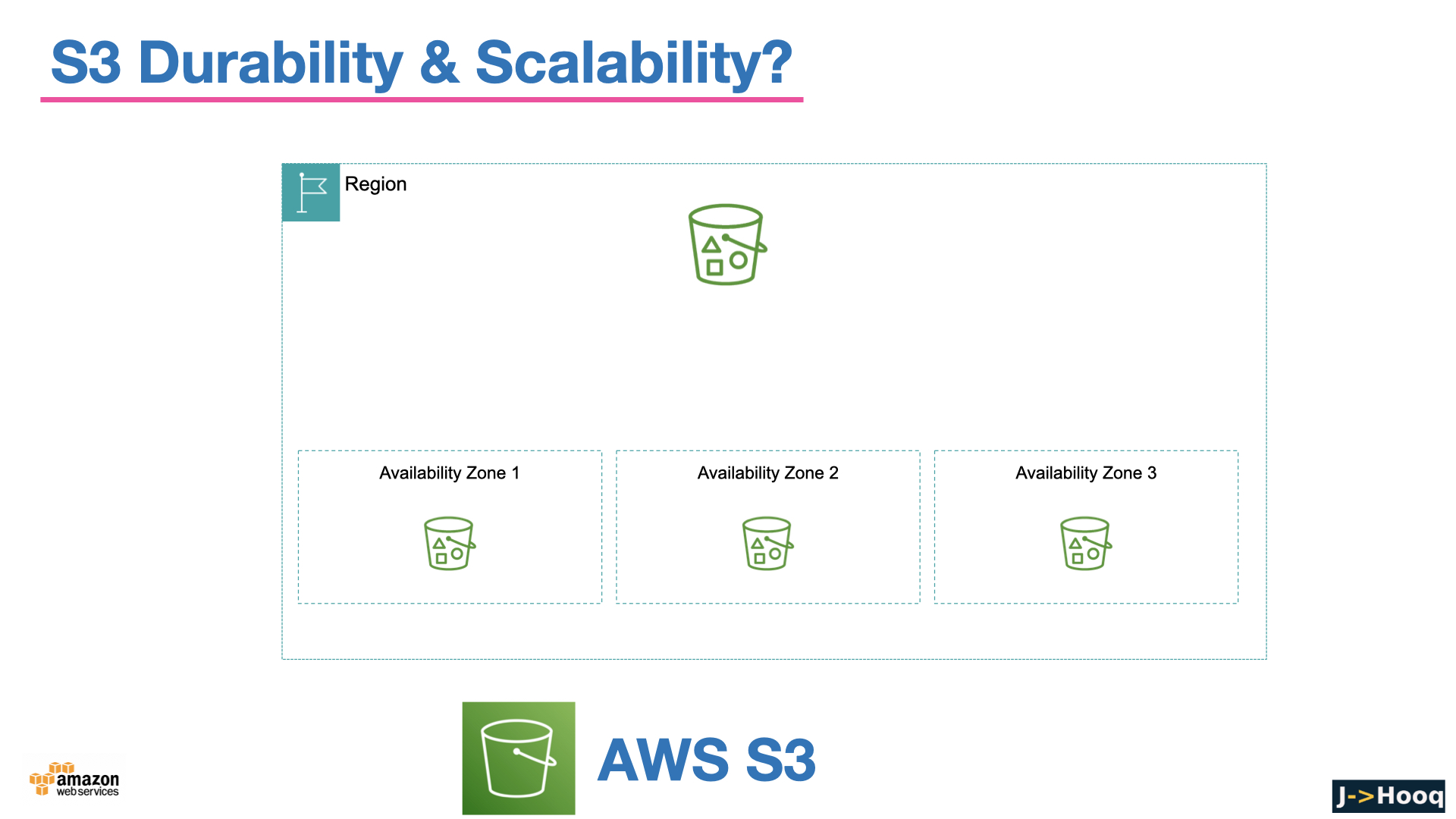
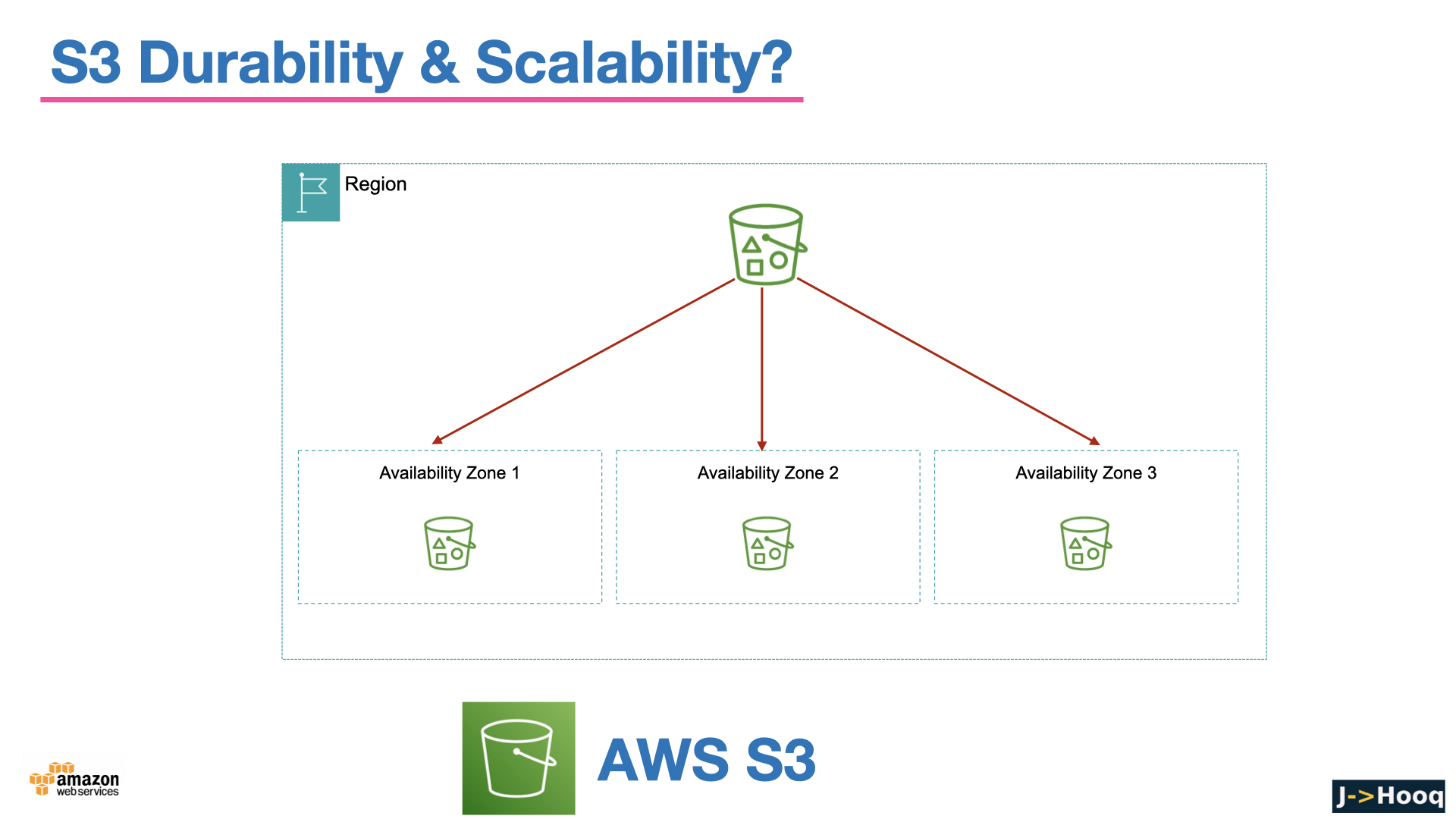
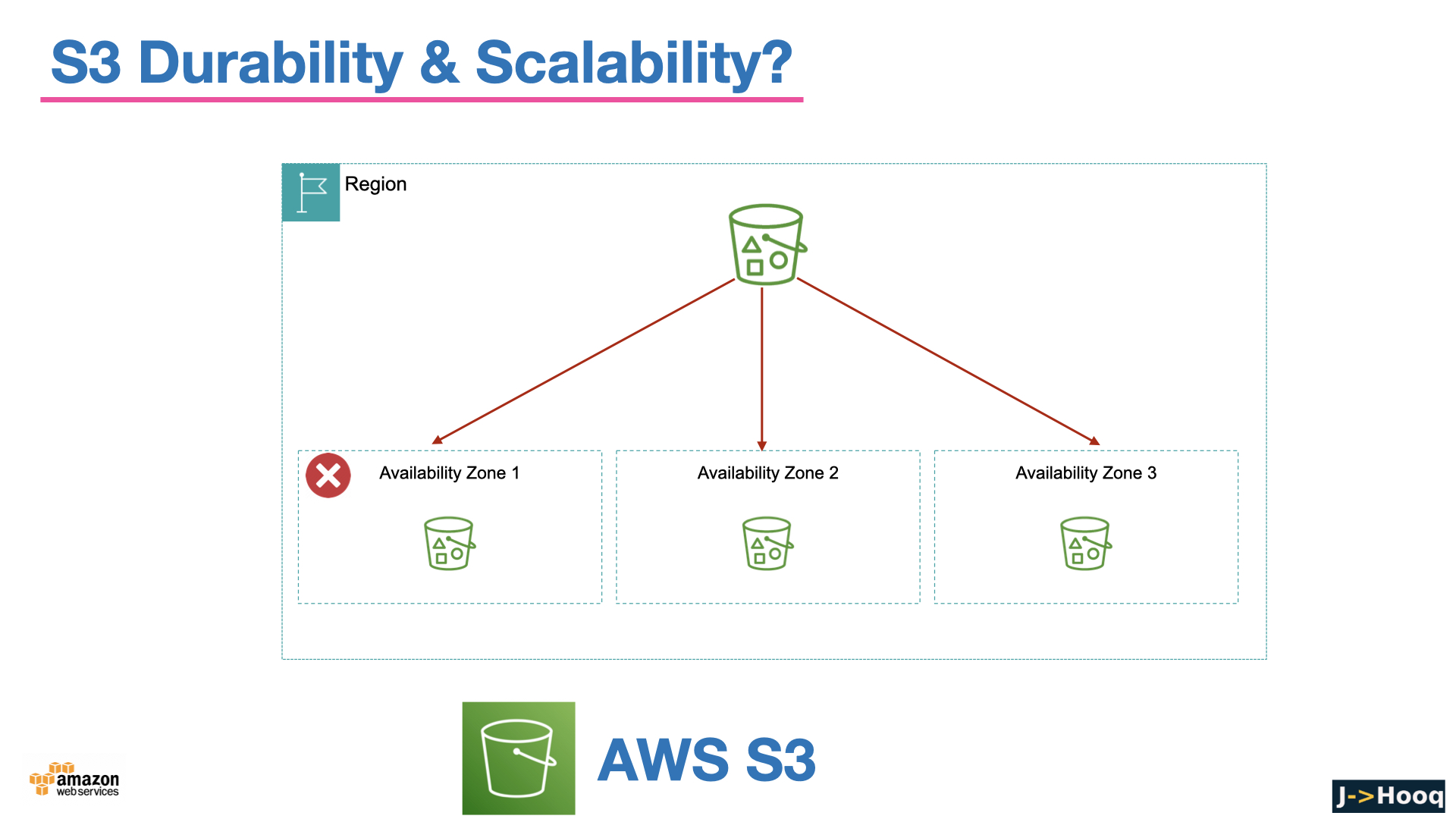
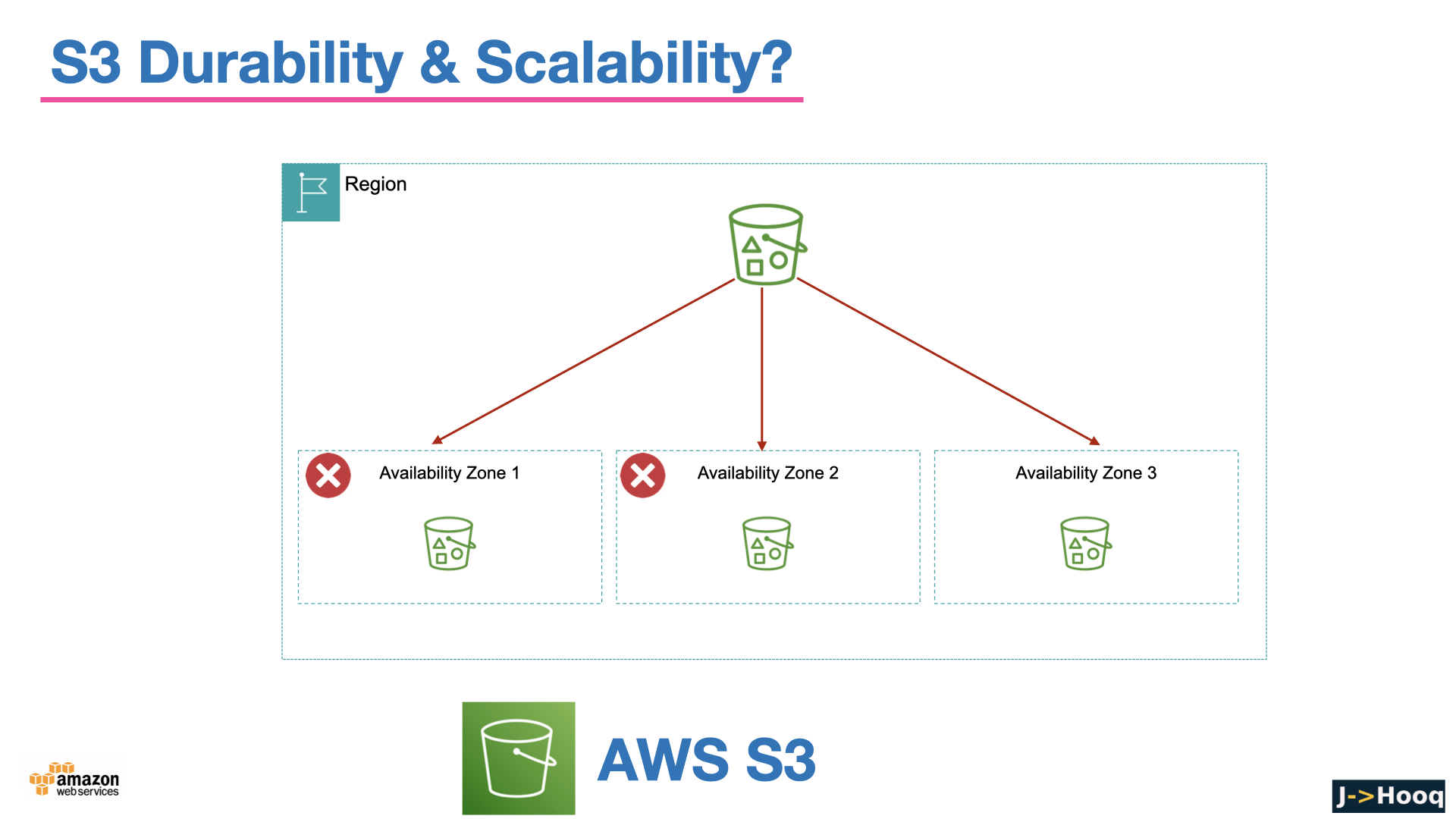
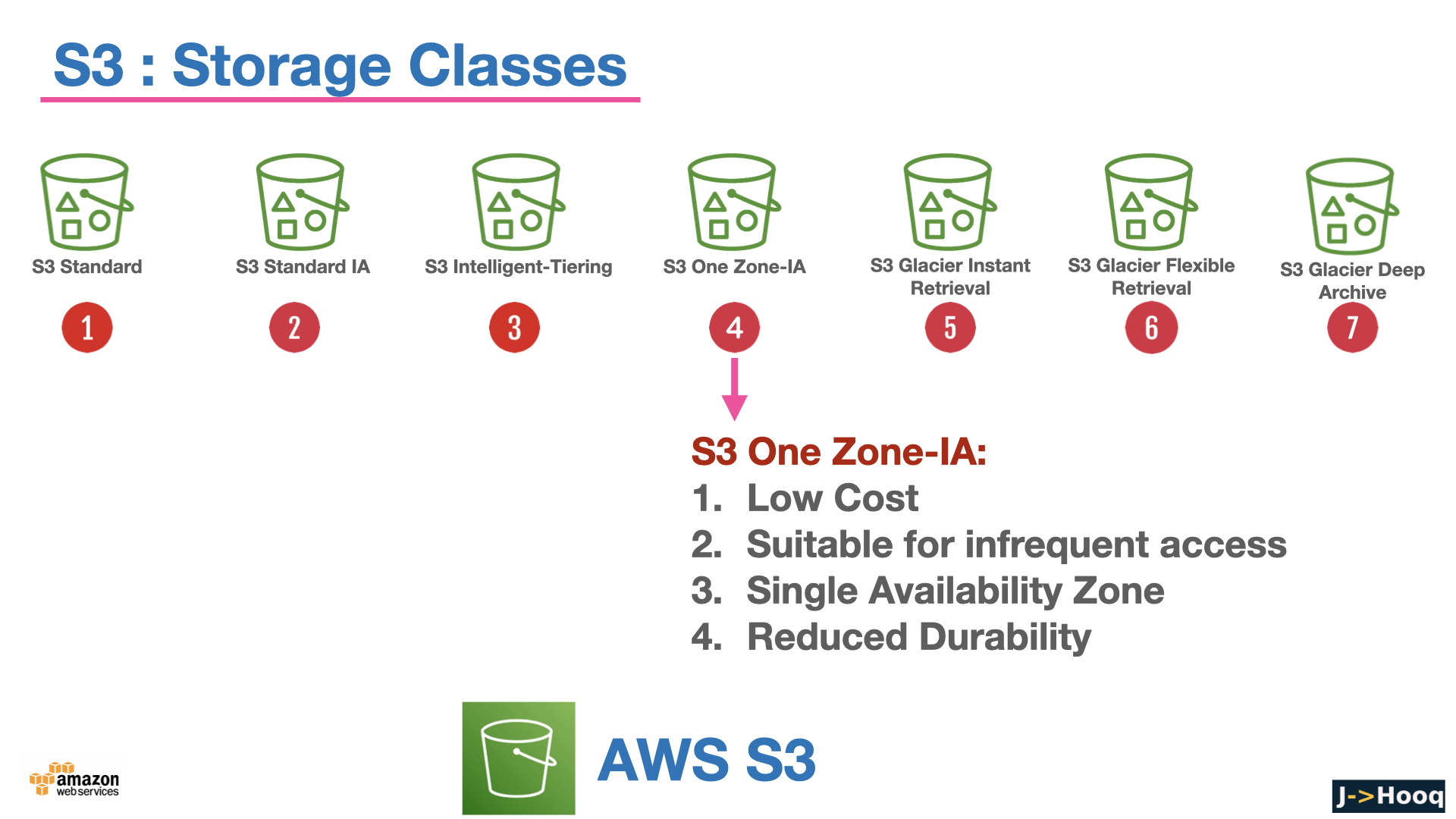
- Durability - 99.999999999% (eleven nines) for every storage class. S3 stores each object redundantly on multiple devices across at least three Availability Zones (except the One Zone classes), so you can expect to lose one object in ten million every ten thousand years. The details are in data protection in S3.
- Availability - 99.99% for S3 Standard, a little lower for the infrequent-access and Glacier classes (99.9% / 99.5%), backed by an SLA.
- Consistency - strong read-after-write for every operation since December 2020. A
GETorLISTright after aPUTorDELETEreturns the new state; the old "eventual consistency for overwrites" caveat is history. - Scale - no limit on objects per bucket or on total size; thousands of requests per second per prefix.
Durability is not backup. If you delete an object, or ransomware overwrites it, S3 durably stores the deletion. Versioning, Object Lock and replication (below) are how you protect against that.
3. Create a bucket and work with objects - console and AWS CLI
Console - S3 → Create bucket, pick a unique Bucket name and the Region. Leave the defaults - ACLs disabled, Block all public access on, Bucket Versioning disabled for now (we enable it in section 6), Default encryption SSE-S3 - and click Create bucket. Then Upload drops files in.
AWS CLI - for anything beyond a one-off, the CLI. Install it per the AWS CLI guide, run aws configure, and the aws s3 high-level commands feel like a Unix shell -
 1# create a bucket (mb = make bucket) in a region
 2aws s3 mb s3://jhooq-demo-bucket --region eu-central-1
 3
 4# upload, download, copy between buckets
 5aws s3 cp ./report.pdf s3://jhooq-demo-bucket/reports/report.pdf
 6aws s3 cp s3://jhooq-demo-bucket/reports/report.pdf ./report-copy.pdf
 7aws s3 cp s3://jhooq-demo-bucket/reports/ s3://jhooq-backup-bucket/reports/ --recursive
 8
 9# list buckets, list a prefix
10aws s3 ls
11aws s3 ls s3://jhooq-demo-bucket/reports/ --human-readable --summarize
12
13# sync a local folder to a bucket (only changed files), and back
14aws s3 sync ./public s3://jhooq-demo-bucket/ --delete
15aws s3 sync s3://jhooq-demo-bucket/ ./backup/
16
17# upload straight into a storage class
18aws s3 cp ./archive.tar.gz s3://jhooq-demo-bucket/archive/ --storage-class GLACIER_IR
19
20# delete an object, empty a bucket, remove the bucket
21aws s3 rm s3://jhooq-demo-bucket/reports/report.pdf
22aws s3 rm s3://jhooq-demo-bucket/ --recursive
23aws s3 rb s3://jhooq-demo-bucket
aws s3 sync is the command that deploys this blog - it is what the S3 static website post uses, and how to download an entire S3 bucket is a whole post on the sync/cp --recursive options. For the low-level API (one call per operation, every option exposed) there is aws s3api - aws s3api put-bucket-versioning, aws s3api get-bucket-policy and so on, which the next sections use.
4. S3 storage classes and how to pick one
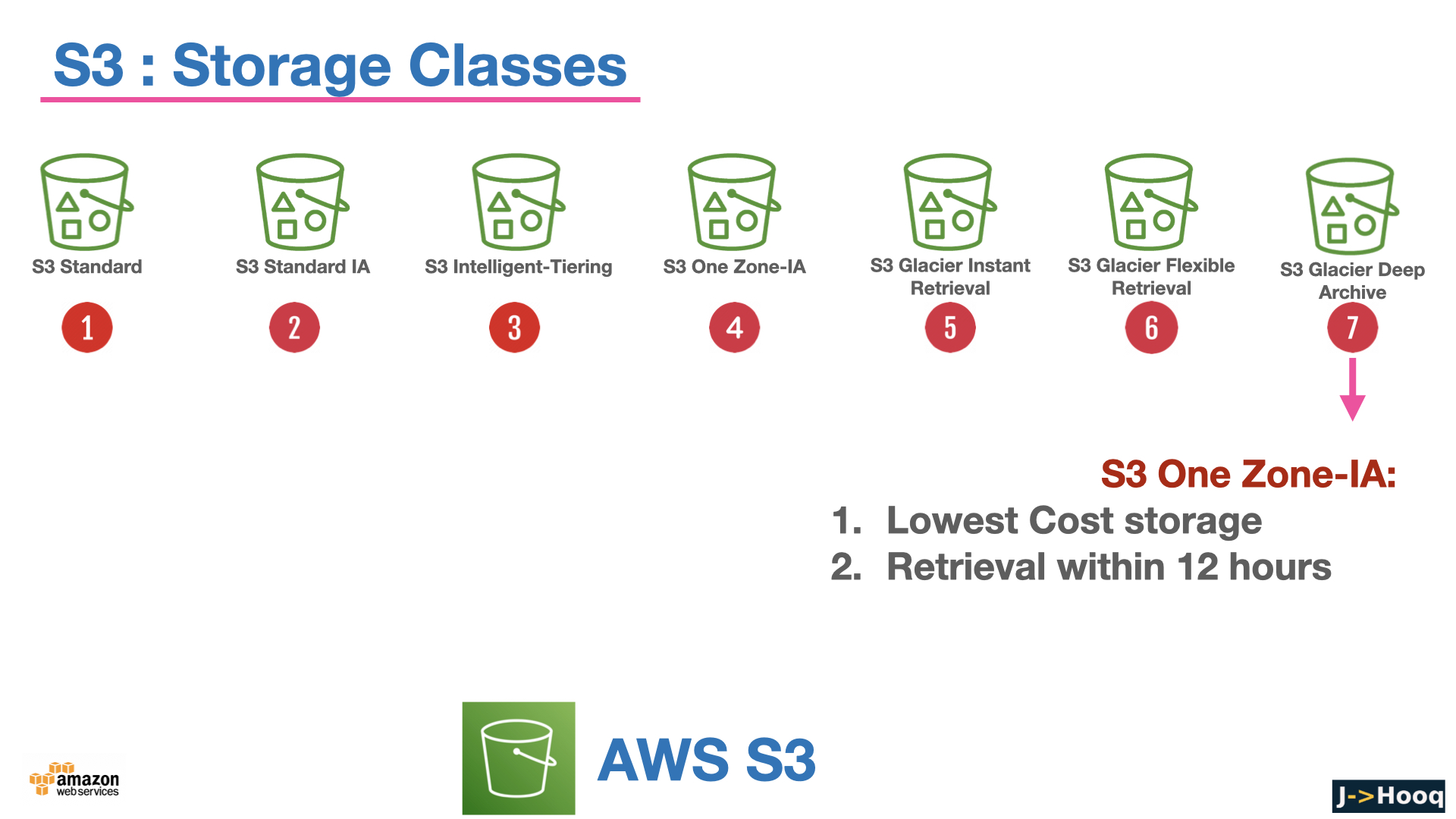
Every object has a storage class that decides what you pay per GB, what you pay to retrieve it, and how fast you get it back. You set it on upload (--storage-class), change it with a copy, or let a lifecycle rule move objects as they age. The current list, from the storage classes guide -
| Storage class | Designed for | AZs | Availability | Min storage | Retrieval |
|---|---|---|---|---|---|
S3 Standard (STANDARD) | Default. Frequently accessed data | ≥3 | 99.99% | none | ms, no fee |
S3 Express One Zone (EXPRESS_ONEZONE) | Single-digit-ms latency for the hottest data, in directory buckets in one AZ you choose | 1 | 99.95% | none | ms, no fee |
S3 Intelligent-Tiering (INTELLIGENT_TIERING) | Unknown or changing access patterns - moves objects between Frequent, Infrequent (30 days) and Archive Instant (90 days) tiers automatically | ≥3 | 99.9% | none | ms, no retrieval fee, small monitoring fee per object |
S3 Standard-IA (STANDARD_IA) | Long-lived, infrequently accessed (about monthly), needs ms access | ≥3 | 99.9% | 30 days | ms, per-GB fee |
S3 One Zone-IA (ONEZONE_IA) | Same, but recreatable data - 20% cheaper, not resilient to losing the AZ | 1 | 99.5% | 30 days | ms, per-GB fee |
S3 Glacier Instant Retrieval (GLACIER_IR) | Archive accessed about quarterly, still needs ms access | ≥3 | 99.9% | 90 days | ms, per-GB fee |
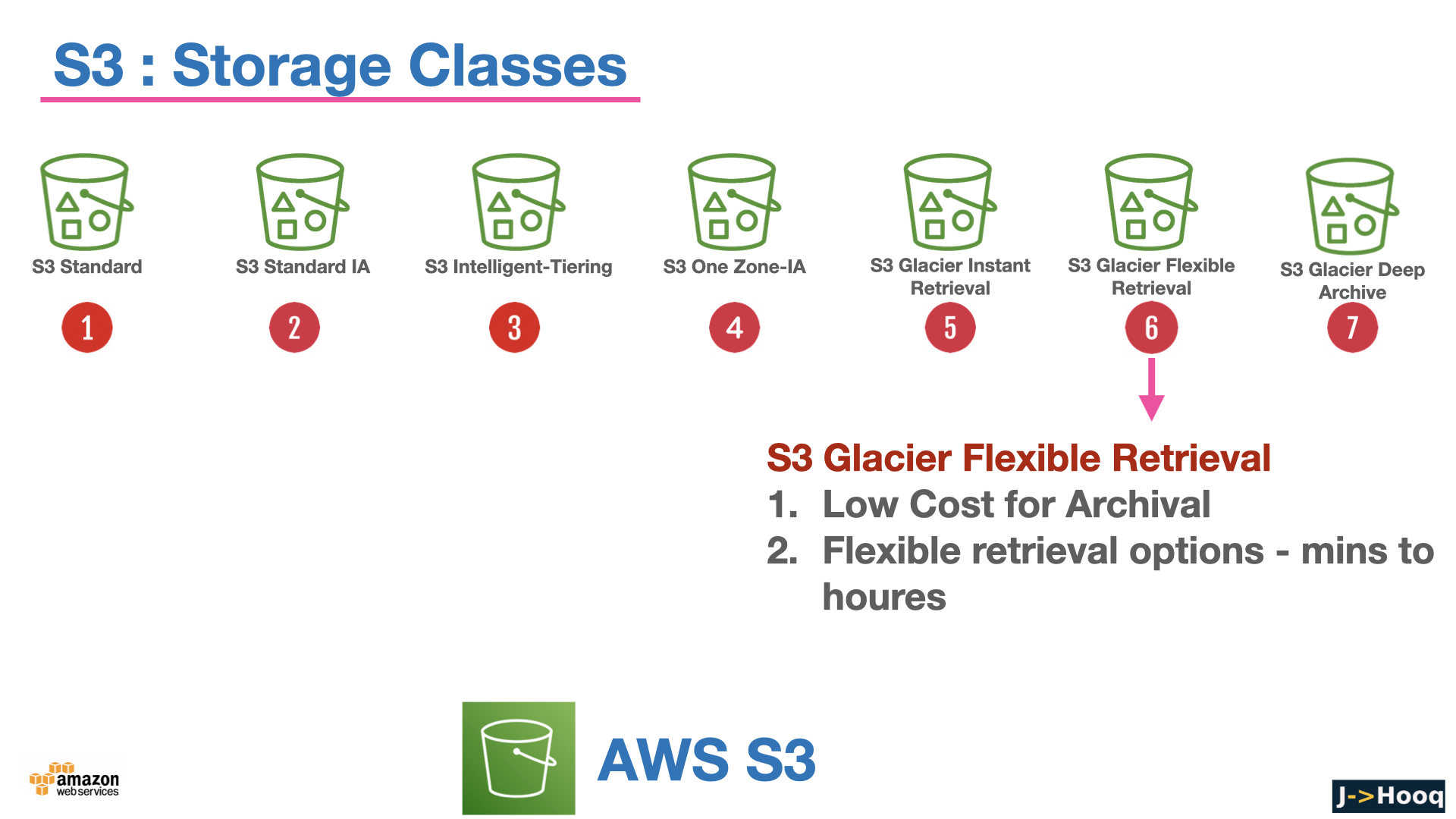
S3 Glacier Flexible Retrieval (GLACIER) | Archive accessed about yearly | ≥3 | 99.99% after restore | 90 days | minutes to 12 hours, must restore first |
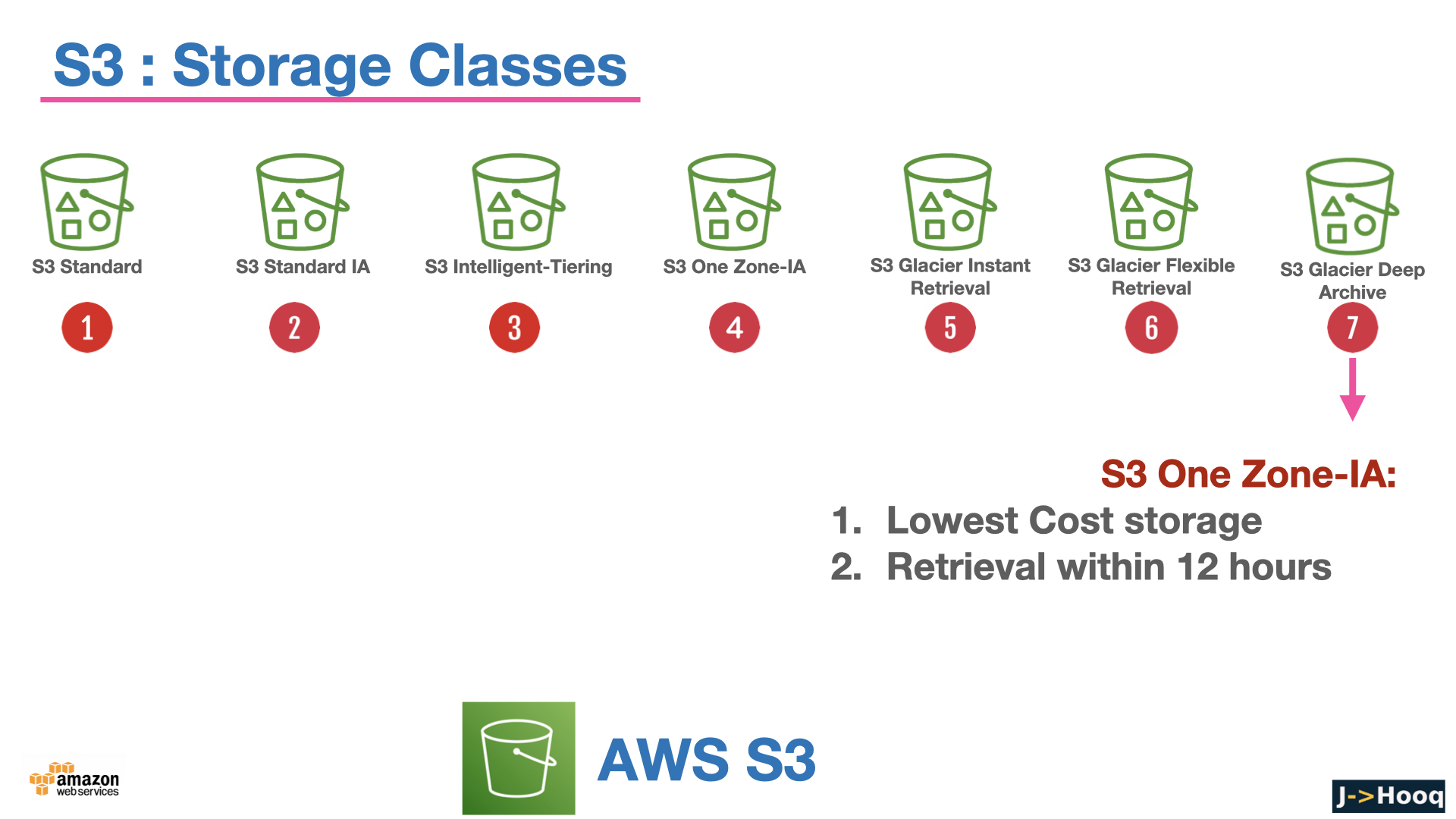
S3 Glacier Deep Archive (DEEP_ARCHIVE) | Compliance archives, rarely if ever accessed - the cheapest storage AWS has | ≥3 | 99.99% after restore | 180 days | 12 to 48 hours, must restore first |
Reduced Redundancy (REDUCED_REDUNDANCY) | Legacy - AWS says do not use it, Standard is cheaper | ≥3 | 99.99% | none | - |
All of them are designed for eleven nines of durability. A few rules of thumb -
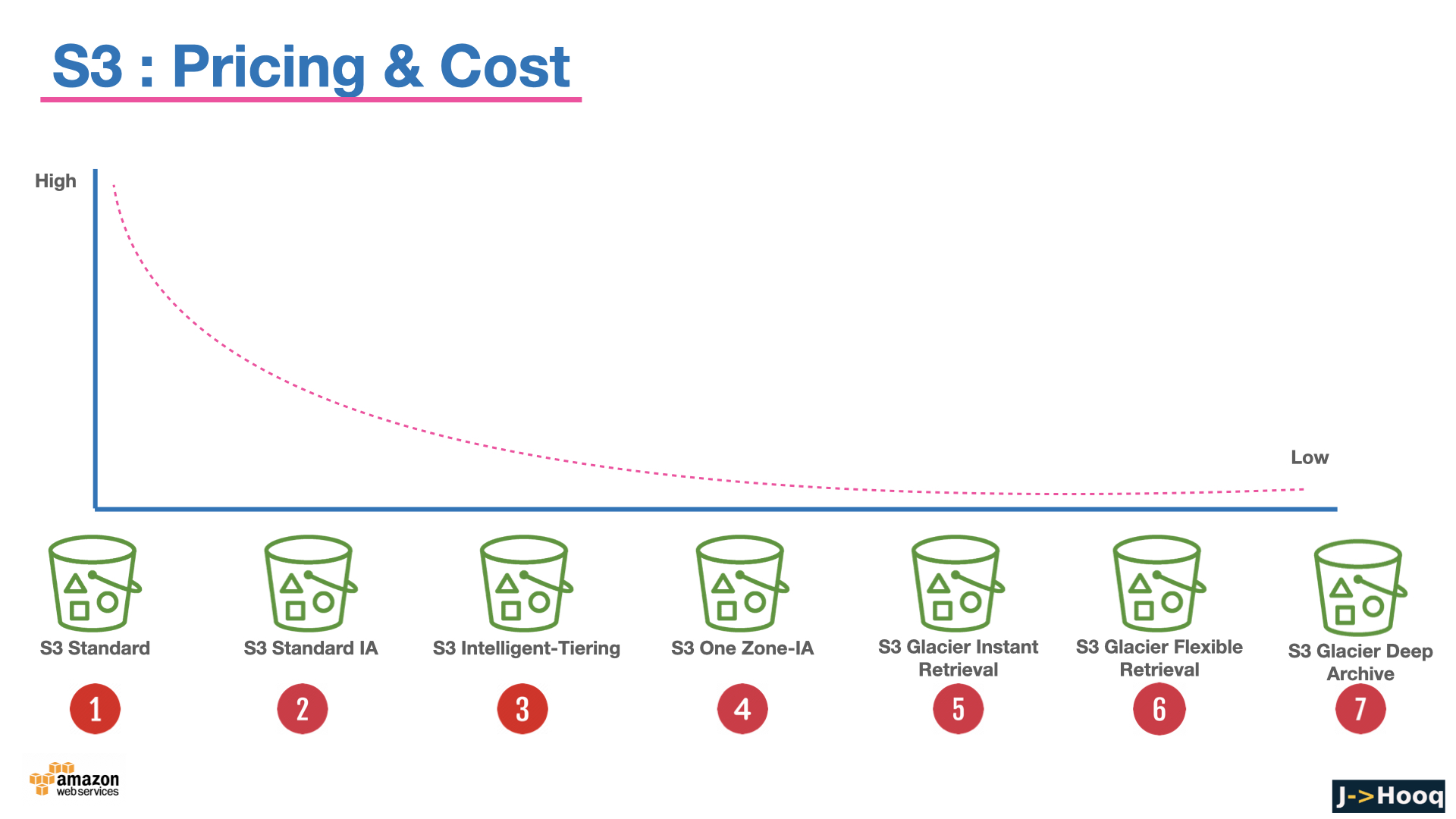
- Not sure? Use Intelligent-Tiering. It is the only class with no retrieval fee and no minimum duration, and it puts objects in the cheaper tiers for you. Objects under 128 KB are not tiered (always Frequent), so it is pointless for millions of tiny files.
- Standard-IA / One Zone-IA / Glacier IR charge per GB retrieved and bill at least 30 or 90 days, so they only save money if you really read the data rarely. Below 128 KB you are billed for 128 KB.
- Glacier Flexible and Deep Archive objects are not readable until you
restore-object(Expedited / Standard / Bulk tiers, minutes to hours). Build the wait into your process. - Express One Zone is a different animal - a directory bucket (
--bucket-name--azid--x-s3), a different API surface, for ML training data and analytics that need single-digit milliseconds. Not for general storage.
The deeper comparison and the pricing per class are on the S3 pricing page.
5. Lifecycle rules - move and expire objects automatically
Nobody changes storage classes by hand. A lifecycle configuration on the bucket does it on a schedule, per prefix or tag -
- Transition actions move objects to another class after N days (Standard → Standard-IA after 30 → Glacier IR after 90 → Deep Archive after 365, for example).
- Expiration actions delete objects after N days - logs after 90 days, temp uploads after 1.
- Noncurrent version actions do the same for old versions when versioning is on - the single most important rule on a versioned bucket, otherwise every overwrite keeps costing you forever.
- Abort incomplete multipart uploads after N days - invisible half-uploaded parts cost money; every bucket should have this rule.
A typical rule set as JSON -
 1{
 2  "Rules": [
 3    {
 4      "ID": "logs-tier-and-expire",
 5      "Status": "Enabled",
 6      "Filter": { "Prefix": "logs/" },
 7      "Transitions": [
 8        { "Days": 30, "StorageClass": "STANDARD_IA" },
 9        { "Days": 90, "StorageClass": "GLACIER_IR" }
10      ],
11      "Expiration": { "Days": 365 },
12      "NoncurrentVersionExpiration": { "NoncurrentDays": 30 },
13      "AbortIncompleteMultipartUpload": { "DaysAfterInitiation": 7 }
14    }
15  ]
16}
1aws s3api put-bucket-lifecycle-configuration --bucket jhooq-demo-bucket --lifecycle-configuration file://lifecycle.json
Transitions run once a day, and the minimum-duration charges of the target class still apply - moving a 10-day-old object into Standard-IA bills the remaining 20 days.
6. Versioning, MFA delete and Object Lock
Versioning keeps every version of every object. Overwrite a file and the old one is still there with its version ID; delete a file and S3 only adds a delete marker - the data is one --version-id away. It is your protection against accidental overwrites and deletes, and it is required for replication and Object Lock.
1aws s3api put-bucket-versioning --bucket jhooq-demo-bucket --versioning-configuration Status=Enabled
2
3aws s3api list-object-versions --bucket jhooq-demo-bucket --prefix reports/report.pdf
4aws s3api get-object --bucket jhooq-demo-bucket --key reports/report.pdf --version-id 3HL4kqtJlcpXroDTDmJ+rmSpXd3dIbrHY+MTRCxf3vjVBH40Nr8X8gdRQBpUMLUo report-v1.pdf
5
6# "undelete" = remove the delete marker
7aws s3api delete-object --bucket jhooq-demo-bucket --key reports/report.pdf --version-id <delete-marker-version-id>
Once enabled, versioning can be suspended but never turned off, and every version is billed - which is why the noncurrent-version expiration rule from section 5 goes hand in hand with it.
MFA delete adds a requirement for the root user's MFA code to delete a version or change the versioning state - strong protection, but awkward (root only, CLI only), so most teams use the next feature instead.
Object Lock makes versions immutable for a retention period (WORM - write once, read many). Governance mode can be overridden by users with a special permission; Compliance mode cannot be overridden by anyone, not even the root user, until the period ends. This is how you satisfy regulations and how you make backups ransomware-proof. It must be enabled when the bucket is created.
7. Security - the defaults every new bucket gets
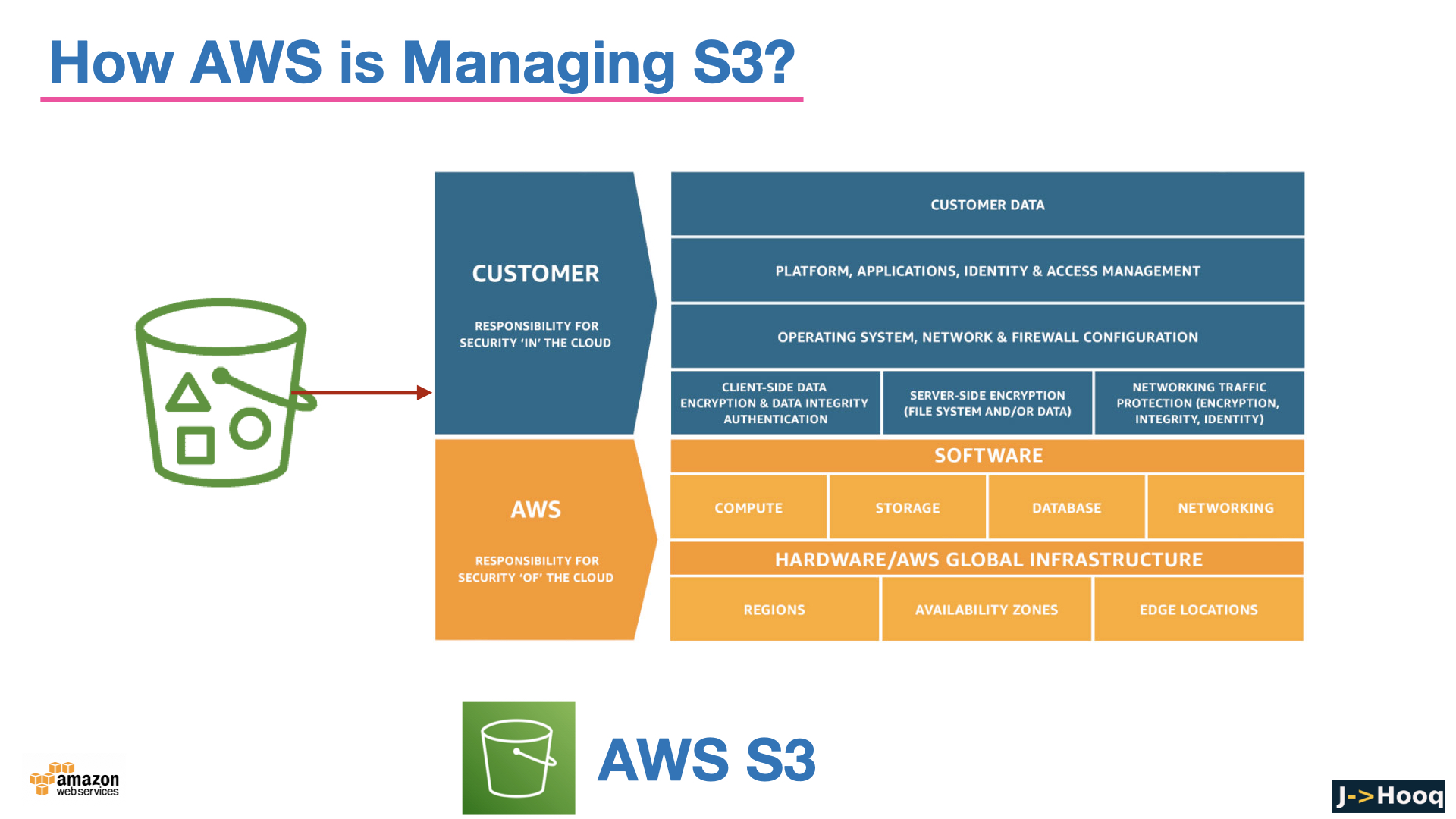
S3 made headlines for years because of buckets accidentally left public. Since 2023 the defaults close that door, and you should know exactly what they are -
- Block Public Access is ON for every new bucket (since April 2023) - all four settings: block public ACLs, ignore public ACLs, block public bucket policies, restrict public buckets. With it on, a bucket policy that grants
Principal: "*"is rejected when you try to save it. You can also enable it once at the account level, which overrides every bucket. - ACLs are disabled - Object Ownership is set to Bucket owner enforced (also since April 2023). Access is decided purely by IAM and bucket policies, and the bucket owner owns every object, including ones uploaded by other accounts. AWS recommends leaving it that way; the old
--acl public-readflag now fails withAccessControlListNotSupported. - Encryption at rest is ON - every new object is encrypted with SSE-S3 (since January 2023) at no cost, see section 9.
- HTTPS - S3 accepts HTTP too; add a bucket policy statement with
"Condition": {"Bool": {"aws:SecureTransport": "false"}}andDenyto enforce TLS.
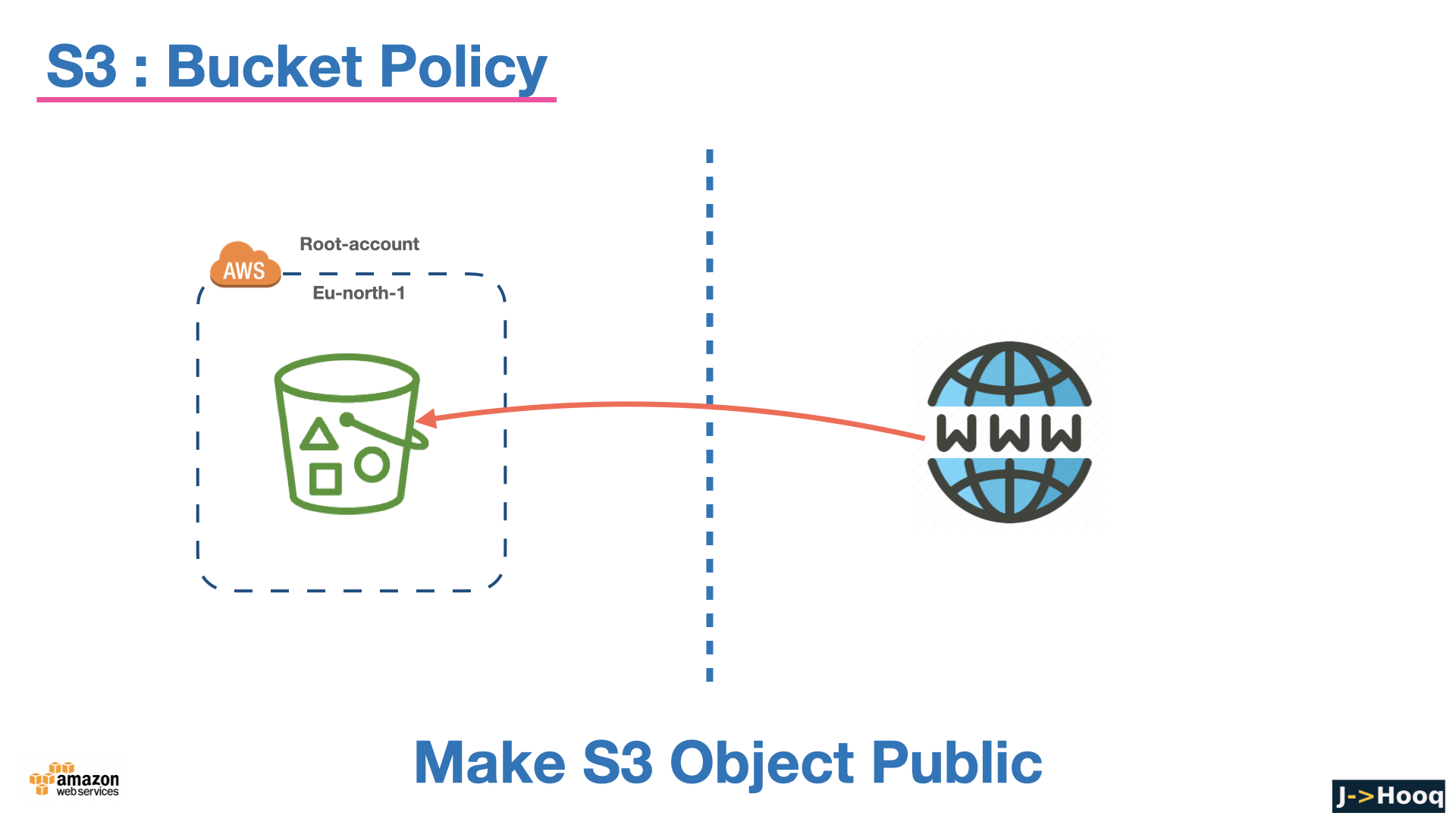
If you genuinely need a public bucket - and in 2026 the answer is almost always "put CloudFront in front of it instead" - you have to turn Block Public Access off deliberately, per bucket, and the console makes you confirm it.
8. Who can access a bucket - IAM policies, bucket policies and presigned URLs
With ACLs out of the picture, three mechanisms remain -
1. IAM policies (identity-based) - attached to a user, group or role in your account, say what that identity may do, on which buckets and prefixes. This is how your EC2 instances, Lambda functions and CI pipelines get access - via a role, never via keys in code -
 1{
 2  "Version": "2012-10-17",
 3  "Statement": [
 4    {
 5      "Effect": "Allow",
 6      "Action": ["s3:ListBucket"],
 7      "Resource": "arn:aws:s3:::jhooq-demo-bucket",
 8      "Condition": { "StringLike": { "s3:prefix": ["uploads/*"] } }
 9    },
10    {
11      "Effect": "Allow",
12      "Action": ["s3:GetObject", "s3:PutObject"],
13      "Resource": "arn:aws:s3:::jhooq-demo-bucket/uploads/*"
14    }
15  ]
16}
Note the two ARN forms - the bucket ARN for ListBucket, the bucket/* ARN for object actions. Mixing them up is the most common cause of AccessDenied. Writing these with Terraform is covered in Terraform AWS IAM - users, roles and policies.
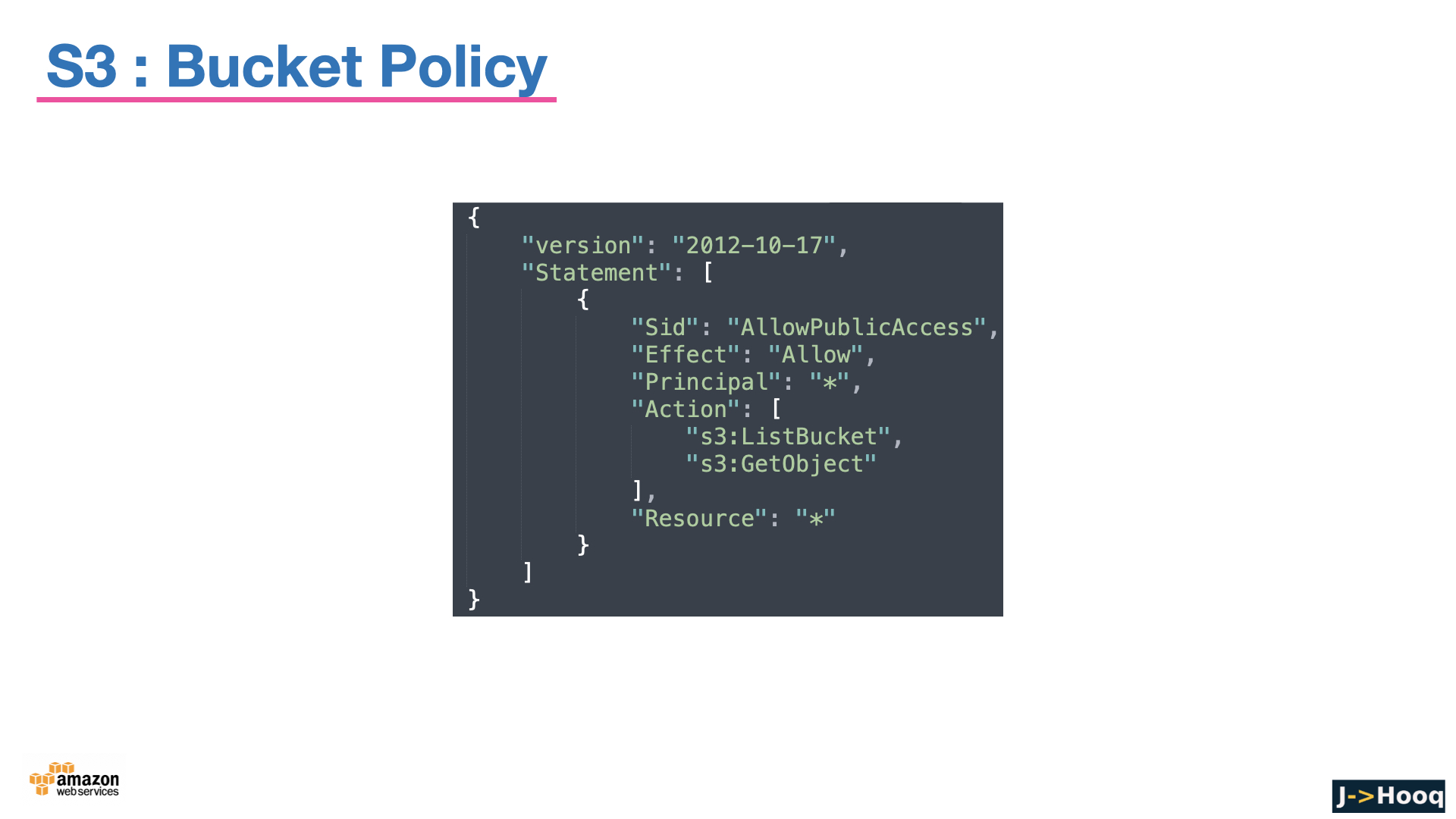
2. Bucket policies (resource-based) - attached to the bucket, they can grant access to other accounts, to specific services, or conditionally (source VPC, IP range, TLS). This one lets only CloudFront read the bucket - the modern replacement for a public bucket -
 1{
 2  "Version": "2012-10-17",
 3  "Statement": [{
 4    "Sid": "AllowCloudFrontOAC",
 5    "Effect": "Allow",
 6    "Principal": { "Service": "cloudfront.amazonaws.com" },
 7    "Action": "s3:GetObject",
 8    "Resource": "arn:aws:s3:::jhooq-demo-bucket/*",
 9    "Condition": {
10      "StringEquals": { "AWS:SourceArn": "arn:aws:cloudfront::123456789012:distribution/E1ABCDEF" }
11    }
12  }]
13}
1aws s3api put-bucket-policy --bucket jhooq-demo-bucket --policy file://policy.json
A request is allowed if either the IAM policy or the bucket policy allows it (same account) and nothing denies it; cross-account needs both sides. The example bucket policies page has a template for most situations.
3. Presigned URLs - a URL signed with your credentials that lets anyone holding it GET (or PUT) one specific object until it expires. This is how you share a private file, or let a browser upload directly to S3 without the file passing through your server -
1aws s3 presign s3://jhooq-demo-bucket/reports/report.pdf --expires-in 3600
2# https://jhooq-demo-bucket.s3.eu-central-1.amazonaws.com/reports/report.pdf?X-Amz-Algorithm=AWS4-HMAC-SHA256&X-Amz-Credential=...&X-Amz-Expires=3600&X-Amz-Signature=...
The URL carries the permissions of whoever signed it and dies with their credentials - sign with a role whose session outlives the expiry.
9. Encryption - SSE-S3, SSE-KMS, DSSE-KMS, SSE-C
Everything in S3 is encrypted at rest now; the question is only who manages the key -
- SSE-S3 (
AES256) - S3 manages the keys. Free, automatic, the default since January 2023. Fine for most data. - SSE-KMS (
aws:kms) - a key in AWS KMS, yours or AWS-managed. You get an audit trail of every decrypt in CloudTrail, you can revoke access by changing the key policy, and cross-account access needs the key too. Enable the Bucket Key option to cut the KMS request cost by up to 99%. Use this for anything sensitive. - DSSE-KMS - dual-layer encryption with two independent KMS-based layers, for the regulated workloads that require it.
- SSE-C - you send the key with every request and S3 uses it without storing it. Rare.
- Client-side encryption - you encrypt before upload. S3 never sees plaintext.
Set the bucket default so nobody has to remember -
1aws s3api put-bucket-encryption --bucket jhooq-demo-bucket --server-side-encryption-configuration '{
2  "Rules": [{
3    "ApplyServerSideEncryptionByDefault": { "SSEAlgorithm": "aws:kms", "KMSMasterKeyID": "alias/jhooq-s3" },
4    "BucketKeyEnabled": true
5  }]
6}'
10. Static website hosting
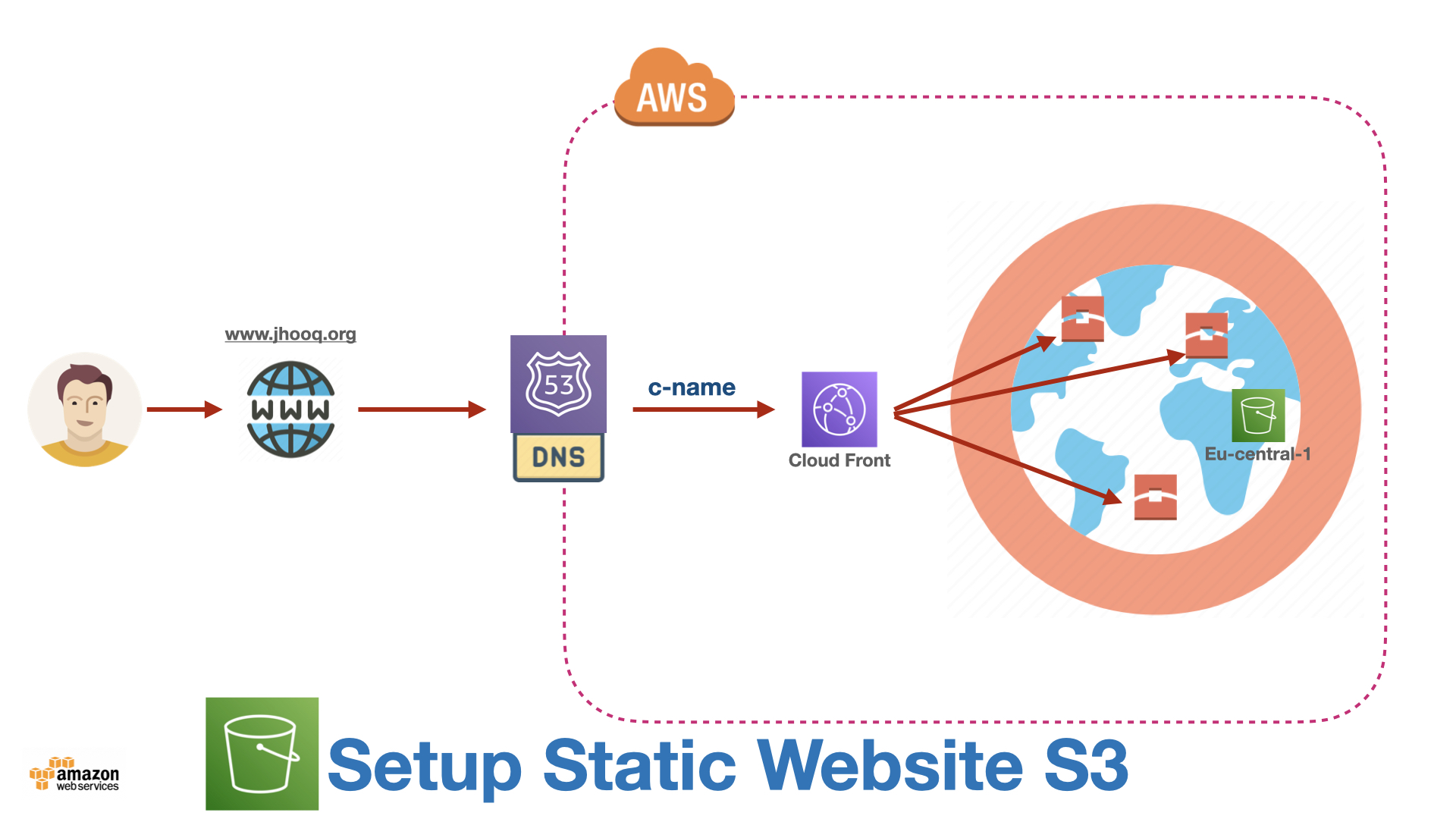
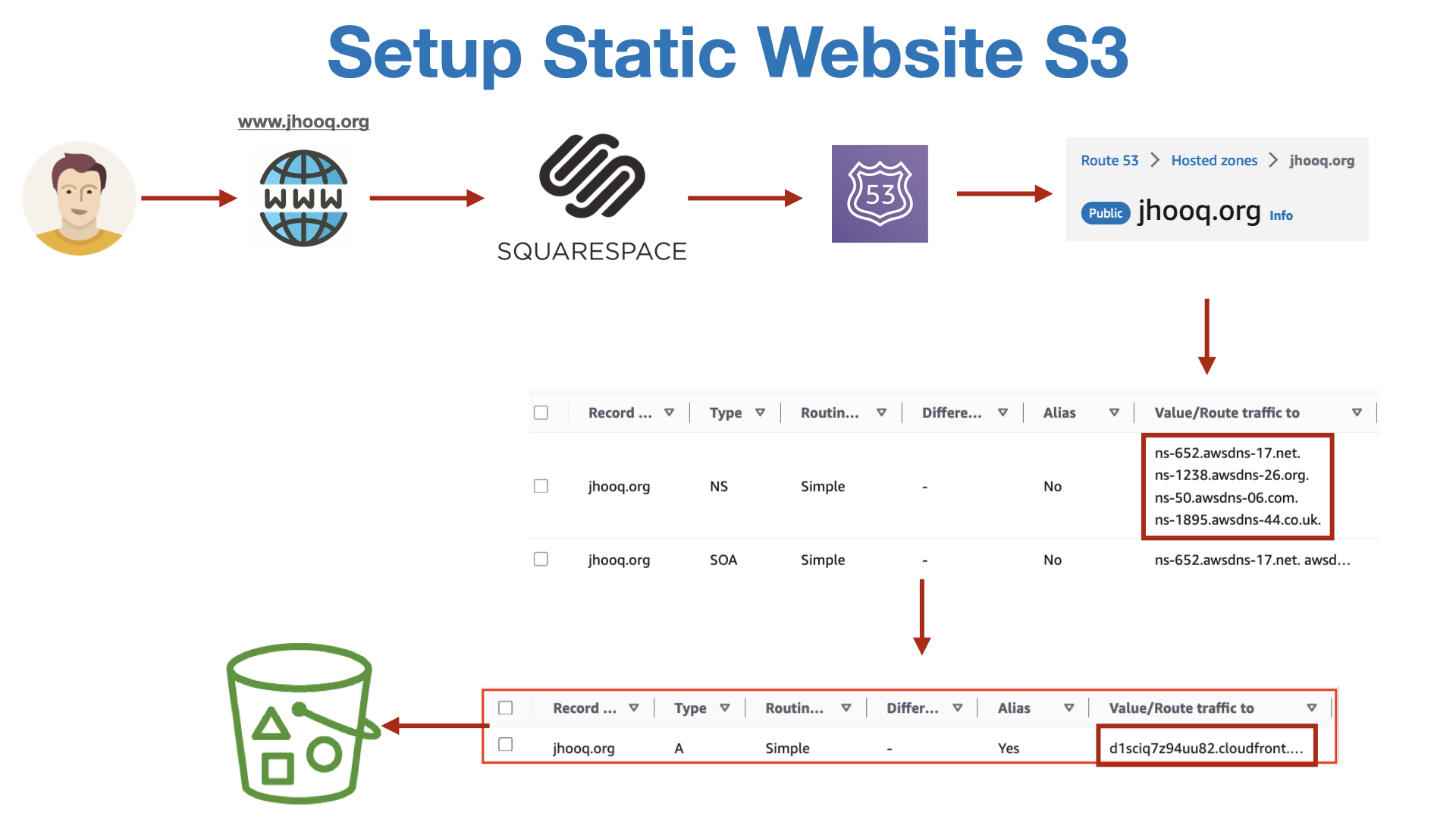
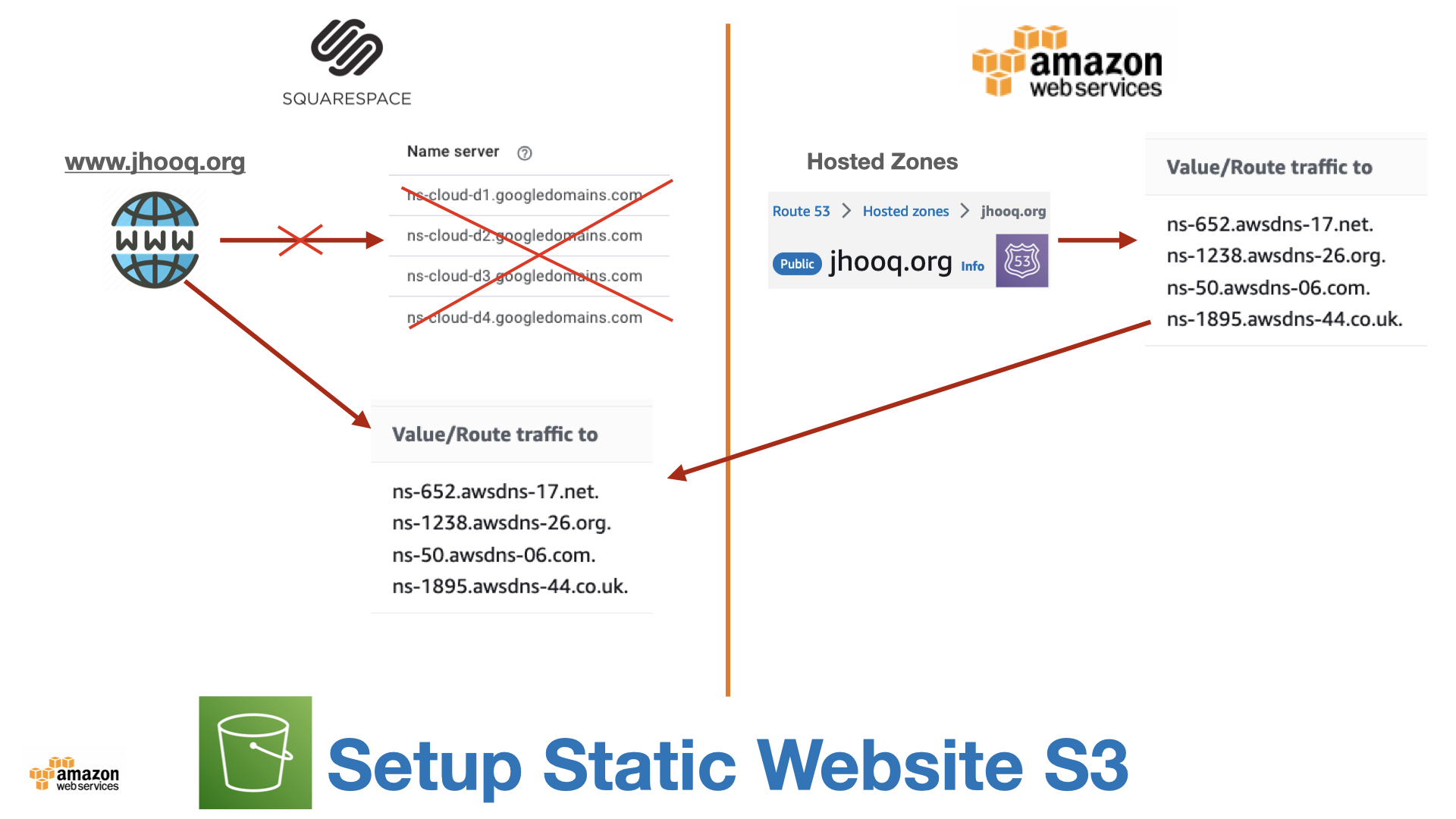
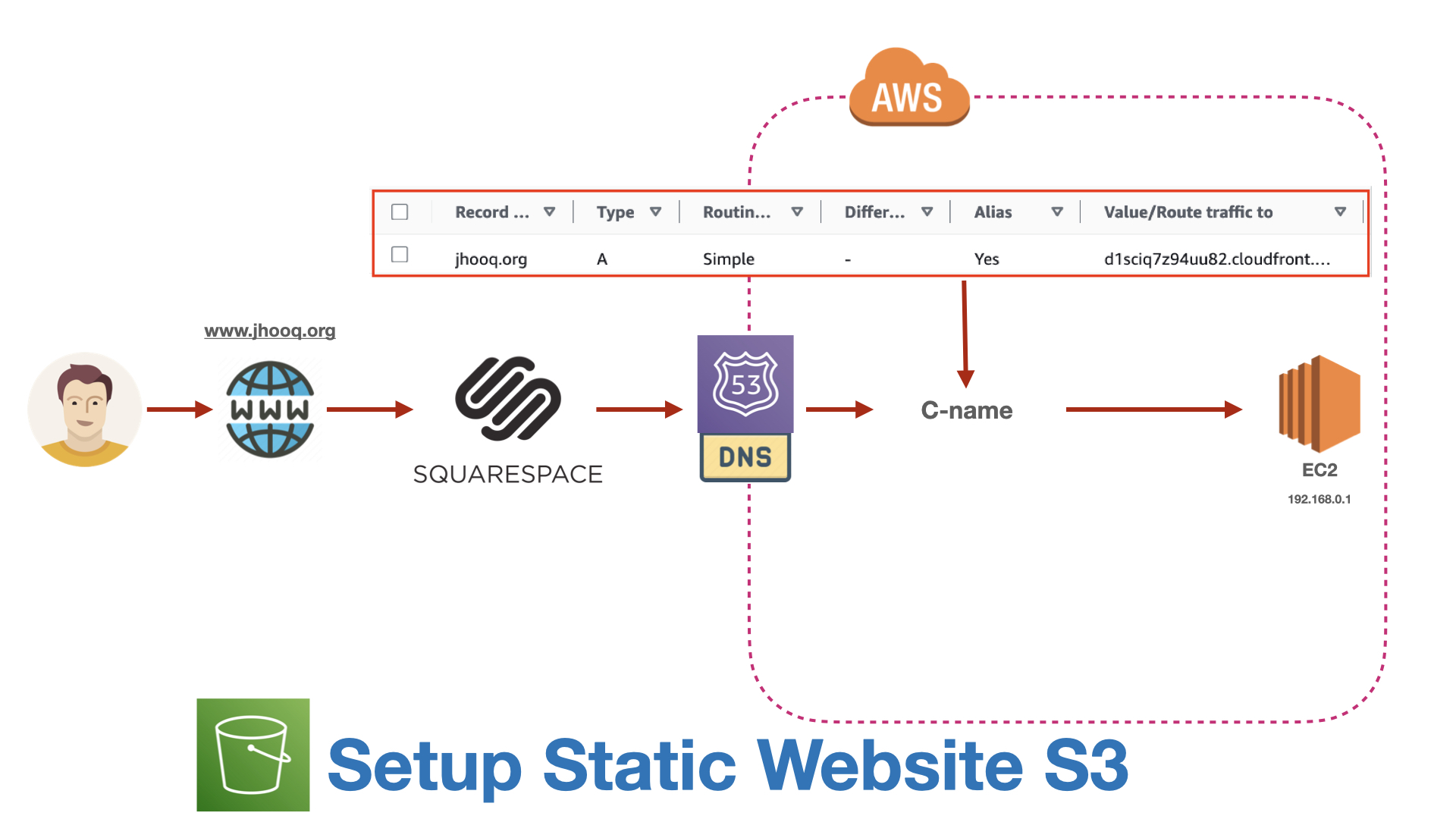
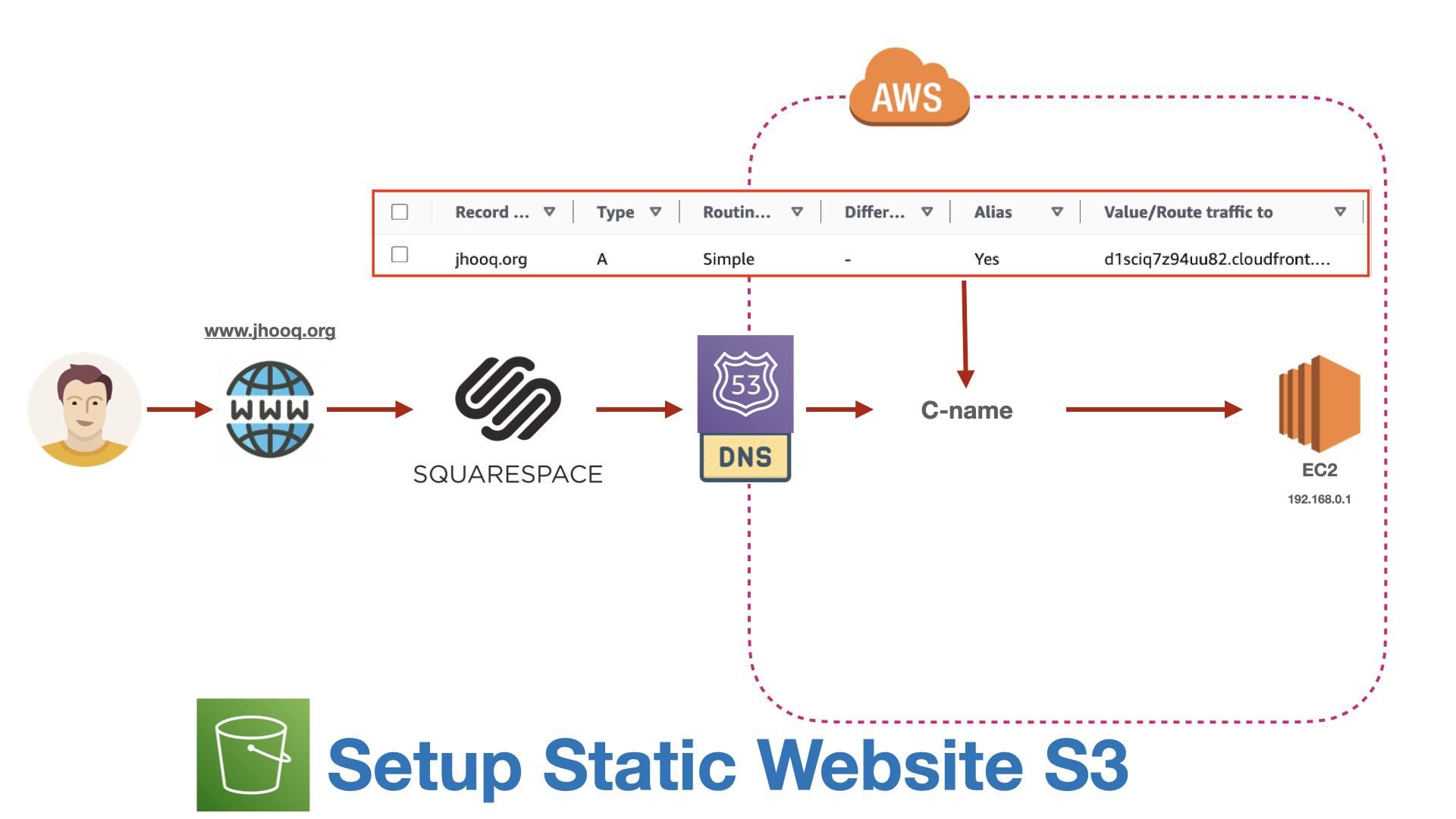
S3 can serve a bucket as a website - an index.html and an error document, at http://bucket-name.s3-website-region.amazonaws.com. It is the cheapest hosting on earth for a Hugo, Jekyll, Next.js static export or React build, and I have a full step-by-step in AWS S3 - how to host a static website.
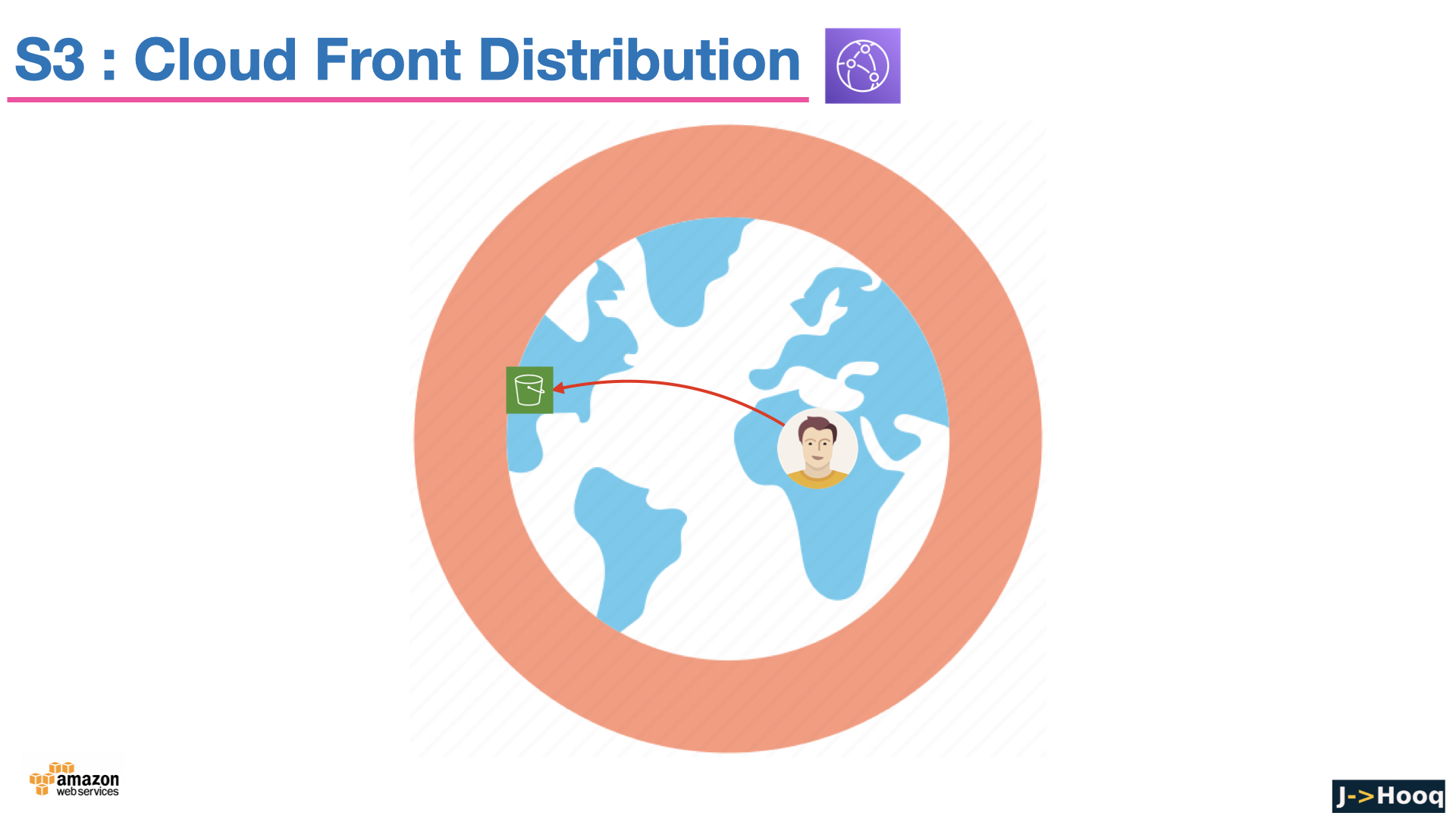
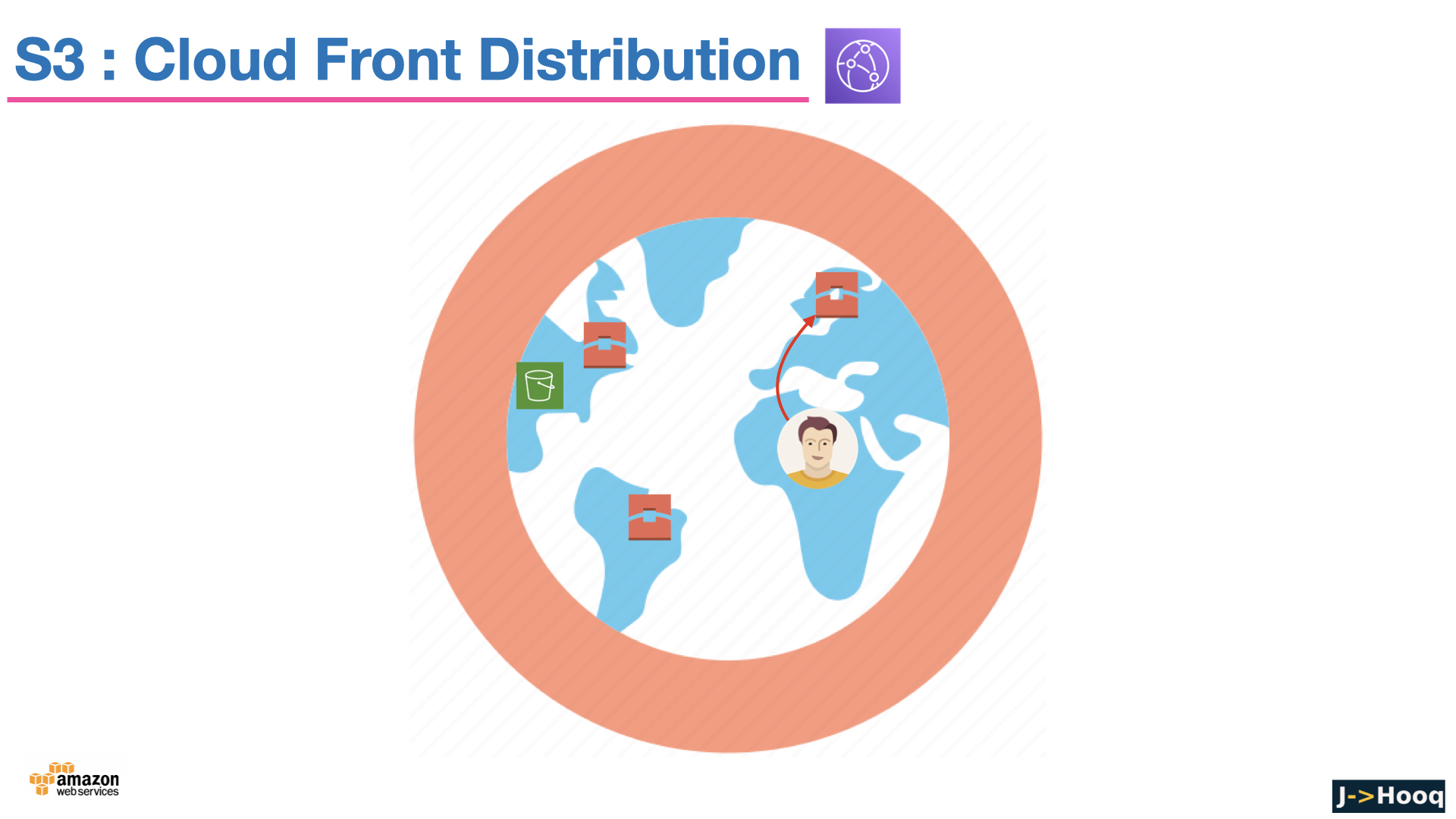
Two things changed since the early tutorials - the website endpoint is HTTP only and requires the bucket to be public, which fights the Block Public Access default. The way to do it properly today is CloudFront in front of a private bucket - CloudFront gives you HTTPS, your own domain via ACM, caching at the edge, and reads the bucket through an Origin Access Control with the bucket policy from section 8. That is exactly how jhooq.com itself is served, and how I would set up any new site. Deployment is then aws s3 sync ./public s3://bucket --delete followed by a CloudFront cache invalidation.
11. Replication, Transfer Acceleration, event notifications, S3 Tables and S3 Metadata
The features that show up once S3 is more than a file dump -
- Replication - Cross-Region (CRR) for disaster recovery and latency, Same-Region (SRR) for log aggregation or a copy in another account. Needs versioning on both sides; replicate new objects automatically and existing ones with Batch Replication.
- Transfer Acceleration - uploads enter the AWS network at the nearest CloudFront edge instead of travelling the public internet to the bucket's Region. Worth it for large files from far away; AWS has a speed-comparison tool.
- Event notifications - S3 publishes
ObjectCreated,ObjectRemovedand other events to Amazon EventBridge (recommended), SQS, SNS or Lambda. Upload a picture, a Lambda makes the thumbnail - the classic serverless pattern. - Intelligent-Tiering archive tiers, Storage Lens (organisation-wide usage analytics), Storage Class Analysis and Inventory reports for understanding what you store.
- S3 Tables (2024) - table buckets with built-in Apache Iceberg support, so Athena, EMR, Spark and Redshift query S3 as managed tables with automatic compaction. S3 Metadata (2025) - queryable Iceberg tables of your objects' metadata, so "find every object over 1 GB uploaded last week" becomes a SQL query instead of a LIST crawl.
- Mountpoint for S3 and S3 File Gateway when something needs a file system; Access Points for simplifying access to shared buckets at scale; S3 Batch Operations for running one action across billions of objects.
12. S3 with Terraform
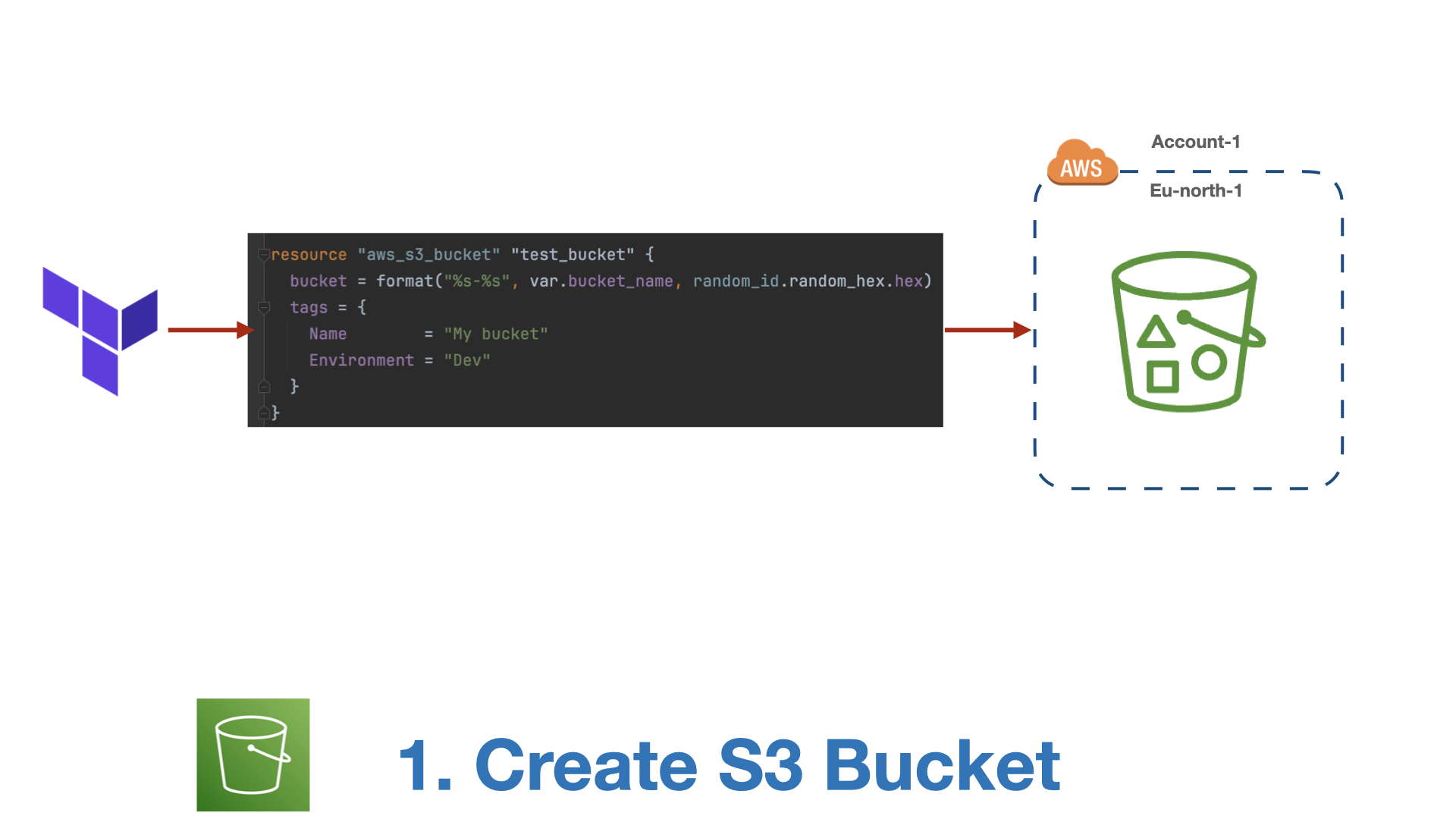
In the AWS provider since v4, a bucket is an aws_s3_bucket plus one small resource per feature - versioning, encryption, public access block, lifecycle - instead of the old all-in-one block. This is a sensible default private bucket -
 1resource "aws_s3_bucket" "demo" {
 2  bucket = "jhooq-demo-bucket"
 3
 4  tags = {
 5    Project = "jhooq"
 6  }
 7}
 8
 9# keep the 2023 defaults explicit, so nobody can relax them silently
10resource "aws_s3_bucket_public_access_block" "demo" {
11  bucket                  = aws_s3_bucket.demo.id
12  block_public_acls       = true
13  block_public_policy     = true
14  ignore_public_acls      = true
15  restrict_public_buckets = true
16}
17
18resource "aws_s3_bucket_ownership_controls" "demo" {
19  bucket = aws_s3_bucket.demo.id
20  rule {
21    object_ownership = "BucketOwnerEnforced"
22  }
23}
24
25resource "aws_s3_bucket_versioning" "demo" {
26  bucket = aws_s3_bucket.demo.id
27  versioning_configuration {
28    status = "Enabled"
29  }
30}
31
32resource "aws_s3_bucket_server_side_encryption_configuration" "demo" {
33  bucket = aws_s3_bucket.demo.id
34  rule {
35    apply_server_side_encryption_by_default {
36      sse_algorithm = "AES256"
37    }
38    bucket_key_enabled = true
39  }
40}
41
42resource "aws_s3_bucket_lifecycle_configuration" "demo" {
43  bucket     = aws_s3_bucket.demo.id
44  depends_on = [aws_s3_bucket_versioning.demo]
45
46  rule {
47    id     = "tier-and-clean-up"
48    status = "Enabled"
49
50    filter {
51      prefix = "logs/"
52    }
53
54    transition {
55      days          = 30
56      storage_class = "STANDARD_IA"
57    }
58
59    expiration {
60      days = 365
61    }
62
63    noncurrent_version_expiration {
64      noncurrent_days = 30
65    }
66
67    abort_incomplete_multipart_upload {
68      days_after_initiation = 7
69    }
70  }
71}
The provider docs list the companion resources (aws_s3_bucket_policy, aws_s3_bucket_website_configuration, aws_s3_bucket_replication_configuration ...). Two S3-and-Terraform topics have their own posts - copying files to EC2 and S3 with Terraform and, the most important S3 bucket in any Terraform project, the S3 remote backend for the state file with state locking.
13. Pricing - what you actually pay for
S3 has no upfront cost and no minimum; the pricing page has the per-Region numbers, but the dimensions are what you need to understand -
- Storage - per GB-month, by storage class. Standard is a few cents per GB; Deep Archive is roughly a twentieth of that.
- Requests - per 1,000
PUT/COPY/POST/LIST(more expensive) and per 1,000GET/SELECT(cheaper). Millions of tiny objects cost more in requests than in storage. - Data transfer out to the internet - per GB, and the line item that surprises people. Transfer in is free, transfer to most AWS services in the same Region is free, and transfer to CloudFront is free - another reason to put CloudFront in front.
- Retrieval - per GB for the IA and Glacier classes, plus minimum duration charges if you delete early.
- Features - Intelligent-Tiering monitoring per object, replication (storage in the destination plus transfer), Transfer Acceleration, KMS requests for SSE-KMS.
Cost tips - lifecycle rules on every bucket, abort incomplete multipart uploads, expire noncurrent versions, CloudFront for anything served to the public, and the free Storage Lens dashboard to see where the GB are. New accounts on the credit-based AWS Free Tier can experiment with all of this against their credits.
14. Common S3 errors and how to fix them
1. An error occurred (AccessDenied) when calling the GetObject / PutObject operation - The identity lacks the permission (check the bucket ARN vs bucket/* ARN mix-up from section 8), a bucket policy or SCP denies it, Block Public Access blocks what you expected to be public, or for SSE-KMS the identity lacks kms:Decrypt on the key. aws sts get-caller-identity first - you may be using the wrong profile.
2. An error occurred (AccessDenied) when calling the ListObjectsV2 operation - s3:ListBucket on the bucket ARN is missing. Object permissions alone do not let you list.
3. BucketAlreadyExists / BucketAlreadyOwnedByYou - Bucket names are global. Somebody (maybe you, in another Region) has it. Pick another name - prefixing with your account ID or project is the usual fix.
4. AccessControlListNotSupported: The bucket does not allow ACLs - You passed --acl public-read or acl = "public-read" to a bucket with Object Ownership enforced. Remove the ACL and use a bucket policy (or better, CloudFront).
5. 403 Forbidden on a static website URL - Block Public Access is on, or the bucket policy does not allow s3:GetObject to *, or the object key does not exist (S3 returns 403 instead of 404 when you lack ListBucket). For a website you want public, both the policy and BPA need deliberate changes - or switch to CloudFront.
6. The bucket you are attempting to access must be addressed using the specified endpoint (301 PermanentRedirect) - Wrong Region in the client. Add --region or configure the SDK with the bucket's Region.
7. InvalidBucketName - Uppercase letters, underscores, or a name that looks like an IP address. See the naming rules.
8. BucketNotEmpty: The bucket you tried to delete is not empty - Delete the objects first - and on a versioned bucket, the versions and delete markers too (aws s3 rm --recursive does not remove versions; use the console's Empty button, a lifecycle expiration rule, or s3api delete-objects with the version list). Terraform's force_destroy = true does this for you.
9. SlowDown (503) - You exceeded the per-prefix request rate. Spread keys across more prefixes (avoid every key starting with the same timestamp) and add retries with backoff - the SDKs do the latter by default.
10. InvalidObjectState: The operation is not valid for the object's storage class - The object is in Glacier Flexible Retrieval or Deep Archive and has not been restored. aws s3api restore-object first, then wait.
11. EntityTooLarge on PUT - A single PUT above 5 GB. Use multipart upload (aws s3 cp does it automatically; with the SDK, use the transfer manager).
12. NoSuchBucket - Typo, wrong account, or the bucket was deleted - and a deleted bucket name can take time to become available again.
15. The slide deck from the video course
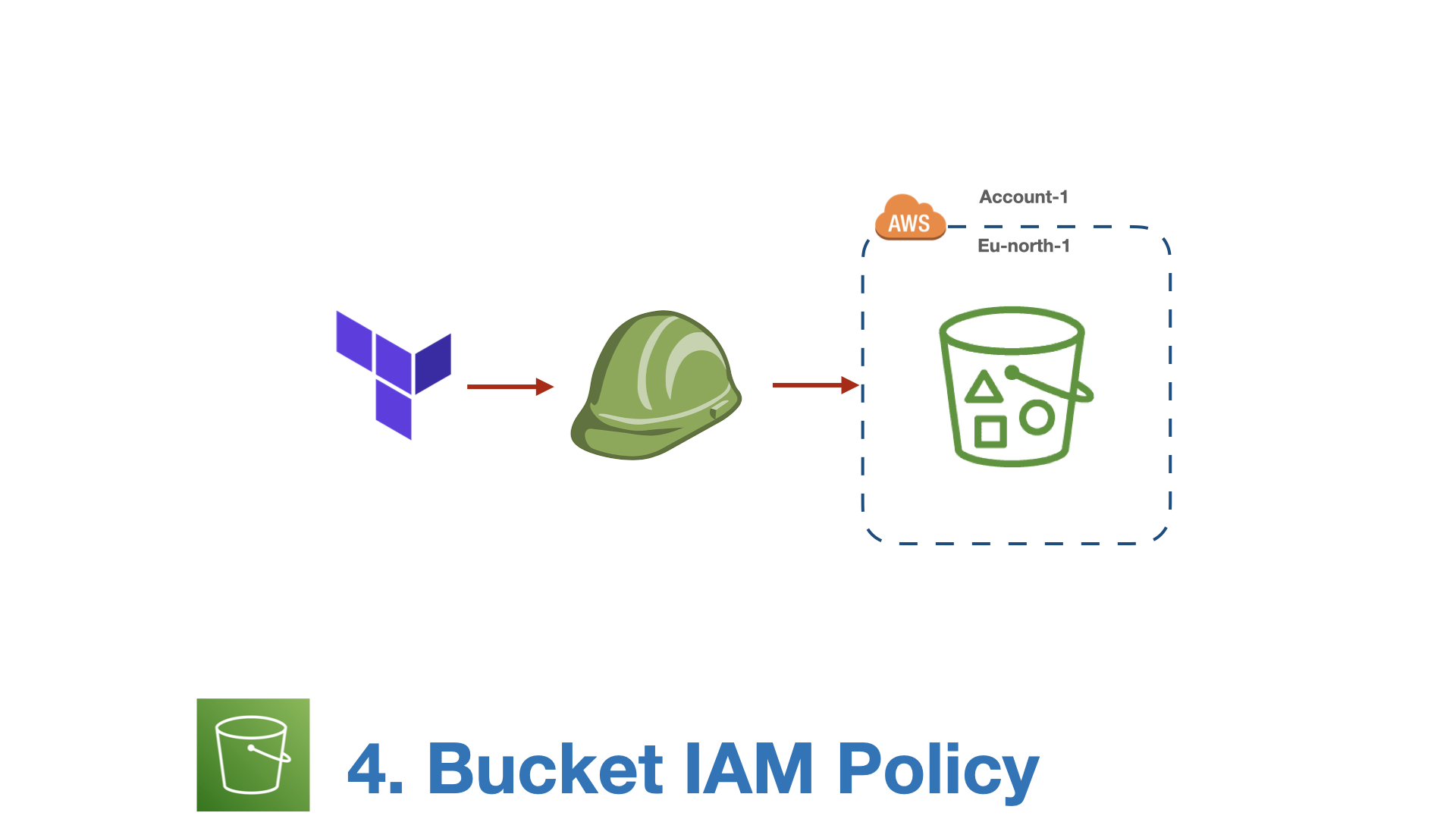
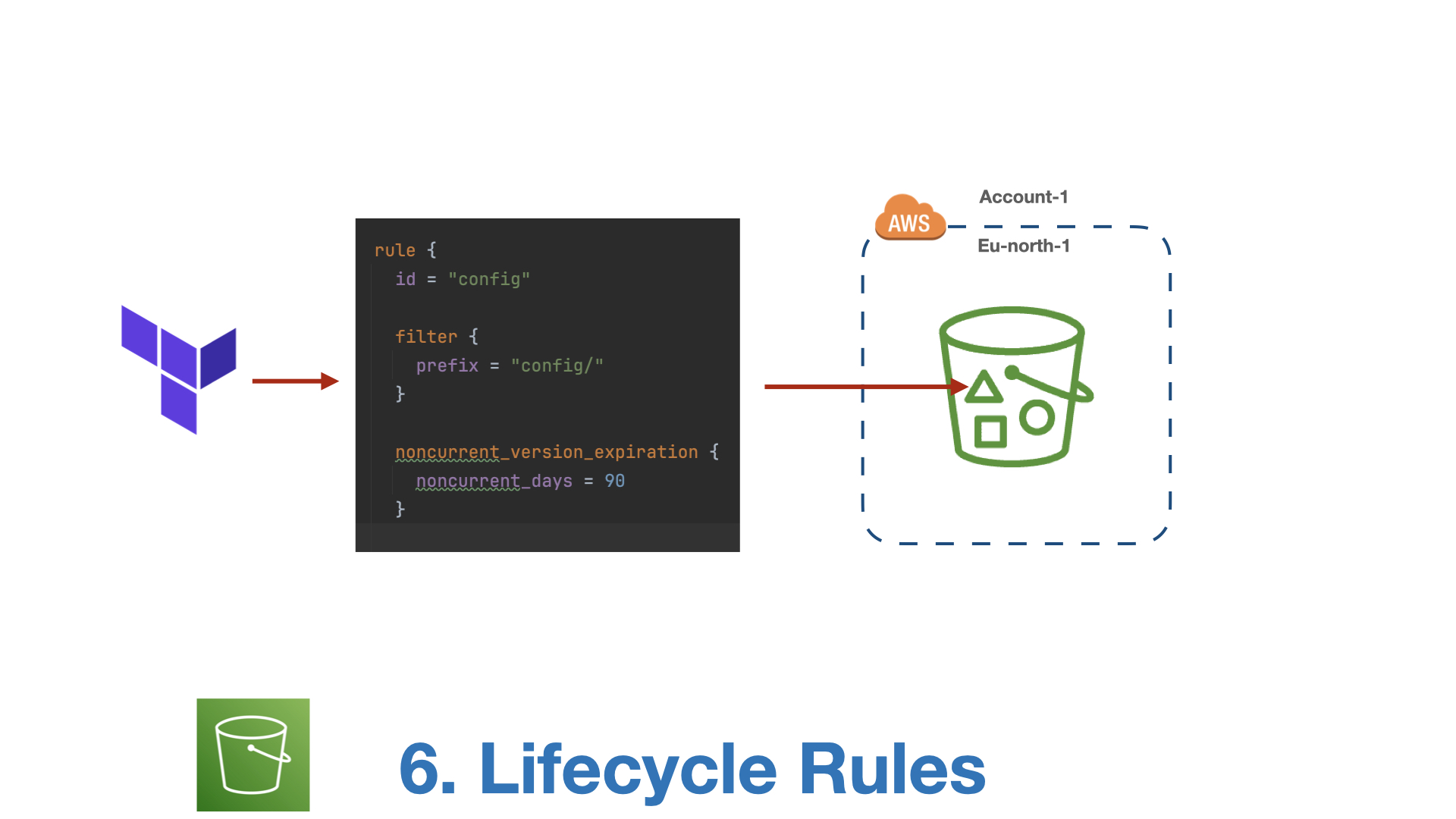
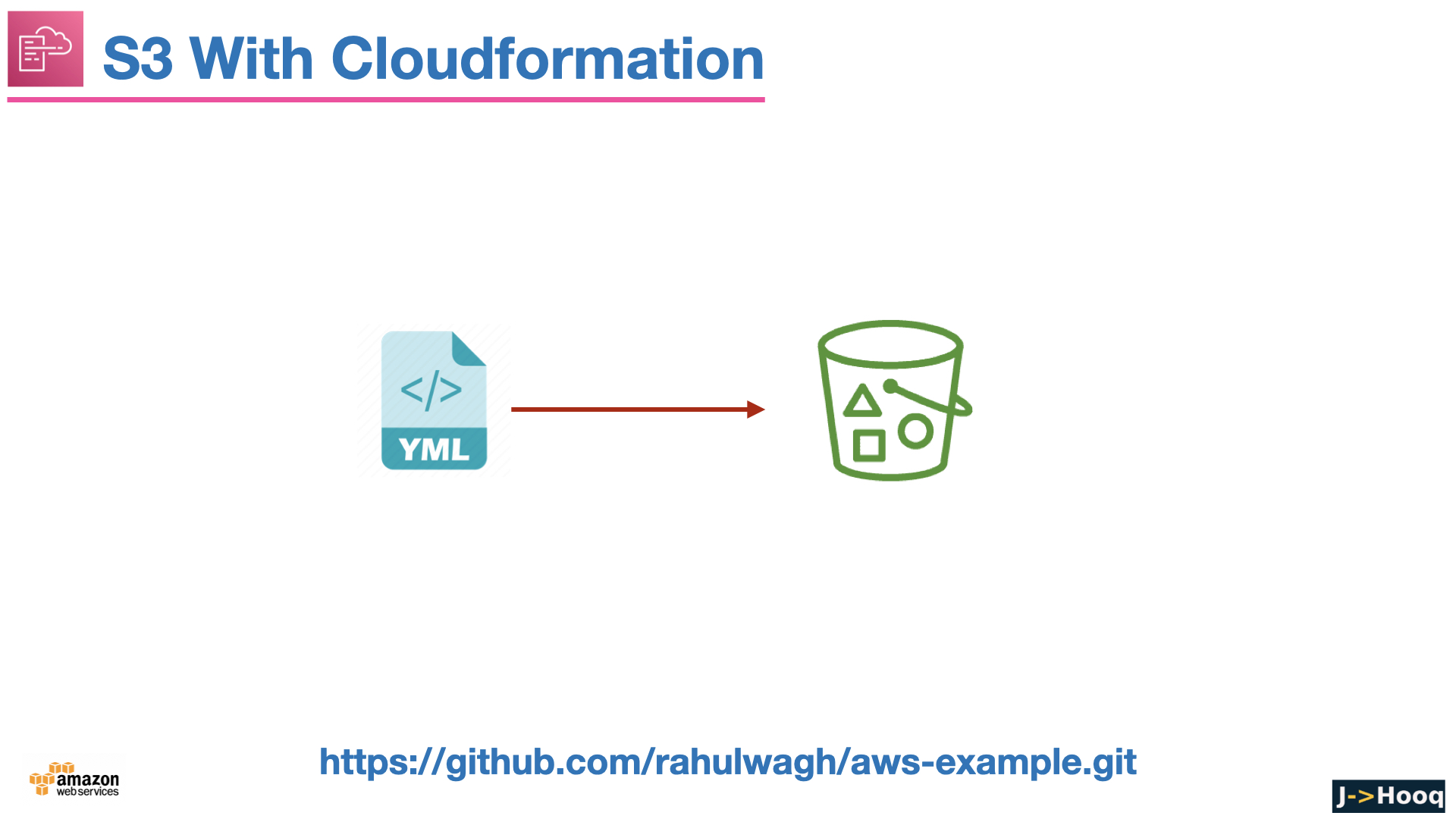
These are the original 61 slides from the video version of this course. They cover the same ground as the sections above in short form - handy for a quick revision before an interview or an exam.
















More videos on this topic - the S3 full course from my 2024 Solutions Architect series (Part-22, beginner to expert with real-time projects), and the S3 plus Terraform full guide -
16. Conclusion
S3 looks like "a place to put files" and turns out to be half of AWS. To summarise the course -
- Buckets are globally named, Regional containers; objects are files up to 5 TB addressed by a flat key; S3 gives you eleven nines of durability and strong consistency.
- The AWS CLI (
aws s3 cp / sync / ls / rm,aws s3apifor everything else) is how you work with it day to day. - Pick a storage class by access pattern - Standard, Intelligent-Tiering when unsure, IA and Glacier classes for cold data with their minimum durations and retrieval fees - and let lifecycle rules do the moving and the deleting.
- Versioning protects against mistakes, Object Lock against everything else; both need a noncurrent-version expiration rule to stay affordable.
- New buckets are private, ACL-less and encrypted by default. Grant access with IAM policies, bucket policies and presigned URLs, serve public content through CloudFront, and choose SSE-KMS when you need an audit trail and revocation.
- Replication, event notifications, S3 Tables and S3 Metadata take it from storage to a data platform, and Terraform keeps all of the above as code.
The official reference is the Amazon S3 User Guide. The two hands-on posts to do next are hosting a static website on S3 and downloading an entire S3 bucket, and when you are ready to put an API in front of your bucket, AWS API Gateway from beginner to expert is the next course.